
What Can AI Generate? 12 Things You Can Create Today
AI can generate far more than chat: photos, videos, voices, music, subtitles, restored memories and more. A practical tour of 12 things you can create with AI right now — with real costs and where to try each one.
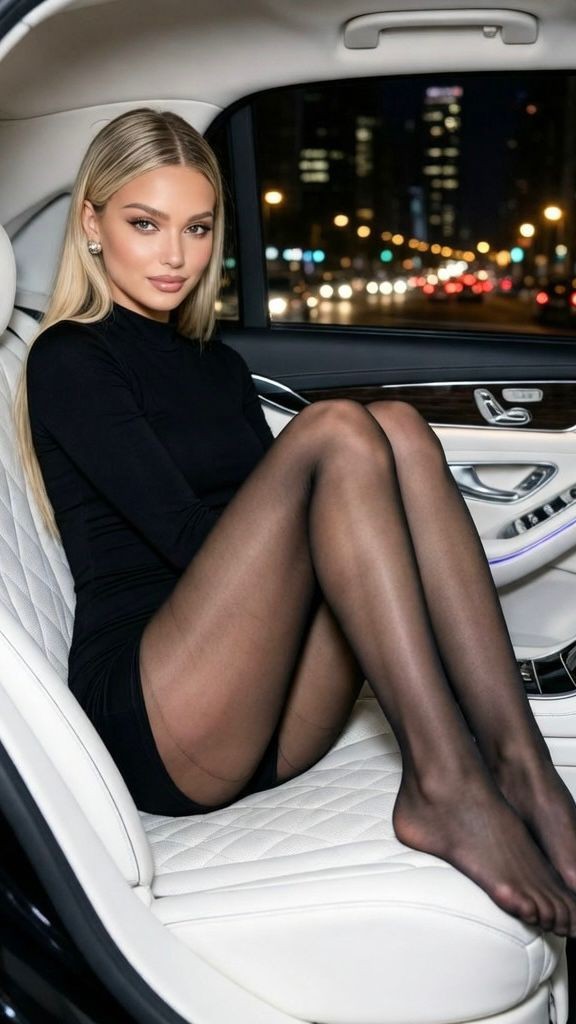
"AI generate" is one of the most-searched phrases on the internet, and the honest answer keeps growing. In 2026, generative models produce broadcast-grade images, video with believable physics, and voices you cannot tell from a recording. Here are 12 concrete things you can generate today — each with what it is, what it costs on Reelina, and where to try it.
Visual
1. Images from text — describe any scene and get an original picture in seconds; from ~4 coins. Guide · Try
2. Photo edits — change outfits, backgrounds, weather or style with one instruction. Guide
3. Restored photos — scratches removed, faces recovered, color revived on old prints. Photo Restore
4. Upscaled images & video — soft or compressed media rebuilt sharp. Photo · Video
5. Merged photos — two pictures combined into one natural scene. Guide
Video
6. Video from text — describe a shot, the model films it; from ~12 coins per 5s clip. Guide
7. Video from a photo — your picture becomes the first frame of a moving scene. Guide
8. Face swaps — put yourself into any clip from one photo. Guide
9. Video edits — restyle footage or change its contents with a prompt. Guide
Audio & speech
10. Voices — type text, get natural speech in a chosen voice (~18 coins). Voice Generator — pair with Lip Sync to make a photo or video speak the words.
11. Music — full songs with vocals from a style description (~46 coins). Make a Song
12. Subtitles — accurate captions generated and burned into any video (~1 coin). Subtitles
How the pricing works
Everything above runs on one coin balance: plans from $9.99/month for 1,000 coins (≈166 images or ~80 short videos), coins never expire, and one-time packs top you up whenever a project runs hot. Every generation shows its exact cost before you press the button.
FAQ
What is the best thing to generate with AI first? Start with an image from text — it is instant, cheap, and teaches you prompting. Then animate that image into a video: the two-step combo shows what modern AI really does.
Can AI generate a video of me? Yes — upload a photo and use image-to-video, or swap yourself into an existing scene with a template.
Do I need separate apps for images, video and audio? No — a multi-model studio like Reelina runs image, video, voice and music models behind one balance and one interface.
Is AI-generated content mine to use? Content you generate on Reelina can be used in your own projects, including commercial ones.
Try it yourself
Every model on one credit balance, straight in your browser. No install, no watermark.
Start creatingKeep reading
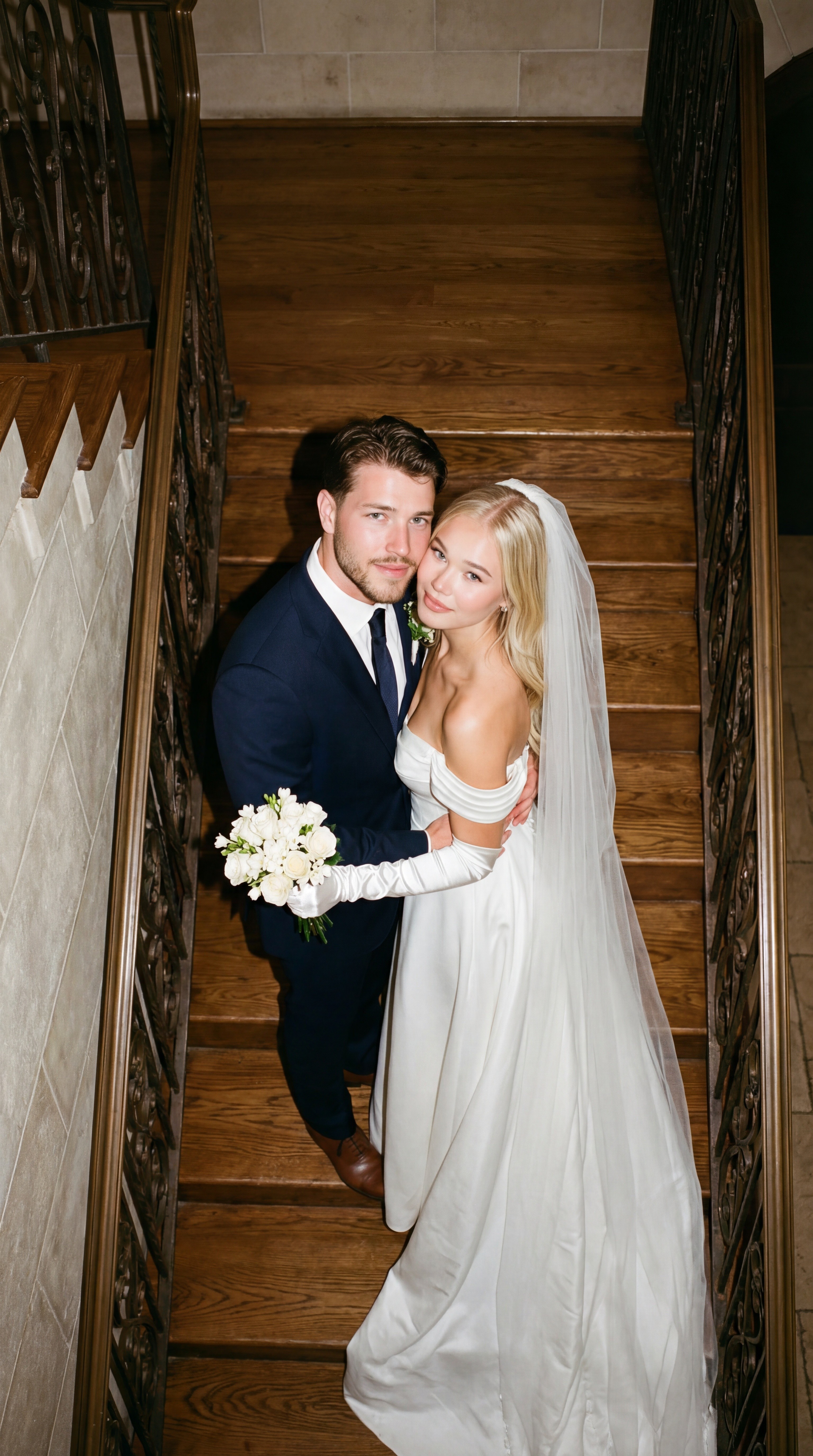 How to Merge Two Photos into One with AIAI photo merging combines two pictures into one natural scene — two people who were never in the same room, a product in a new setting, two moments in one frame. Here is how it works and how to blend photos in seconds.
 AI Image Generator: How to Create AI Images from TextAn AI image generator turns a written description into a finished picture in seconds. This guide explains how text-to-image models work, how to write prompts that get the image you imagined, and which models to use in 2026.
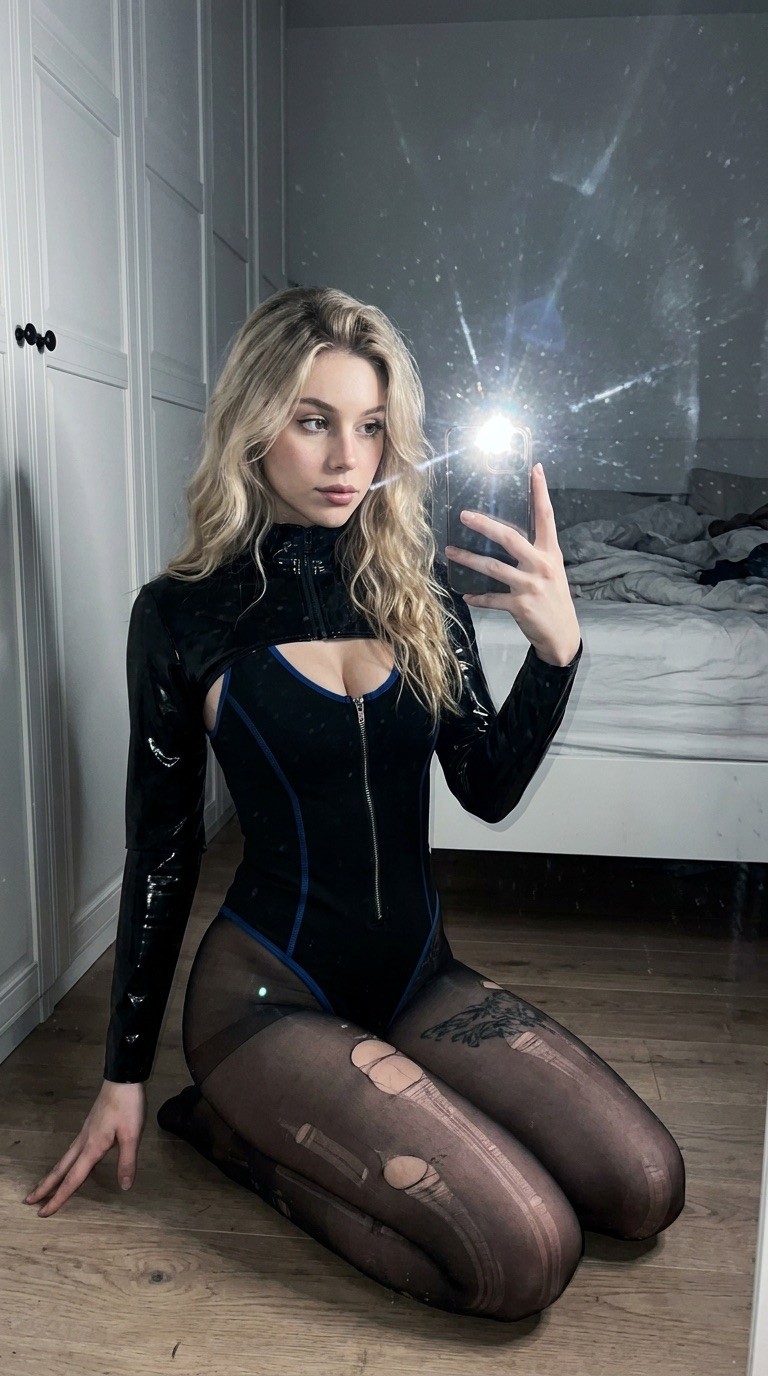 AI Photo Editor: Edit Any Photo with a Text Prompt (2026 Guide)AI photo editing lets you retouch, restyle, and transform any picture just by describing the change. Here is how AI photo editors work, what they can (and cannot) do, and how to edit a photo with AI in under a minute.