
AI Tattoo Generator
See the tattoo on your own skin before it is permanent. Upload a photo, pick a style, and look at it where it would actually sit.
What AI Tattoo Generator does
A tattoo is the one purchase you cannot return, and the usual way of deciding is a picture of the design on somebody else's arm. That tells you the design is good. It does not tell you whether it works on your arm, at that size, running that direction, next to what is already there.
This puts the design on your own skin, in your own photograph. The lighting is yours, the curve of the muscle is yours, and the scale is the scale it would actually be. What comes back is not a plan for the artist to trace — it is a look at the idea in the place it would live, which is the question you are really asking before you book.
It runs one style at a time on purpose. Fine line and blackwork answer different questions about the same idea, and seeing them side by side on the same photo is more useful than a single confident render.
Examples made with this tool
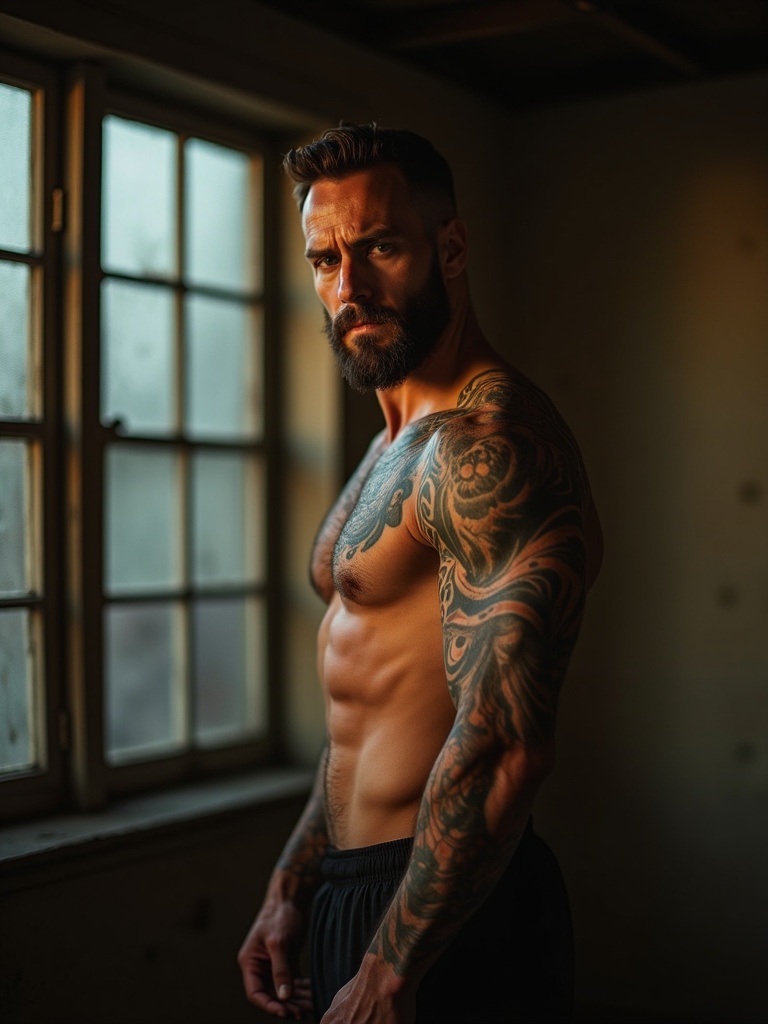
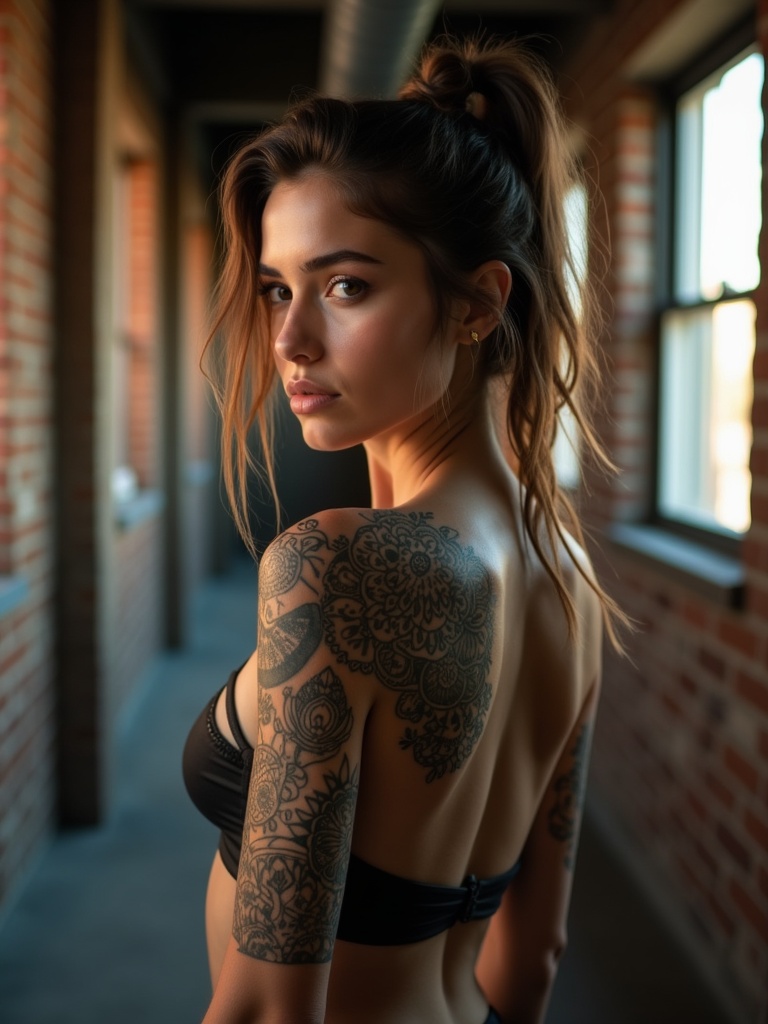
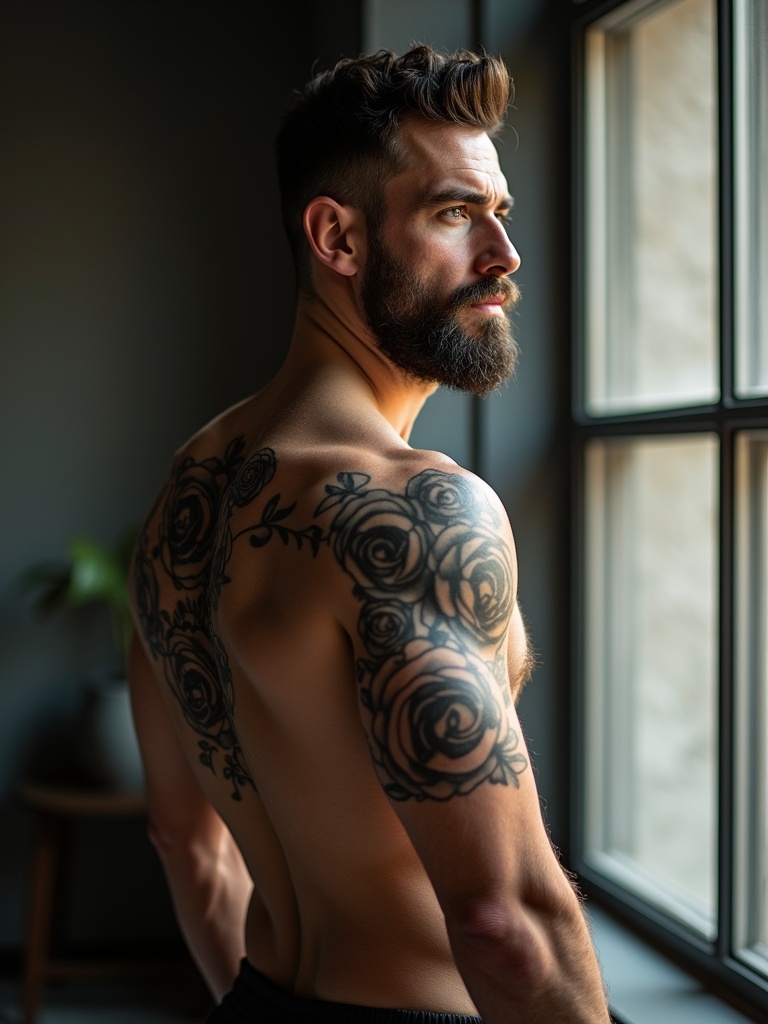
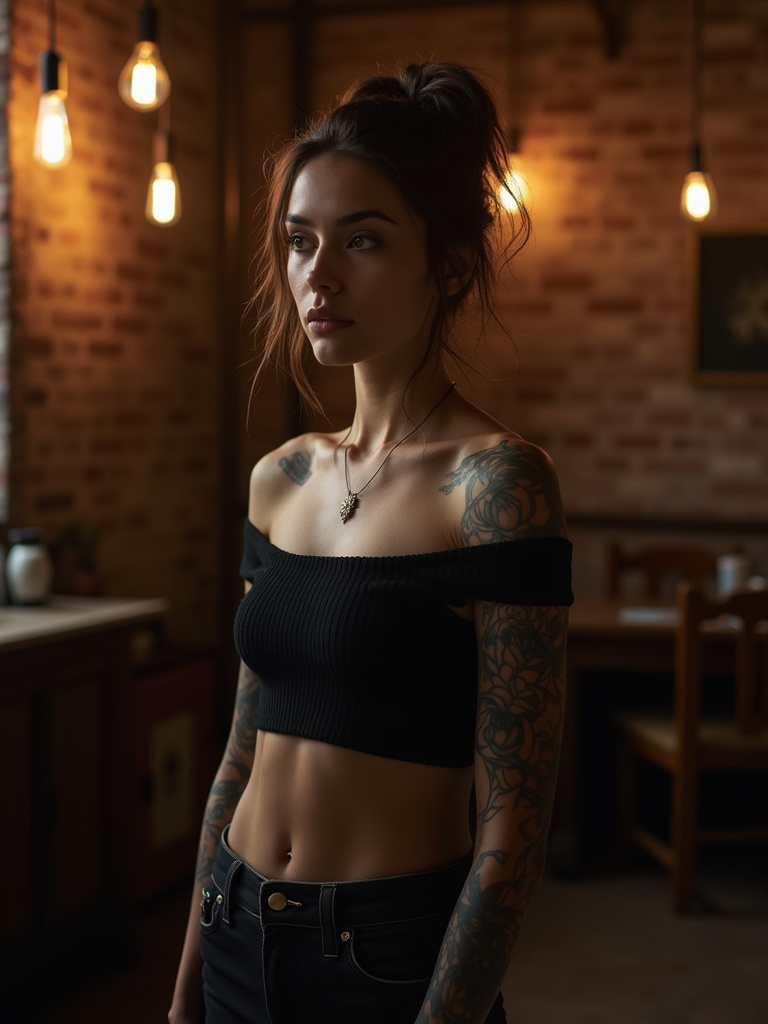
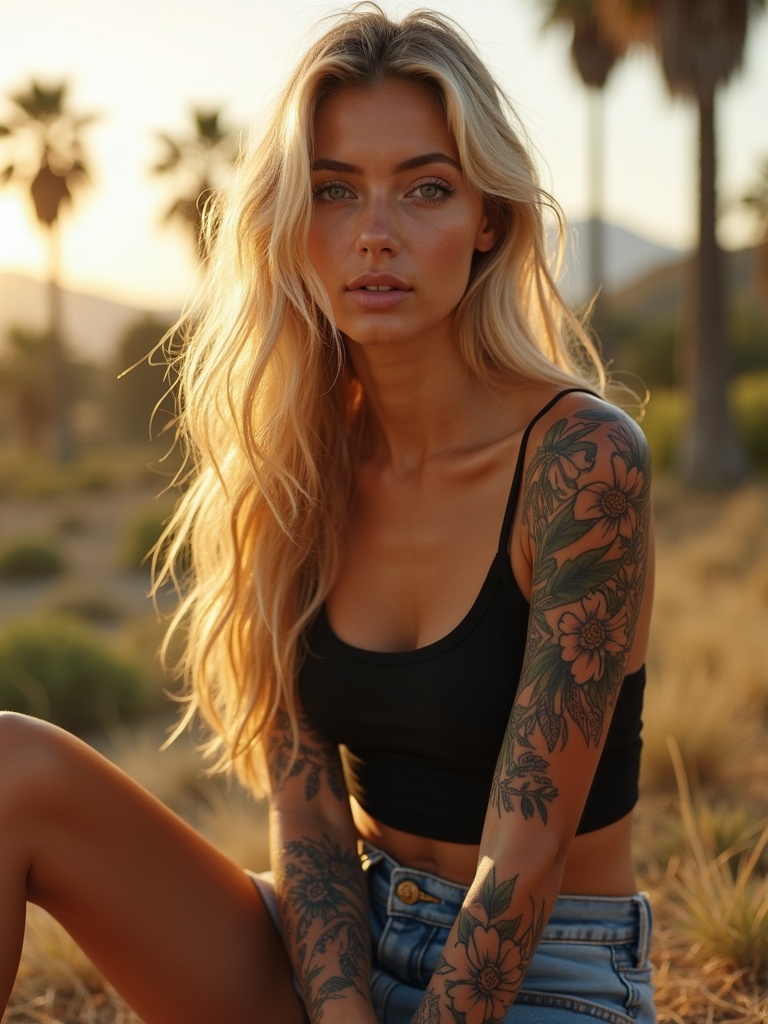
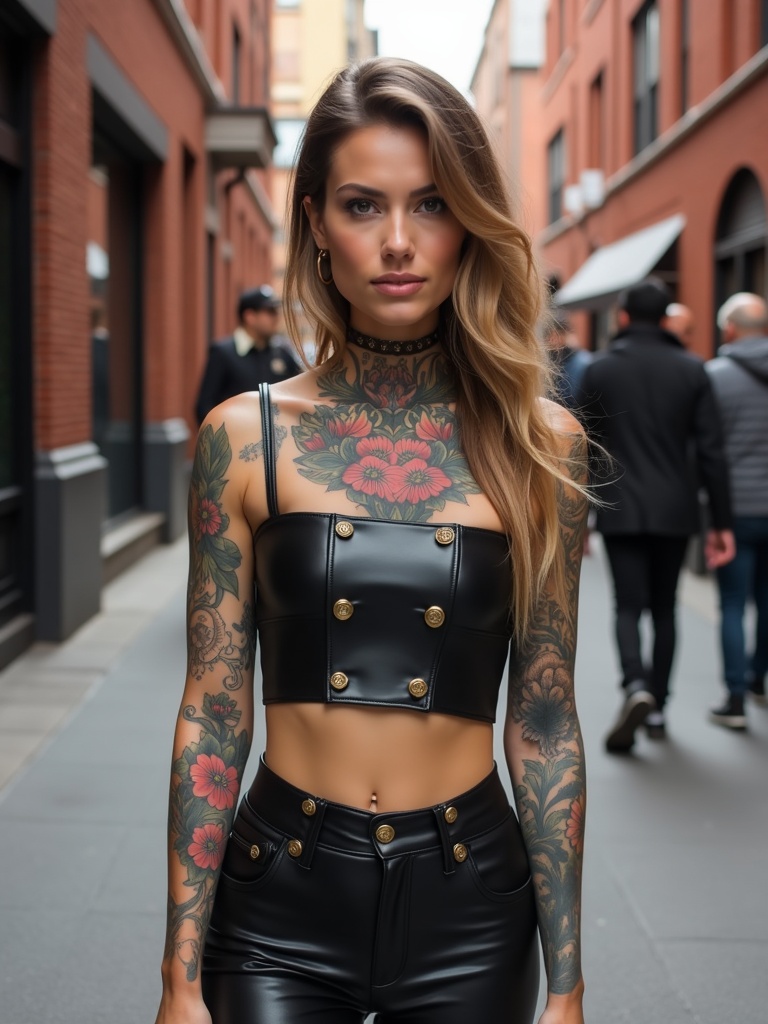
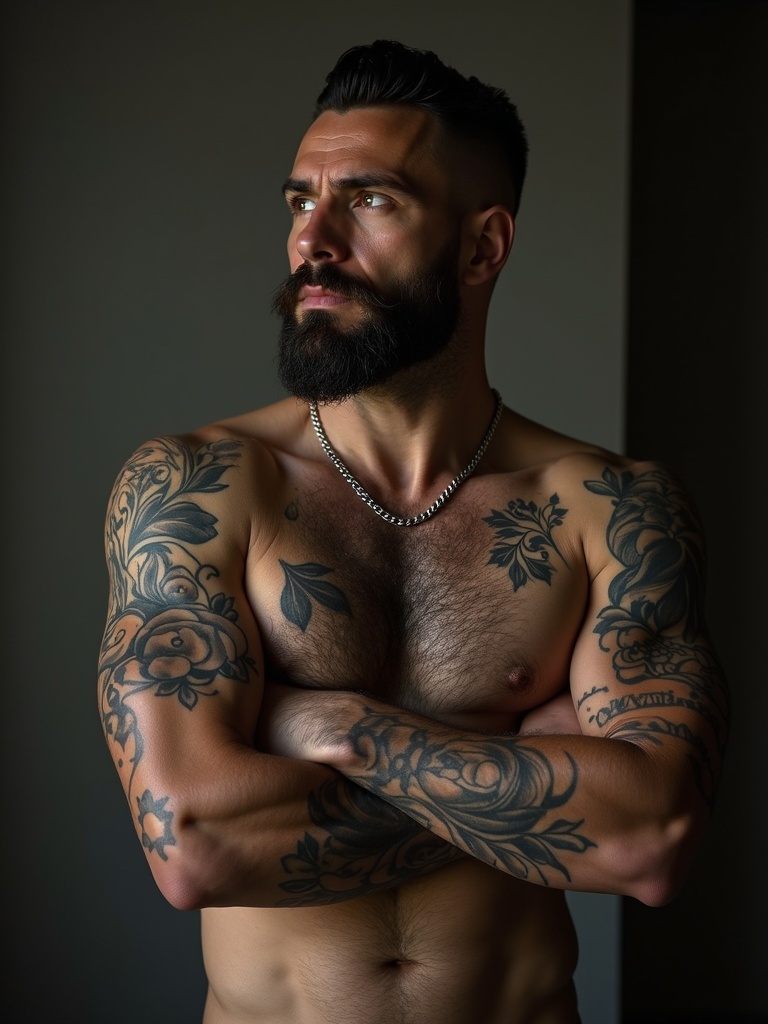
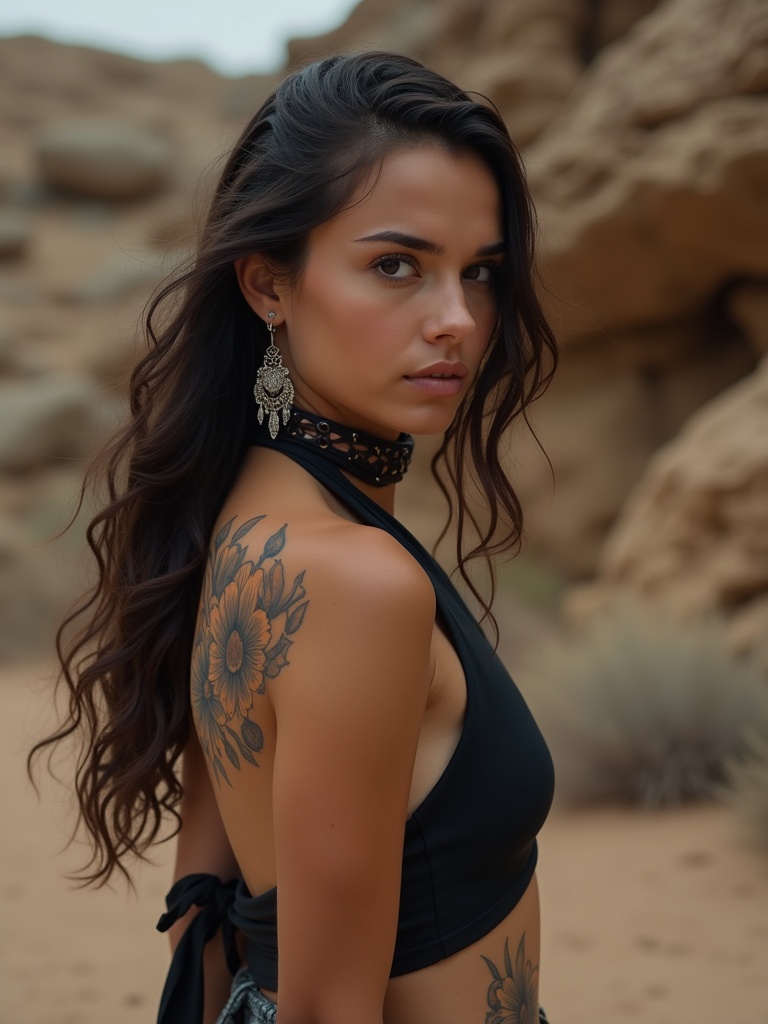
How it works
- Step 1
Upload a photo
Show the part of you the tattoo would go on — arm, shoulder, back. Even light and bare skin give the cleanest placement.
- Step 2
Pick a style
Fine line, blackwork, traditional, lettering. Each runs as its own edit, so you can compare rather than commit.
- Step 3
Take it to the artist
High resolution, no watermark. A picture of the idea on your own body is a better brief than a screenshot from someone else's.
What people use it for
Before the first appointment
Turn up with a picture of the idea on your own body instead of a screenshot from someone else's. It is a far better brief, and artists read it faster.
Deciding on placement
The same design reads differently on a forearm and a shoulder blade. Run both and look at them rather than imagining them.
Talking a friend out of it
Or into it. Either way the argument goes better with a picture than with adjectives.
Planning around existing work
If you already have ink, upload the photo that shows it. What matters is how the new piece sits next to the old one.
Getting a better result
- Photograph the body part, not your face. The model places the design where the skin is, so a portrait gives it nowhere to work.
- Even, indirect light. Hard shadow across the area is the single most common reason a placement comes back looking pasted on.
- Hold the limb the way it would normally rest. A flexed forearm changes the shape the design has to follow.
- Bare skin beats a rolled-up sleeve — fabric edges confuse where the design should stop.
- Say the size in the prompt if it matters. "Palm-sized" and "full sleeve" are the same words to you and different pictures to the model.
What it will not do
- It is not a stencil. The lines are a rendering of an idea, not a file an artist can transfer, and no tattooist will work from it directly.
- It will not remove or cover an existing tattoo convincingly — a cover-up is a design problem a person has to solve.
- Very fine script at small sizes comes back approximate. Lettering is where generated images are weakest, and a misspelling on skin is permanent.
- Skin healing, ageing and how ink actually settles are not modelled. What you see is day one, in good light.
Frequently asked questions
- How do I see a tattoo on my body before getting it?
- Upload a photo of the area you are considering, pick a style, and the AI places the design on your skin, following the light and the shape of the limb. It takes about a minute.
- Is this a tattoo design generator or a preview?
- A preview on you. Plenty of tools will draw a design in a vacuum; the question people actually get stuck on is how it looks on their own arm at their own size, and that is what this answers.
- Can I show it to my tattoo artist?
- Yes, and it is the most useful thing you can bring. The output is high resolution and unwatermarked, and a placement on your own body communicates size and position far better than a reference image from someone else.
- Whose photo may I upload?
- Your own, or someone's who has given you permission. Uploading a photo of a person who has not consented is not allowed under our acceptable use policy.
- What photo works best?
- Bare skin, even light, the whole area in frame and roughly flat to the camera. Sleeves, deep shadow and steep angles all make the placement less believable.
- What does it cost?
- Each generation comes off your Reelina credit balance and the exact cost is shown before you press Generate. One balance covers every model in the workspace.
- Is it free?
- No — Reelina runs on paid credits. We show what a generation costs before you run it rather than advertising a free tier we do not have.
- What happens to my photo?
- It is used only to make your result. Creations are private by default, and everything is deleted seven days after it is generated.
Every model, one balance
No watermarks, full resolution, and every leading AI model on one credit balance — create right in your browser.
Get StartedRelated tools
AI Hairstyle Changer
See the haircut on your own face before you commit to it. Upload one photo, pick a length or a colour, and get it back looking like you â not like a wig on a stock model.
AI Portrait Generator
Turn one photo into a styled portrait — editorial, cinematic or fashion, in about a minute.
AI Headshot Generator
Upload one photo of yourself and get a professional headshot back — no studio, no photographer, ready in about a minute.
What people make with Reelina
All AI tools →- AI Aging Filter
- AI Age Progression
- AI Engagement Photos
- AI Dating Photos
- AI Fashion Model Generator
- Looking for a Remini Alternative?
- Looking for a Higgsfield Alternative?
- Looking for a Sora Alternative?
- Looking for an LTX Studio Alternative?
- Looking for a Dreamina Alternative?
- Looking for a Lensa Alternative?
- AI Dance Video Generator
- AI Image to Video
- Text to Video AI
- AI Headshot Generator
- AI Portrait Generator
- AI Hairstyle Changer
- AI Tattoo Generator
- AI Outfit Changer
- AI Maternity Photoshoot
- AI Christmas Card Generator
- AI Wedding Photo Generator
- AI Couple Photo Generator
- AI Car Photo Editor
- See Yourself Younger
- See Yourself as a Baby
- What Would Our Baby Look Like
- Caricature Maker
- Anime Filter
- Real Estate Photo Editing
- Cartoon Yourself
- Pop Art Generator
- Action Figure Generator
- Magazine Cover Generator
- AI Product Photo Generator
- AI Photo Restoration
- Colorize Black and White Photos
- Looking for a Kling AI Alternative?
- Looking for a Veo 3 Alternative?
- Looking for a PixVerse Alternative?
- Looking for a Hailuo AI Alternative?
- AI Birthday Photo
- AI Pet Portrait
- Royal Portrait Generator
- AI Selfie Generator