
How to Turn a Photo into Pop Art
Pop art is flat colour, halftone dots and a hard outline. Here is how to turn a photo into a poster in that style, and which photos suit it.
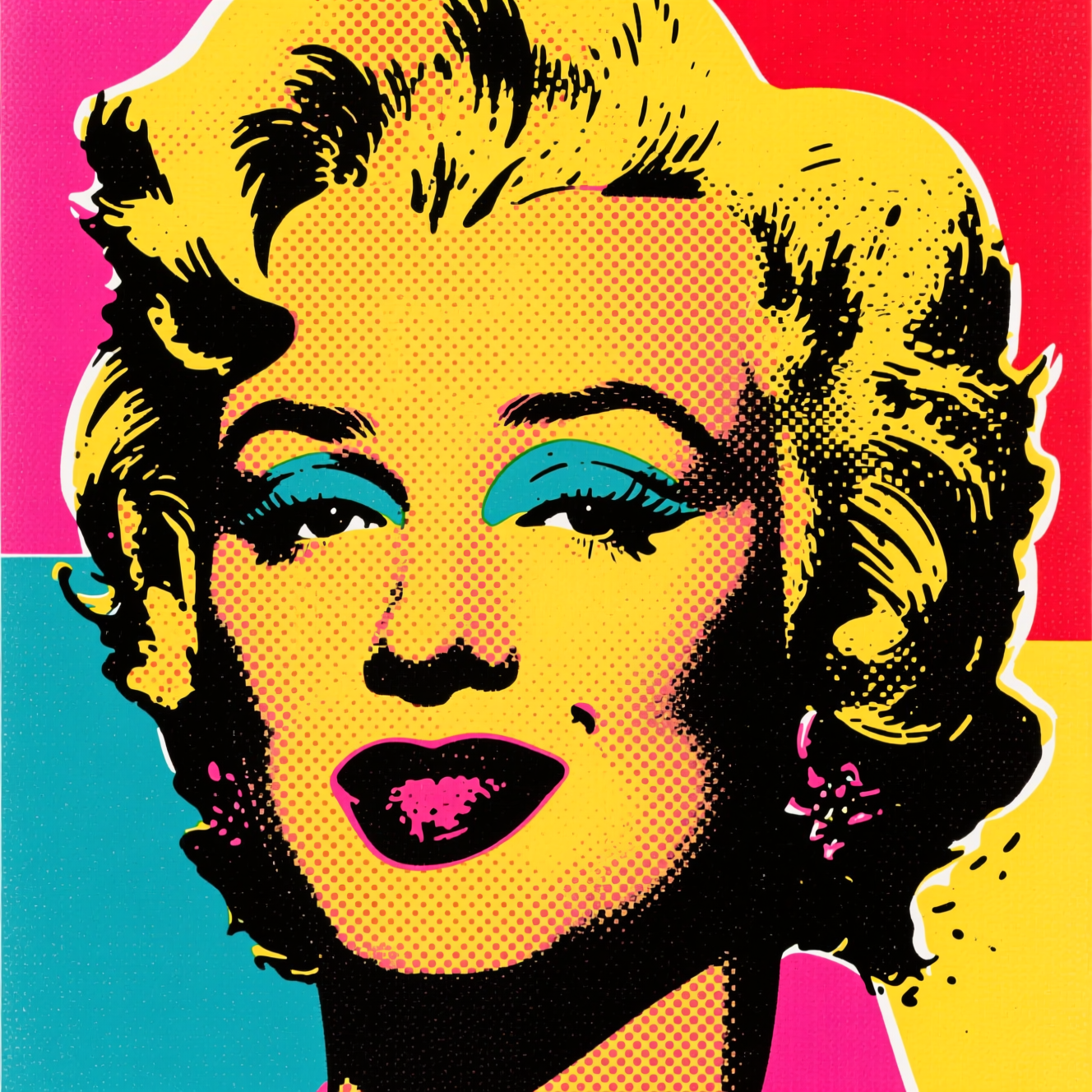
To turn a photo into pop art, upload a high-contrast portrait to an AI tool that redraws it as a 1960s-style screen print: a few bold flat colours, halftone dots for shading and heavy graphic outlines. Faces with strong light and a simple background make the best posters.
What the style is made of
Pop art borrowed from cheap printing. Screen prints and comics could lay down only a few inks, so shading was faked with dots, and shapes were held together by a black line. That gives the look its three ingredients:
- Flat colour. Skin is one colour, hair another, with no gradients.
- Halftone dots where a photo would have soft shadow.
- Hard outlines around every shape.
Because it reduces a face to shapes, it rewards photos where the shapes are already clear.
Photos that work
- Strong, simple light, with one side of the face a little darker.
- A plain background. It becomes a block of colour.
- A close crop: head and shoulders.
- Clear expression. The style amplifies it.
Doing it in Reelina
Open Pop Art Poster, upload the photo and generate. The instruction asks for a vibrant retro pop-art poster with bold flat colours, halftone dots and strong graphic outlines in classic 1960s screen-print style, keeping the subject clearly recognisable.
The palette changes with each run, so make a few and choose. Flat colour prints well; for a large poster, run Photo Upscaler on the result.
FAQ
Can I choose the colours? Not in the one-tap app. Runs vary, so generate a few and pick the palette that works.
Does it work on objects and pets? Yes, though the style was built for faces and reads strongest on them.
Can I print it as a poster? Yes. Upscale it first for large sizes.
Will the person still be recognisable? Yes. The outline and shapes come from the photo.
Try it yourself
Every model on one coin balance, straight in your browser. No install, no watermark.
Start creatingKeep reading
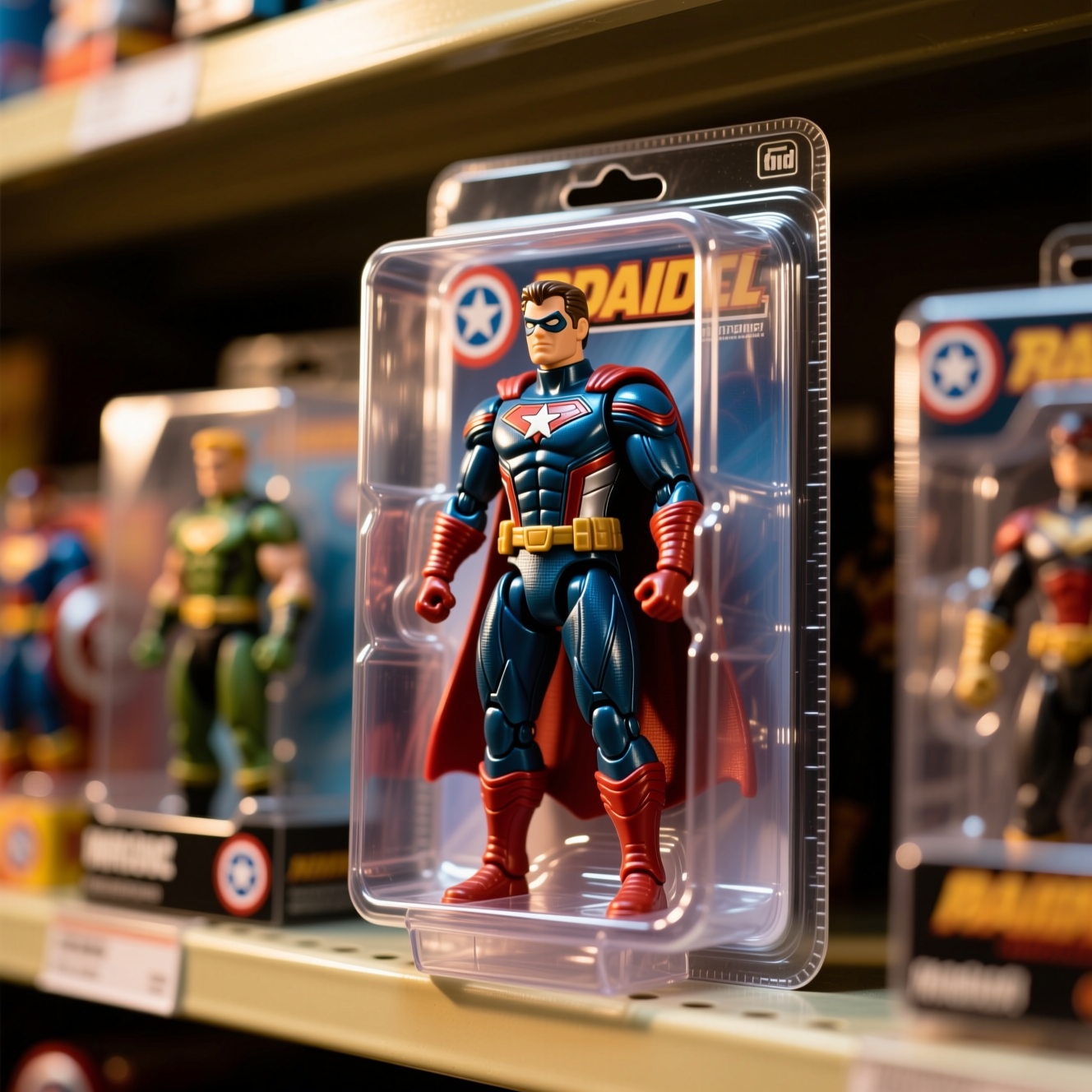 How to Turn Yourself into an Action FigureThe boxed-toy picture works when the packaging looks manufactured and the face is still yours. Here is how to get both from one photo.
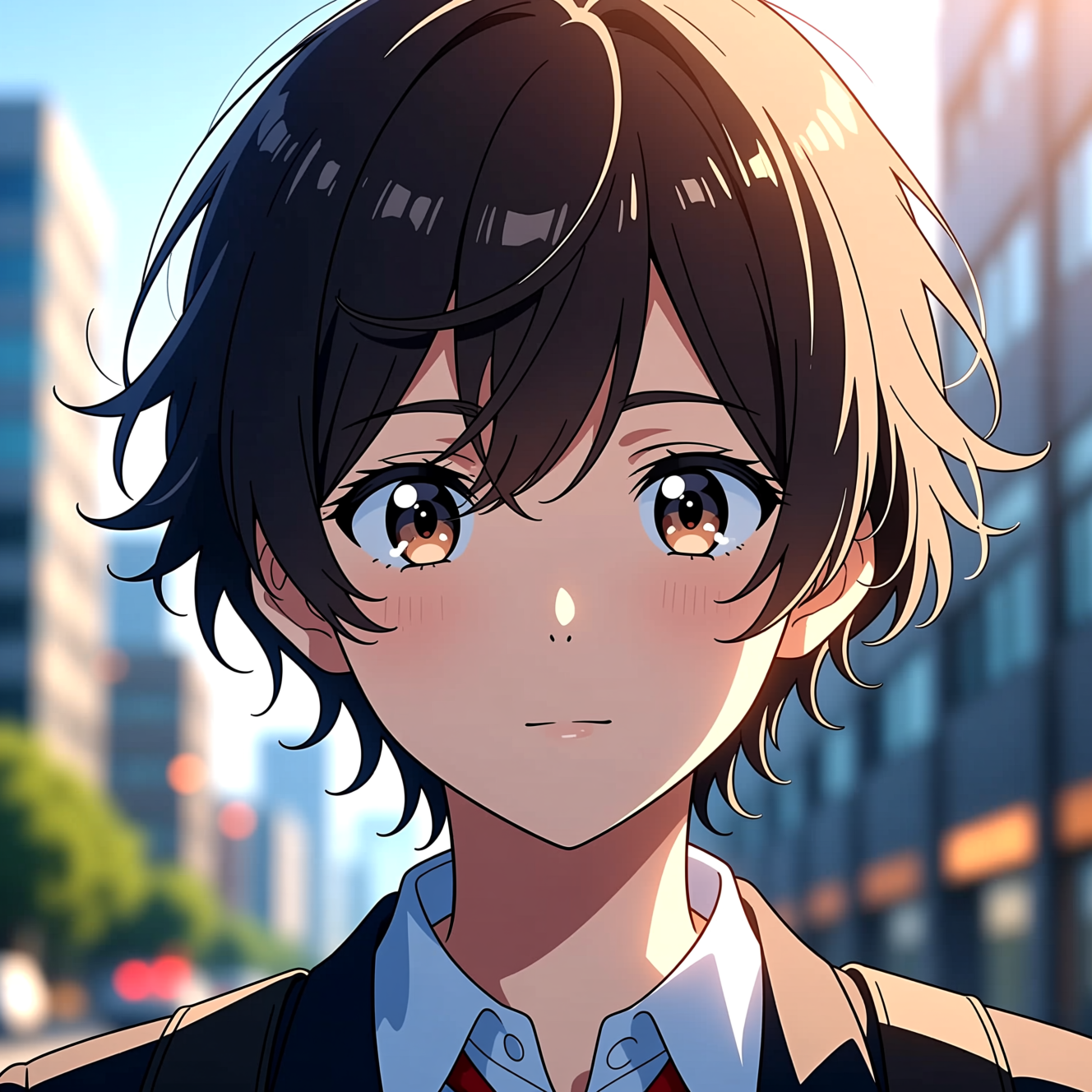 How to Turn a Photo into AnimeAnime style is drawn decisions, not a colour filter. Here is how to turn a photo into an anime portrait that is still recognisably you.
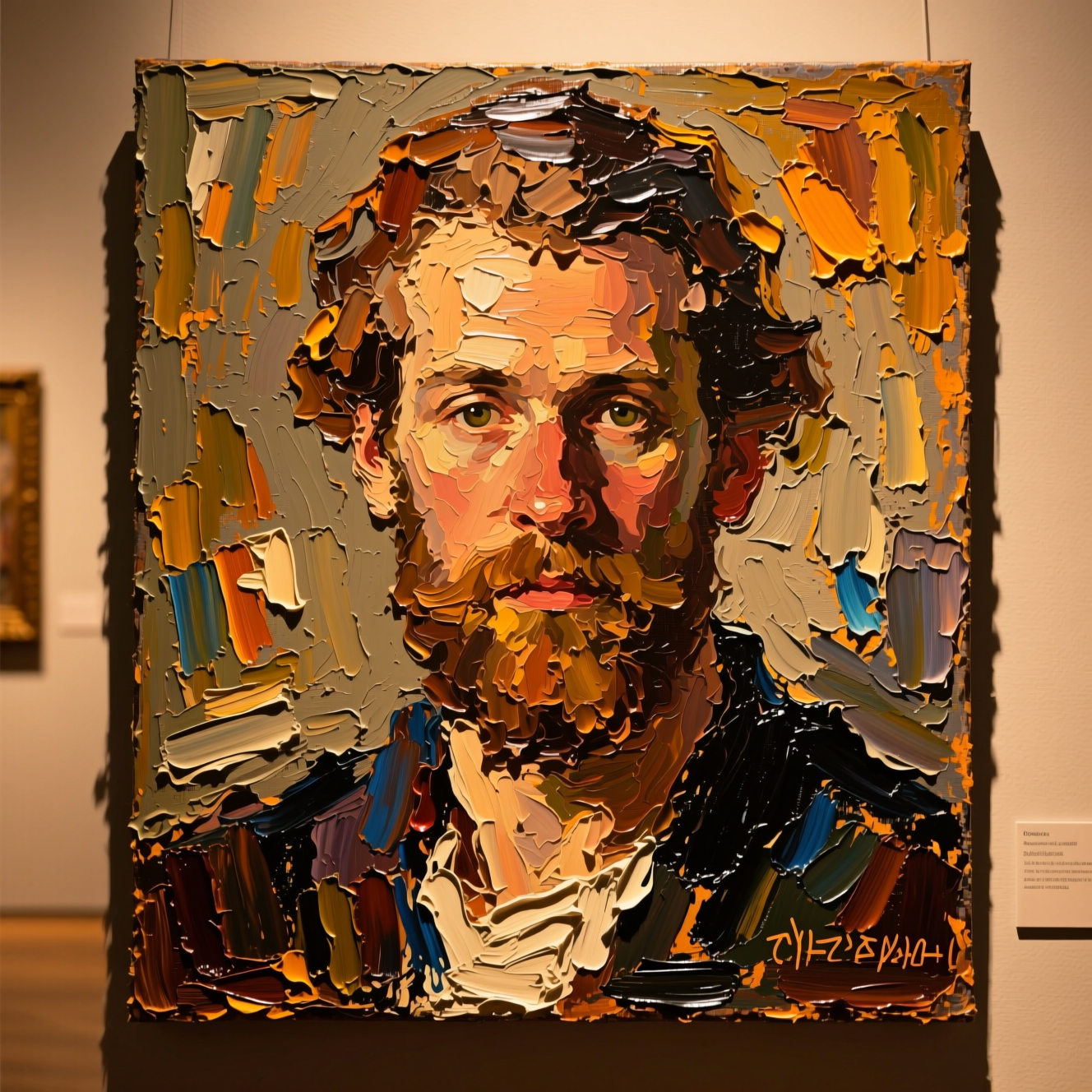 How to Turn a Photo into a PaintingOil, watercolour and court portrait are three different jobs. Here is how to turn a photo into a painting and which style suits which picture.