
AI Image Generator: How to Create AI Images from Text
An AI image generator turns a written description into a finished picture in seconds. This guide explains how text-to-image models work, how to write prompts that get the image you imagined, and which models to use in 2026.
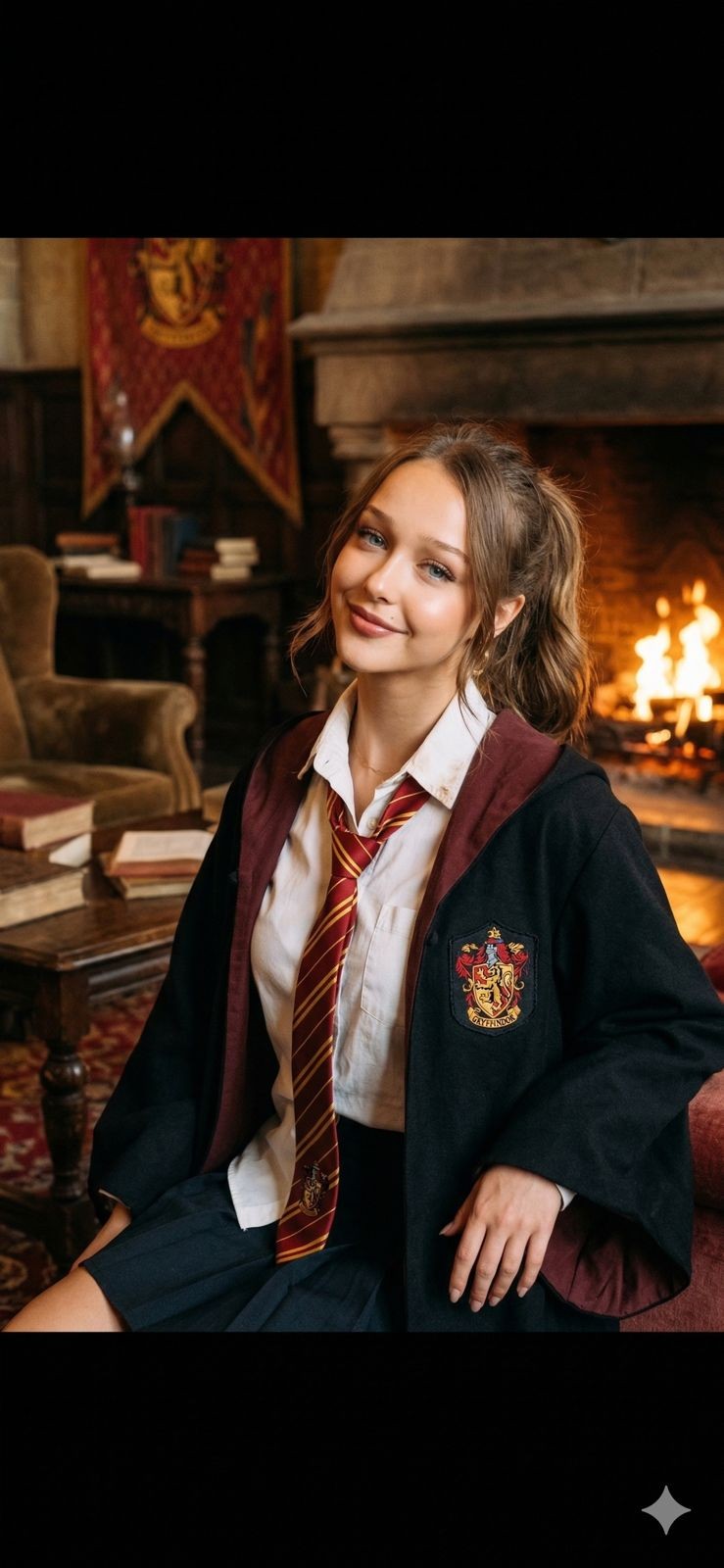
An AI image generator creates an original picture from a text description. Type "a golden retriever astronaut floating above Istanbul at sunset, cinematic photo" and a diffusion model paints exactly that in ten to twenty seconds. No stock sites, no camera, no design skills.
This guide covers how it works, how to prompt well, and which models produce the best images in 2026.
How AI image generation works (in one paragraph)
Text-to-image models are trained on billions of image–caption pairs. At generation time the model starts from pure noise and, step by step, shapes that noise toward an image that matches your words. Style words ("watercolor", "35mm photo"), composition words ("close-up", "wide shot") and lighting words ("golden hour", "studio softbox") all steer the outcome — which is why prompt wording matters.
Writing prompts that get what you imagined
A reliable prompt has four parts — subject, setting, style, light:
Subject: a young woman in a flowing red dress · Setting: on a Paris balcony at dawn · Style: cinematic photography, 85mm lens · Light: soft warm sunrise
More tips:
- Specific beats long. Ten precise words outperform fifty vague ones.
- Name a medium. "Oil painting", "3D render", "film photo" anchor the whole look.
- Iterate one change at a time. Keep the prompt, adjust a single detail, regenerate.
- Use reference images when a model supports them — your photo plus a style prompt gives personalised results (that is how AI portraits work).
The best image models in 2026
All of these are available side-by-side in Reelina's AI Studio:
| Model | Known for | Cost on Reelina |
|---|---|---|
| Nano Banana Pro | Instruction-following, text in images | mid |
| FLUX.2 Pro | Photorealism | mid |
| Seedream 5 | Artistic range | low-mid |
| WAN 2.7 / Qwen | Value workhorses | from 4 coins |
| Reelina v1 | Balanced default | 4 coins |
At 4–6 coins per image, the $9.99 Starter plan generates roughly 166 images a month; coins never expire.
From image to everything else
Generation is step one. The same studio lets you:
- Edit the result with a text prompt — change outfits, backgrounds, lighting.
- Animate it into a video — image-to-video models add camera moves and motion.
- Upscale it for print or large formats.
FAQ
What is the best AI image generator? There is no single winner — photorealism, art styles, and text rendering are won by different models. A multi-model studio like Reelina lets you run the same prompt on several engines and keep the best result.
Can I use AI images commercially? Images you generate on Reelina can be used in your projects, including commercial ones. Avoid generating trademarked characters or real people without permission.
How many images can I create? Starter ($9.99) ≈ 166 images/month, Creator ($19.99) ≈ 333, Pro ($29.99) ≈ 500 — plus one-time coin packs any time.
Do I need a powerful computer? No — everything renders in the cloud; a browser is enough.
Try it yourself
Every model on one credit balance, straight in your browser. No install, no watermark.
Start creatingKeep reading
 AI Photo Generator vs Lensa: Which AI App Is Better in 2026?Lensa helped popularize AI avatars, but today's AI photo generators offer much more than artistic edits. Compare Reelina and Lensa to find the best AI photo app for realistic portraits, professional headshots, and social media content.
 What Can AI Generate? 12 Things You Can Create TodayAI can generate far more than chat: photos, videos, voices, music, subtitles, restored memories and more. A practical tour of 12 things you can create with AI right now — with real costs and where to try each one.
 How to Merge Two Photos into One with AIAI photo merging combines two pictures into one natural scene — two people who were never in the same room, a product in a new setting, two moments in one frame. Here is how it works and how to blend photos in seconds.