
Anime Filter
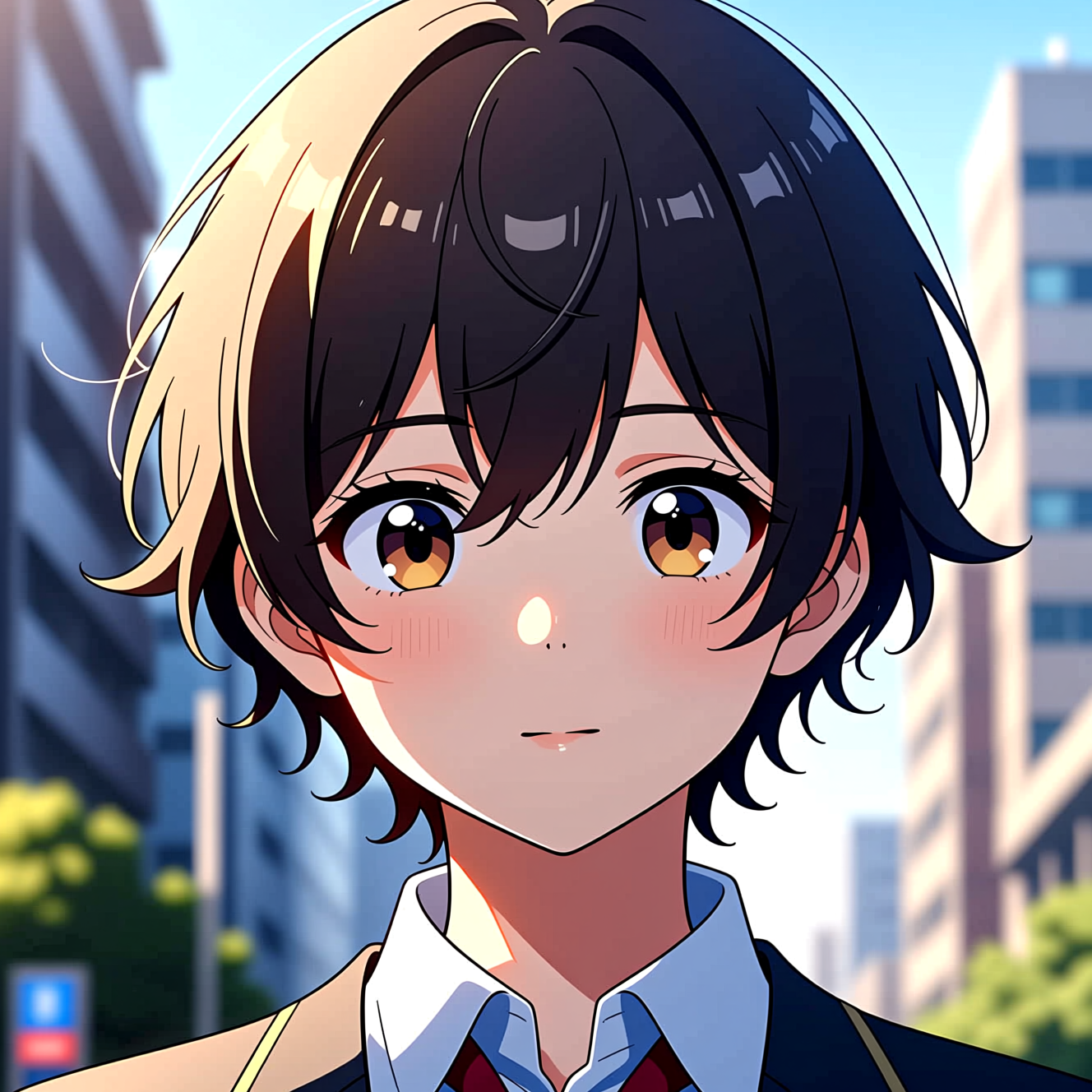
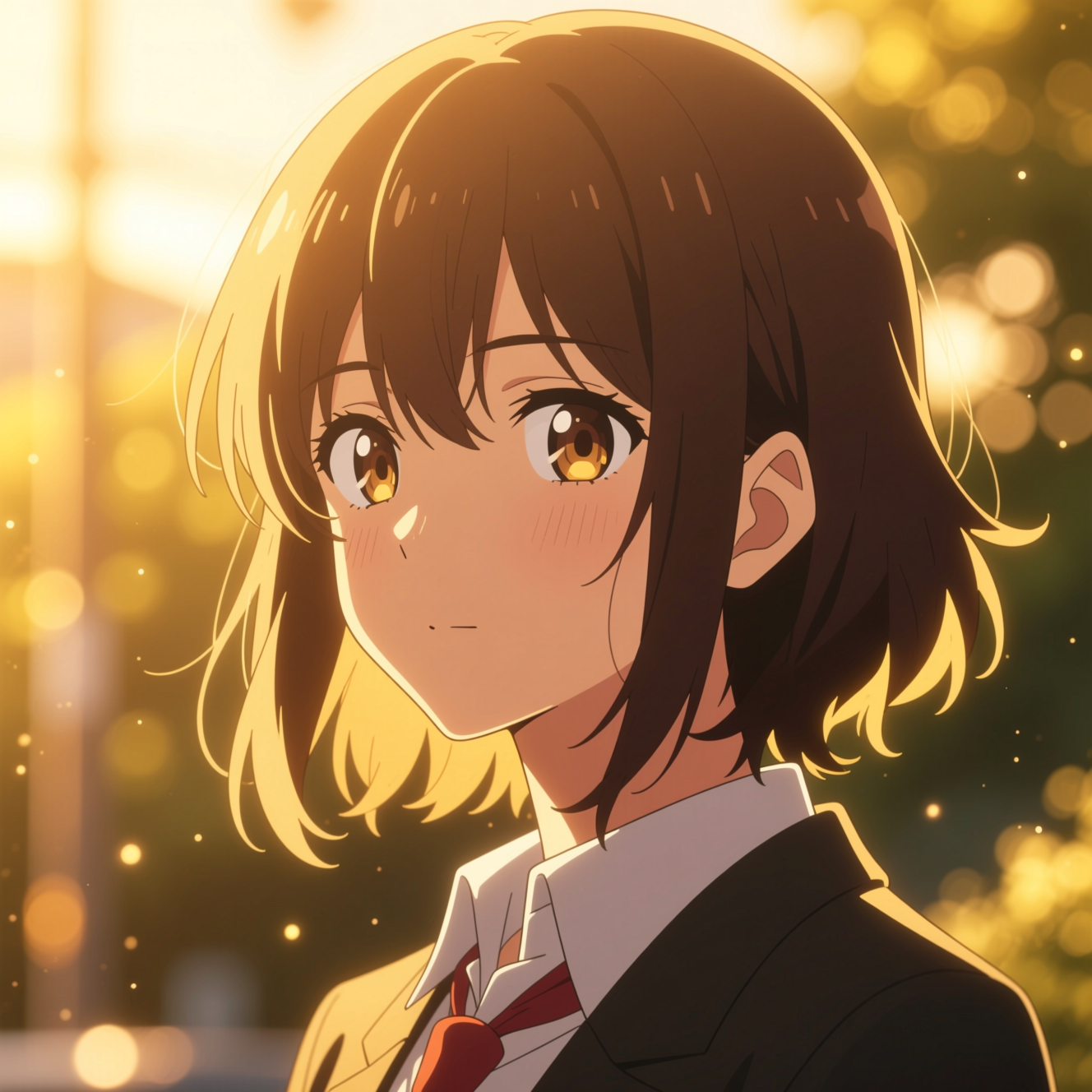
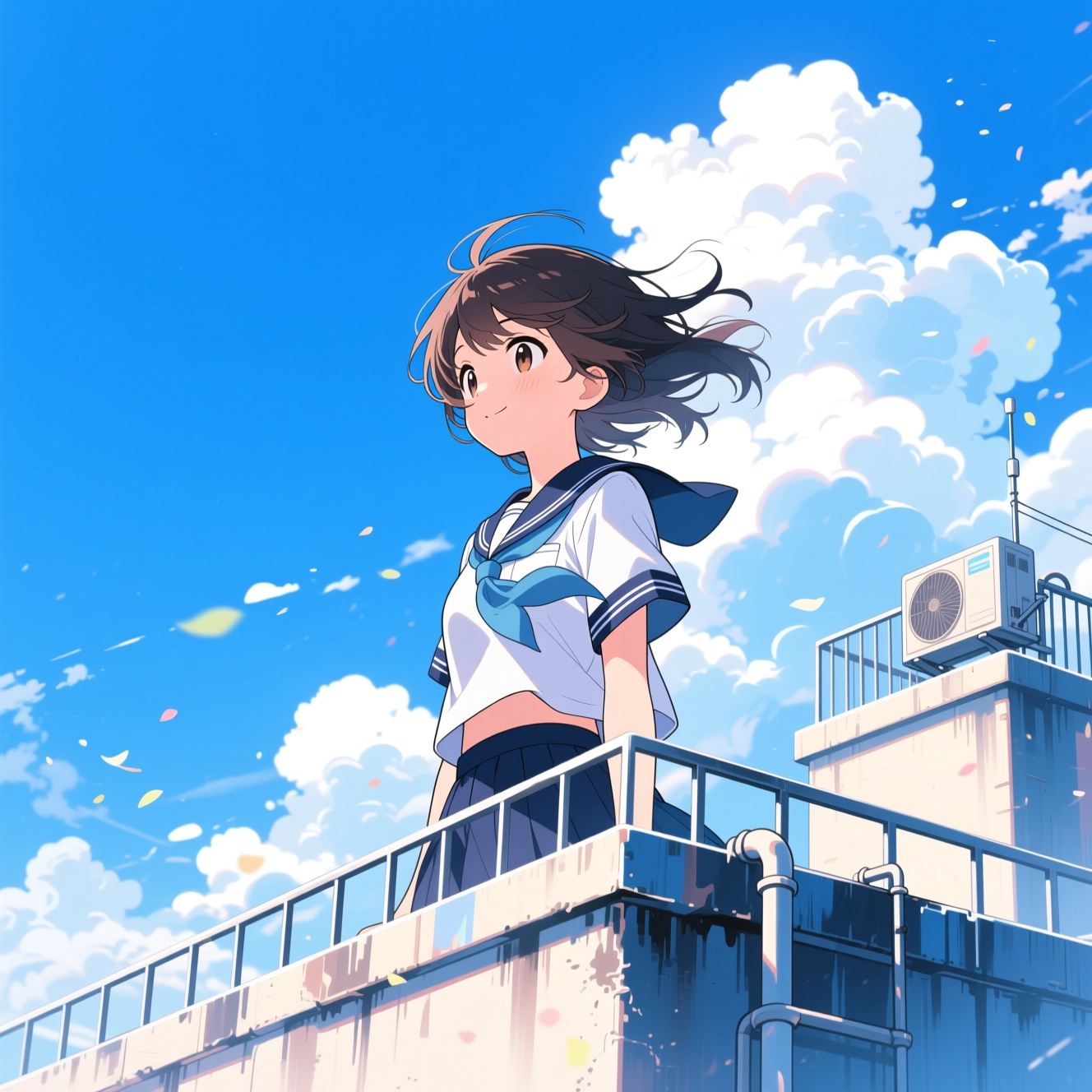
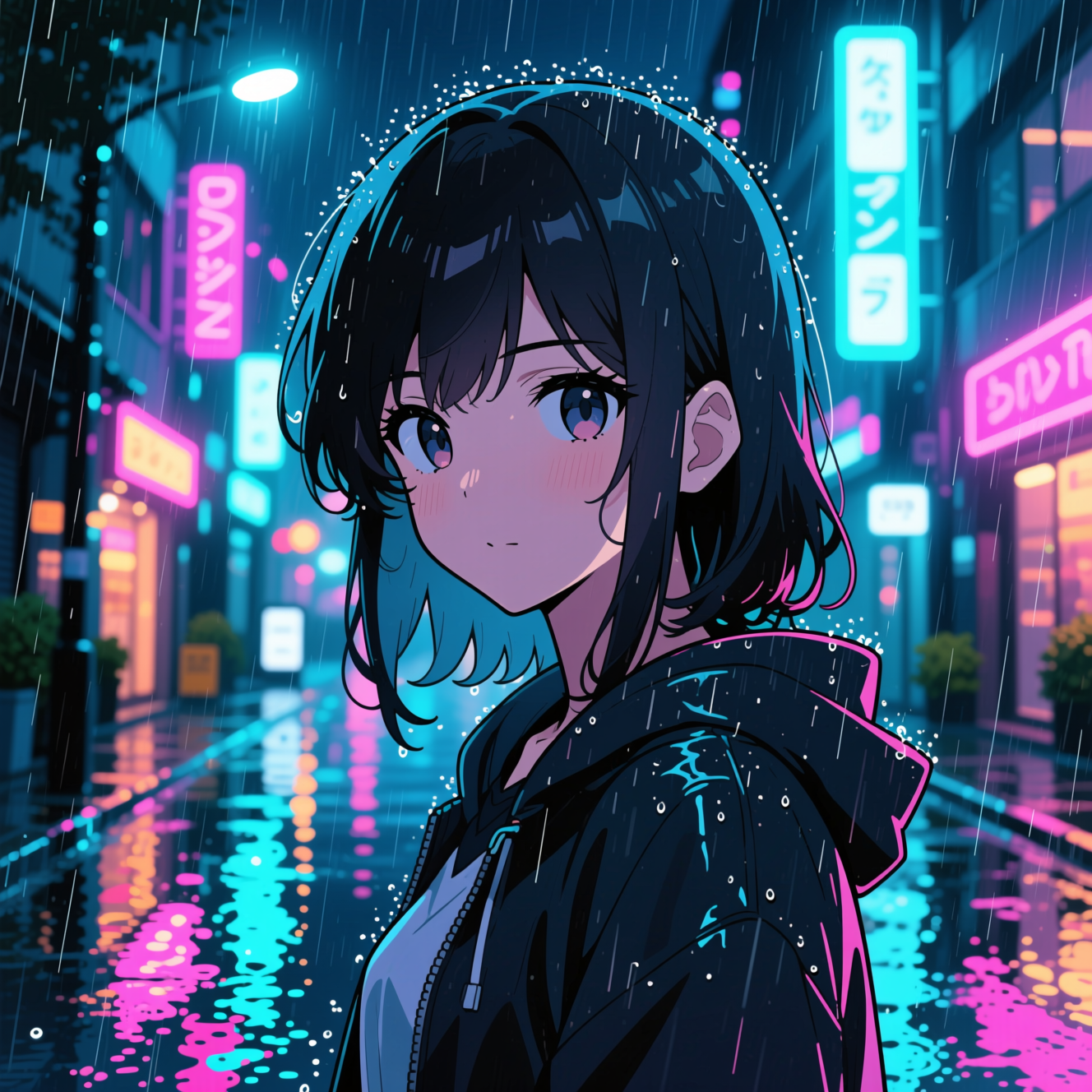
Yourself, drawn as an anime character. Upload one photo and pick the world it happens in — a rooftop at noon, a neon street at night, a 90s film cel.
What Anime Filter does
An anime filter redraws a photo as a character from a Japanese animation: clean line art, large expressive eyes, cel shading, a detailed background in the style of a modern anime film. This tool runs that redraw on an image-edit model with the instruction to keep your hairstyle, clothing and identity recognisable, so the character is you rather than a stock design.
One photo in, one anime portrait out, about 34 coins, full resolution, no watermark. It is a complete redraw, not a filter laid over the photo, which is why it holds up at large sizes and why the background changes along with you.
People use it for avatars, for fun, and for the version of themselves they would want in a show. For a Western 3D-animation look, the cartoon tool on this site does that instead.
Examples made with this tool
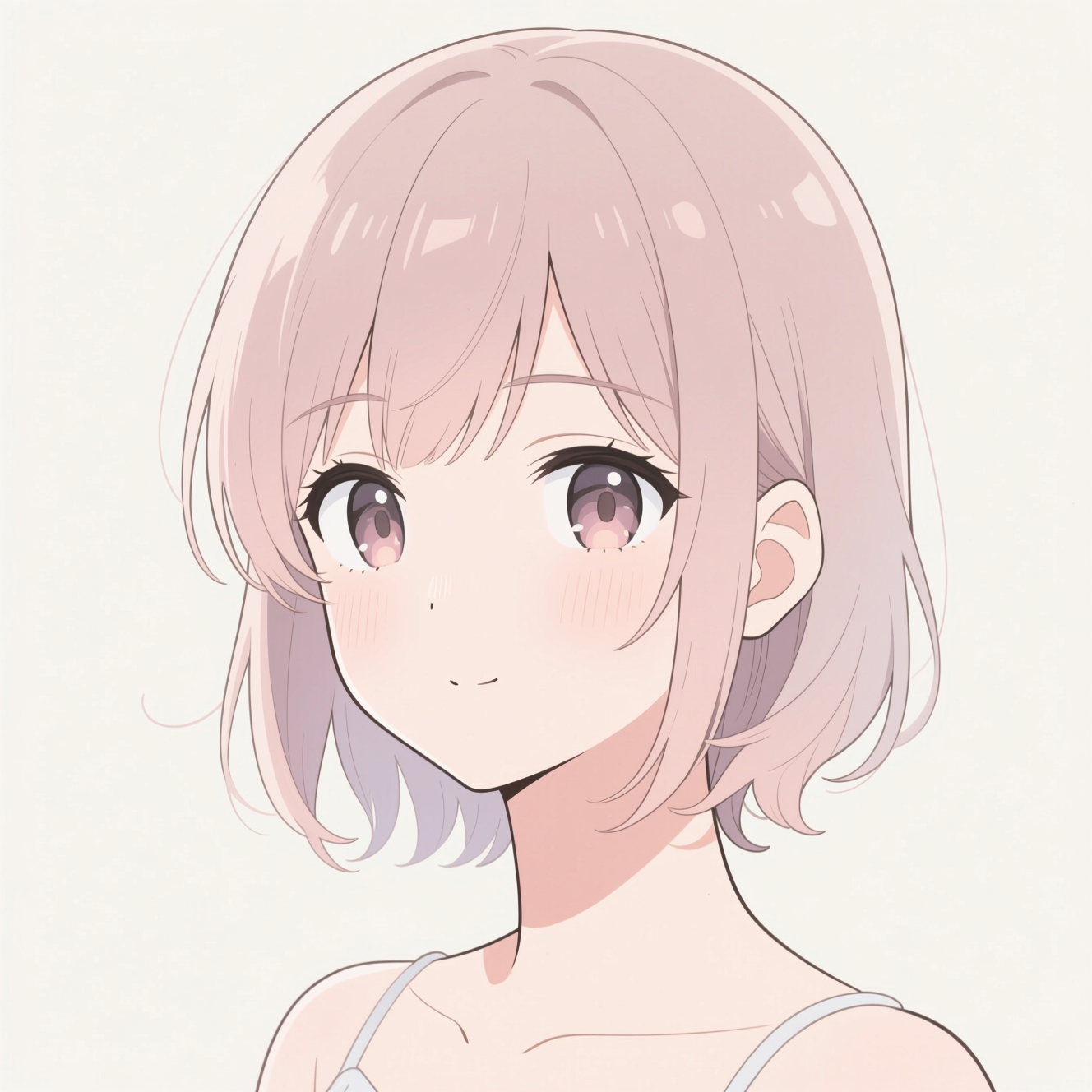

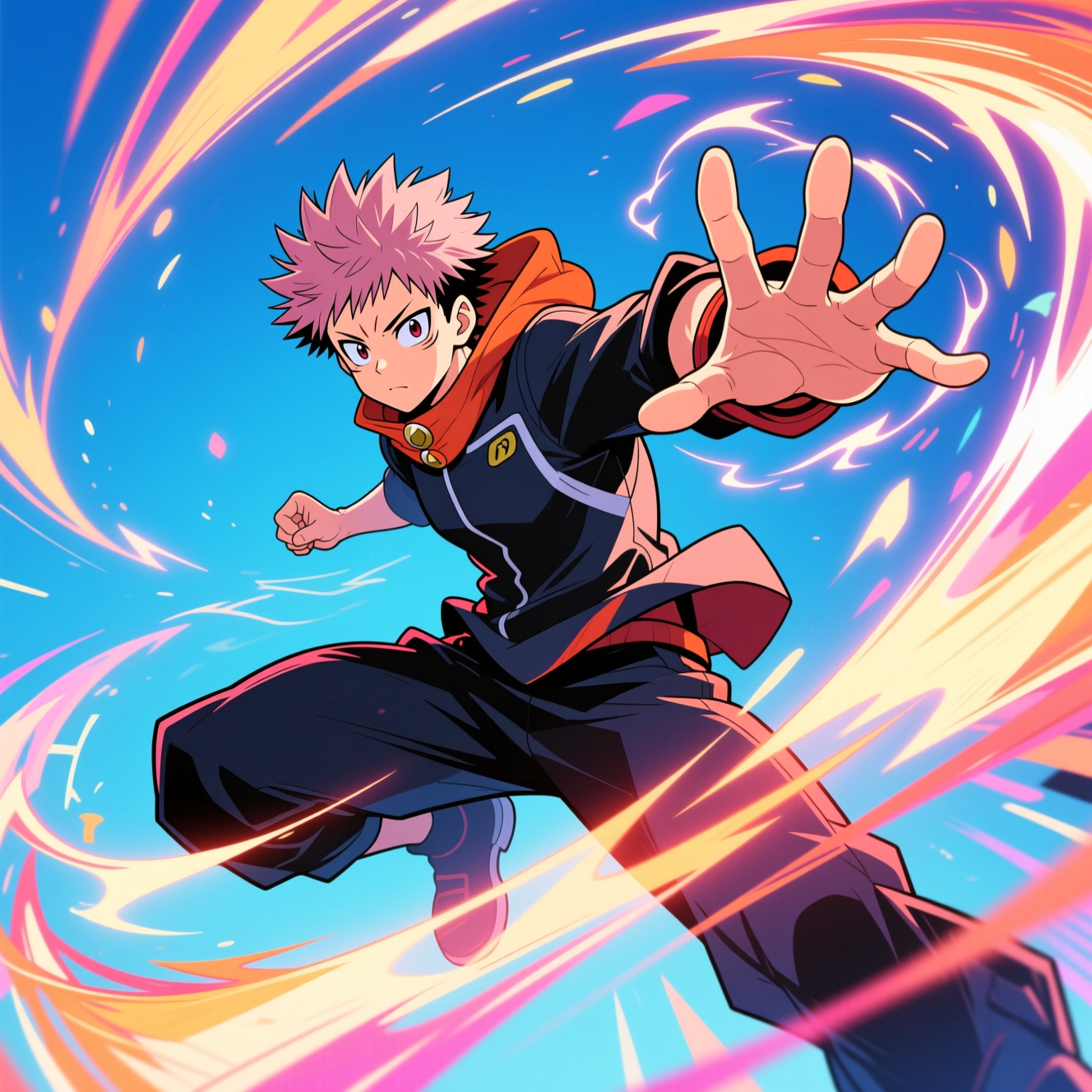
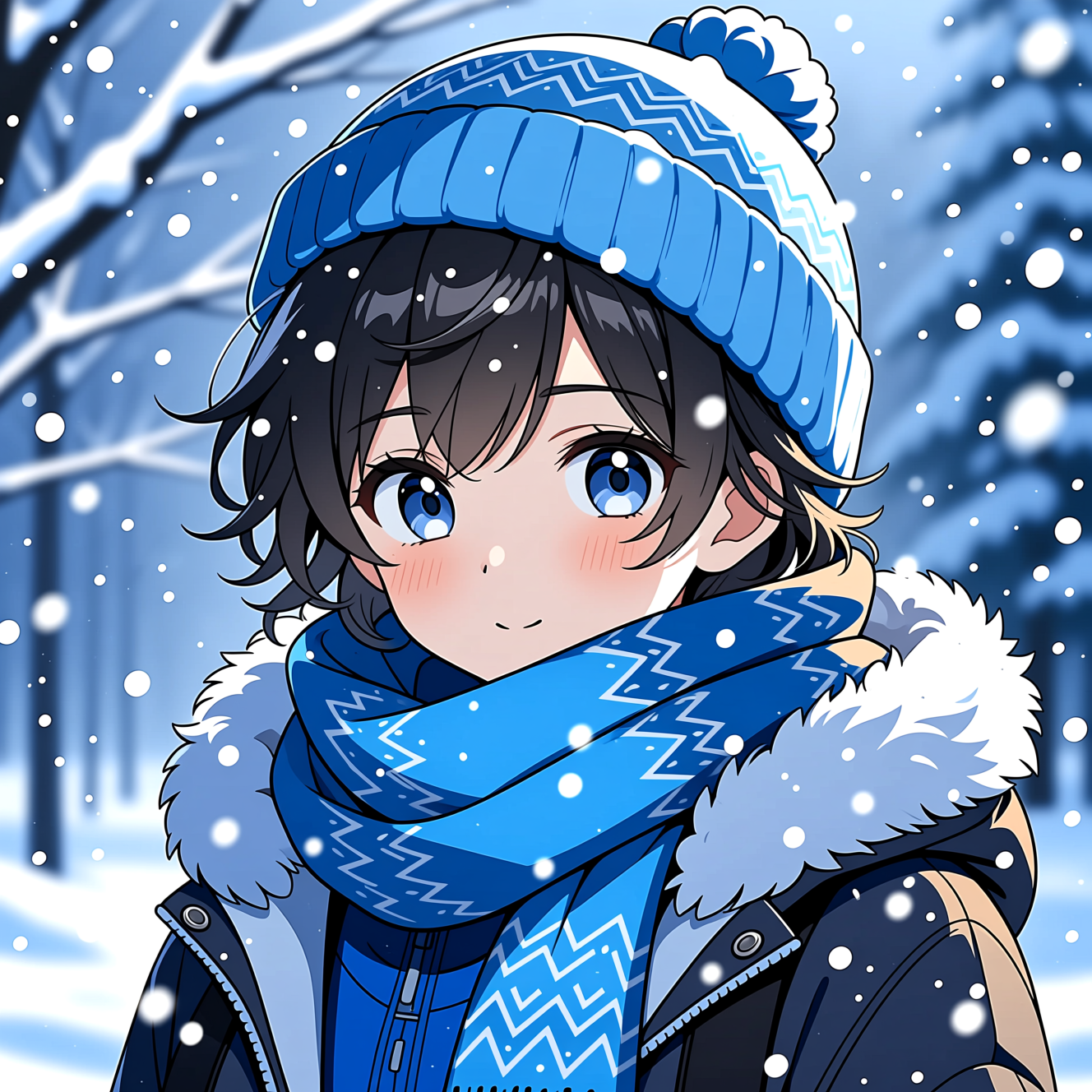
How it works
- Step 1
Upload a photo of yourself
Front-facing and evenly lit. Hair colour and face shape are what carry across into the drawing.
- Step 2
Pick the world
School rooftop, neon night street, soft pastel, retro 90s film grain. Each is its own render.
- Step 3
Use it anywhere
About a minute, high resolution, no watermark — fine for an avatar or a print.
The model behind it
Wan-2.7 Pro Image-to-image by Qwen
34 coins per image ($0.34 on the US entry plan; prices vary by country), shown before you press the button.
What people use it for
Avatars and profile pictures
Discord, gaming profiles, social accounts where an anime version of you is the convention.
Couple and friend portraits
Run each person separately and compose; a matched pair of anime portraits for the two of you.
Phone wallpapers and prints
The output is large enough to print or to set as a lock screen.
Character references
A starting design for a comic, a VTuber model or a game character based on a real face.
Getting a better result
- A photo with a visible hairstyle and outfit gives the character its identity; the model keeps both.
- Front or three-quarter angle works; profile shots lose the eyes, which anime relies on.
- Simple, bright lighting in the source produces cleaner line art.
- Keep accessories you want in the drawing (glasses, headphones) visible in the photo.
- Run it two or three times from different photos and keep the best; each run is a separate drawing.
What it will not do
- It will not reproduce a specific copyrighted character or a named studio's exact style.
- One person per image; groups are not redrawn as a group scene.
- It changes the background to match the style; it cannot keep your real room.
- Text in the photo (shirts, signs) usually does not survive the redraw.
Frequently asked questions
- How do I turn my photo into anime?
- Upload one clear photo and choose a style. The AI redraws you with cel shading and anime proportions while keeping your hair colour, face shape and expression.
- Which style should I pick?
- Modern cel shading is the safest for a first try. Retro 90s has heavier outlines and film grain; soft pastel is gentler and lighter; the night-street one is the most dramatic.
- Will it look like me?
- As much as an anime drawing can. The features that survive the translation are hair, face shape and expression, so a sharp, well-lit photo makes a far bigger difference than the style you choose.
- Whose photo may I upload?
- Your own, or someone's who has given you permission. Uploading a photo of a person who has not consented is not allowed under our acceptable use policy.
- What does it cost?
- Each generation comes off your Reelina coin balance and the exact cost is shown before you press Generate. One balance covers every model in the workspace.
- Is it free?
- No — Reelina runs on paid coins. We show what a generation costs before you run it rather than advertising a free tier we do not have.
- What happens to my photo?
- It is used only to make your result. Creations are private by default, and everything is deleted seven days after it is generated.
Every model, one balance
No watermarks, full resolution, and every leading AI model on one coin balance — create right in your browser.
Get StartedGuides
Lensa Alternatives: AI Portraits and Avatars From Your Selfies, Priced Per Image
One selfie, one style, one image: the headshot, portrait, selfie, anime and cartoon tools that replace a Magic Avatars pack, priced per image.
How to Turn a Photo into a 3D Cartoon Character
The animated-film look comes from shape and light, not from smoothing skin. Here is how to turn a photo into a 3D cartoon character.
How to Turn a Photo into Anime
Anime style is drawn decisions, not a colour filter. Here is how to turn a photo into an anime portrait that is still recognisably you.
Edit Video with AI: Change Anything in a Clip with a Prompt
AI video editing changes the content of footage itself — outfits, weather, style, objects — from a text instruction. Here is what prompt-based video editing can do in 2026 and how to run your first AI edit.
Related tools
Caricature Maker
The drawing a street artist would do in ten minutes, from a photo you already have. Big head, exaggerated features, and still unmistakably you.
AI Portrait Generator
Turn one photo into a styled portrait — editorial, cinematic or fashion, in about a minute.
AI Hairstyle & Hair Color Changer
See the haircut or the hair color on your own face before you commit to it. Upload one photo, pick a length or a color, and get it back looking like you — not like a wig on a stock model.
What people make with Reelina
All AI tools →- AI Aging Filter
- AI Age Progression
- AI Engagement Photos
- AI Dating Photos
- AI Fashion Model Generator
- Looking for a Remini Alternative?
- Looking for a Higgsfield Alternative?
- Looking for a Sora Alternative?
- Looking for an LTX Studio Alternative?
- Looking for a Dreamina Alternative?
- Looking for a Lensa Alternative?
- AI Dance Video Generator
- AI Image to Video
- Text to Video AI
- AI Video Generator
- AI Headshot Generator
- AI Portrait Generator
- AI Hairstyle & Hair Color Changer
- AI Tattoo Generator
- AI Outfit Changer
- AI Maternity Photoshoot
- AI Christmas Card Generator
- AI Wedding Photo Generator
- AI Couple Photo Generator
- AI Car Photo Editor
- See Yourself Younger
- See Yourself as a Baby
- What Would Our Baby Look Like
- Caricature Maker
- Anime Filter
- Real Estate Photo Editing
- Cartoon Yourself
- Pop Art Generator
- Action Figure Generator
- Magazine Cover Generator
- AI Product Photo Generator
- AI Photo Restoration
- Colorize Black and White Photos
- Looking for a Kling AI Alternative?
- Looking for a Veo 3 Alternative?
- Looking for a PixVerse Alternative?
- Looking for a Hailuo AI Alternative?
- AI Birthday Photo
- AI Pet Portrait
- Royal Portrait Generator
- AI Selfie Generator