
How to Make a Wedding-Style or Couple Portrait from an Everyday Photo
A portrait in wedding or engagement style is a picture, not a record of the day. Here is how to make one from an everyday photo and where it fits.
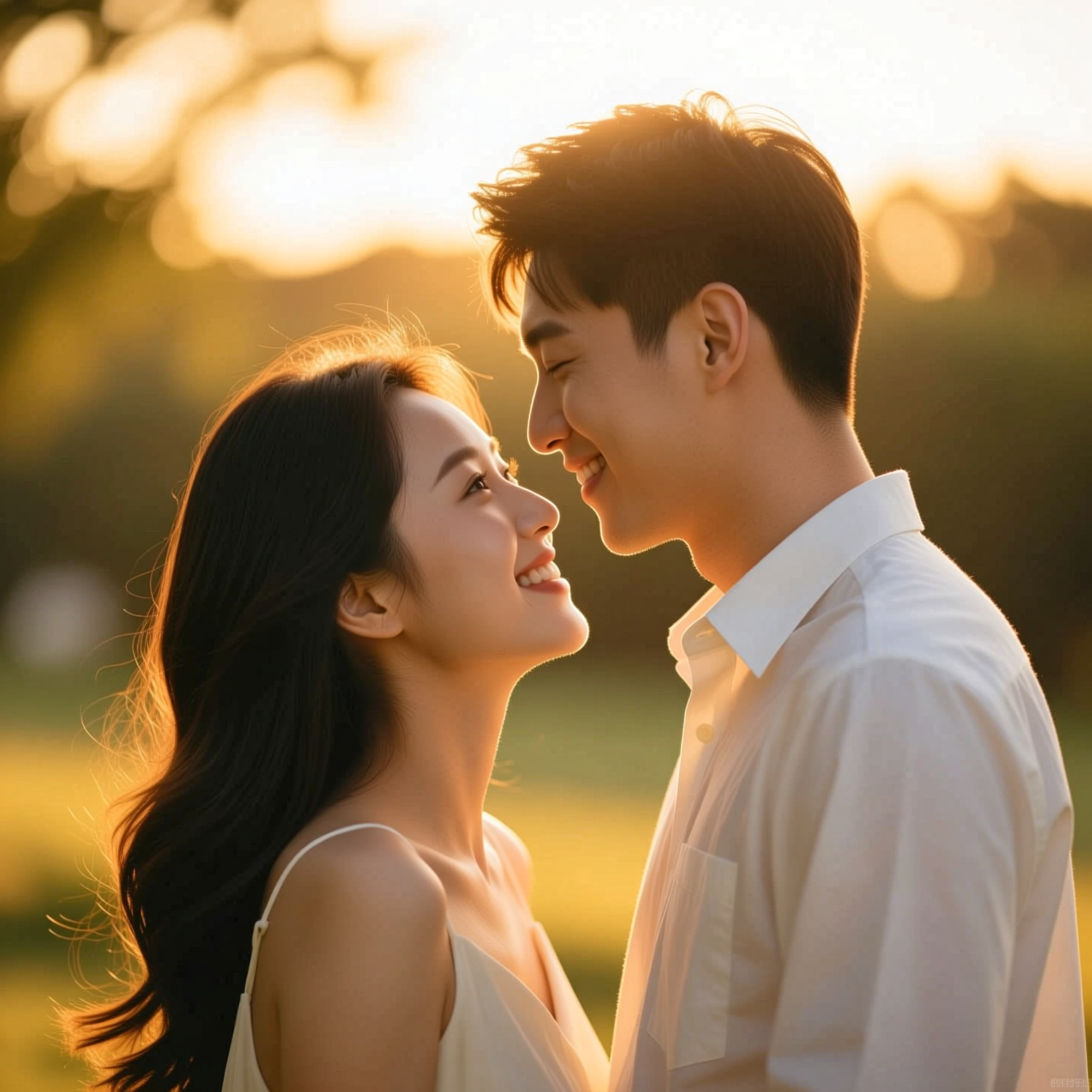
To make a couple portrait from an everyday photo, upload one picture with both of you in it to an AI tool that relights it with golden-hour light and a soft background, keeping both faces the same. A wedding-style portrait works the same way for one person, with formal attire and a venue behind. Both make a picture in that style; neither replaces photographs of a real day.
Where this is useful
- Save-the-dates and invitations, before any professional photos exist.
- An anniversary card or a frame for the hallway.
- Trying a look: outdoor golden hour or formal venue, before briefing a photographer.
Where it is not: as a stand-in for your wedding photographs. Those are a record of people and a day, and a generated scene has no part in that.
Photos that work
For a couple portrait
- Both faces clearly visible, close together, in the same photo.
- Similar light on both of you.
- Natural posture. The tool refines pose and light; it does not invent closeness.
For a wedding-style portrait
- One person, clear face, half or full body. Ordinary clothes are fine; attire is restyled.
Doing it in Reelina
Open Couple Photo, upload the photo of you both and generate. The instruction asks for a romantic portrait with warm golden-hour light, soft background blur, natural affectionate posing and editorial colour grading, keeping both faces and identities exactly the same.
For the formal look, open Wedding Photo: wedding attire, soft romantic light and a tasteful venue background.
If you were photographed separately, put the two photos in one frame with Photo Blend first.
FAQ
Can I combine two separate photos of us? Not in Couple Photo, which works on one photo with both people in it. Use Photo Blend to bring two photos together.
Does it change our faces? No. Both faces and identities are kept.
Do we need to dress up for the original photo? No. Clothing is restyled to suit the portrait.
Can it fix our real wedding photos? For real photos that need work, Photo Restore or Skin Retouch is the better tool.
Try it yourself
Every model on one coin balance, straight in your browser. No install, no watermark.
Start creatingKeep reading
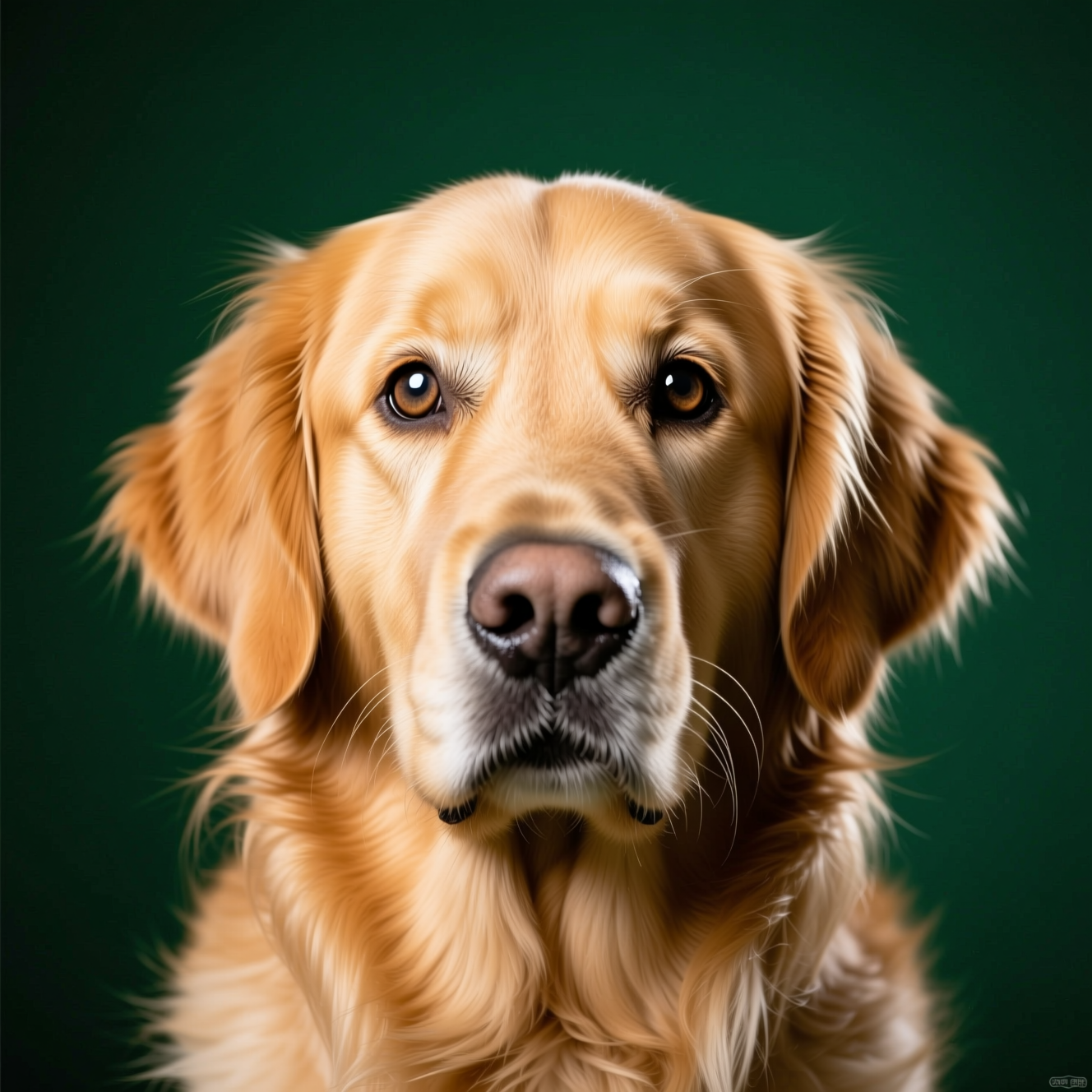 How to Turn a Photo of Your Pet into a Painted PortraitA pet portrait lives or dies on markings and expression. Here is how to turn a phone photo of your pet into a painted portrait worth framing.
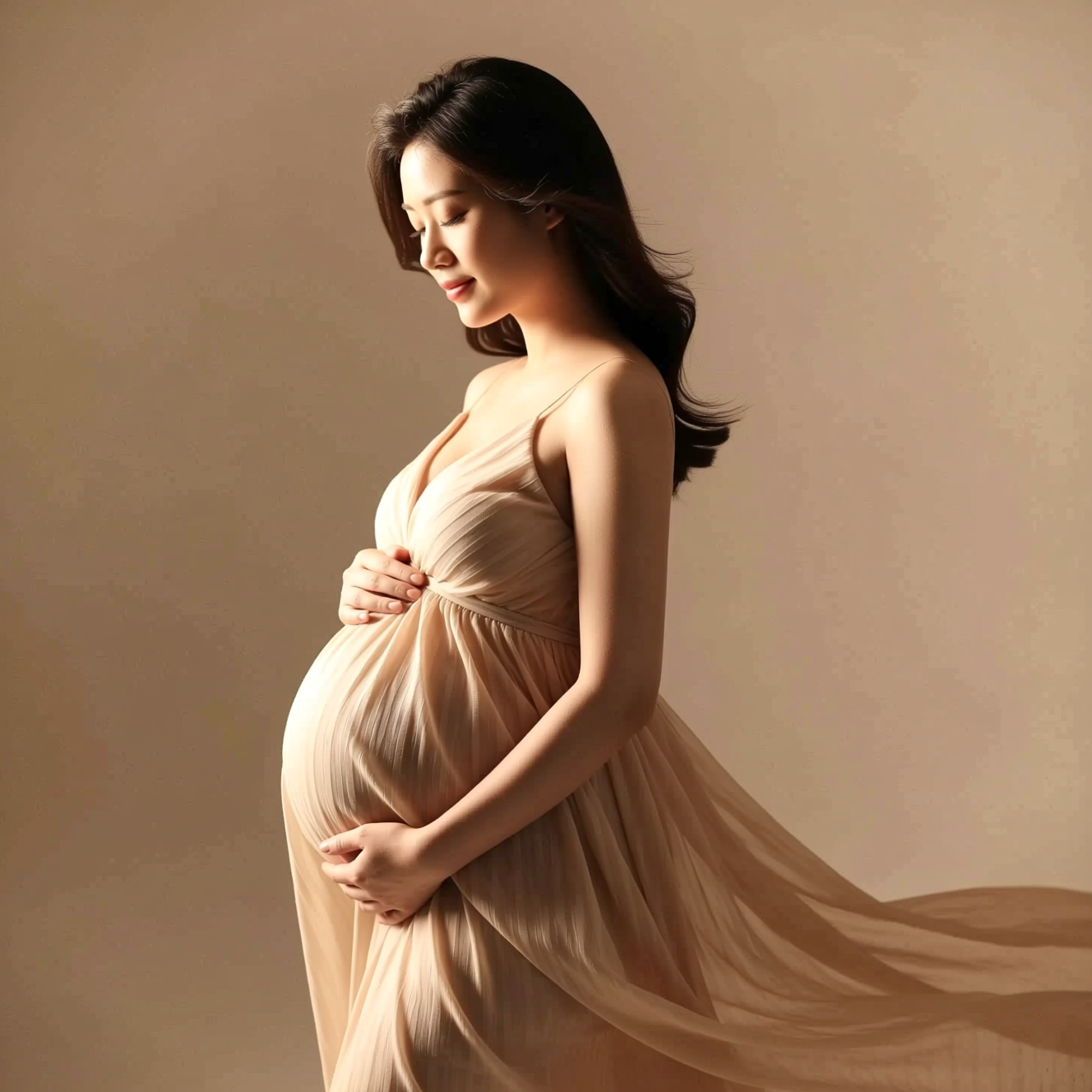 How to Get a Studio Maternity Portrait from a Photo Taken at HomeA studio maternity portrait is soft side light, a simple backdrop and a flowing dress. Here is how to get that look from a photo taken at home.
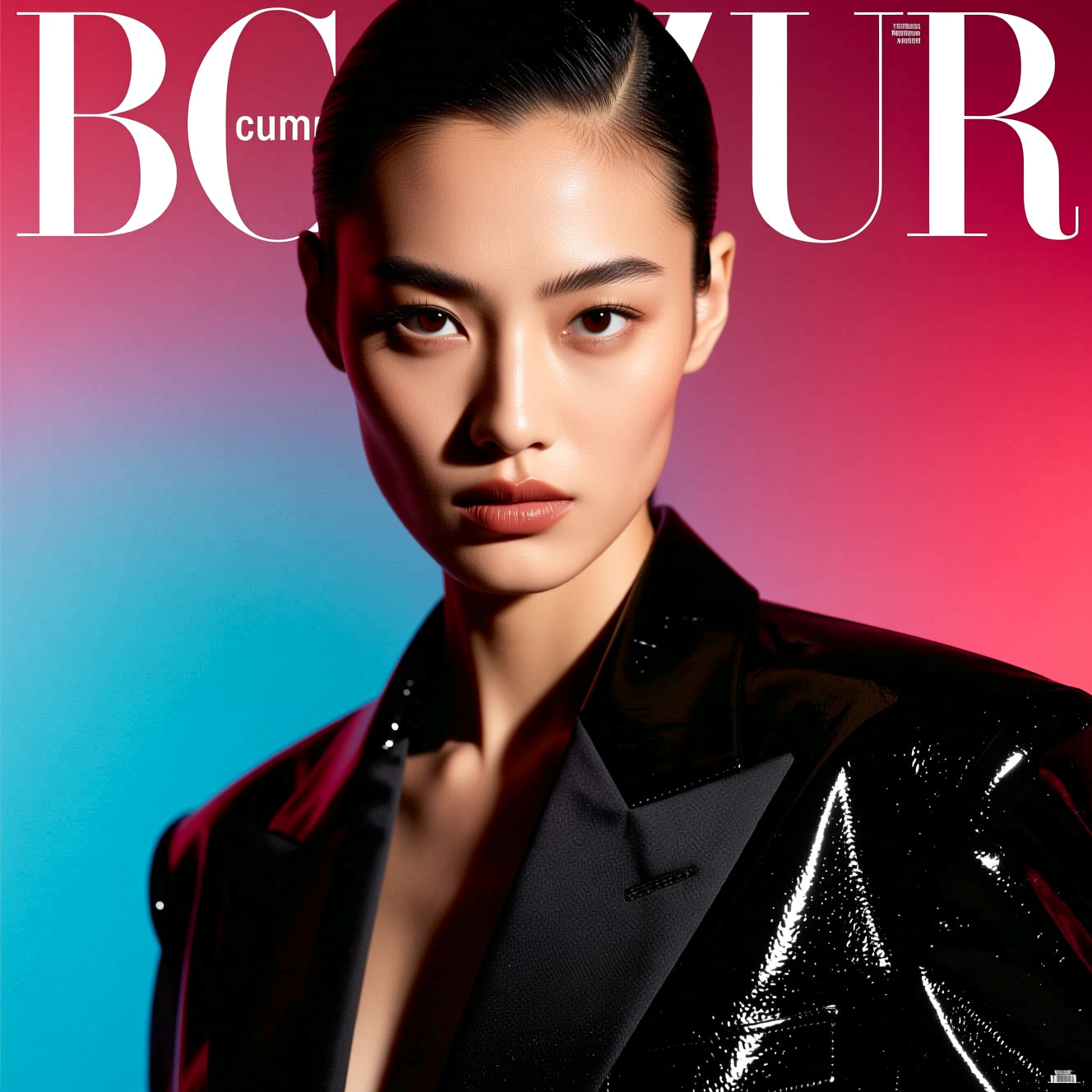 How to Make a Magazine Cover Photo from a PortraitA cover image is made by light, styling and the space left for the title. Here is how to turn a portrait into one.