
Looking for a Remini Alternative?
Restoring an old photo is one job. Reelina does that one and about 475 models' worth of others, on a single credit balance.
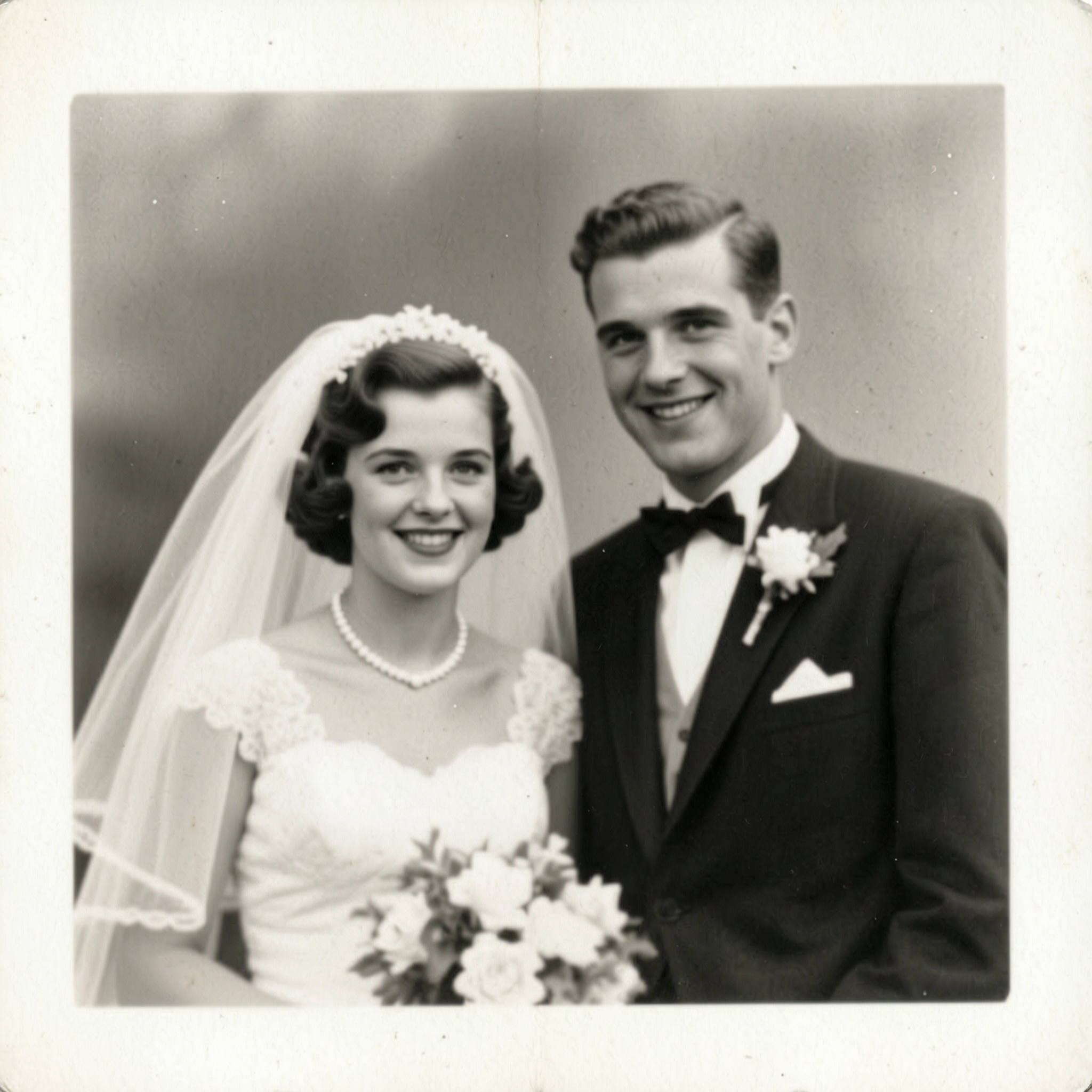
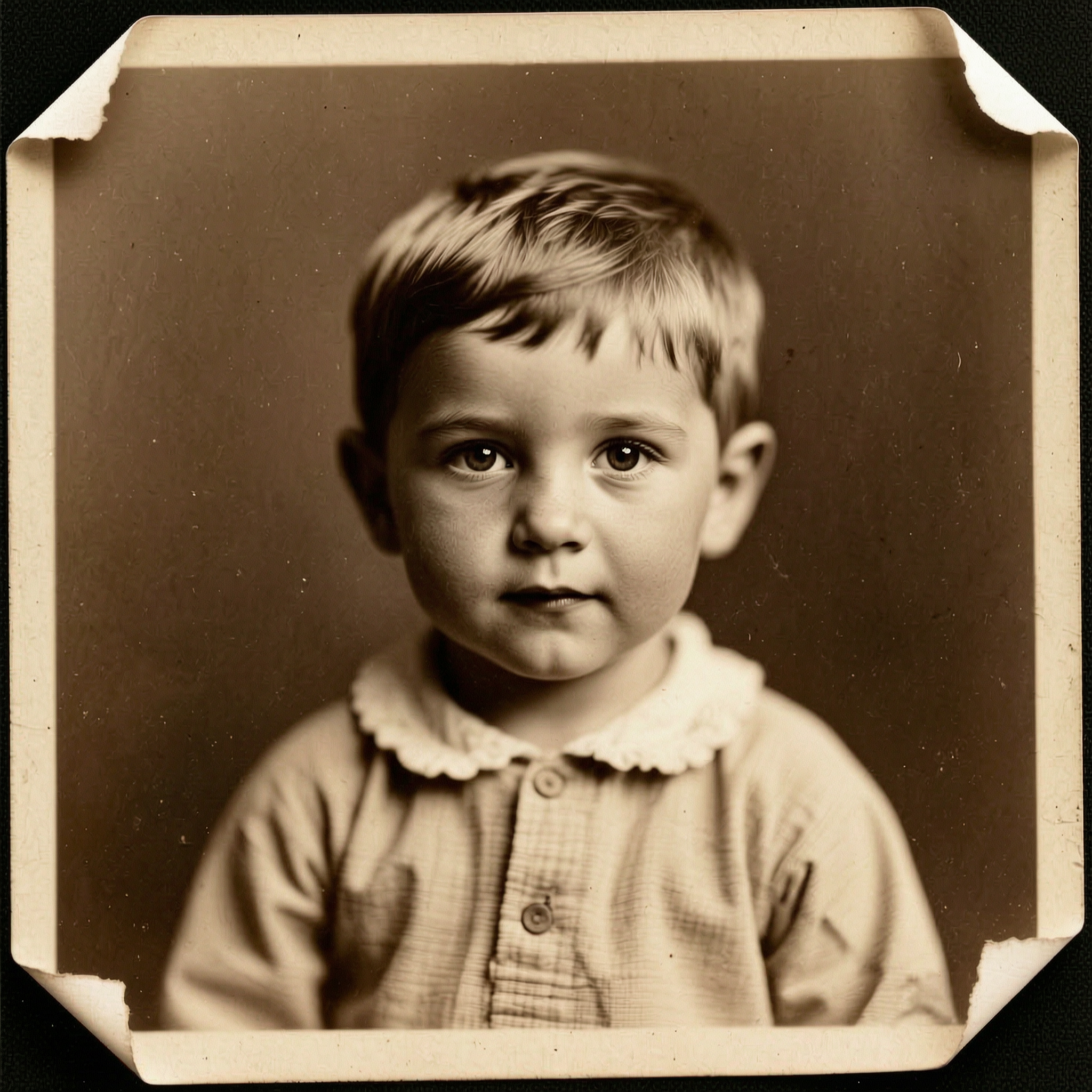
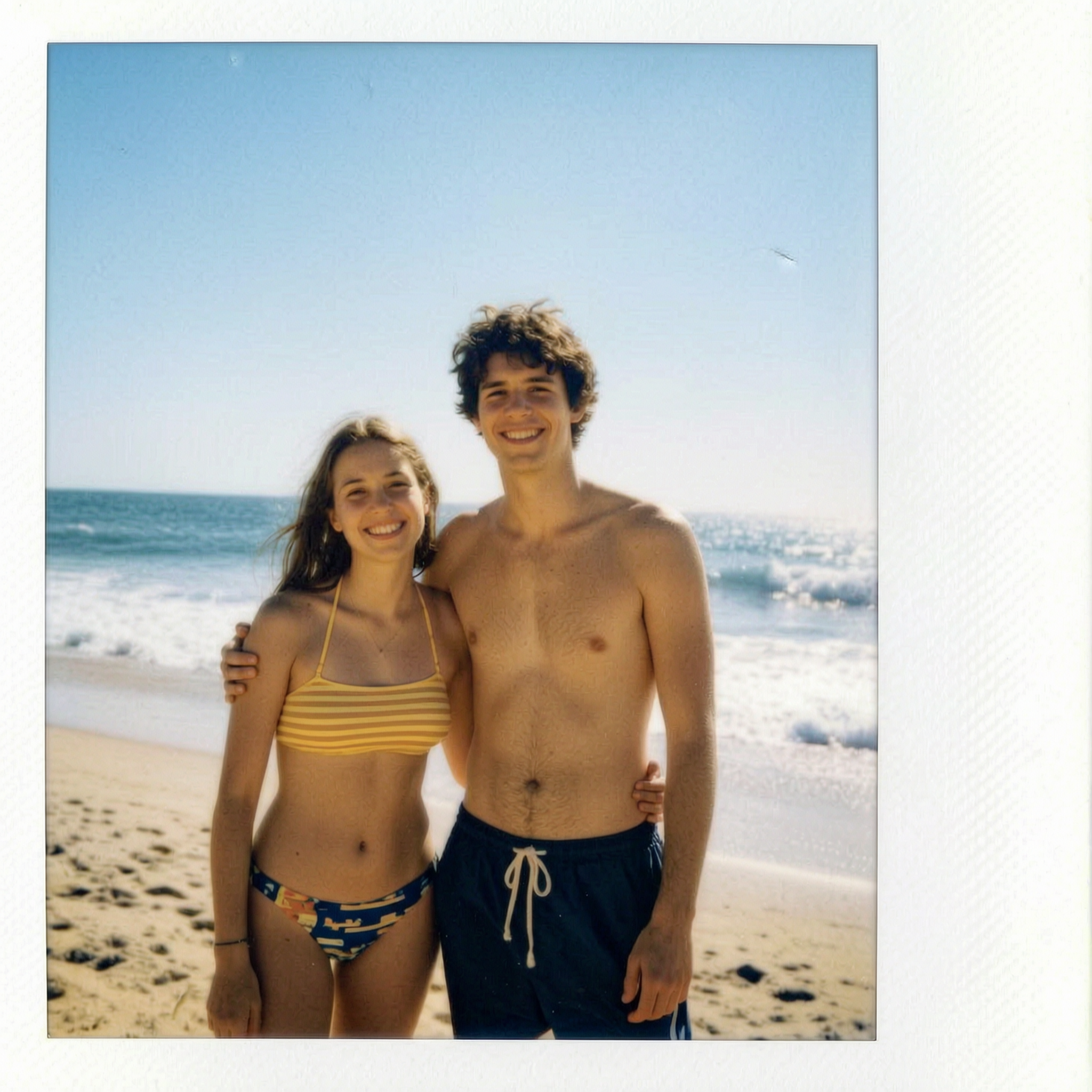
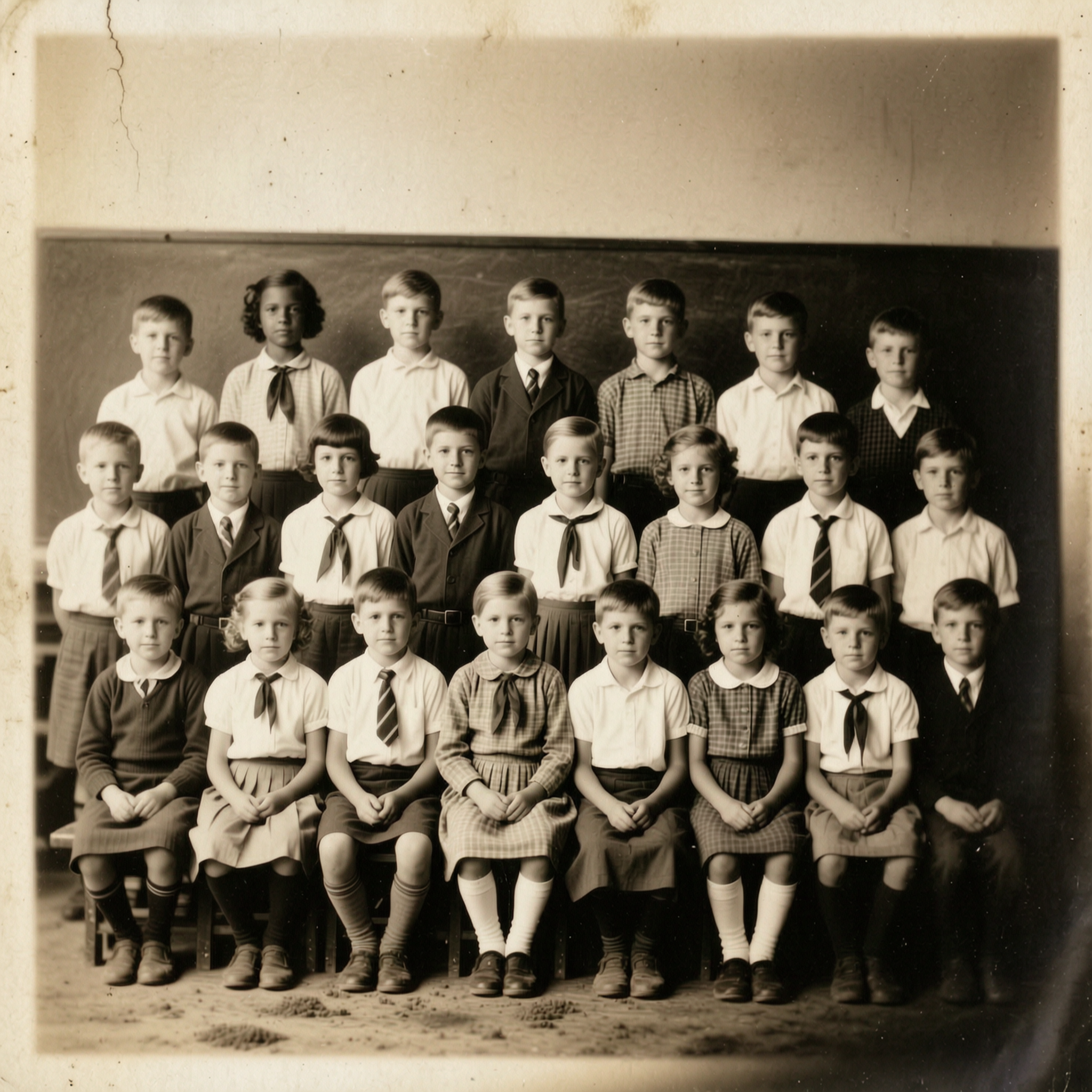
Examples made with this tool
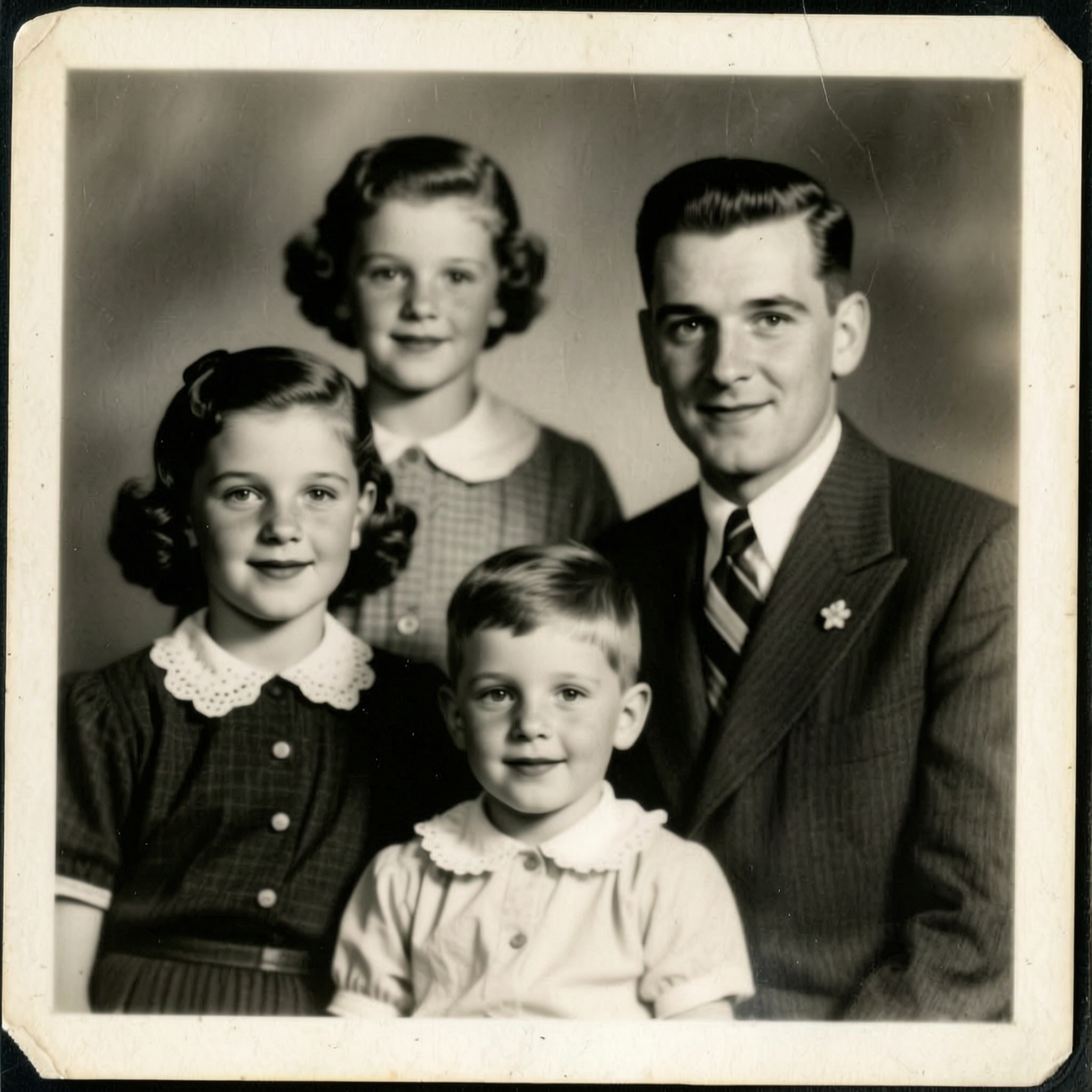
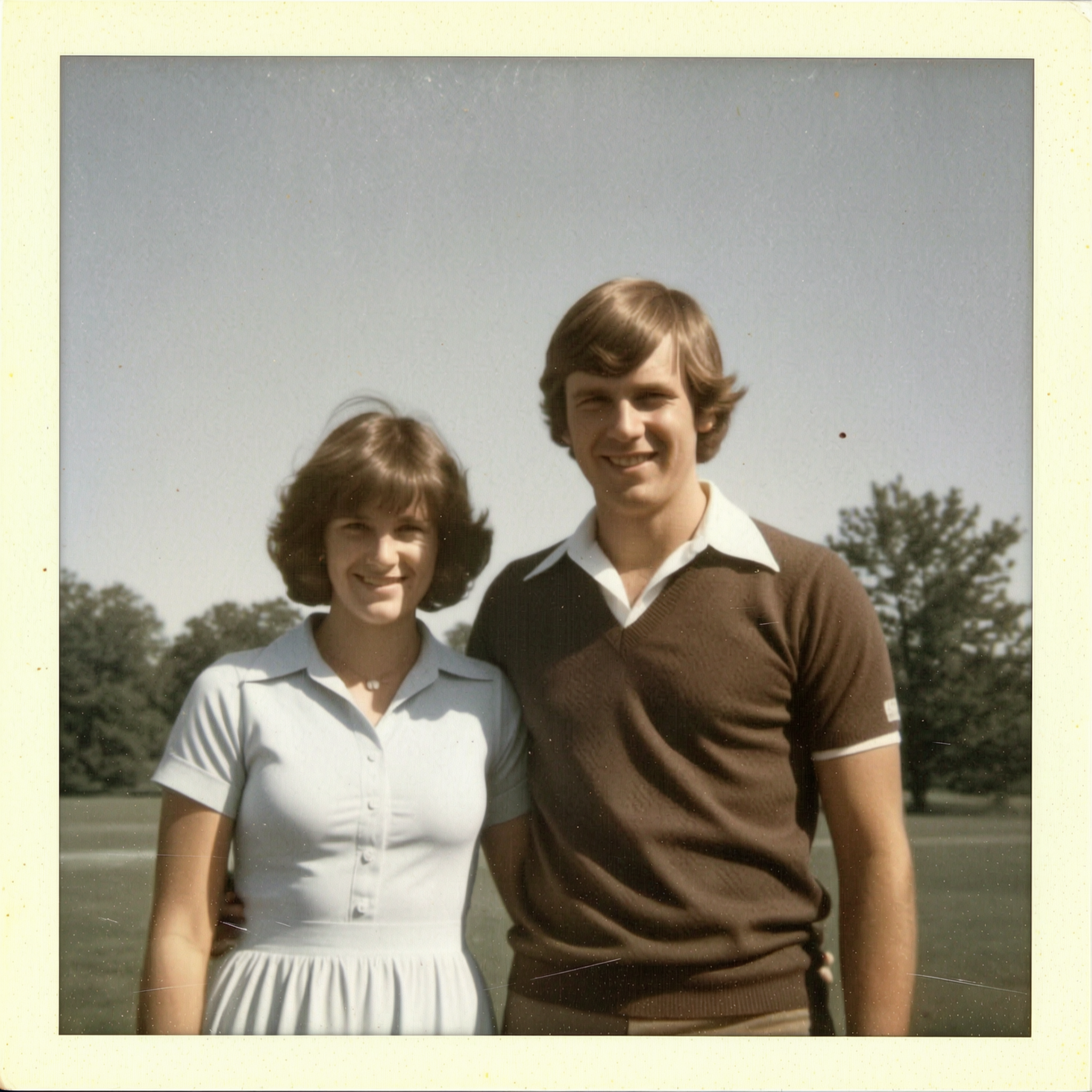
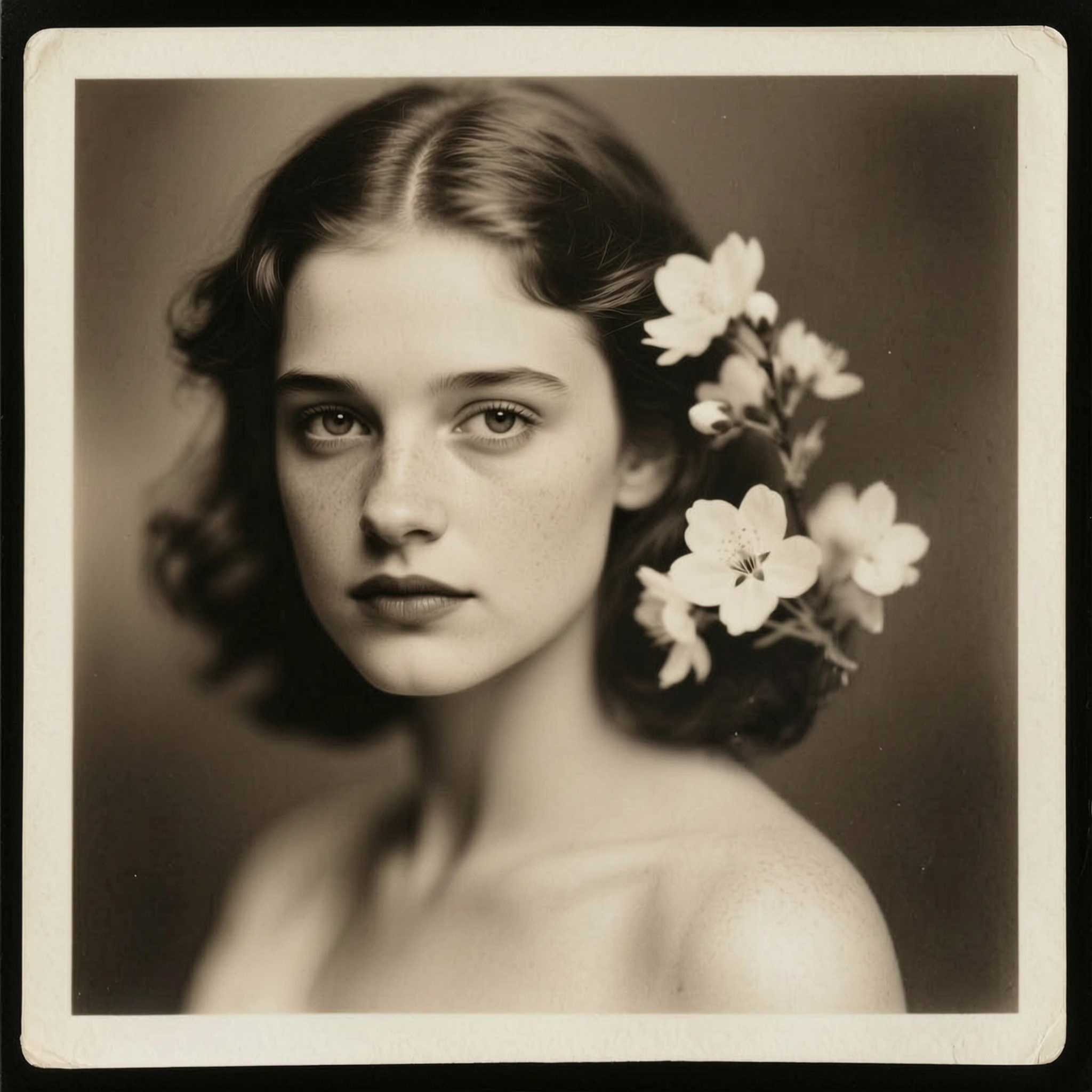
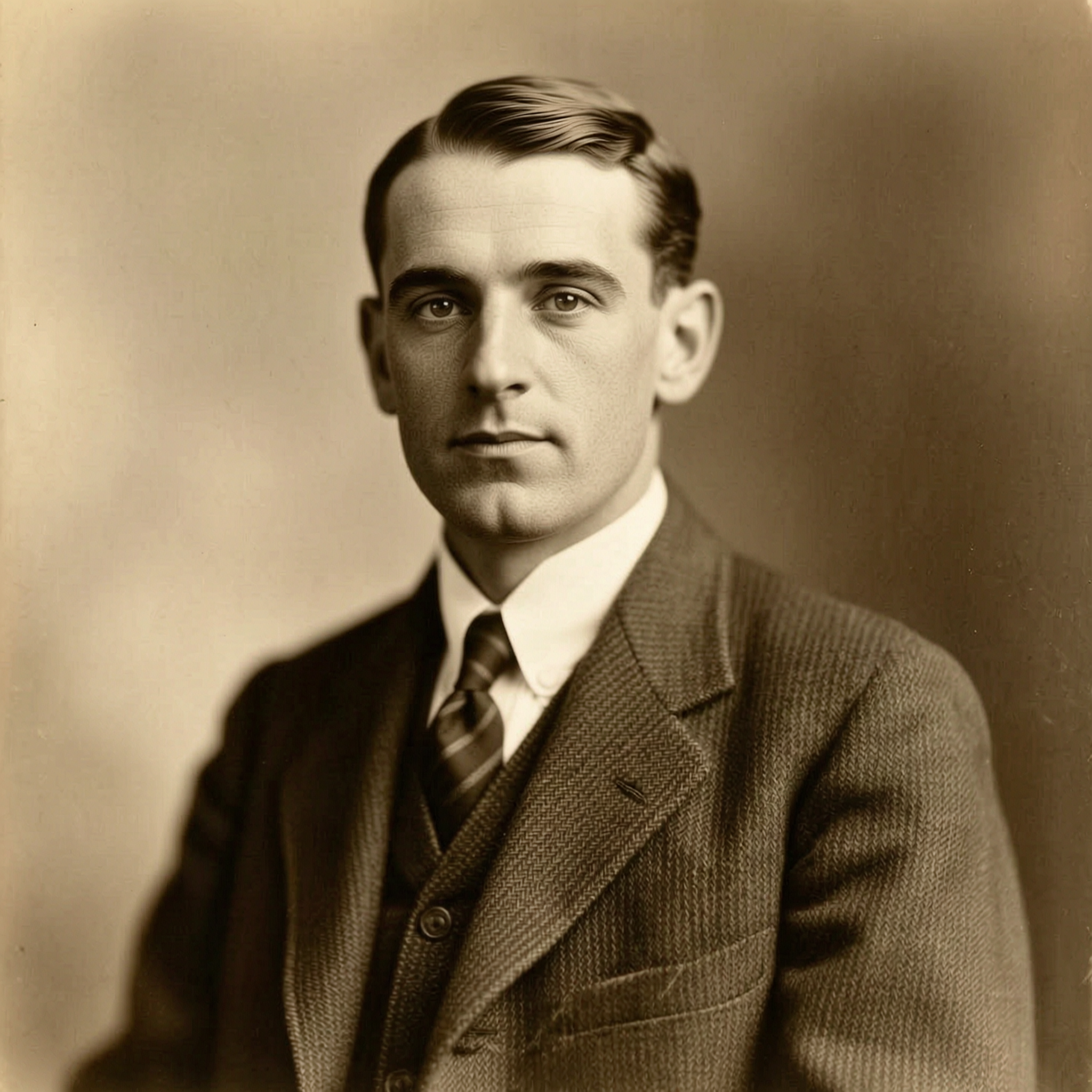
How it works
- Step 1
Upload the damaged photo
A scan beats a phone snapshot — flat, evenly lit, no glare. Every example below started as a damaged original.
- Step 2
Repair, then keep going
Photo Restore fixes scratches, tears and fading. Colourise adds natural colour, Photo Upscaler makes it big enough to print, and Photo Animate makes it move.
- Step 3
One balance, not one subscription per feature
Restoring, upscaling and animating the same photo all draw from the same credits, and each shows its cost before it runs.
Frequently asked questions
- Does Reelina use Remini's technology?
- No. Reelina runs its own catalogue of about 475 models from companies including ByteDance, Kuaishou, Alibaba, MiniMax and Google. Remini is Bending Spoons' product and their trademark, and none of their models are in it.
- What can it do that a photo-enhancement app cannot?
- The restoration itself is comparable work. The difference is what happens next: the same account and the same balance also run video generation, talking portraits, headshots, product photography and 60-odd one-tap apps. If all you ever need is enhancement, a single-purpose app is a reasonable choice and we would rather say so.
- Will restoration change what people look like?
- It is tuned to preserve identity — restoring is not redrawing. On heavily damaged faces the model has to reconstruct detail, so run it and judge the result rather than trusting it blind.
- Can I bring an old photo to life?
- Yes, and it is one of the more affecting things here. Restore first, then run Photo Animate — the still gains gentle breathing and blinking. Deliberately subtle, because large motion is what makes an animated photo look wrong.
- How is it priced?
- Credits, bought as a one-off pack or through a plan. Each app states its cost before you run it. There is no free tier — better said here than discovered at a paywall.
- What happens to my photos?
- They are used only to produce your result, creations are private by default, and everything is deleted seven days after it is generated.
Every model, one balance
No watermarks, full resolution, and every leading AI model on one credit balance — create right in your browser.
Get StartedRelated tools
AI Photo Restoration
Tears, creases, water stains and fading, repaired. The photograph stays the photograph — the damage is what goes.
Colorize Black and White Photos
Colour added to an old photograph — skin, fabric, brick and sky — with nothing in the picture moved, added or taken away.
AI Headshot Generator
Upload one photo of yourself and get a professional headshot back — no studio, no photographer, ready in about a minute.
What people make with Reelina
All AI tools →- AI Aging Filter
- AI Age Progression
- AI Engagement Photos
- AI Dating Photos
- AI Fashion Model Generator
- Looking for a Remini Alternative?
- Looking for a Higgsfield Alternative?
- Looking for a Dreamina Alternative?
- Looking for a Lensa Alternative?
- AI Dance Video Generator
- AI Image to Video
- Text to Video AI
- AI Headshot Generator
- AI Portrait Generator
- AI Hairstyle Changer
- AI Tattoo Generator
- AI Outfit Changer
- AI Maternity Photoshoot
- AI Christmas Card Generator
- AI Wedding Photo Generator
- AI Couple Photo Generator
- AI Car Photo Editor
- See Yourself Younger
- See Yourself as a Baby
- What Would Our Baby Look Like
- Caricature Maker
- Anime Filter
- Real Estate Photo Editing
- Cartoon Yourself
- Pop Art Generator
- Action Figure Generator
- Magazine Cover Generator
- AI Product Photo Generator
- AI Photo Restoration
- Colorize Black and White Photos
- Looking for a Kling AI Alternative?
- Looking for a Veo 3 Alternative?
- Looking for a PixVerse Alternative?
- Looking for a Hailuo AI Alternative?
- AI Birthday Photo
- AI Pet Portrait
- Royal Portrait Generator
- AI Selfie Generator