
Image to Video AI: Turn Any Picture into a Moving Video
Image-to-video AI animates a still picture into real motion — camera moves, flowing hair, living backgrounds. Here is how i2v models like Kling, WAN and Seedance work, and how to turn your photo into a video in one minute.
Image-to-video (i2v) AI takes one still image and generates a video that starts from it — the camera pushes in, hair and fabric move, water flows, the subject turns and breathes. You control the motion with a short text prompt. It is the fastest way to turn a photo, a product shot, or an AI-generated image into content that actually stops the scroll.
How image-to-video works
An i2v model treats your image as the first frame and predicts the frames that follow, guided by your prompt. Three things drive the result:
- The image — composition, subject and lighting all carry into the video.
- The motion prompt — "slow cinematic zoom in, wind in her hair" tells the model what moves and how.
- The model — engines differ in realism, motion strength and price.
The best image-to-video models in 2026
All of these run inside Reelina's AI Studio, so you can compare them on the same image:
| Model | Strength | Typical cost |
|---|---|---|
| Kling 3.0 Pro | Realistic humans, expressive motion | higher |
| Seedance 2.0 | Cinematic quality, strong physics | mid |
| WAN 2.7 | Great value, fast | lower |
| Reelina v1 | Balanced default, 12 coins / 5s | low |
Prices are shown in coins before every generation — a 5-second clip starts around 12 coins, so the $9.99 Starter plan (1,000 coins) covers roughly 60–80 clips.
Turn a photo into a video (step by step)
- Open the studio — reelina.ai/create/video, no install.
- Upload your image. Portraits, products, art, landscapes — anything with a clear subject.
- Describe the motion. One sentence is enough: "gentle camera orbit, she smiles and looks up".
- Pick a model and generate. 5-second clips render in about a minute.
- Extend or upscale. Use Video Extend for longer cuts and the Video Upscaler for crisp HD.
Motion prompts that work
- "Slow push-in on the face, shallow depth of field, cinematic"
- "Product rotates 180 degrees on a marble table, soft studio light"
- "Waves roll in, clouds drift, golden-hour glow"
- "She walks toward the camera through falling snow"
Keep prompts about motion, not content — the content is already in your image.
What people make with i2v
- Social content — animate a portrait or meme image into a Reel.
- Marketing — product photos become scroll-stopping ads without a film crew.
- Memories — animate old family photos after restoring them.
- AI art — generate an image from text, then bring it to life; the whole pipeline lives in one studio.
FAQ
Can AI really make a video from one image? Yes — one image plus a motion prompt produces a 5–15 second clip. Longer videos are made by extending or chaining clips.
How long does it take? Around one to three minutes per clip depending on the model and resolution.
What resolution can I get? Models output up to 1080p; the built-in upscaler pushes results higher for delivery.
Is there a free image-to-video AI? Rendering video burns real GPU time, so serious tools are paid. Reelina's plans start at $9.99/month with coins that never expire.
Try it yourself
Every model on one credit balance, straight in your browser. No install, no watermark.
Start creatingKeep reading
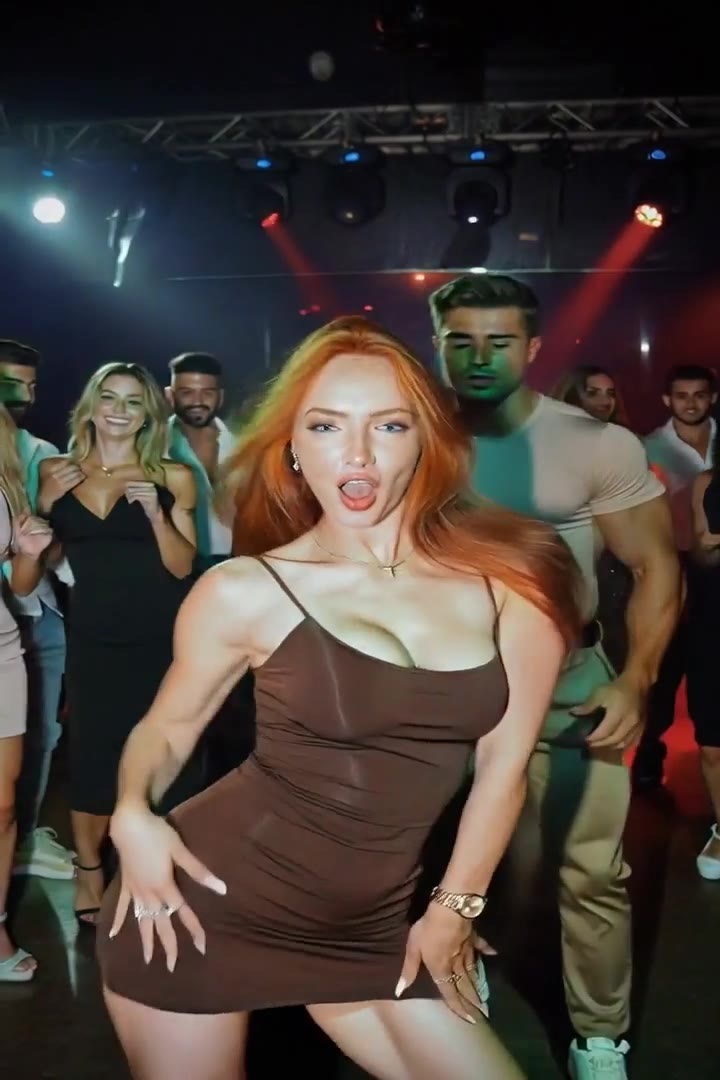 Best AI Video Generator: 10 Best AI Tools to Create Videos in 2026AI video generators make it easier than ever to create engaging content from photos, text, and AI-generated images. Compare the best AI video tools of 2026 and discover which platform is right for your needs.
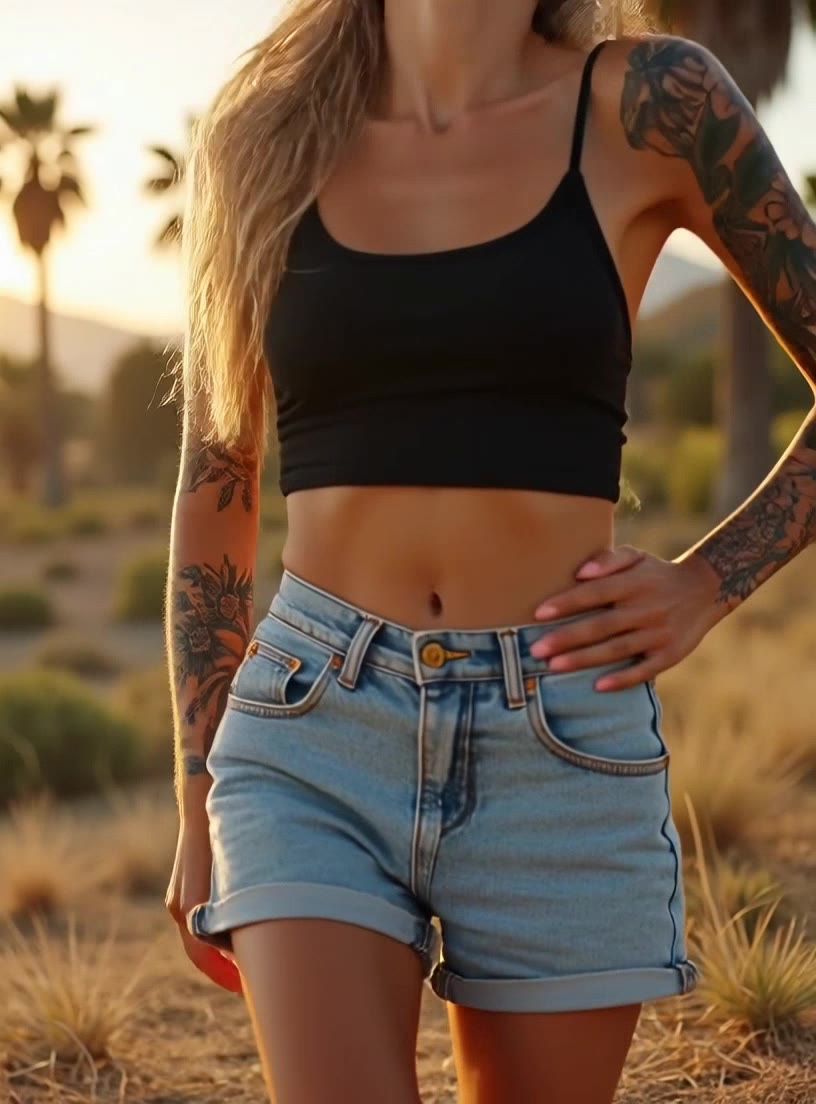 AI Dance Video: Make Anyone Dance from One PhotoAI dance video tools map full-body dance moves onto the person in a photo — you, your friend, even a pet. How motion transfer works, why dance templates dominate social feeds, and a two-minute how-to.
 AI Song Generator: Make a Full Song with Vocals from TextAI music generators produce complete songs — vocals, lyrics, instruments, structure — from a style description. How AI song generation works, how to prompt genres and moods, and how to make your first track.