
AI Portrait Generator
Turn one photo into a styled portrait — editorial, cinematic or fashion, in about a minute.
What AI Portrait Generator does
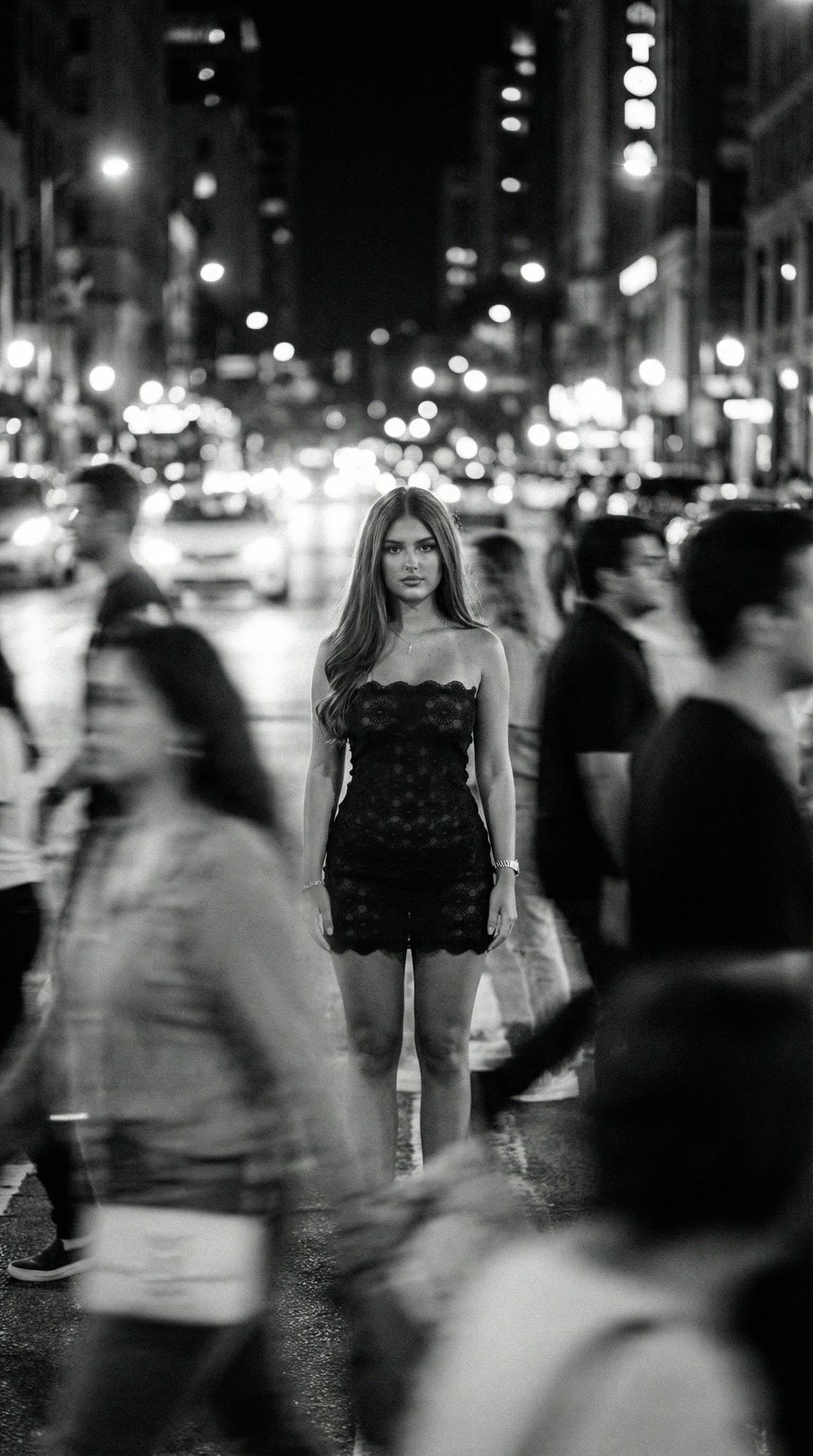
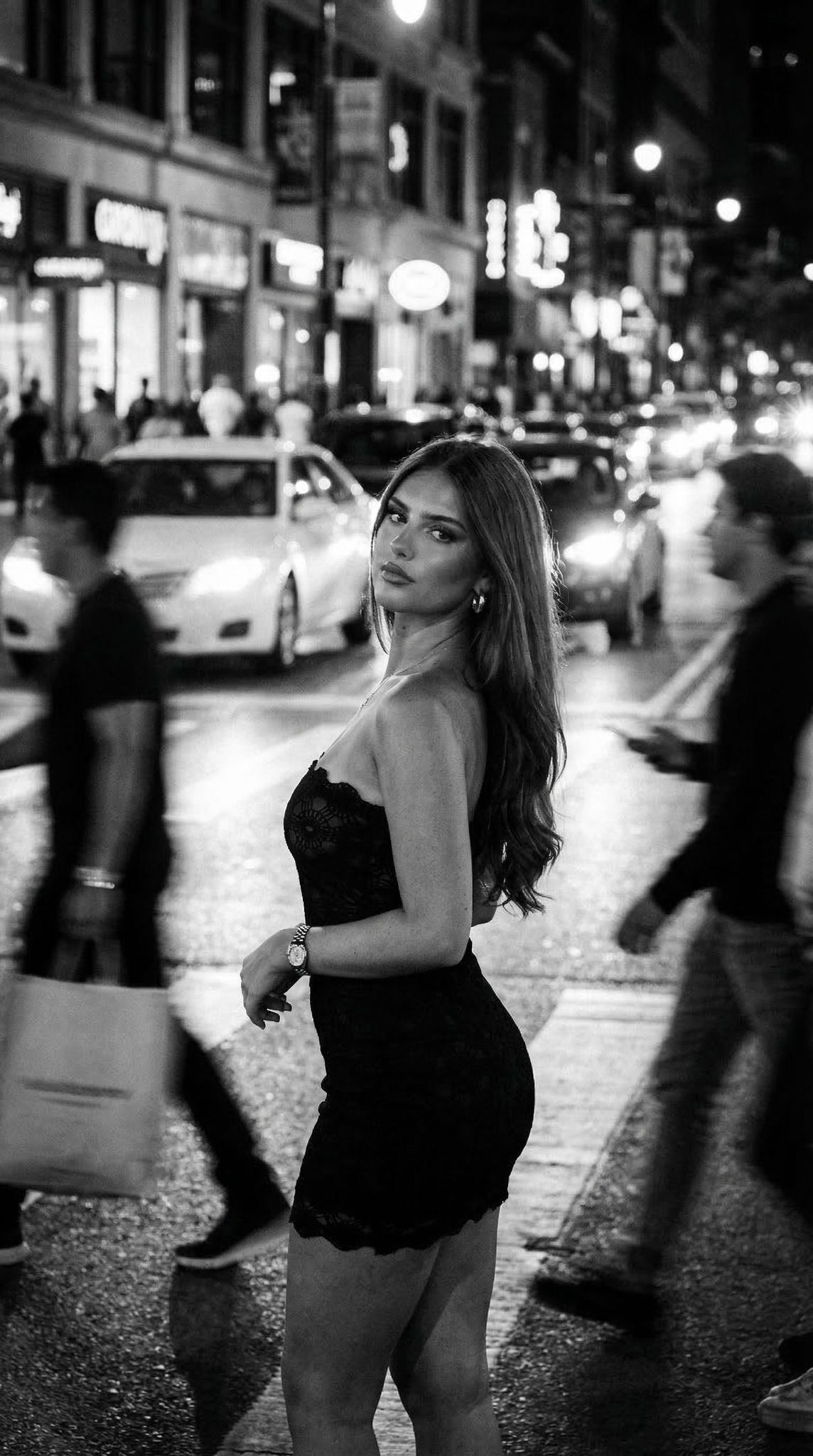
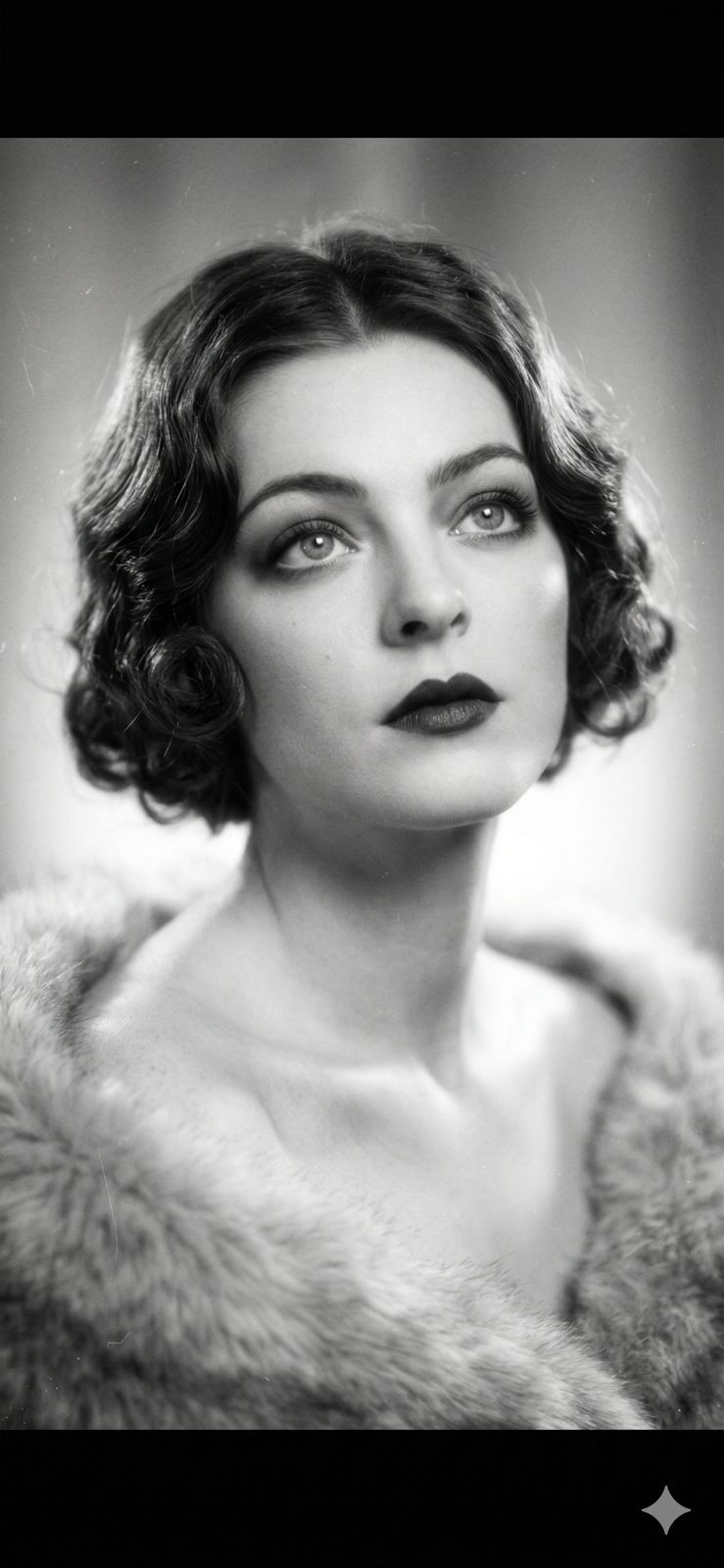
An AI portrait generator turns a photo of you into a styled portrait: editorial lighting, a chosen colour grade, a composition that looks intended rather than snapped. On Reelina it runs an image-edit model with the instruction to keep your face and identity exactly as they are, so the output is you in a better picture, not a stranger who shares your haircut.
You start from one photo and get one portrait per run, about 34 coins, full resolution, no watermark. Different looks are different tools on this site: the headshot generator for business, the anime filter and cartoon tools for stylised versions, the selfie generator for a cleaned-up everyday picture. This one is the aesthetic, feed-ready portrait.
Because every run keeps your identity, it is safe to iterate: try three source photos, keep the one that looks most like a good day.
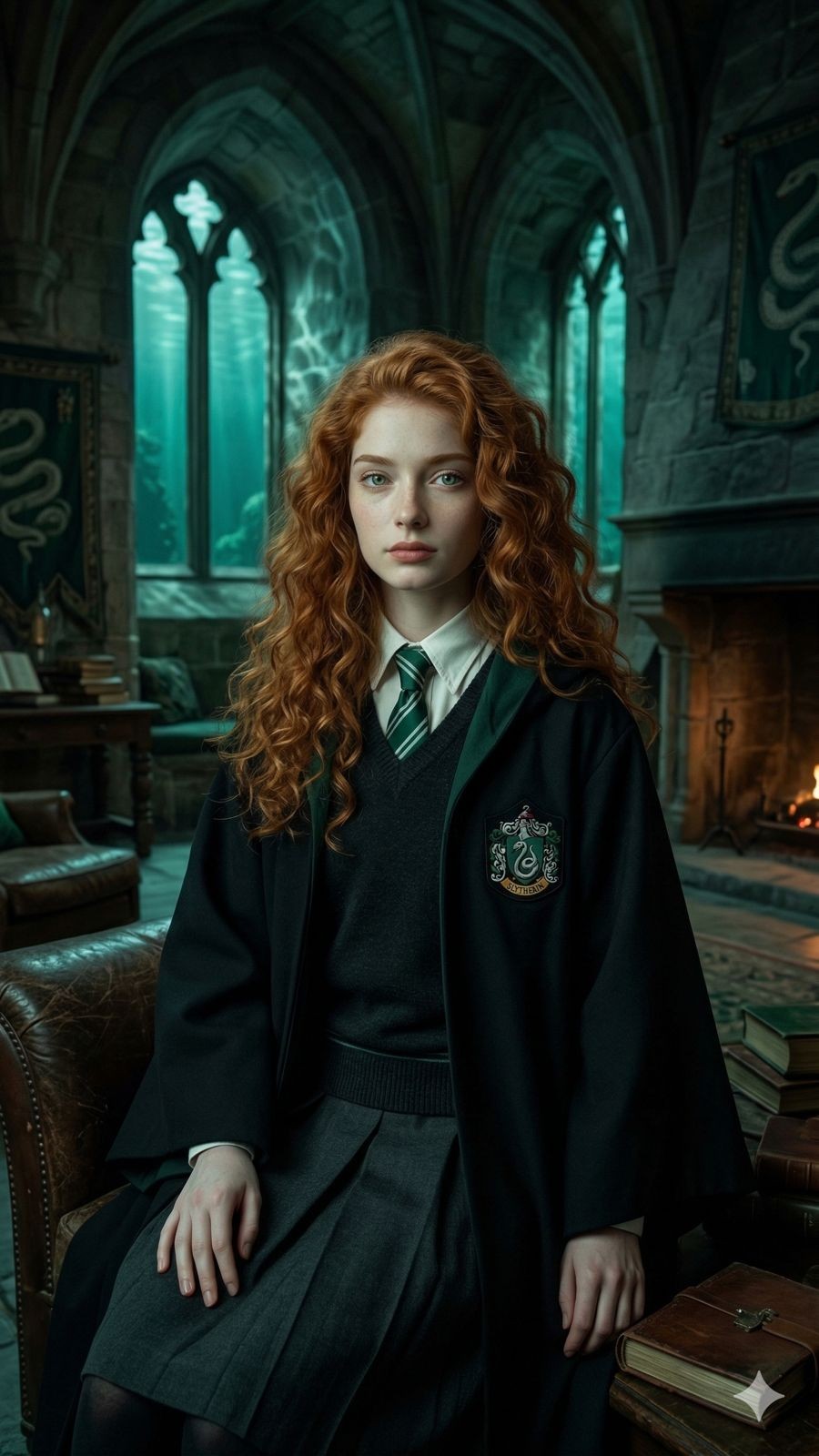
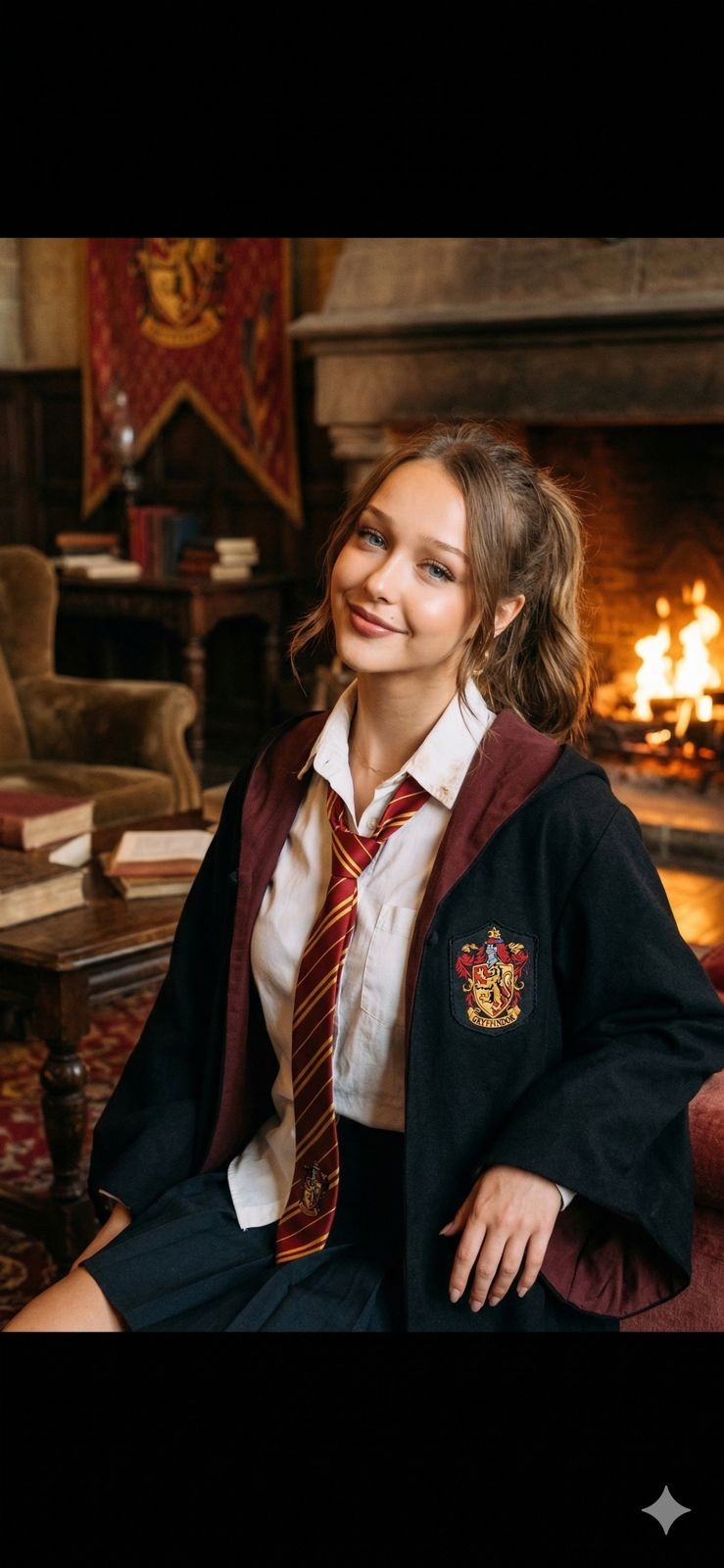
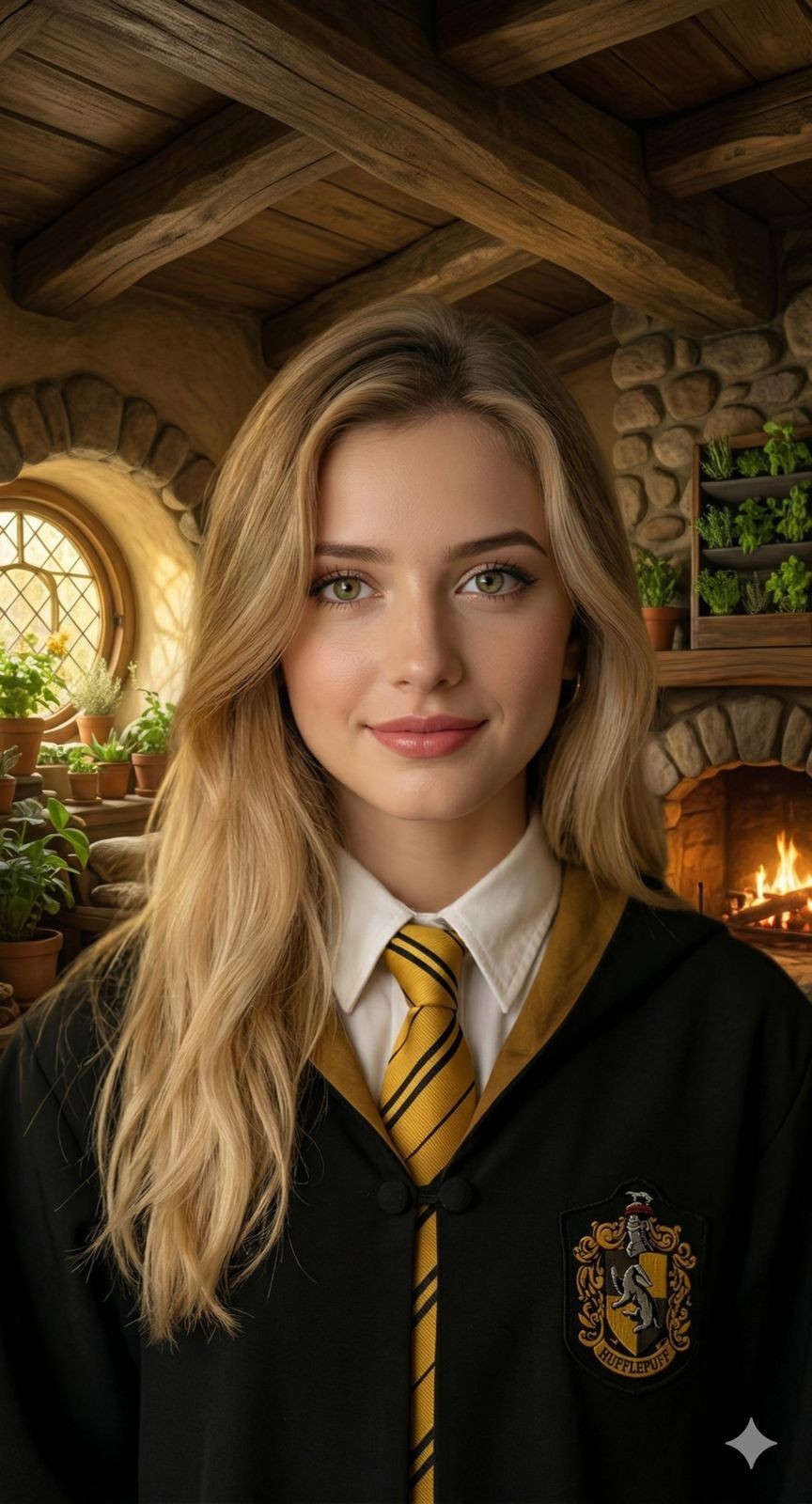
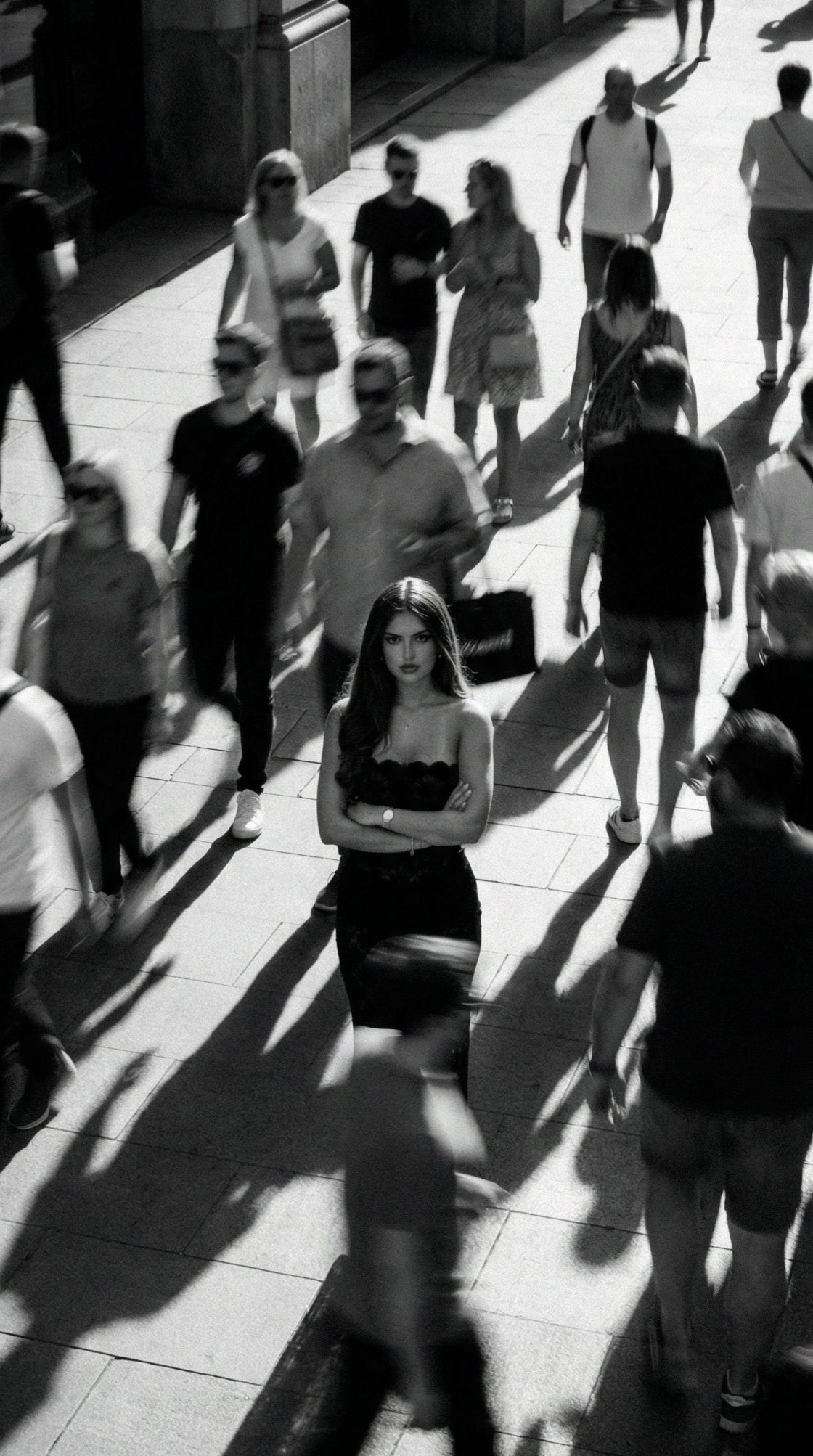
Examples made with this tool
How it works
- Step 1
Upload a photo
One clear photo of the subject — face visible, decent light.
- Step 2
Choose a style
Editorial, high fashion, cinematic or period looks.
- Step 3
Download it
High resolution, no watermark, ready in about a minute.
The model behind it
Wan-2.7 Pro Image-to-image by Qwen
34 coins per image ($0.34 on the US entry plan; prices vary by country), shown before you press the button.
What people use it for
A profile picture that is not a selfie
For the accounts where a mirror shot looks out of place but a studio booking is overkill.
Instagram and dating profiles
A portrait with intentional light and colour that still looks like you when you meet in person.
A personal website or bio page
One strong image for the About page, consistent with the rest of the site's colour.
Gifts and prints
A portrait of a friend or a parent from a photo you already have.
Getting a better result
- Even, soft light in the source beats a dramatic one; the tool adds its own light and fights hard shadows.
- Shoulders-up framing works best; full-body photos leave the face too small to keep detail.
- Remove glasses with heavy reflections if you can; clear glasses are fine.
- A plain background in the source gives the model room to compose; a busy one tends to survive into the result.
- If the skin looks over-smoothed, start from a sharper, less filtered photo rather than re-running the same one.
What it will not do
- One person per portrait; it does not separate groups.
- It keeps your identity, so it will not change your age, body or features beyond the styling.
- It will not reproduce a specific photographer's copyrighted style by name.
- It is not an editor: there are no manual adjustments after the run. Change the input and run again.
Frequently asked questions
- How does an AI portrait generator work?
- You upload one photo and pick a style. The model restyles the subject — lighting, wardrobe, background and mood — while keeping the person recognisable, and returns a finished portrait in about a minute.
- Whose photo may I upload?
- Your own, or someone's who has given you permission. Photos of people who have not consented are not allowed under our acceptable use policy.
- How is this different from an AI headshot?
- A headshot is a professional, business-ready photo for a profile or CV. A portrait is artistic — editorial, cinematic or fashion styling. Both start from one photo of you.
- What does it cost?
- Generations are paid from your coin balance and the exact cost is shown before you generate. There is no free tier.
- How many styles are there?
- Dozens, and the underlying models change as new ones are added to the workspace — the same photo can be run through several without a second subscription.
- Are my photos kept?
- They are used only to generate your portrait. Creations are private by default and deleted seven days after generation.
Every model, one balance
No watermarks, full resolution, and every leading AI model on one coin balance — create right in your browser.
Get StartedGuides
AI Portrait Generator: Create Studio-Quality Portraits From Your Photos
Learn how AI portrait generators create stunning studio-quality portraits from selfies and discover the best ways to generate professional-looking images.
AI Photos for Doctors: Professional Medical Headshots That Inspire Confidence
Patients often decide whether to book an appointment before they ever meet their doctor. Discover how AI-generated professional headshots help physicians build trust, strengthen their personal brand, and create a reassuring first impression.
AI Photo Generator vs Remini
Remini is one of the most popular AI photo enhancement apps, but is it the best choice for creating AI portraits? Compare Remini with modern AI photo generators to find the right tool for your needs.
Remini Alternatives: Restore, Upscale and Retouch Photos Without the Subscription
Restore, upscale, colourise and retouch photos per image instead of on a subscription: the exact coin cost of each job is shown before you run it.
Related tools
What people make with Reelina
All AI tools →- AI Aging Filter
- AI Age Progression
- AI Engagement Photos
- AI Dating Photos
- AI Fashion Model Generator
- Looking for a Remini Alternative?
- Looking for a Higgsfield Alternative?
- Looking for a Sora Alternative?
- Looking for an LTX Studio Alternative?
- Looking for a Dreamina Alternative?
- Looking for a Lensa Alternative?
- AI Dance Video Generator
- AI Image to Video
- Text to Video AI
- AI Video Generator
- AI Headshot Generator
- AI Portrait Generator
- AI Hairstyle & Hair Color Changer
- AI Tattoo Generator
- AI Outfit Changer
- AI Maternity Photoshoot
- AI Christmas Card Generator
- AI Wedding Photo Generator
- AI Couple Photo Generator
- AI Car Photo Editor
- See Yourself Younger
- See Yourself as a Baby
- What Would Our Baby Look Like
- Caricature Maker
- Anime Filter
- Real Estate Photo Editing
- Cartoon Yourself
- Pop Art Generator
- Action Figure Generator
- Magazine Cover Generator
- AI Product Photo Generator
- AI Photo Restoration
- Colorize Black and White Photos
- Looking for a Kling AI Alternative?
- Looking for a Veo 3 Alternative?
- Looking for a PixVerse Alternative?
- Looking for a Hailuo AI Alternative?
- AI Birthday Photo
- AI Pet Portrait
- Royal Portrait Generator
- AI Selfie Generator