
AI Photo Editor: Edit Any Photo with a Text Prompt (2026 Guide)
AI photo editing lets you retouch, restyle, and transform any picture just by describing the change. Here is how AI photo editors work, what they can (and cannot) do, and how to edit a photo with AI in under a minute.
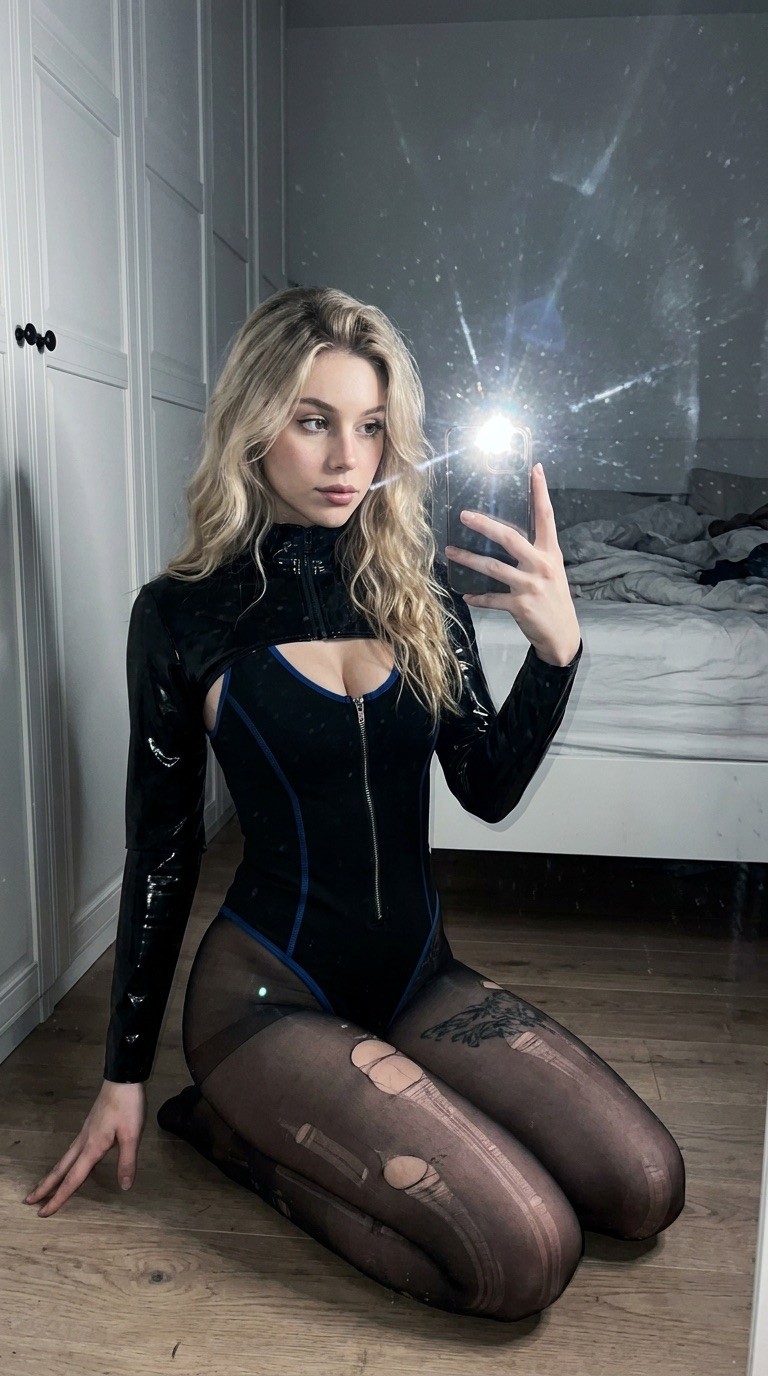
AI Photo Editor: Edit Any Photo with a Text Prompt
An AI photo editor changes a picture based on a written instruction instead of sliders and layers. You upload a photo, type what you want — "remove the background", "make it golden hour", "put me in a red dress" — and a generative model redraws the image with that change applied. What used to take an hour in Photoshop now takes about twenty seconds.
This guide covers how AI photo editing works, what edits it handles best, and exactly how to edit your first photo with AI.
What can an AI photo editor actually do?
Modern image-edit models (like WAN 2.7 image edit, the engine behind Reelina's photo tools) handle four broad families of edits:
- Object edits — remove a person from the background, add sunglasses, swap a coffee cup for a phone.
- Style edits — turn a phone snapshot into a film photo, a watercolor, or a cinematic portrait.
- Scene edits — change the weather, the time of day, or the entire location behind the subject.
- Repair edits — restore old photos, sharpen blurry shots, fix harsh lighting.
The key difference from classic editors: you describe the outcome, not the steps. The model figures out selections, masking, and blending on its own.
How to edit a photo with AI (step by step)
- Open the editor. Go to Reelina's AI Studio — it runs in the browser, nothing to install.
- Upload your photo. JPG or PNG, any reasonable resolution. Faces, products, pets, landscapes all work.
- Describe the edit. Be specific: "replace the gray sky with a dramatic sunset, keep the people unchanged" beats "make it nicer".
- Generate. The edit takes 10–30 seconds. Each result shows its exact coin cost before you run it.
- Iterate. Keep the prompt and tweak one detail at a time — small, single-change prompts give the most control.
Prompt examples that work well
- "Remove the background and replace it with plain studio white"
- "Make this photo look like it was shot on 35mm film, warm tones"
- "Change my t-shirt to a black suit, keep my face exactly the same"
- "Turn this daytime street photo into a rainy neon night scene"
AI photo editing vs. traditional editing
| AI photo editor | Manual editor | |
|---|---|---|
| Speed | Seconds per edit | Minutes to hours |
| Skill needed | Describe in plain language | Layers, masks, tools |
| Complex restyles | One prompt | Often impractical |
| Pixel-exact control | Approximate | Precise |
For pixel-perfect logo work, manual tools still win. For everything else — social posts, profile photos, product shots, creative restyles — AI is faster and usually better.
What does it cost?
Reelina prices every edit in coins, shown before you generate. A typical photo edit costs about 4–6 coins; the Starter plan at $9.99/month includes 1,000 coins — roughly 166 edited images per month. Coins never expire, and one-time coin packs are available whenever you need more.
FAQ
Is AI photo editing free? Most quality editors are paid because every edit runs on expensive GPU models. Reelina plans start at $9.99/month for about 166 images — a few cents per edit.
Will the AI change my face? Only if you ask it to. Edit models are trained to preserve identity; prompts like "keep the face unchanged" make this explicit.
What is the best AI photo editor? The best editor is the one running current models. Reelina runs WAN 2.7 and other frontier image-edit models and lets you compare them in one place — see all image tools.
Can I edit photos with AI on my phone? Yes — Reelina is a web app, so it works in any mobile browser with nothing to install.
Ready to try? Edit your first photo free of setup, in the browser →
Try it yourself
Every model on one credit balance, straight in your browser. No install, no watermark.
Start creatingKeep reading
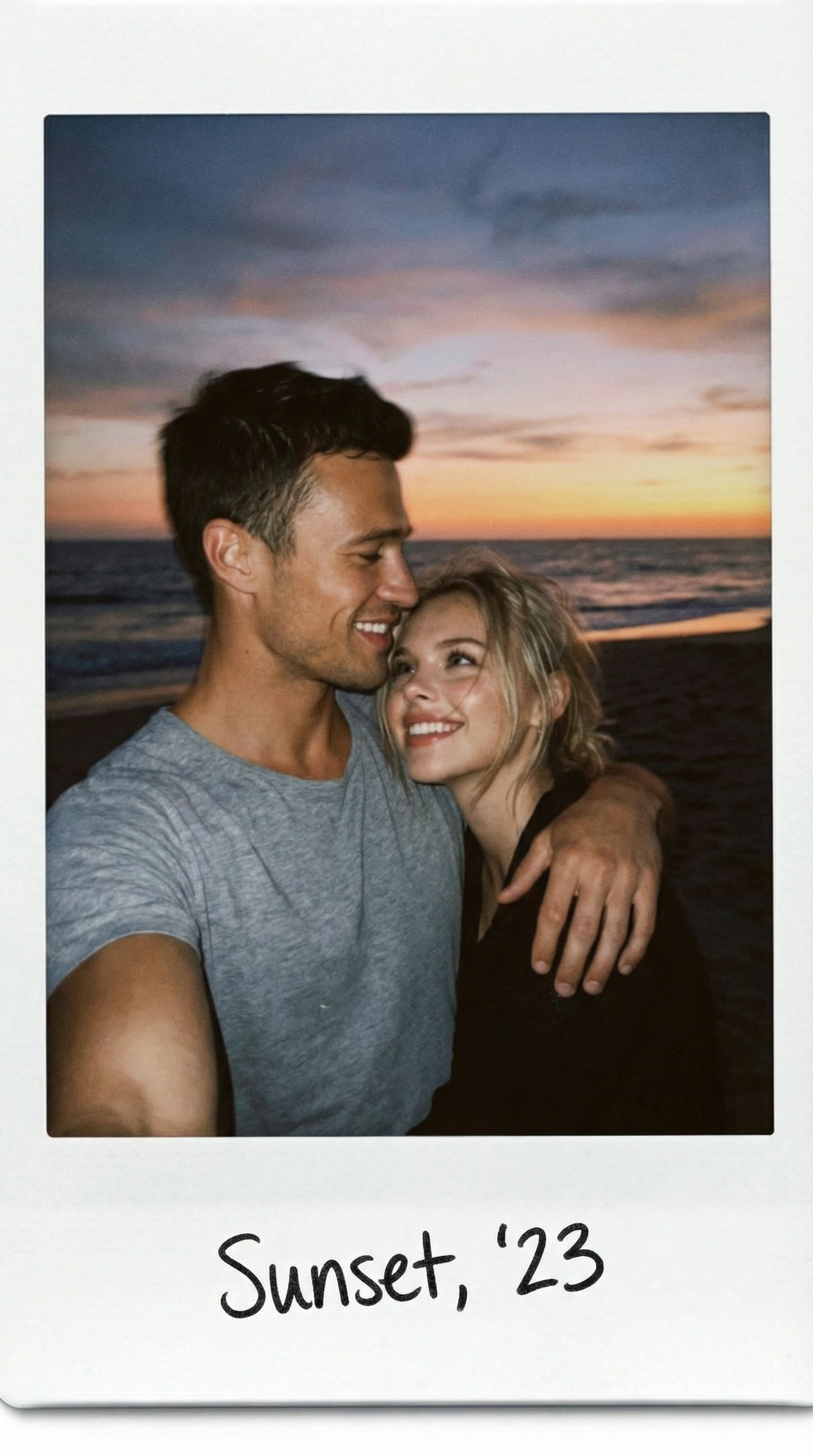 AI Background Remover GuideRemoving photo backgrounds no longer requires Photoshop. Discover how AI background removal works, when to use it, and how Reelina creates clean, professional-looking results in seconds.
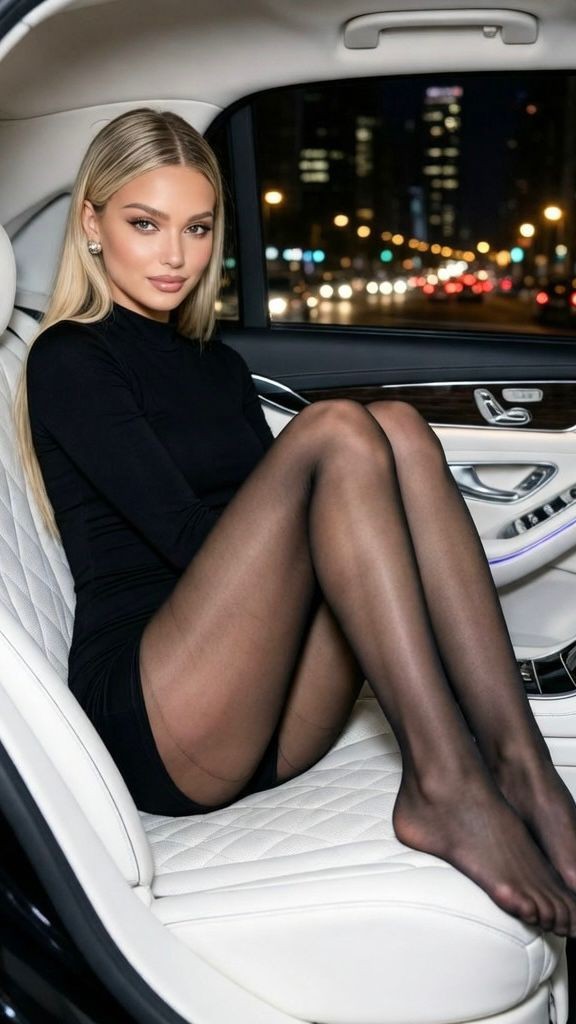 What Can AI Generate? 12 Things You Can Create TodayAI can generate far more than chat: photos, videos, voices, music, subtitles, restored memories and more. A practical tour of 12 things you can create with AI right now — with real costs and where to try each one.
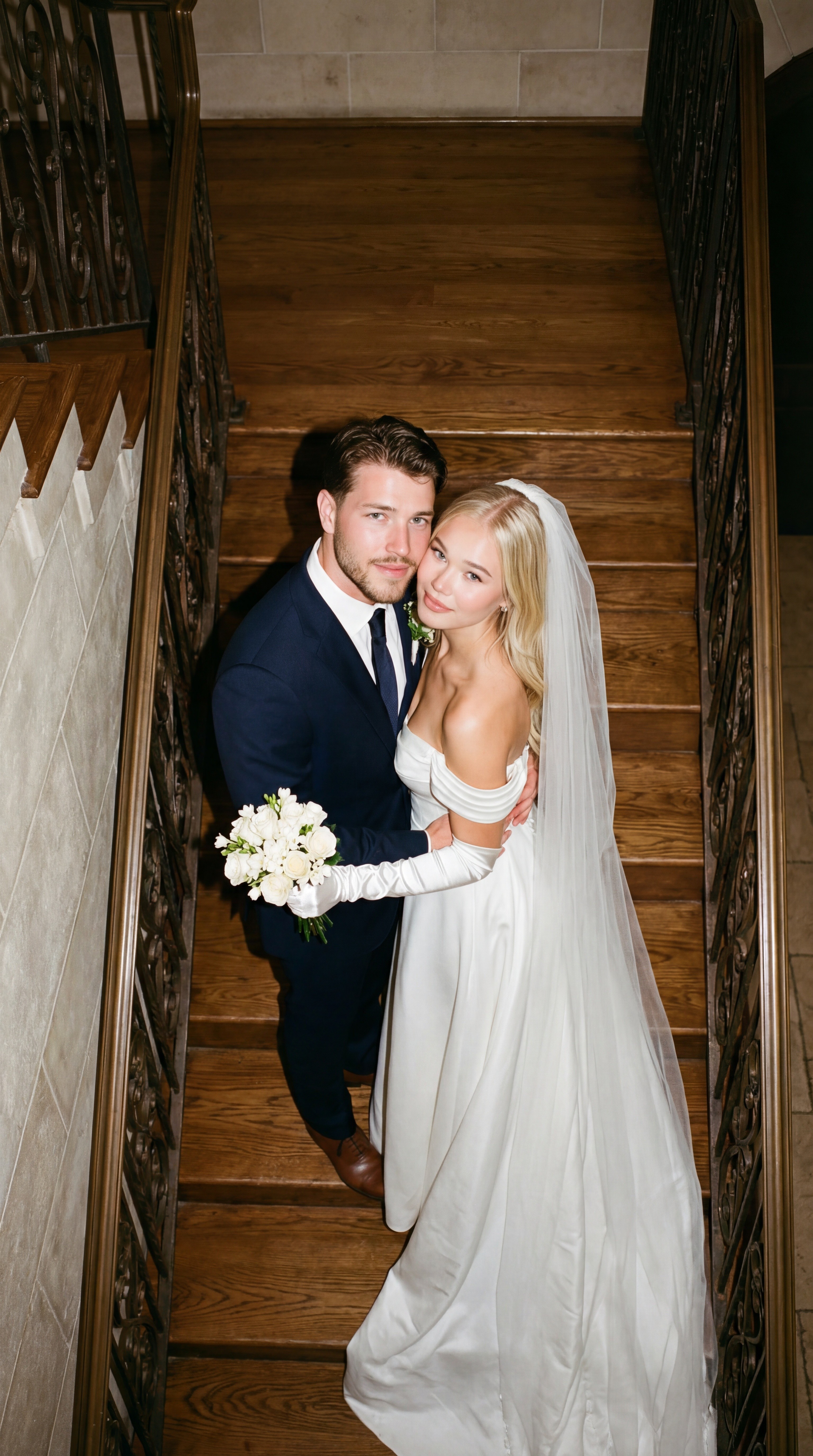 How to Merge Two Photos into One with AIAI photo merging combines two pictures into one natural scene — two people who were never in the same room, a product in a new setting, two moments in one frame. Here is how it works and how to blend photos in seconds.