
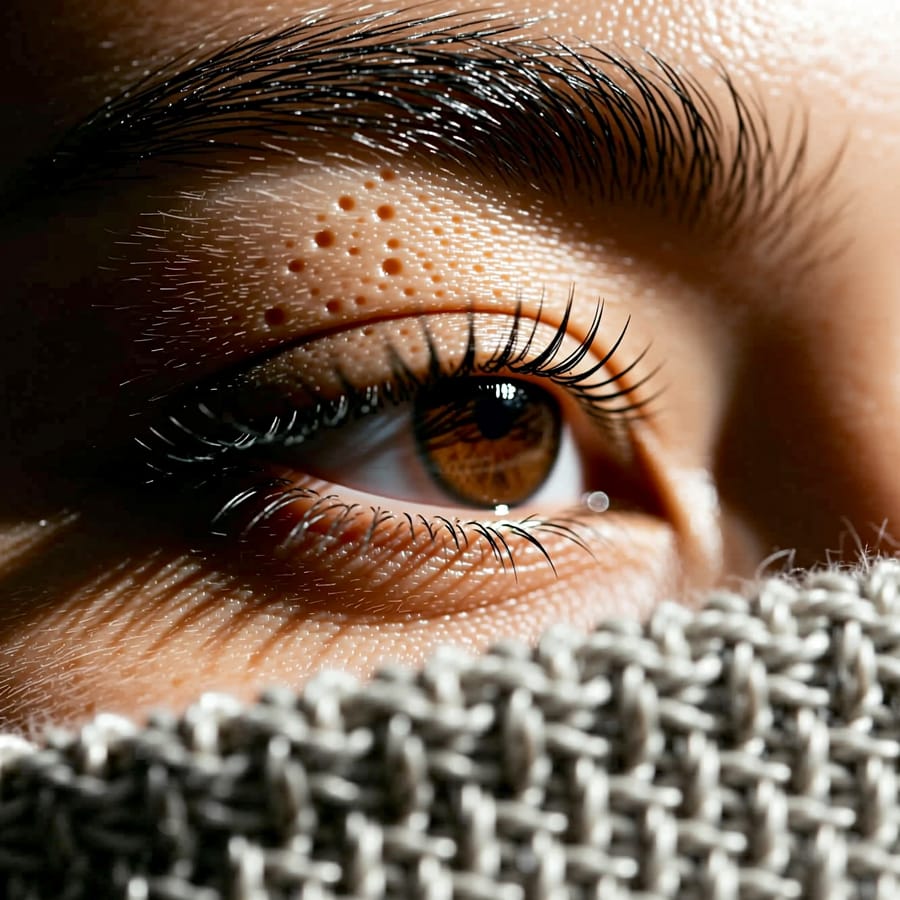
Photo Upscaler
Turn any photo into a sharp, high-resolution image in one click.
1
Add your photo
2
Create
Total 4
What Photo Upscaler does
Small, soft or heavily compressed images get resolution back — edges sharpen, texture returns, and the file becomes big enough to print or crop into.
How it works
- 1Add your photo. One is enough — there is nothing to configure and no prompt to write.
- 2Photo Upscaler runs with the model and settings already chosen for this job.
- 3Your result lands in your library. It costs 4 coins, shown before you run it.
Frequently asked questions
- How much bigger does it get?
- Enough to print or crop meaningfully. Exact output depends on what you feed it.
- Will it invent detail?
- It reconstructs plausible detail. On very low-resolution faces that can shift fine features slightly.
- Does it work on screenshots?
- Yes, and it is one of the better uses — screenshots are usually small and compressed.
Other apps like this
- Photo RestoreBring old or damaged photos back to life — scratches fixed, colors revived.
- Background RemoveCut out the background from any photo in one click.
- Photo BlendFuse two photos into one seamless AI-crafted image.
- AI SelfieTurn any photo into a striking selfie — same face, better photograph
- Birthday PhotoTurn a photo into a joyful birthday portrait
- Wedding PhotoAn elegant wedding portrait from an everyday photo