
How to Turn a Photo into a Painting
Oil, watercolour and court portrait are three different jobs. Here is how to turn a photo into a painting and which style suits which picture.
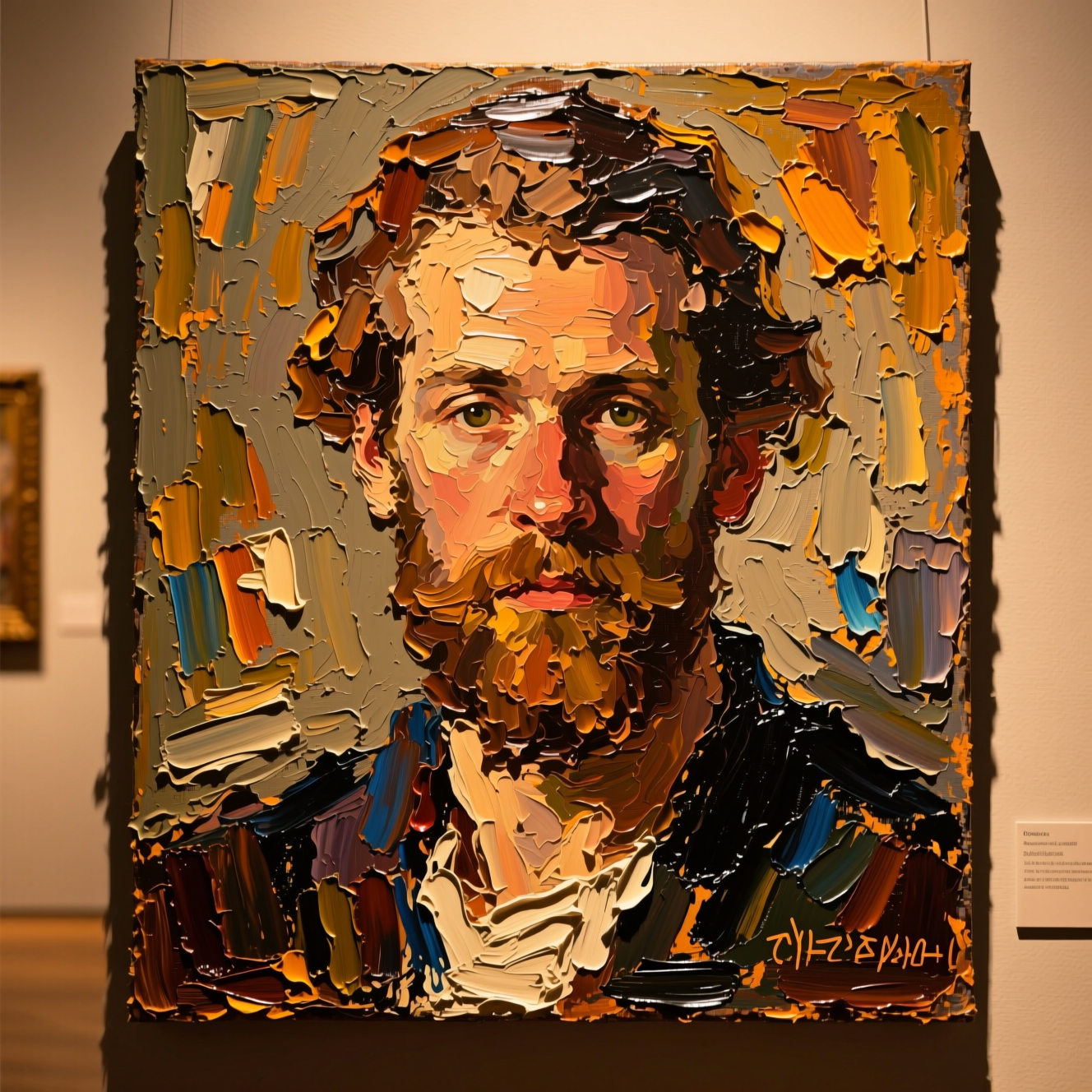
To turn a photo into a painting, upload it to an AI tool that repaints the image in a chosen medium, oil or watercolour, keeping the subject recognisable. Pick the medium for the picture: oil for drama and depth, watercolour for softness, and a court portrait when you want costume and setting changed too.
Three styles, three results
Oil is dense and dark. Thick brushwork, strong light against a deep background, and the glow of varnish. It suits portraits with clear directional light and adds weight to a simple photo.
Watercolour is the opposite. Thin translucent washes, colour that bleeds at the edges, and paper showing through as the highlights. It suits soft subjects: children, pets, flowers, a quiet portrait.
A royal court portrait changes the scene as well as the medium. Period clothing, a palace interior and 18th-century oil technique, with your face in the middle of it.
Photos that paint well
- A clear subject and a simple background. Paint simplifies, and clutter turns to mud.
- Light from one side for oil. Flat light gives a flat painting.
- A sharp source. Brushwork follows the forms in the photo.
Doing it in Reelina
Open Classic Oil Painting, upload the photo and generate. The instruction asks for a museum-quality classical oil painting with rich impasto brushwork, chiaroscuro lighting and varnished canvas texture, keeping the subject clearly recognisable. It repaints what is in the photo and changes nothing else.
For washes and paper texture, use Watercolor Portrait. For period dress and a palace, use Royal Oil Portrait.
FAQ
What is the difference between Oil Painting and Royal Portrait? Oil Painting repaints the photo you have. Royal Portrait restages it in an 18th-century court, with period clothing and setting.
Does it look hand-painted or filtered? It is repainted: brushwork and washes follow the forms, which is what separates it from a texture overlay.
Can I print it on canvas? Yes. Run Photo Upscaler on the result first for a large print.
Does it work on pets and landscapes? Yes. For pets there is also a dedicated Pet Portrait app.
Try it yourself
Every model on one coin balance, straight in your browser. No install, no watermark.
Start creatingKeep reading
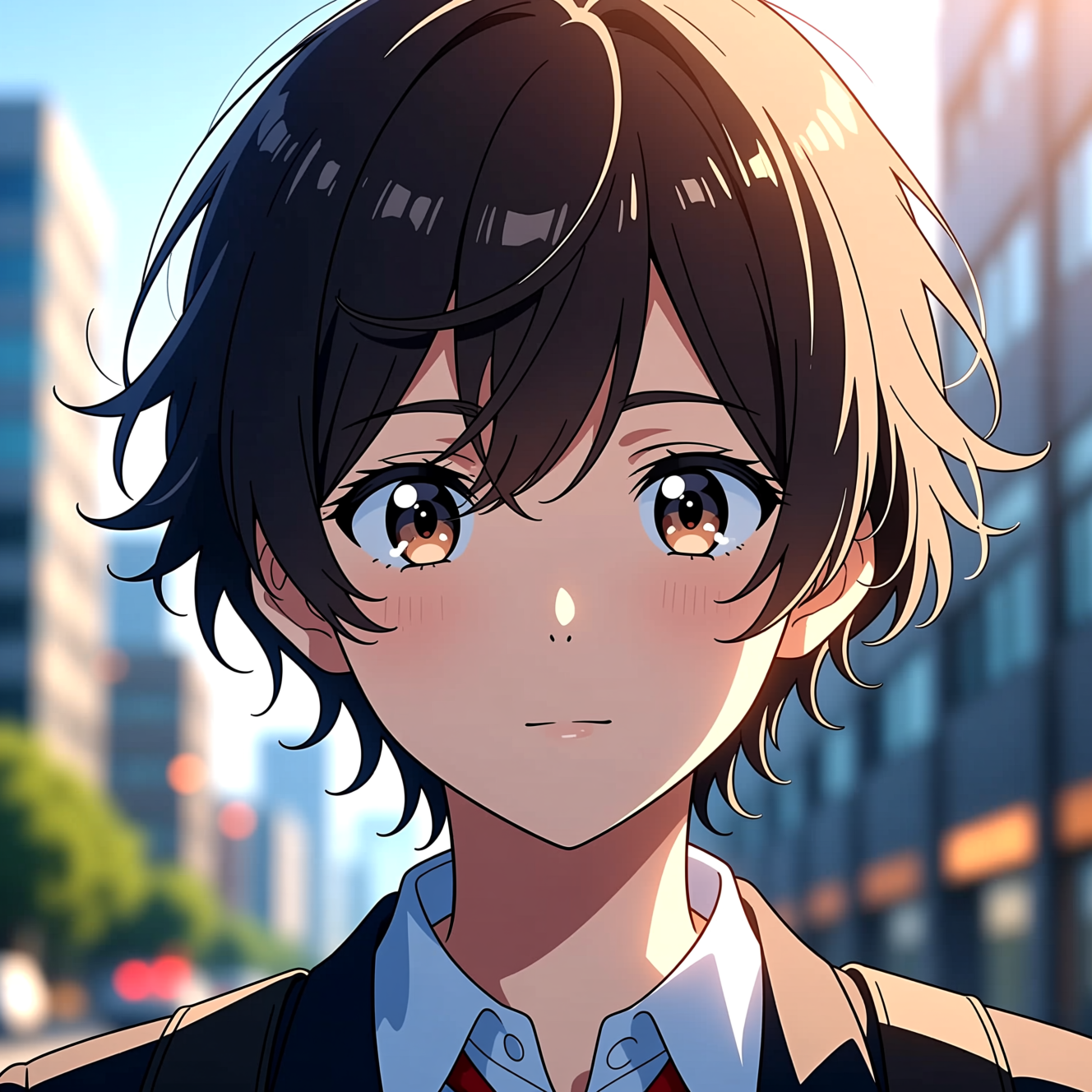 How to Turn a Photo into AnimeAnime style is drawn decisions, not a colour filter. Here is how to turn a photo into an anime portrait that is still recognisably you.
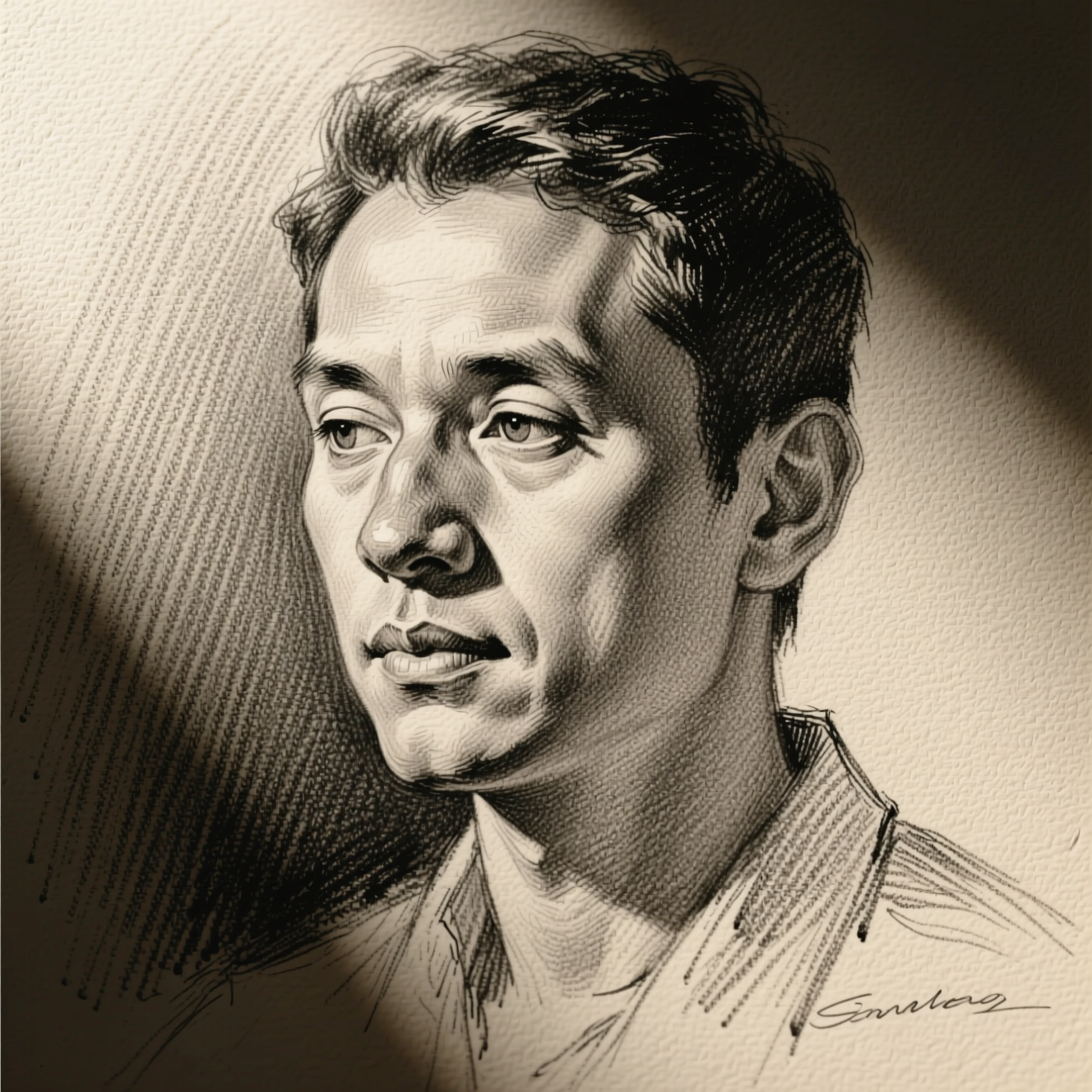 How to Turn a Photo into a Pencil SketchA sketch filter traces edges. A drawing decides where to shade and where to leave paper. Here is how to get the second kind from a photo.
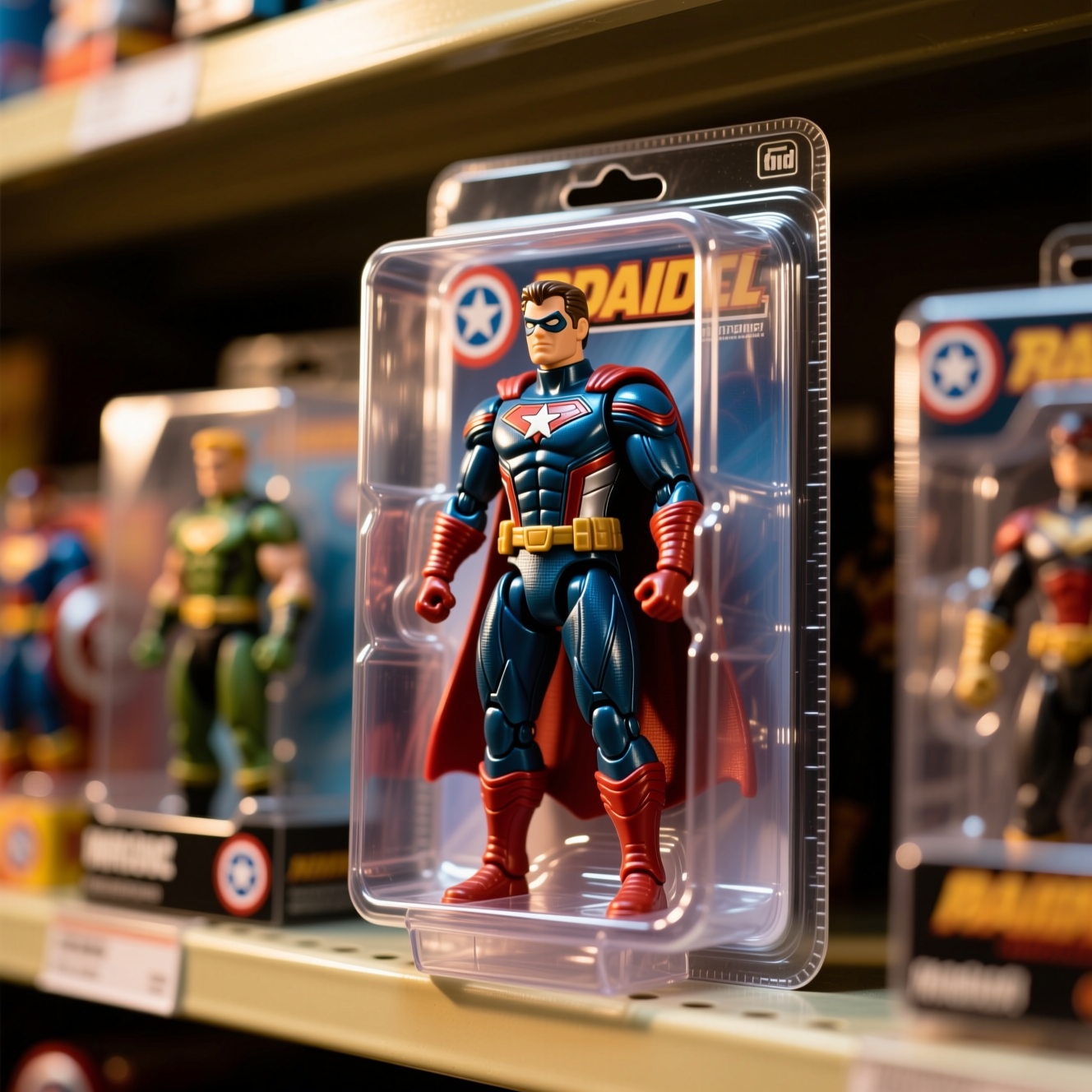 How to Turn Yourself into an Action FigureThe boxed-toy picture works when the packaging looks manufactured and the face is still yours. Here is how to get both from one photo.