
How to Turn a Photo into Anime
Anime style is drawn decisions, not a colour filter. Here is how to turn a photo into an anime portrait that is still recognisably you.
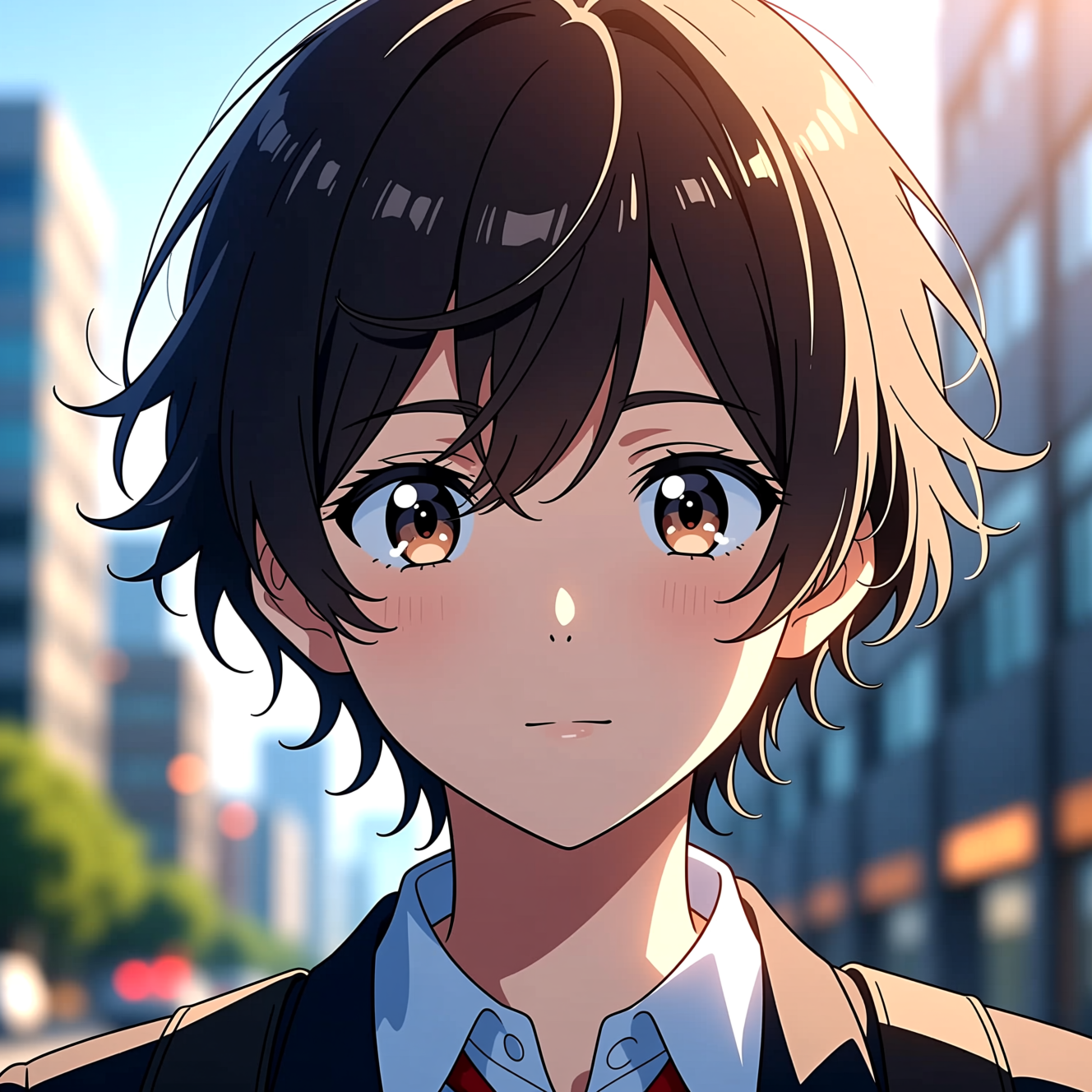
To turn a photo into anime, upload a clear portrait to an AI tool that redraws it with clean line art, cel shading and expressive eyes while keeping your hairstyle and clothing. One face per photo gives the cleanest drawing.
What anime style consists of
Anime simplifies. Skin is one flat tone with one shadow tone and a hard edge between them. Hair is drawn as shaped clumps with a highlight band, not strands. Eyes are large and carry most of the expression, while the nose and mouth are reduced to a few lines. A filter that posterises a photo keeps all the photographic detail and looks like a photo with fewer colours. A redraw makes those simplifications, which is why it reads as animation.
What keeps it looking like you
Since the face is simplified, likeness moves elsewhere: the hairstyle and its colour, glasses, the shape of the fringe, what you are wearing. Photos where those are clear convert best.
- Hair fully in frame and not hidden under a hat.
- A plain or uncluttered background, since the background is redrawn too.
- Even light. Deep shadows on a face become odd dark shapes in line art.
Doing it in Reelina
Open Anime Character, upload the photo and generate. The instruction asks for a Japanese anime character portrait with clean line art, expressive eyes, cel shading and a detailed background in a modern anime film style, keeping hairstyle, clothing and identity recognisable.
For a rendered, three-dimensional look instead of a drawn one, use 3D Animation Character.
FAQ
Which anime style does it use? A modern look: clean lines, flat shading and expressive eyes.
Will people recognise me? Yes. It stylises your features and keeps your hair and clothing.
Does it work on group photos? One face at a time gives the cleanest line art.
Can I use the result as a profile picture? Yes. A square crop around the face works best.
Try it yourself
Every model on one coin balance, straight in your browser. No install, no watermark.
Start creatingKeep reading
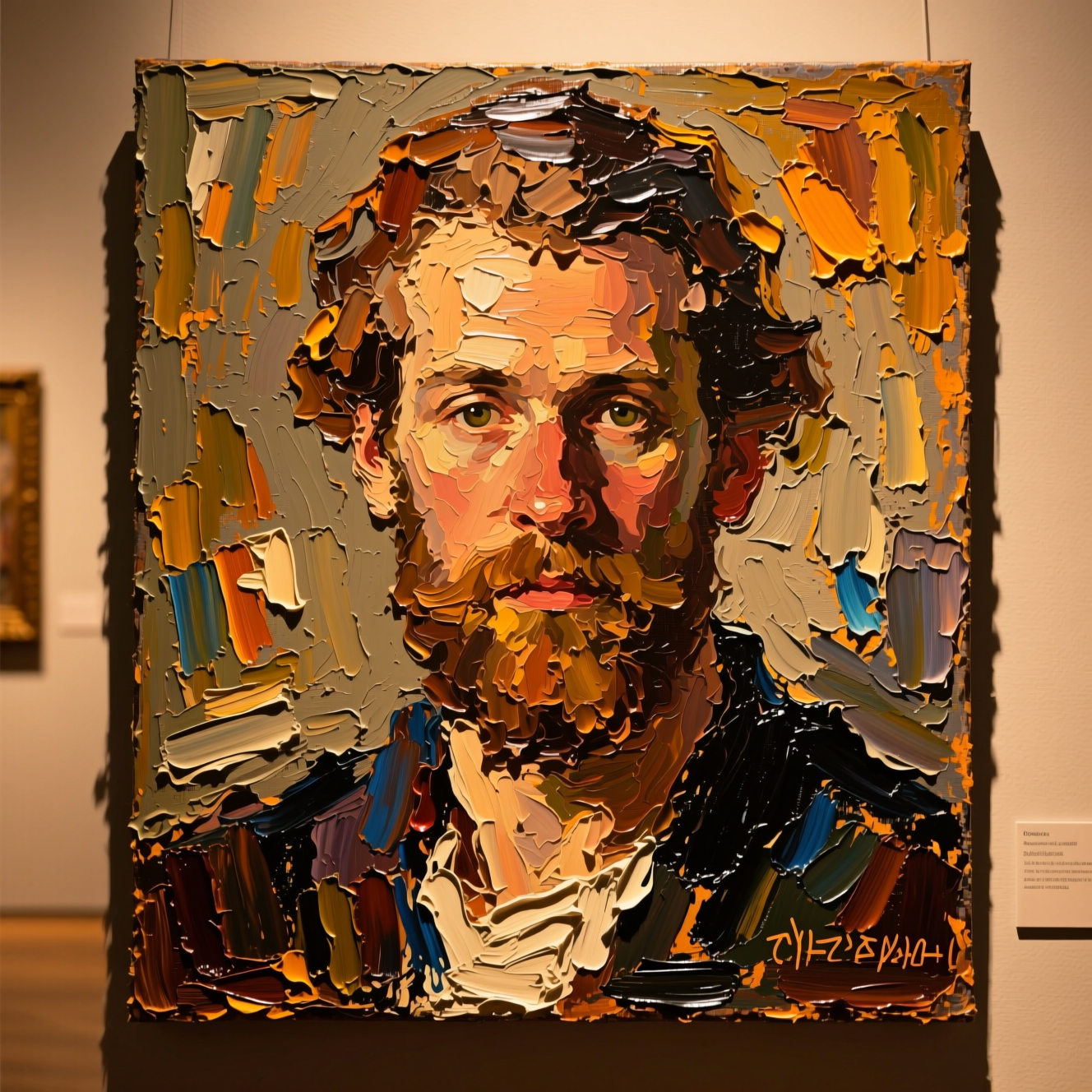 How to Turn a Photo into a PaintingOil, watercolour and court portrait are three different jobs. Here is how to turn a photo into a painting and which style suits which picture.
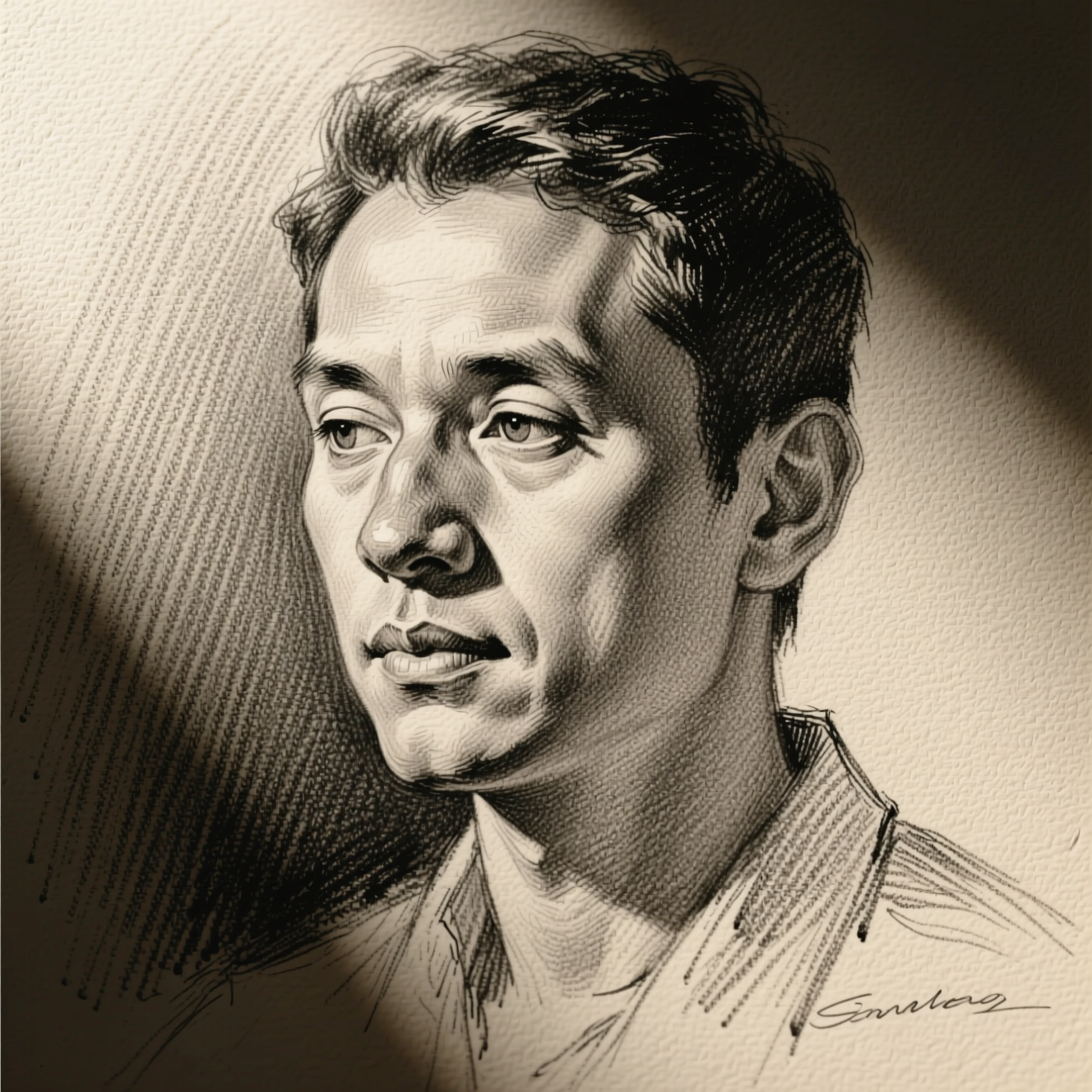 How to Turn a Photo into a Pencil SketchA sketch filter traces edges. A drawing decides where to shade and where to leave paper. Here is how to get the second kind from a photo.
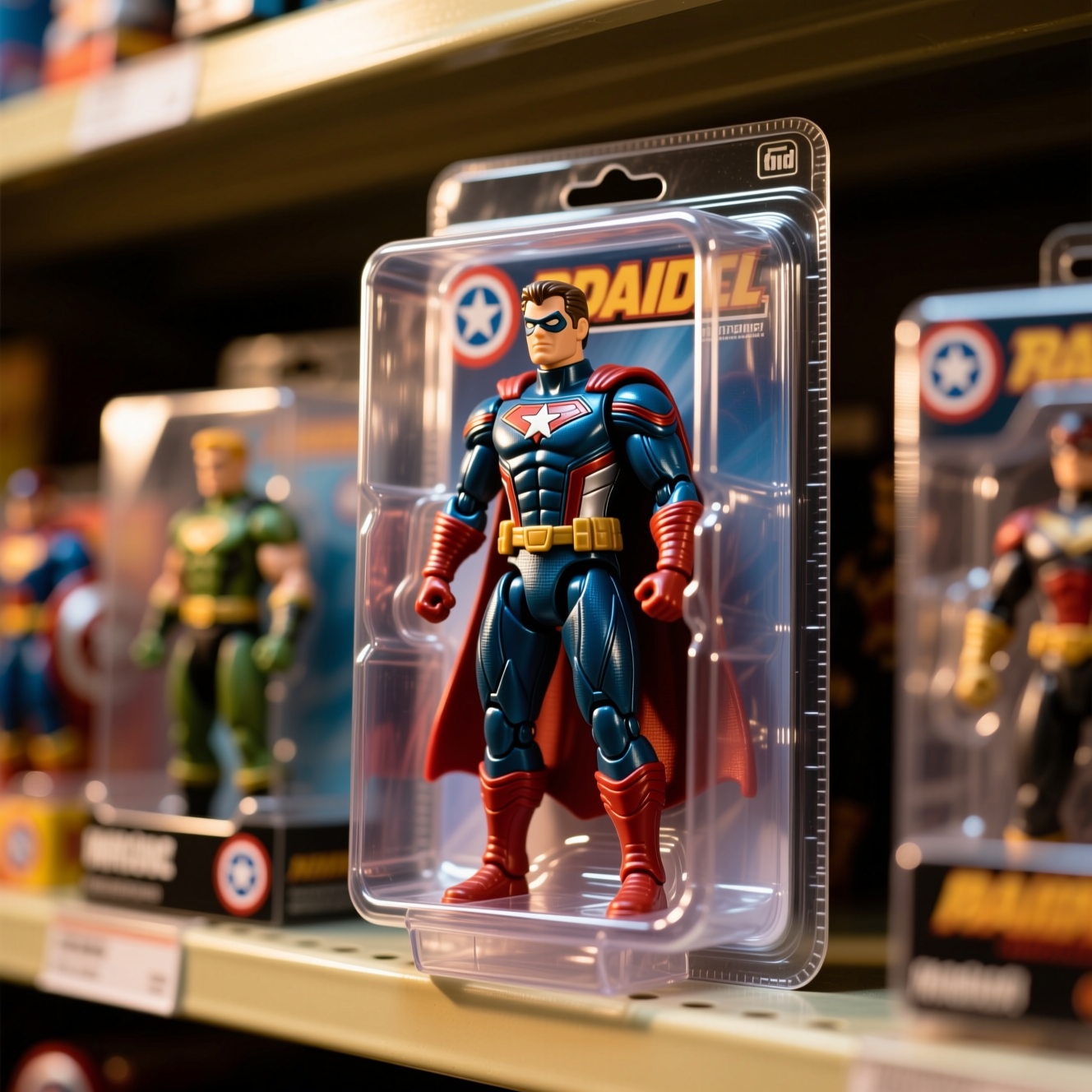 How to Turn Yourself into an Action FigureThe boxed-toy picture works when the packaging looks manufactured and the face is still yours. Here is how to get both from one photo.