
How to Turn a Photo into a Pencil Sketch
A sketch filter traces edges. A drawing decides where to shade and where to leave paper. Here is how to get the second kind from a photo.
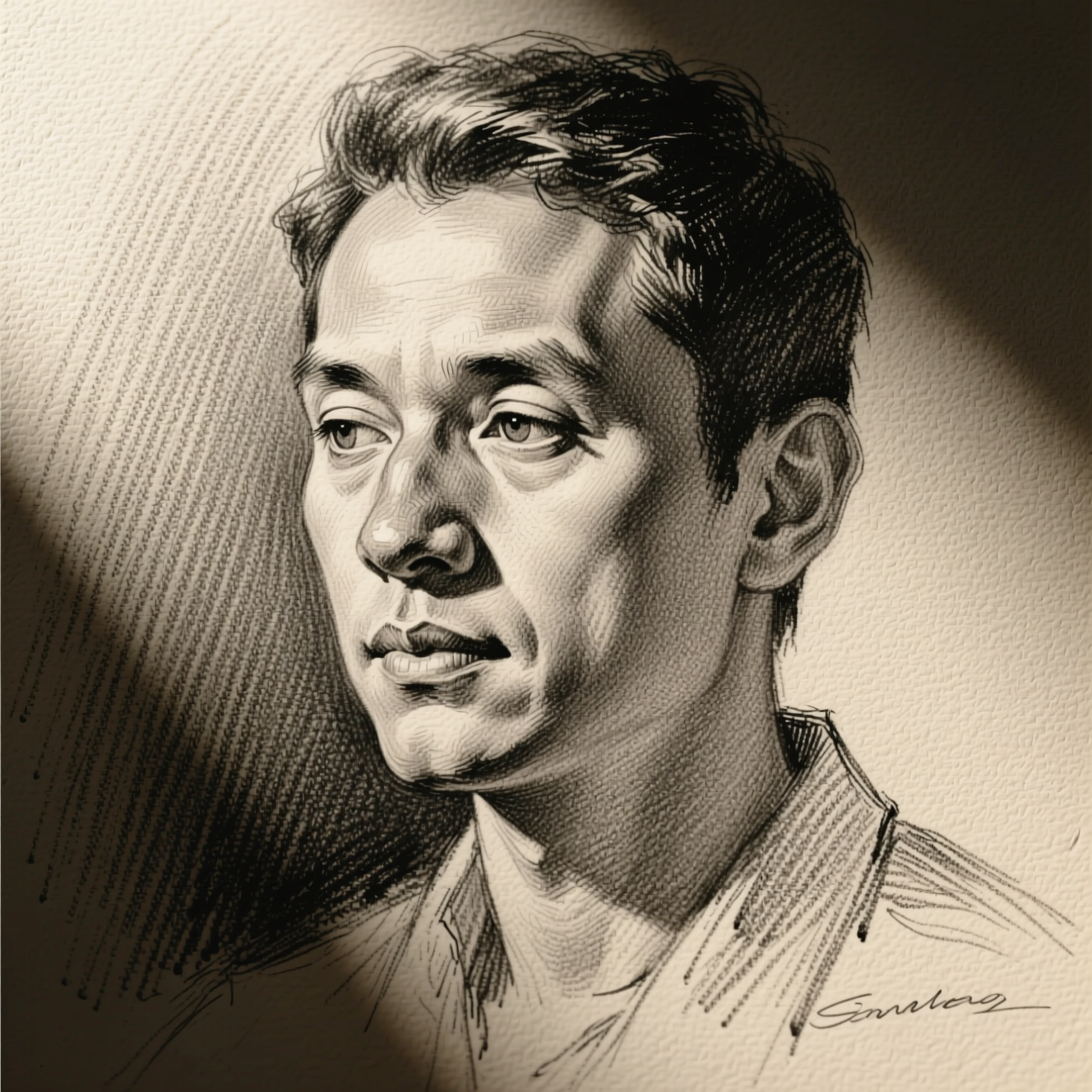
To turn a photo into a pencil sketch, upload it to an AI tool that redraws the image in graphite, with strokes, cross-hatching and paper texture, instead of running an edge-detection filter over it. A portrait with clear light and a simple background gives the best drawing.
Filter or drawing
The old "sketch" effect finds edges and prints them in grey. It outlines everything with the same weight, which is why it looks like a photocopy. Someone drawing does something different: dark, layered strokes where the shadow is, a few light lines where the form turns, and bare paper for the highlights. An AI model that redraws the image makes those choices, so the result has light in it.
Photos that make good drawings
- Light from one side. Shading needs shadow to describe. Flat, front-on flash gives the pencil nothing to do.
- A simple background. A busy room becomes a busy drawing. A plain wall lets the face carry it.
- A sharp subject. Fine strokes follow detail in the photo. A blurry source gives a vague sketch.
- Close framing. Head and shoulders shows the technique better than a small figure in a wide shot.
Doing it in Reelina
Open Pencil Sketch, upload the photo and generate. The instruction asks for a detailed hand-drawn pencil sketch with fine graphite strokes, careful cross-hatching and shading on textured paper, and tells the model to keep the subject clearly recognisable.
If you plan to print it larger than a postcard, run the result through Photo Upscaler first so the strokes stay crisp.
FAQ
Is this just a photo filter? No. It redraws the image as a sketch, including where an artist would shade and where they would leave paper.
Will the person still be recognisable? Yes. The instruction keeps the subject clearly recognisable.
Does it work on pets, buildings and objects? Yes, though portraits show the technique best.
Can I print the result? Yes. Upscale it first for anything large.
Try it yourself
Every model on one coin balance, straight in your browser. No install, no watermark.
Start creatingKeep reading
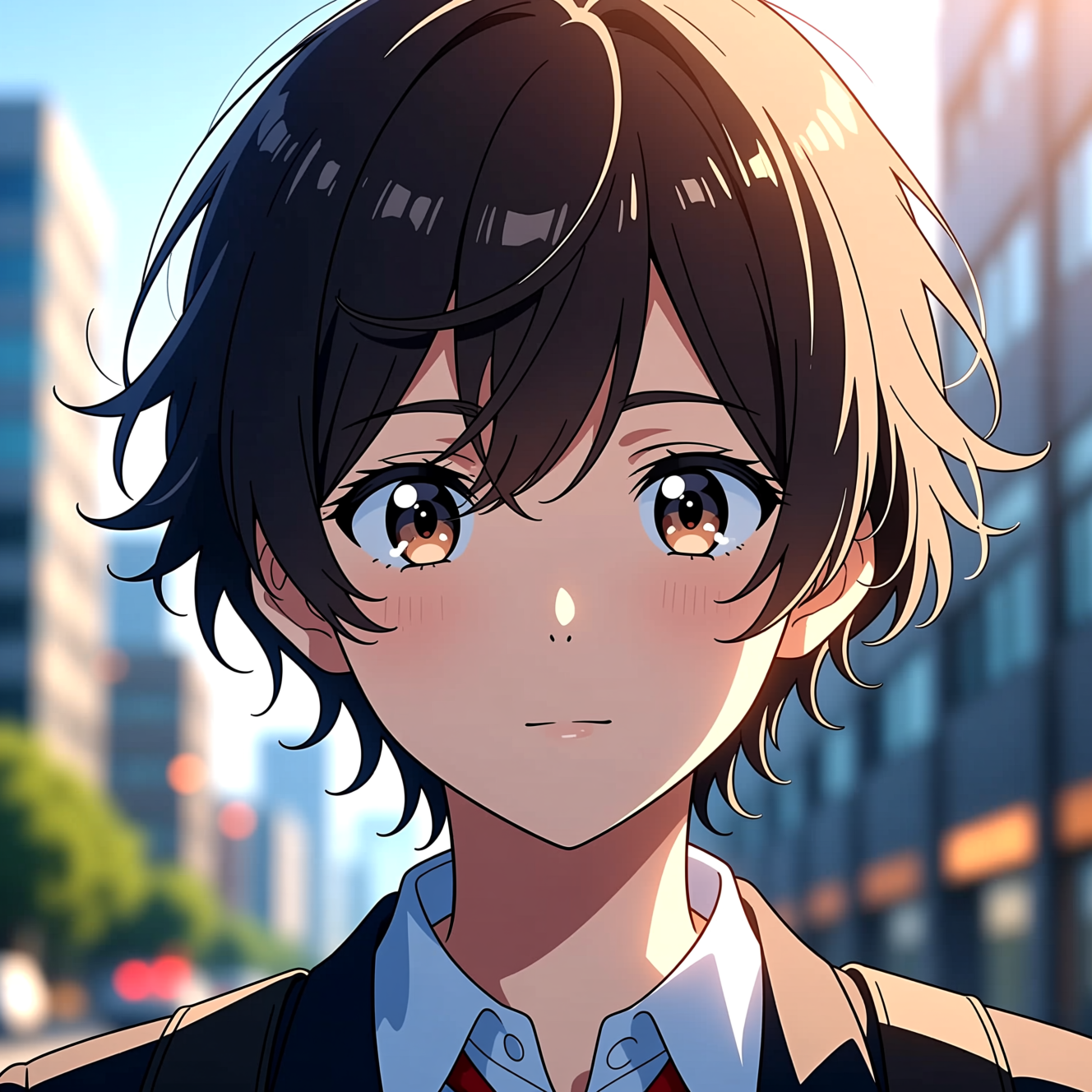 How to Turn a Photo into AnimeAnime style is drawn decisions, not a colour filter. Here is how to turn a photo into an anime portrait that is still recognisably you.
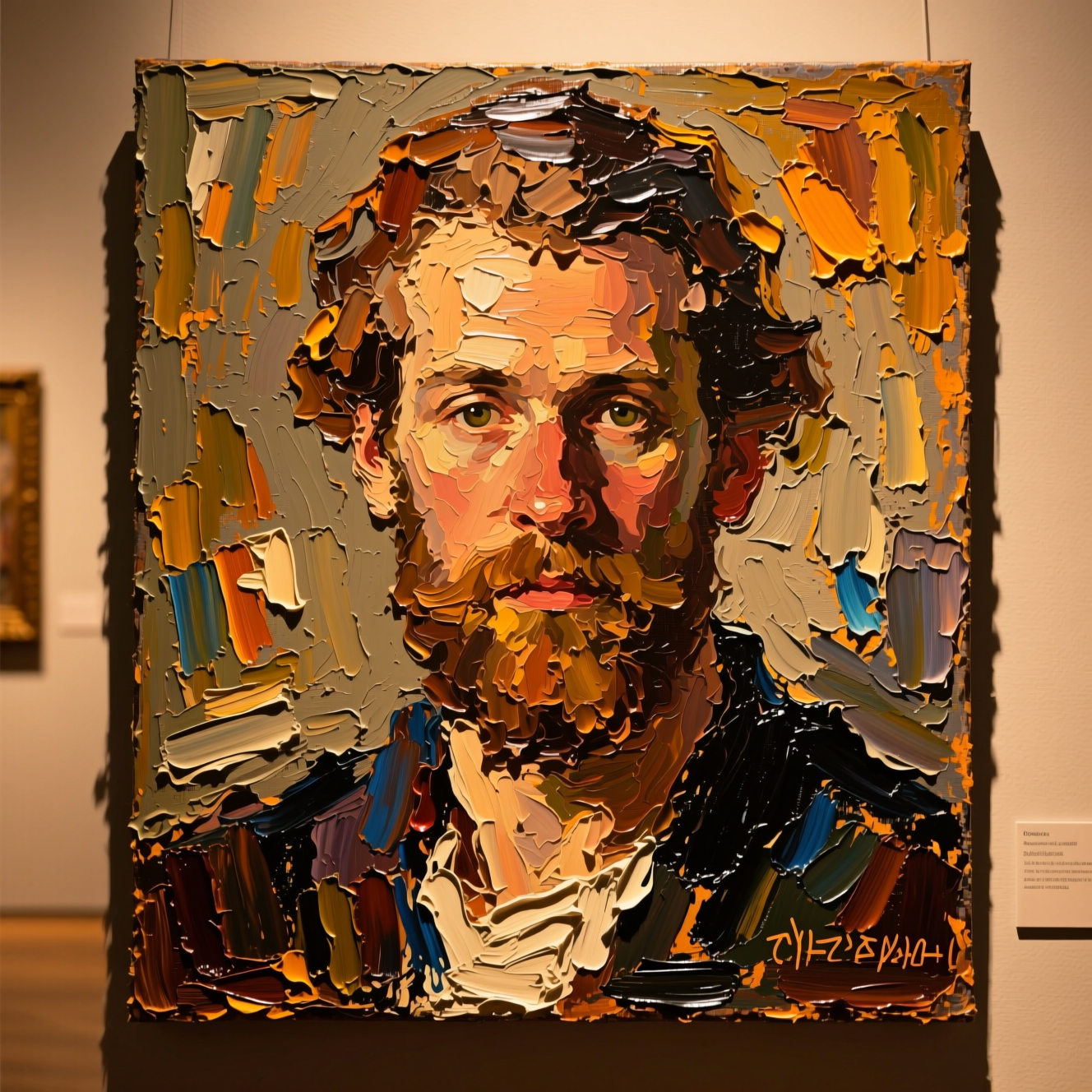 How to Turn a Photo into a PaintingOil, watercolour and court portrait are three different jobs. Here is how to turn a photo into a painting and which style suits which picture.
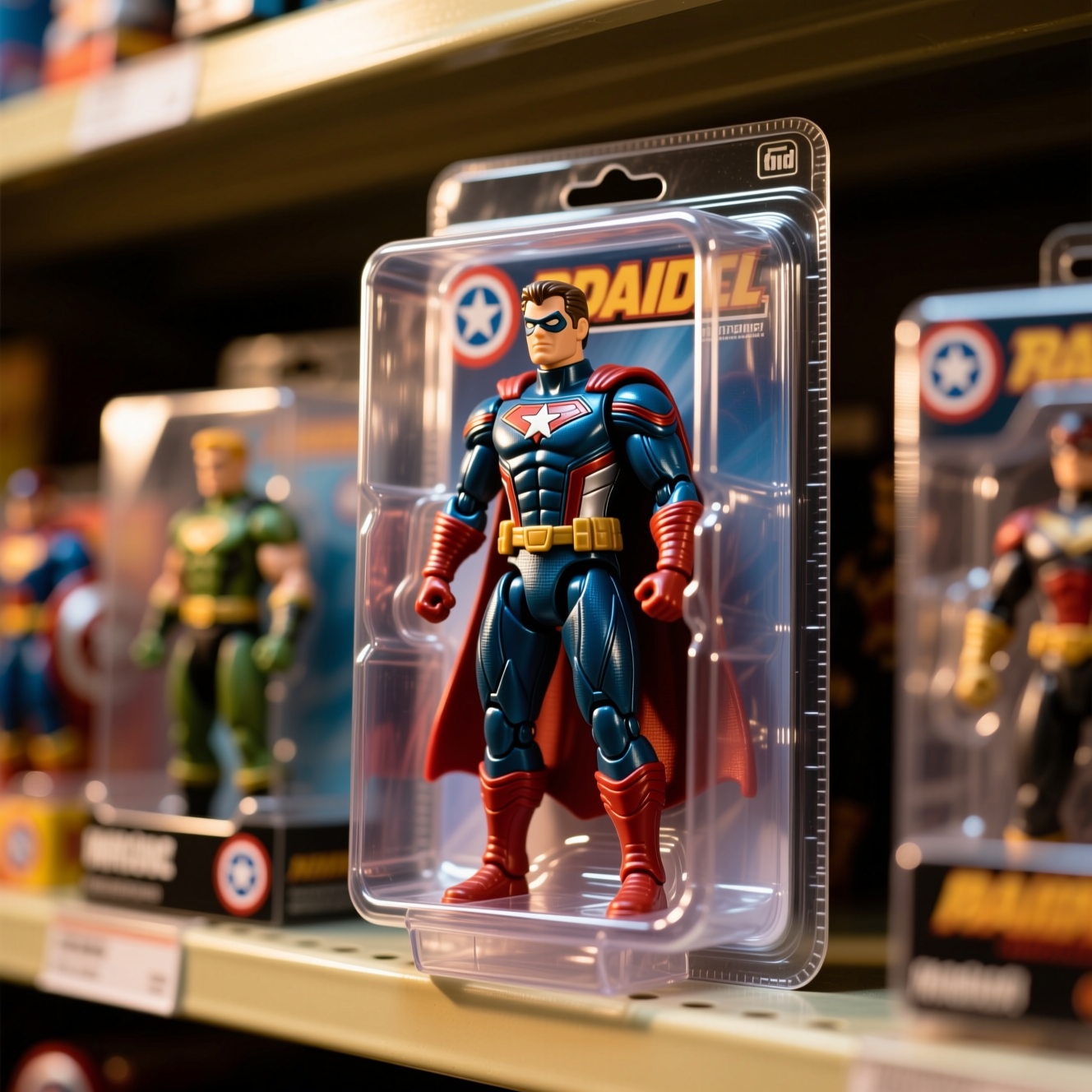 How to Turn Yourself into an Action FigureThe boxed-toy picture works when the packaging looks manufactured and the face is still yours. Here is how to get both from one photo.