
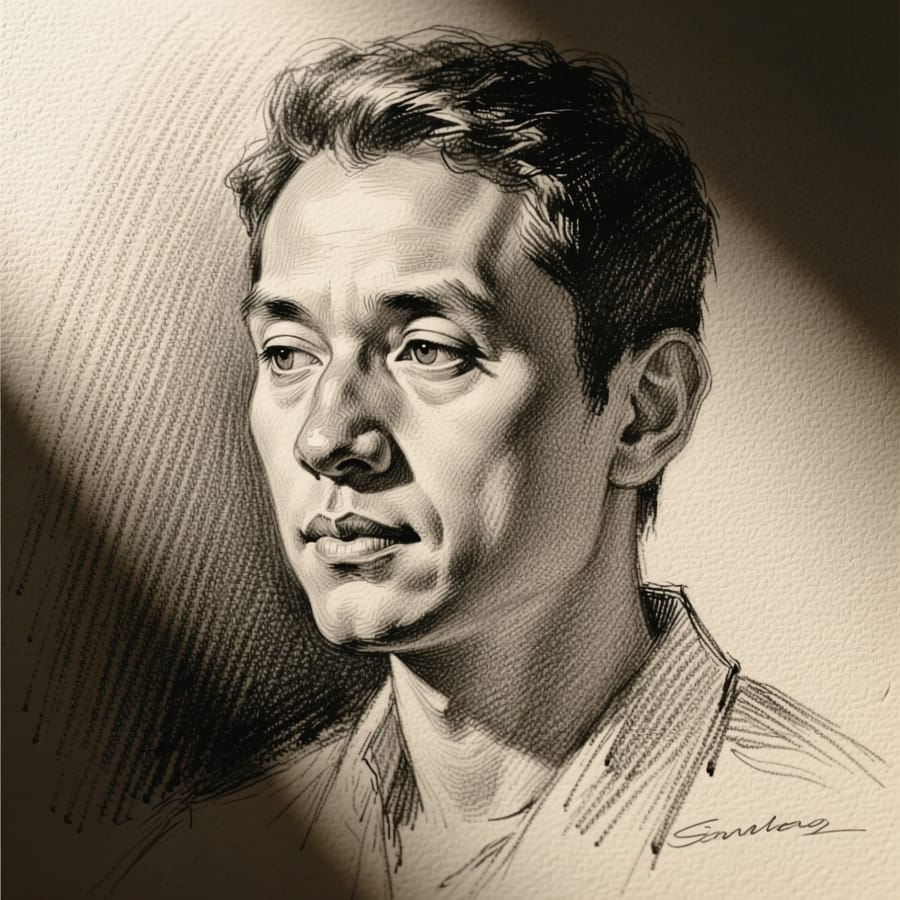
Pencil Sketch
Detailed hand-drawn pencil portrait
1
Add your photo
2
Create
Total 22
What Pencil Sketch does
A detailed hand-drawn pencil sketch — graphite strokes, cross-hatching and the shading of a real drawing rather than an edge-detect filter.
How it works
- 1Add your photo. One is enough — there is nothing to configure and no prompt to write.
- 2Pencil Sketch runs with the model and settings already chosen for this job.
- 3Your result lands in your library. It costs 22 coins, shown before you run it.
Frequently asked questions
- Is this a photo filter?
- No. It redraws the image as a sketch, including where an artist would shade and where they would leave paper.
- Can I print it?
- Yes. Upscale first for anything large.
- Does it work on buildings and objects?
- Yes, though portraits show the technique best.
Other apps like this
- Photo RestoreBring old or damaged photos back to life — scratches fixed, colors revived.
- Photo UpscalerTurn any photo into a sharp, high-resolution image in one click.
- Background RemoveCut out the background from any photo in one click.
- Photo BlendFuse two photos into one seamless AI-crafted image.
- AI SelfieTurn any photo into a striking selfie — same face, better photograph
- Birthday PhotoTurn a photo into a joyful birthday portrait