
How to Turn a Photo of Your Pet into a Painted Portrait
A pet portrait lives or dies on markings and expression. Here is how to turn a phone photo of your pet into a painted portrait worth framing.
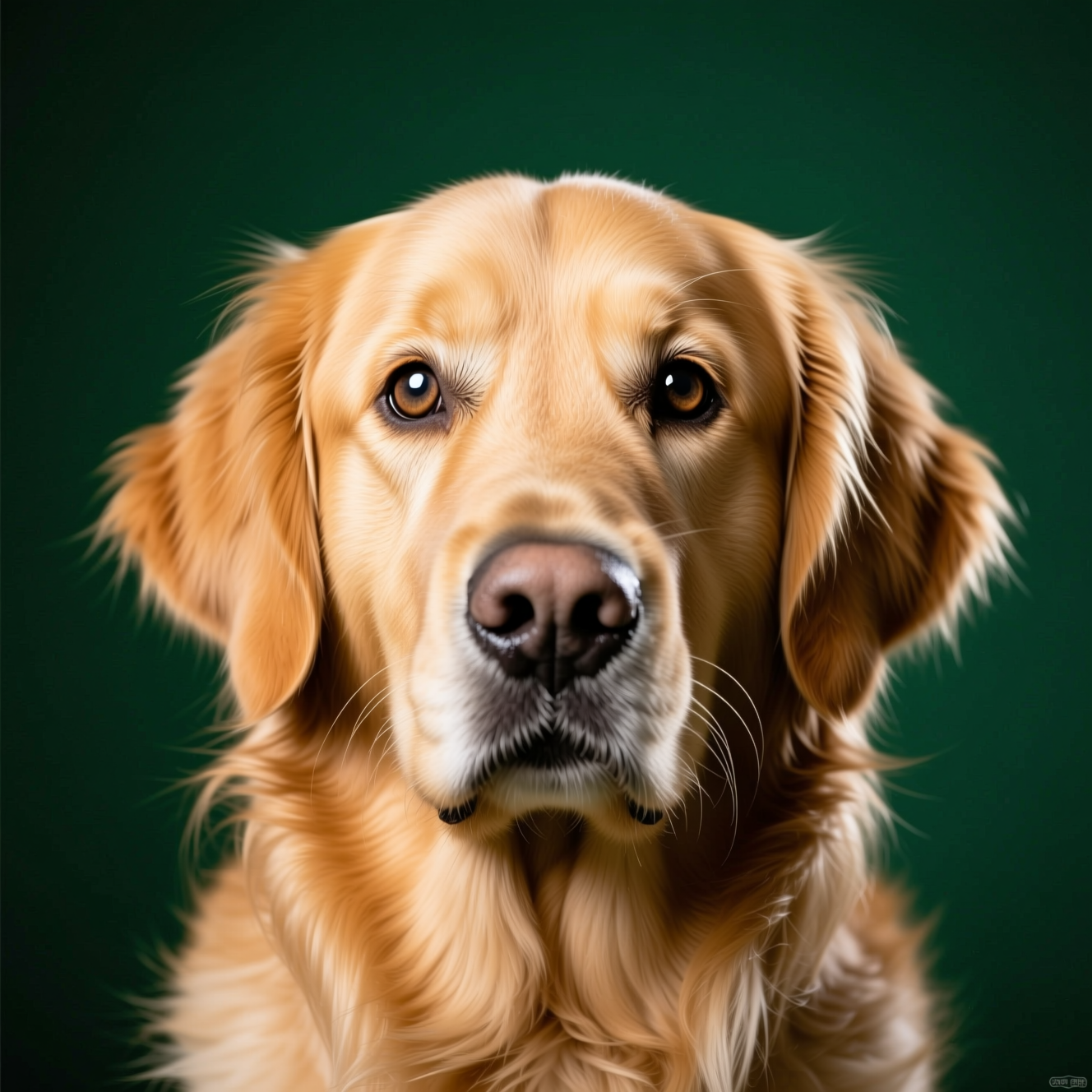
To turn a pet photo into a painted portrait, upload a sharp, eye-level picture to an AI tool that repaints it in a classical style with rich brushwork and a simple background, keeping your pet's markings, colours and expression. The portrait can only be as accurate as the photo is clear.
What makes it your pet
Owners recognise their animal by small things: the patch over one eye, the ear that folds, the white on the chest, the way the head tilts. A portrait that gets the breed right and those wrong is a picture of some other dog. So the source photo has to show them.
Taking the photo
- Get down to their eye level. A photo taken from above shows the top of a head.
- Light from a window, no flash. Flash flattens fur and makes eyes glow.
- Whole face visible and in focus, especially the eyes.
- Dark coats need more light. Black fur in a dim room becomes a silhouette with no detail to paint.
- A treat held just above the lens gets the look you want.
Doing it in Reelina
Open Pet Portrait, upload the photo and generate. The instruction asks for an artistic painted portrait in an elegant classical style with rich brushwork and a tasteful background, keeping the pet's unique markings, colours and expression exactly the same.
Compare the result with your pet before you print it, and run it again if a marking moved. For a framed print, use Photo Upscaler first.
There is also a playful version: Pet as Human imagines your pet as a person whose hair, expression and manner echo the animal.
FAQ
Does it look like my pet? Markings and face shape are preserved. Check them against the real animal and regenerate if needed.
What photo works best? Eye-level, well lit, the whole face visible.
Does it work for animals other than cats and dogs? Yes. It works from the photo, so any pet with a clear face.
Can I print it? Yes. Upscale first for anything framed.
Try it yourself
Every model on one coin balance, straight in your browser. No install, no watermark.
Start creatingKeep reading
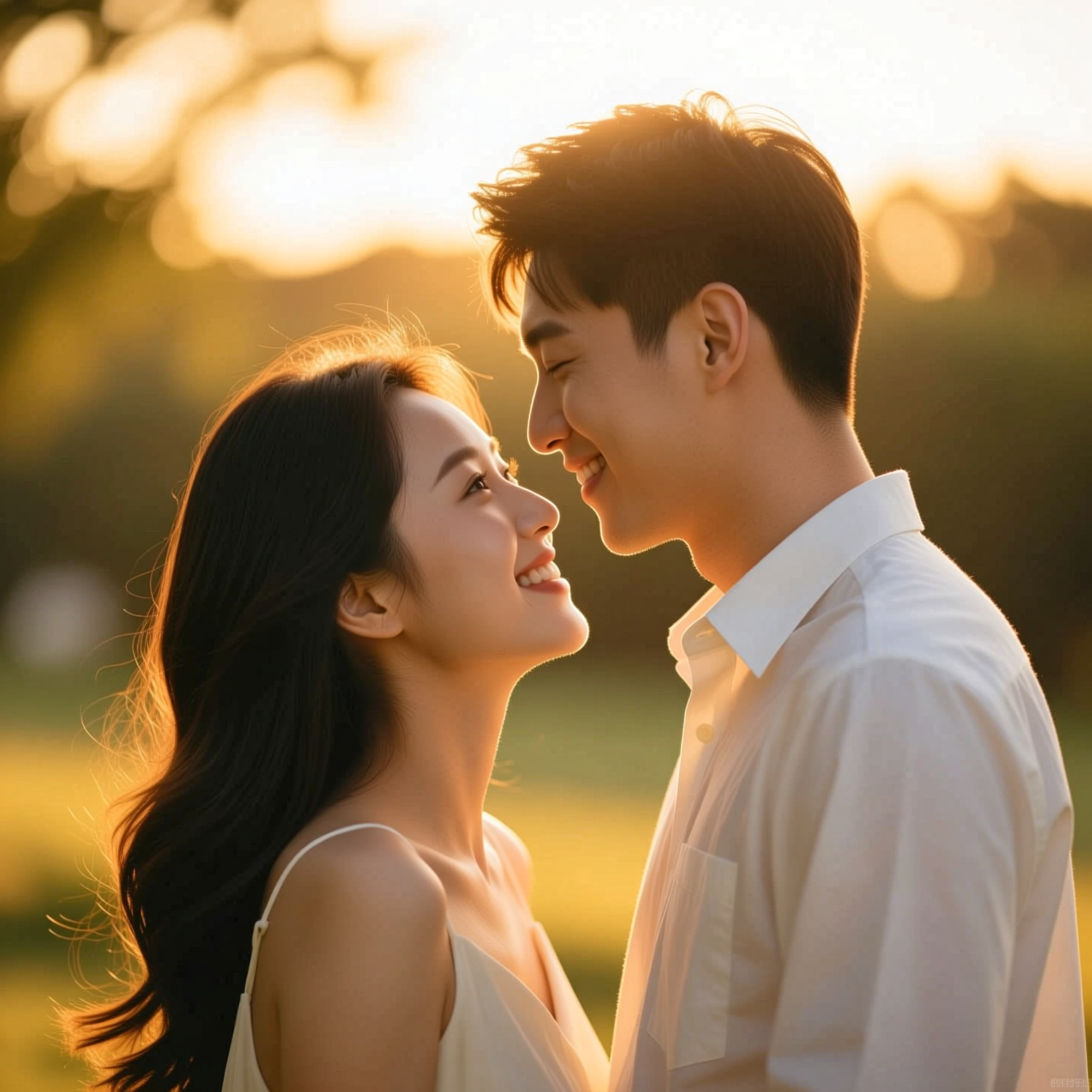 How to Make a Wedding-Style or Couple Portrait from an Everyday PhotoA portrait in wedding or engagement style is a picture, not a record of the day. Here is how to make one from an everyday photo and where it fits.
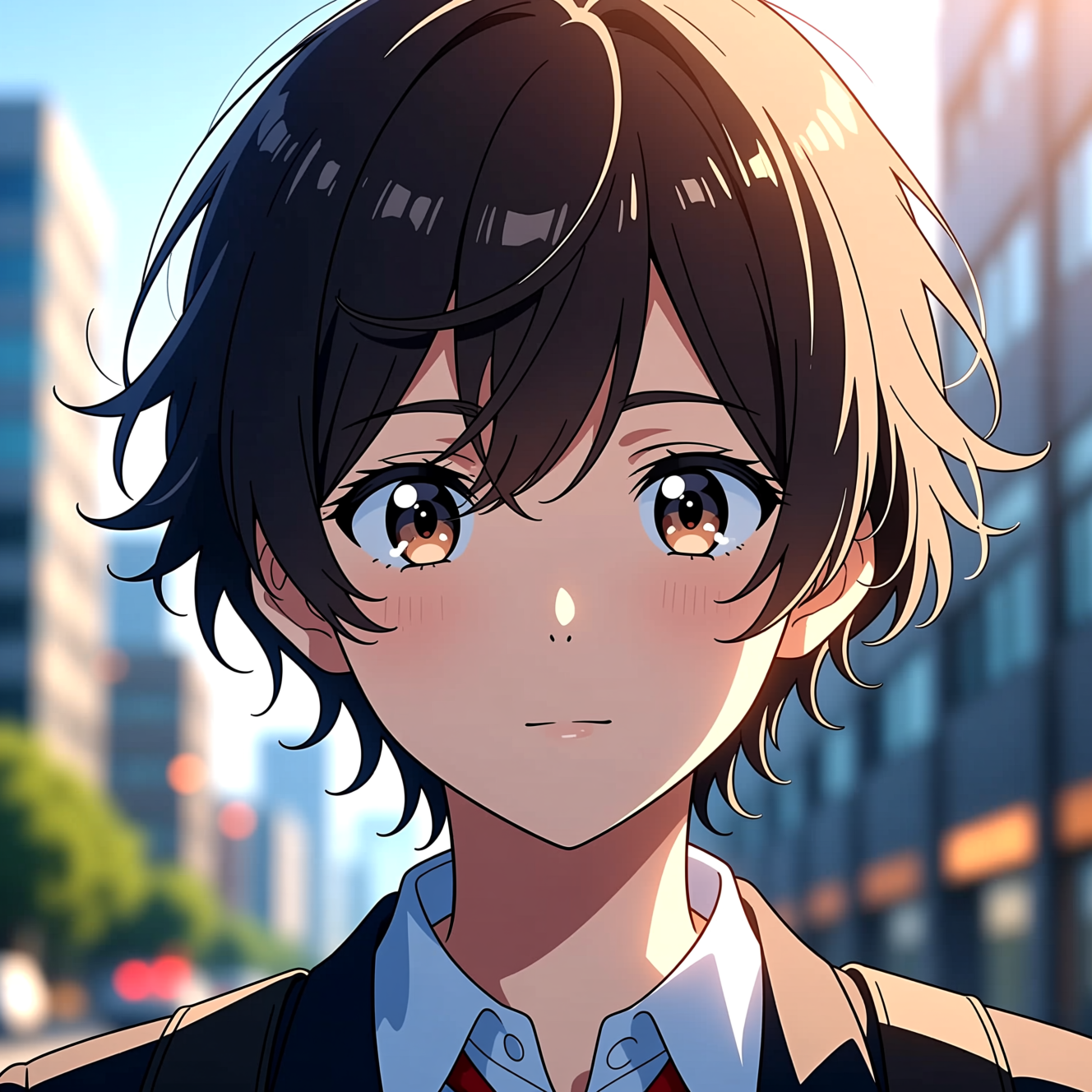 How to Turn a Photo into AnimeAnime style is drawn decisions, not a colour filter. Here is how to turn a photo into an anime portrait that is still recognisably you.
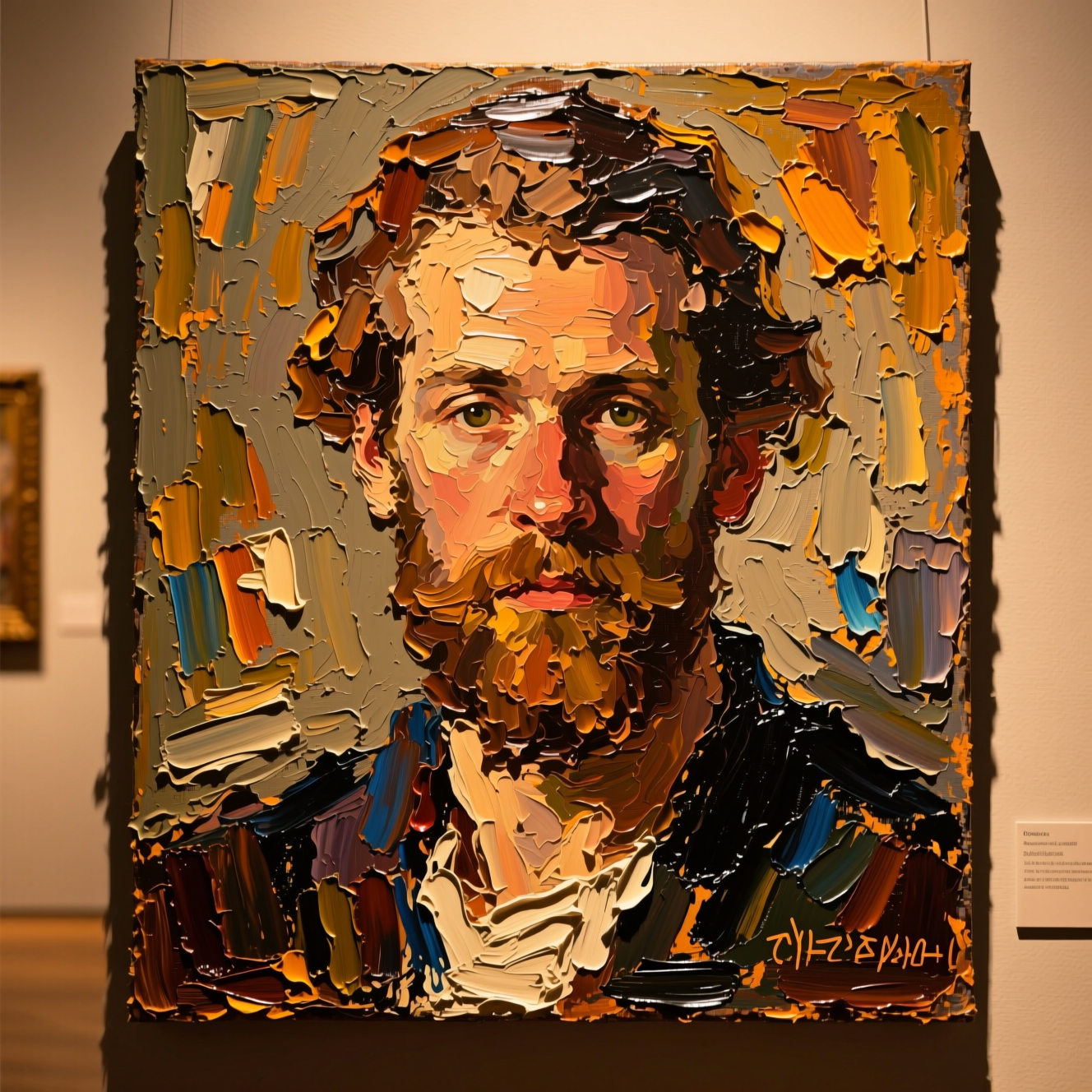 How to Turn a Photo into a PaintingOil, watercolour and court portrait are three different jobs. Here is how to turn a photo into a painting and which style suits which picture.