
How to Get a Studio Maternity Portrait from a Photo Taken at Home
A studio maternity portrait is soft side light, a simple backdrop and a flowing dress. Here is how to get that look from a photo taken at home.
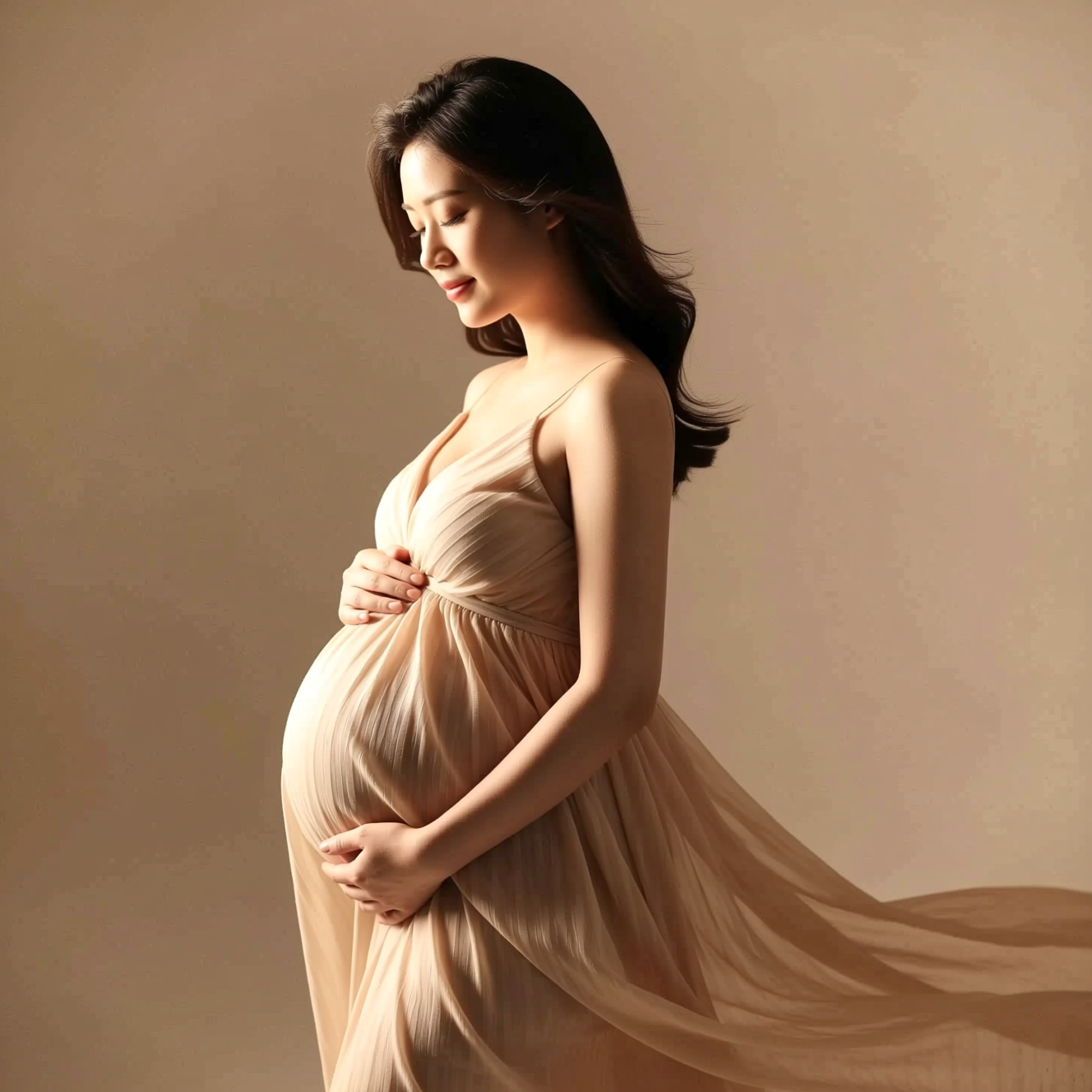
To get a studio-style maternity portrait at home, take a clear side-on or three-quarter photo and upload it to an AI tool that restyles it with a flowing dress, soft directional light and a calm, minimal backdrop, keeping your face the same. You need one photo and no special outfit.
What the studio look is
Maternity portraits are quiet pictures. The elements are few:
- Side or three-quarter stance, which shows the shape of the bump in profile.
- Soft light from one side, so there is gentle shadow to give form.
- A plain backdrop in warm neutral tones.
- Simple, flowing clothing.
Most home photos miss on light and background: overhead bulbs and a busy room. Those are the parts that get rebuilt.
Taking the original
- Stand side-on or at three-quarters to the camera, half or full body in frame.
- Have someone else take it, or prop the phone at chest height and use the timer.
- Stand near a window with the light coming from in front of you.
- Wear something comfortable and fitted enough to show your shape. The dress is generated.
- Keep your face visible and relaxed.
Doing it in Reelina
Open Maternity Shoot, upload the photo and generate. The instruction asks for a tender maternity photoshoot portrait with a flowing elegant dress, soft directional studio light, warm neutral tones and a calm minimal backdrop, in respectful and graceful framing, keeping the person's face and identity exactly the same.
Each run styles it a little differently, so make a few. For a framed print, run Photo Upscaler on your favourite.
FAQ
Do I need a special outfit? No. The styling is generated; comfortable clothes in the original are fine.
How should I stand? Side-on or three-quarter framing suits the style best, but any clear full or half-body photo works.
Will it change my face or body? Your face and identity are kept. Clothing, light and background are restyled.
Can I print it? Yes. Upscale first for anything framed.
Try it yourself
Every model on one coin balance, straight in your browser. No install, no watermark.
Start creatingKeep reading
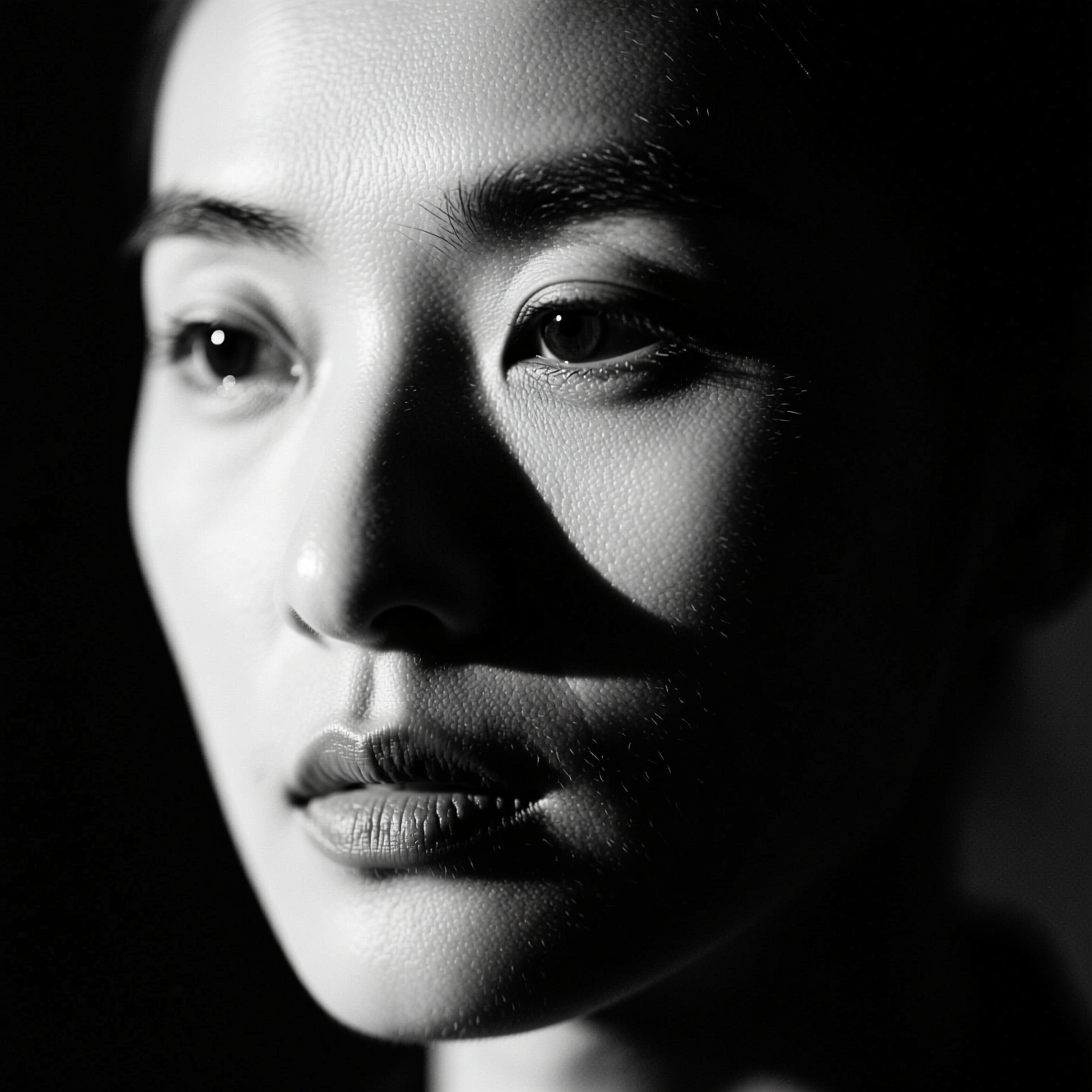 How to Make a Black-and-White Portrait from a Colour PhotoRemoving colour gives a grey photo. A black-and-white portrait is lit for it. Here is the difference and how to get the second from a colour picture.
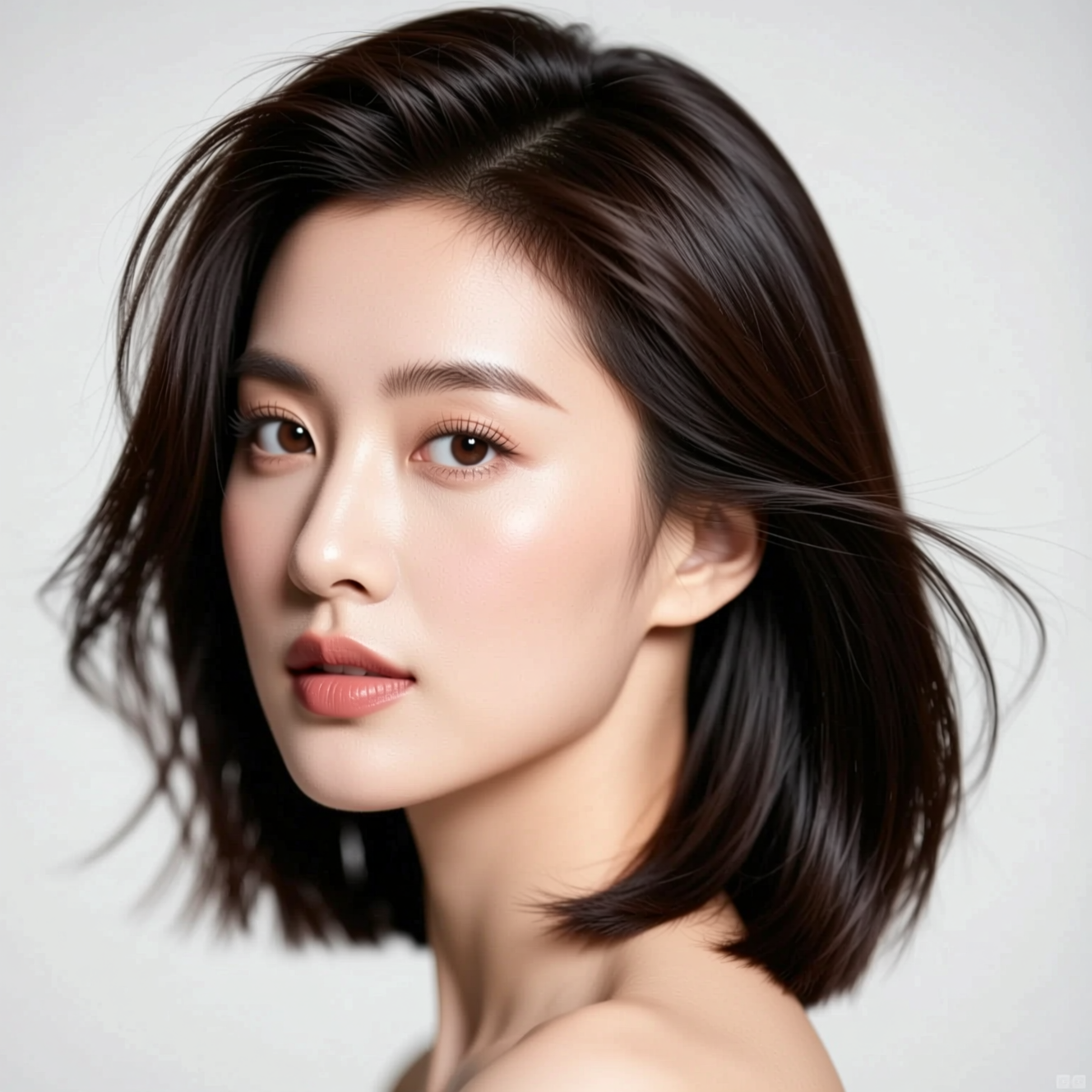 How to Try a New Hairstyle on Your Own PhotoA haircut is easier to judge on your own face than on a model's. Here is how to preview one from a single photo, and what the preview can't tell you.
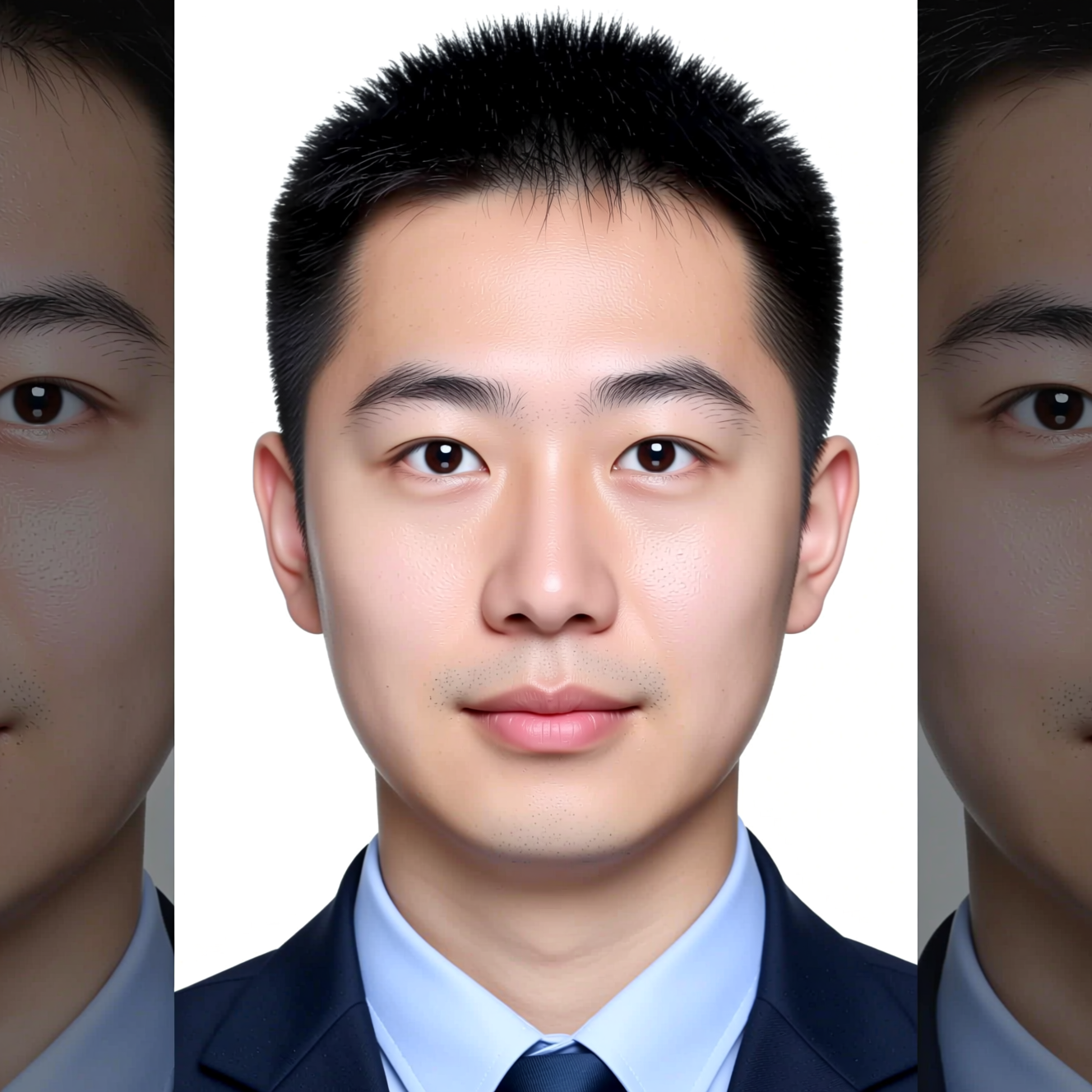 How to Make an ID-Style Photo from a SelfieAn ID-style photo is mostly framing, background and light. Here is how to get one from a phone picture, and why to check the official rules first.