
How to Try a New Hairstyle on Your Own Photo
A haircut is easier to judge on your own face than on a model's. Here is how to preview one from a single photo, and what the preview can't tell you.
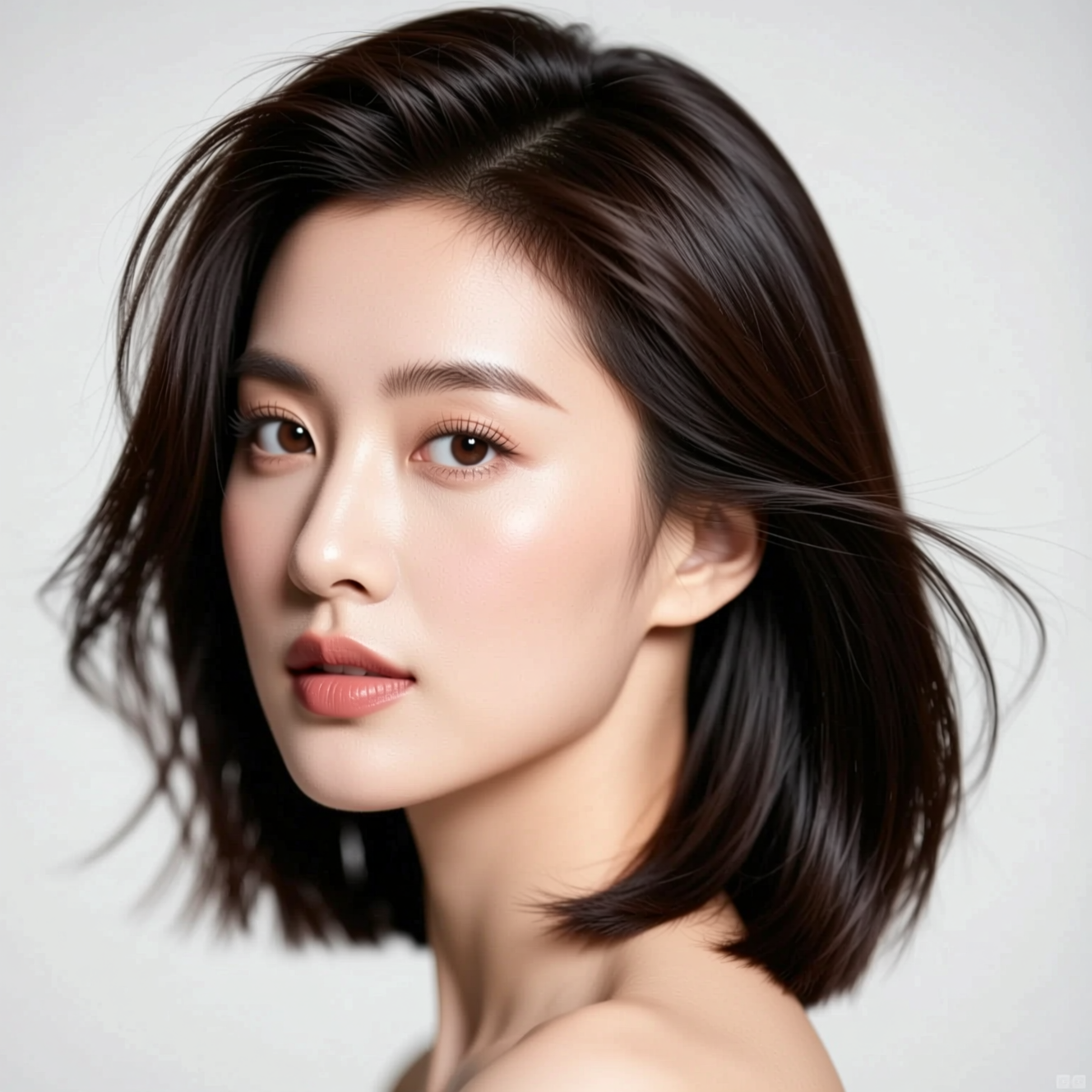
To try a new hairstyle on your photo, upload one clear front-facing picture to an AI hairstyle tool; it redraws only the hair and leaves your face, clothes and background as they were. Generate a few versions, keep the ones you like, and take them to the salon.
Why your own face matters
Reference photos fail because the cut is on someone else's head. Face shape, hairline and how much forehead shows change how the same cut reads. Seeing it on your own face answers the question a magazine photo can't: does this length work with this jaw.
Pick the right starting photo
- Face the camera, with your whole head and some space above it in frame. Hair cropped at the top can't be restyled convincingly.
- Use even light. Hard shadow across one side of the head hides where the hair actually ends.
- Take off hats and push hair away from your face, so the model can see your hairline.
- Hair tied back works. The model replaces it either way.
Doing it in Reelina
Open Try a New Hairstyle, upload the photo and generate. The instruction asks for a modern, salon-quality cut and colour that suits your face shape, with realistic hair texture, and it pins your face, identity, clothing and background.
You don't pick the style from a menu: each run proposes a different cut. Treat it like flicking through a lookbook made for your face, and run it several times.
What a preview can't tell you
It shows shape and colour. It doesn't know your hair's thickness, curl or how it behaves after a wash. A stylist looking at the picture can tell you whether your hair will do that; the picture gets you both talking about the same cut.
FAQ
Can I choose the exact hairstyle? Not in the one-tap app. Each run gives a different modern cut, so generate several and compare.
Does it change my face? No. Only the hair changes; face, clothing and background are kept.
Can I see a new hair colour too? Yes. Runs vary in colour as well as cut.
Is it good enough to show a hairdresser? Yes, that is the common use: a picture of the cut on your own head is easier to work from than a description.
Try it yourself
Every model on one coin balance, straight in your browser. No install, no watermark.
Start creatingKeep reading
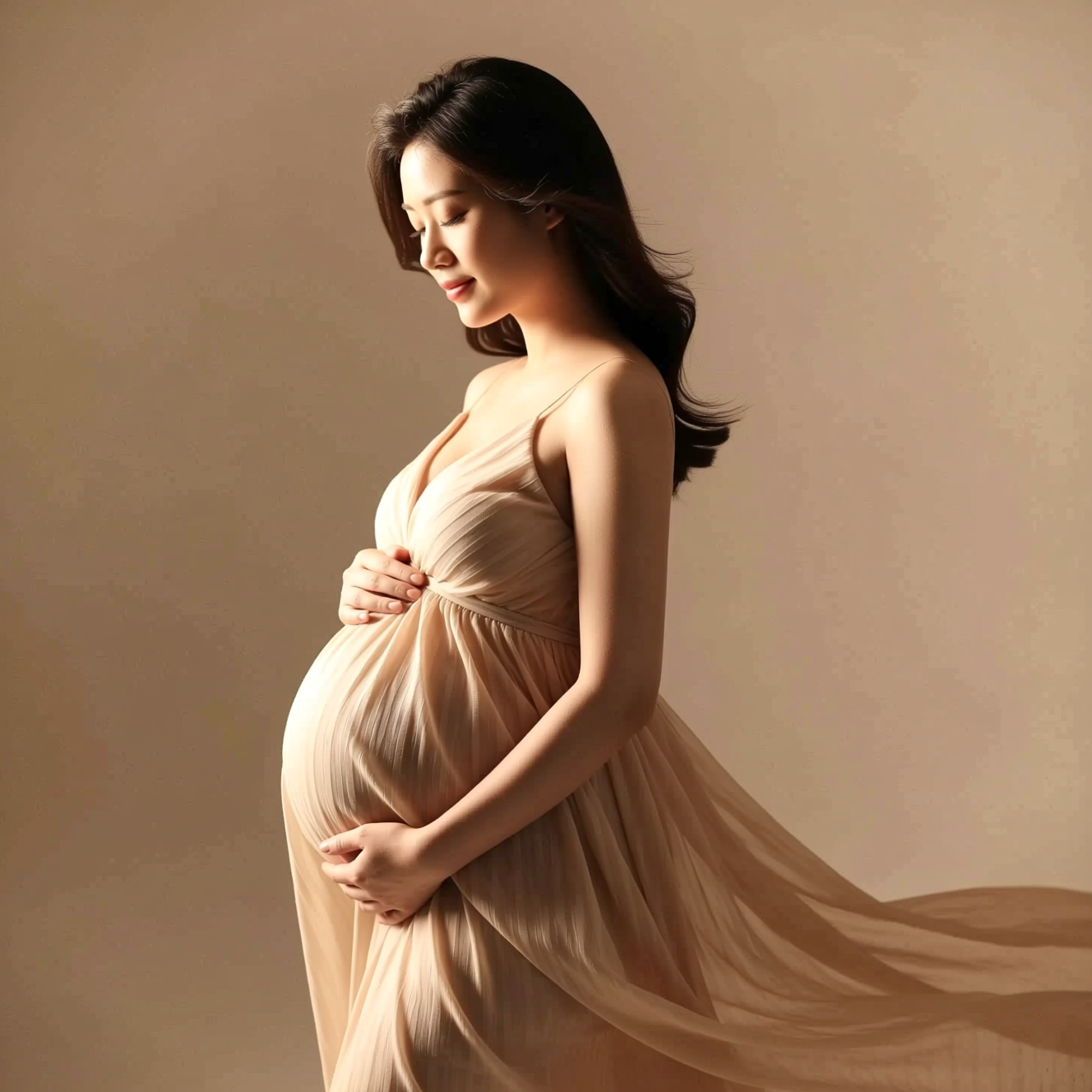 How to Get a Studio Maternity Portrait from a Photo Taken at HomeA studio maternity portrait is soft side light, a simple backdrop and a flowing dress. Here is how to get that look from a photo taken at home.
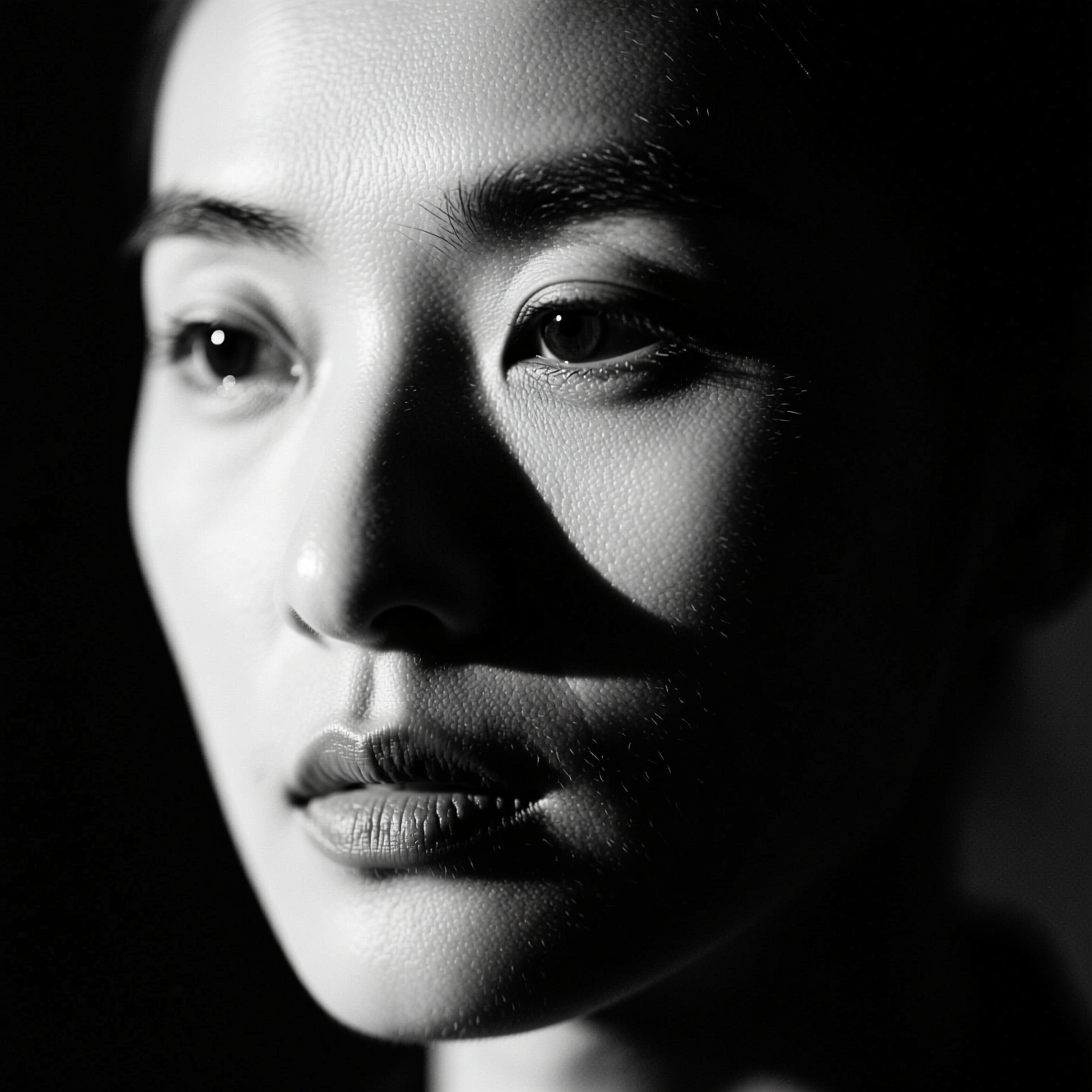 How to Make a Black-and-White Portrait from a Colour PhotoRemoving colour gives a grey photo. A black-and-white portrait is lit for it. Here is the difference and how to get the second from a colour picture.
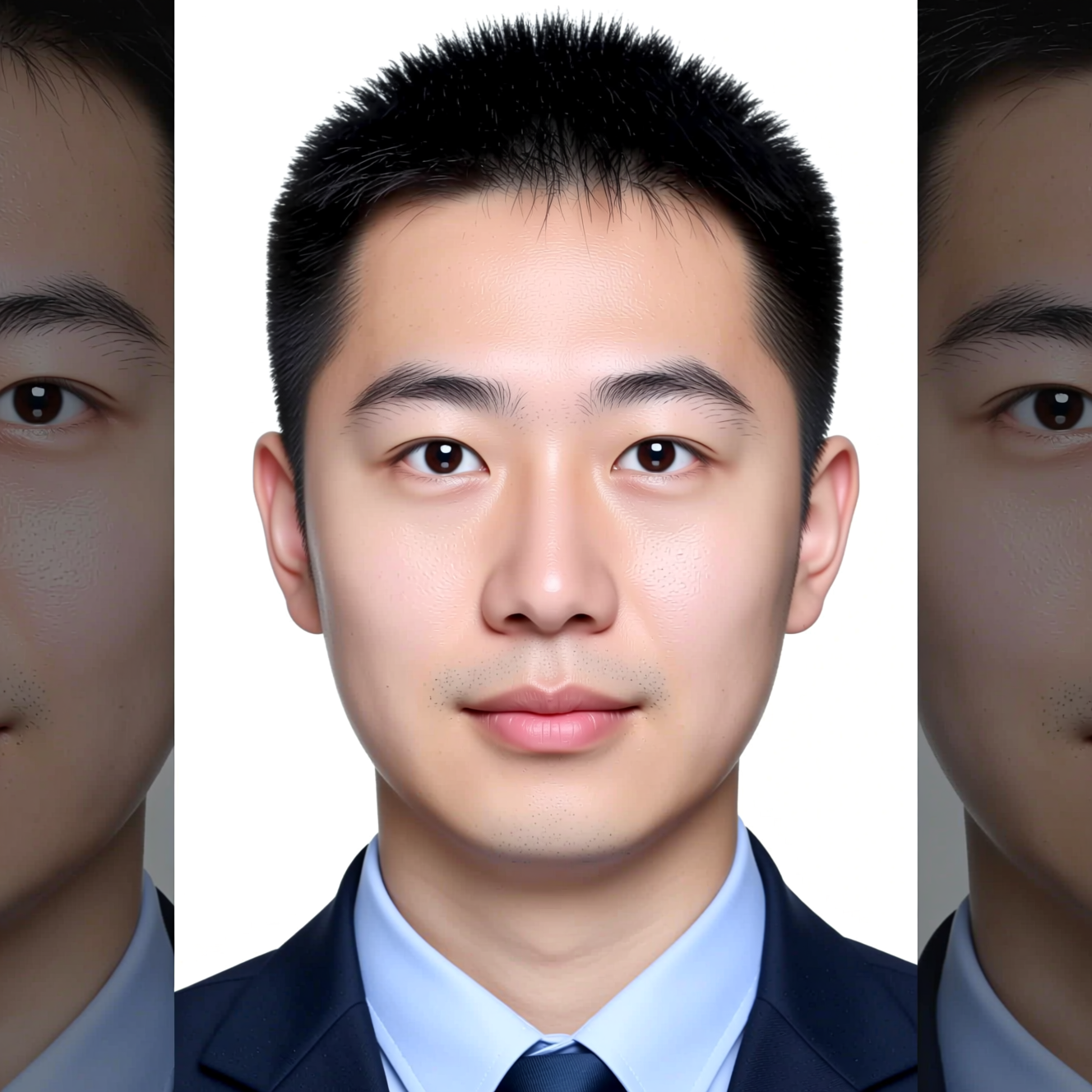 How to Make an ID-Style Photo from a SelfieAn ID-style photo is mostly framing, background and light. Here is how to get one from a phone picture, and why to check the official rules first.