
How to Make a Black-and-White Portrait from a Colour Photo
Removing colour gives a grey photo. A black-and-white portrait is lit for it. Here is the difference and how to get the second from a colour picture.
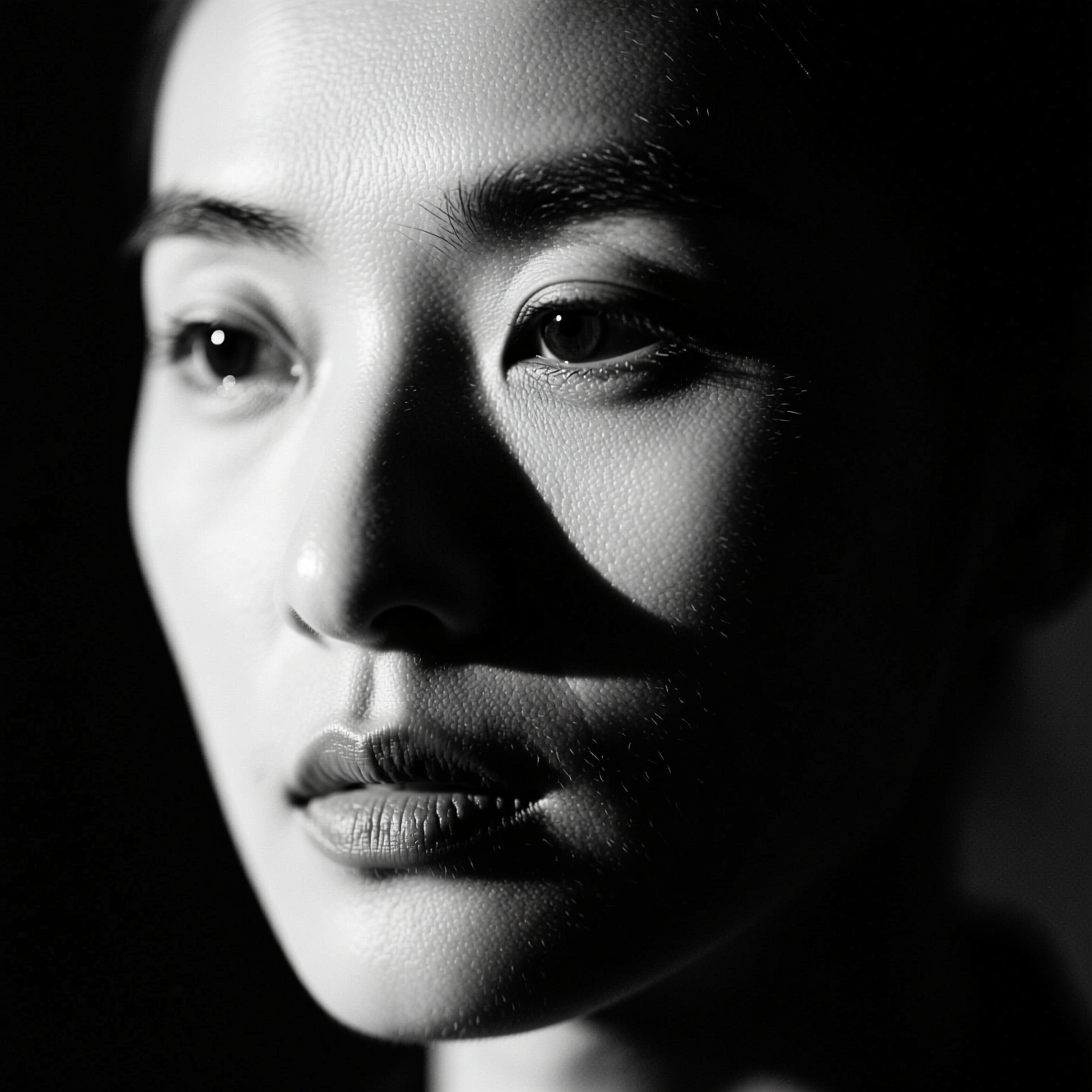
To make a black-and-white portrait from a colour photo, use a tool that rebuilds the lighting for monochrome, with deep blacks, bright highlights and shadow that shapes the face, instead of only removing the colour. Desaturating a flatly lit photo gives a grey picture; a monochrome portrait is about contrast.
Why desaturating disappoints
Colour does a lot of separating. A red jumper stands off a green hedge because the hues differ. Take the colour away and both may land on the same grey, and the picture goes flat. Black-and-white photographers solve this with light: a bright side and a dark side of the face, a background darker or lighter than the subject, and true black somewhere in the frame.
So the conversion that works changes the light, not just the palette.
Photos that suit it
- One face, close. The style is about the planes of a face.
- A simple background. It will go dark or light; detail there only distracts.
- Texture. Stubble, freckles, wool and lines read beautifully in monochrome.
- Any light. Since the lighting is rebuilt, a flat original is fine, but it should be sharp.
Doing it in Reelina
Open B&W Art Portrait, upload the photo and generate. The instruction asks for a timeless high-contrast black-and-white art portrait with dramatic monochrome lighting and deep blacks at fine-art quality, keeping the person's face and identity exactly the same.
To go the other way, adding colour to an old monochrome photo, use Colorize B&W Photo.
FAQ
Is this just a greyscale filter? No. The lighting is rebuilt for monochrome, which is what separates a real black-and-white portrait from a desaturated colour one.
Does it change my face? No. Face and identity are kept; light and tone change.
What photo works best? One clear face with a simple background.
Can I print it? Yes. Run Photo Upscaler afterwards if you need a large print.
Try it yourself
Every model on one coin balance, straight in your browser. No install, no watermark.
Start creatingKeep reading
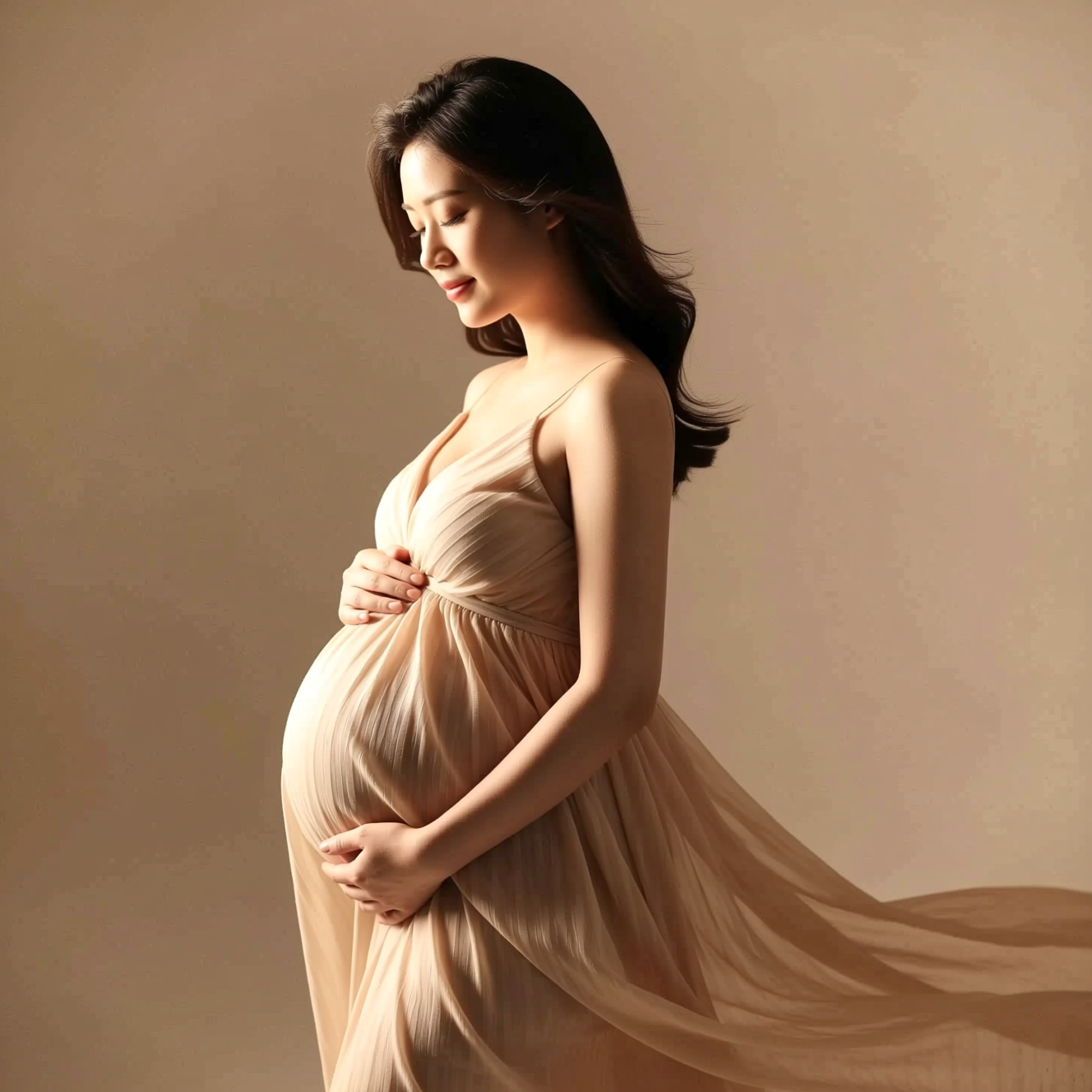 How to Get a Studio Maternity Portrait from a Photo Taken at HomeA studio maternity portrait is soft side light, a simple backdrop and a flowing dress. Here is how to get that look from a photo taken at home.
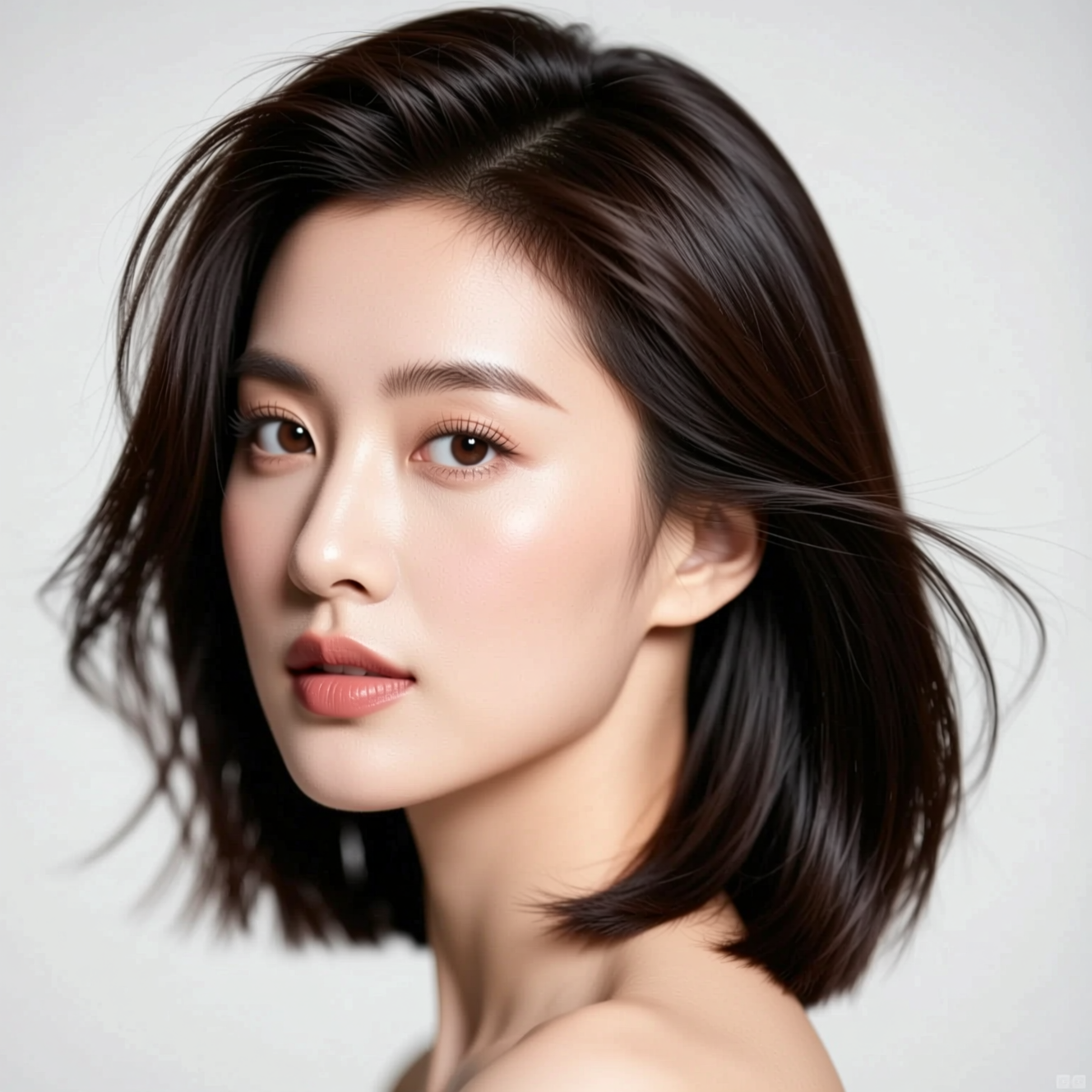 How to Try a New Hairstyle on Your Own PhotoA haircut is easier to judge on your own face than on a model's. Here is how to preview one from a single photo, and what the preview can't tell you.
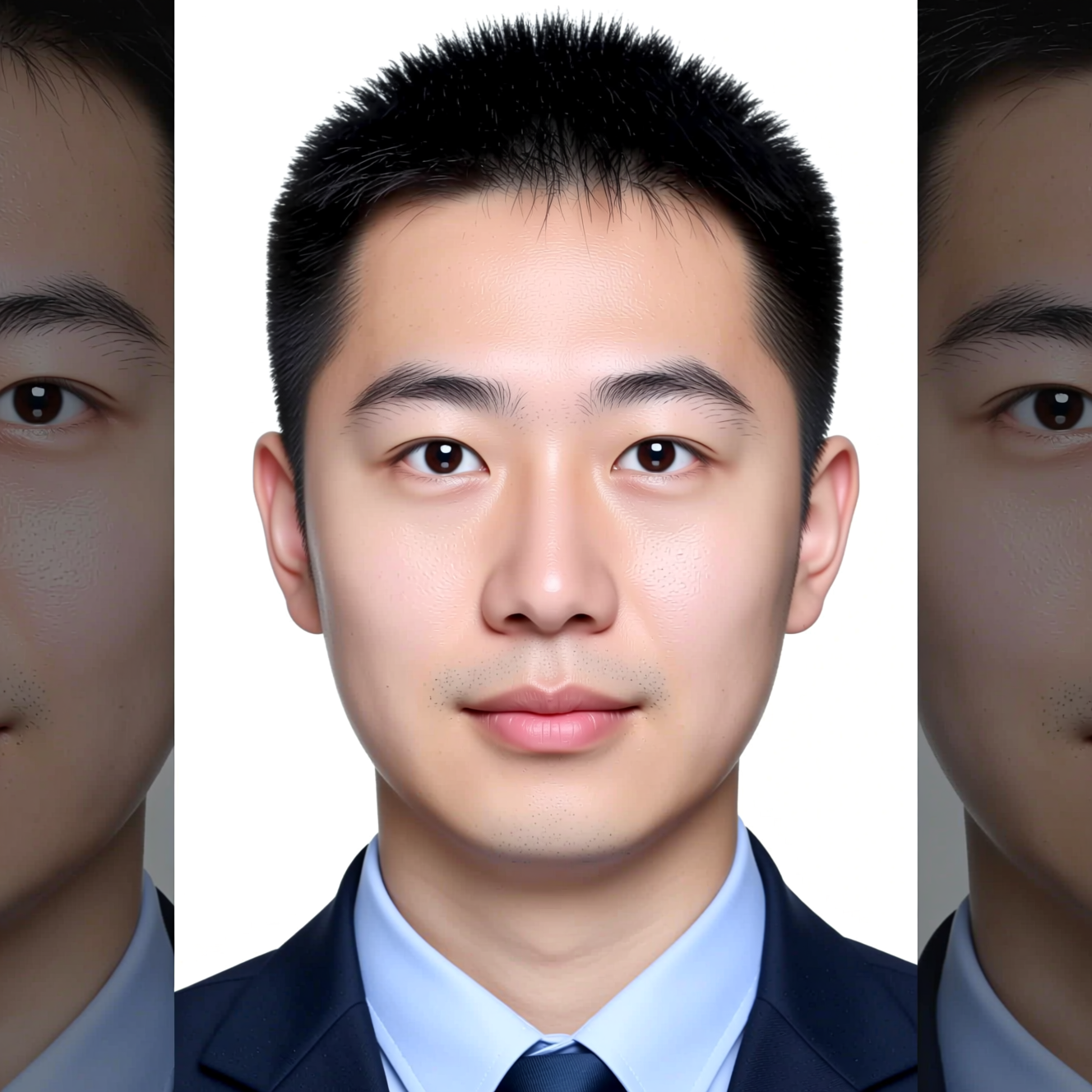 How to Make an ID-Style Photo from a SelfieAn ID-style photo is mostly framing, background and light. Here is how to get one from a phone picture, and why to check the official rules first.