
How to Make an ID-Style Photo from a Selfie
An ID-style photo is mostly framing, background and light. Here is how to get one from a phone picture, and why to check the official rules first.
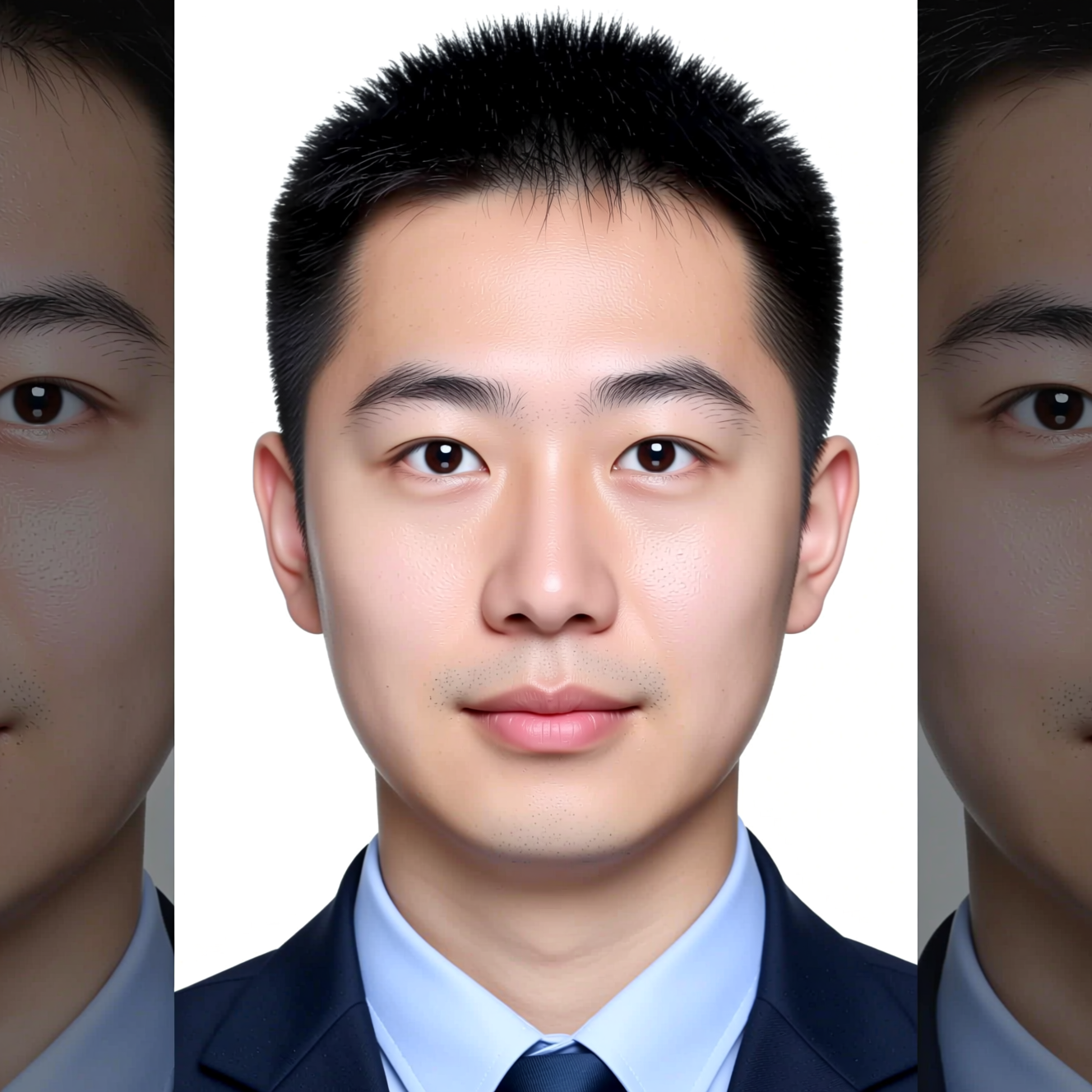
To make an ID-style photo from a selfie, take a straight, front-facing picture and use an AI tool to replace the background with plain white, even out the light and reframe to head and shoulders. Whether an official body accepts the result is its decision, and some do not allow edited or AI-processed photos at all, so check the rules before you rely on it.
Check the rules first
Requirements differ by country and by document: size in millimetres or pixels, how much of the frame the head fills, background shade, glasses, head coverings, how recent the photo must be. Many authorities also say the photo must not be digitally altered. Read the official guidance for your document before anything else. If it requires an unedited photograph, use a photo booth or a photographer.
Where an edited photo is fine, such as a staff badge, a student card, a membership card or a CV in countries that expect one, the steps below are enough.
Take a photo worth converting
- Face the camera square on, with the phone at eye level. Have someone else take it, or use a timer; an arm's-length selfie distorts the face.
- Neutral expression, mouth closed, eyes open and visible.
- Nothing covering the face: no hair across the eyes, no tinted glasses.
- Even light from the front. A window in front of you works; a lamp above you does not.
Doing it in Reelina
Open Biometric Photo, upload the picture and generate. The instruction asks for a plain white background, frontal head-and-shoulders framing, even lighting, a neutral expression and no shadows, and it pins the face.
The result is the look of a document photo. It is not sized to any one country's specification, so crop and resize it to the dimensions your form asks for.
FAQ
Will a passport office accept it? That is the issuing authority's decision, not ours. Each country sets its own rules, and some do not permit edited or AI-processed photos. Check theirs before you rely on it.
Does it change my face? It reframes, relights and replaces the background. Do not use it where an unedited photograph is required.
What should I upload? A front-facing photo with a neutral expression, eyes open and nothing covering the face.
Does it produce the exact size my form needs? No. It produces the framing and background; crop and resize to the required dimensions yourself.
Try it yourself
Every model on one coin balance, straight in your browser. No install, no watermark.
Start creatingKeep reading
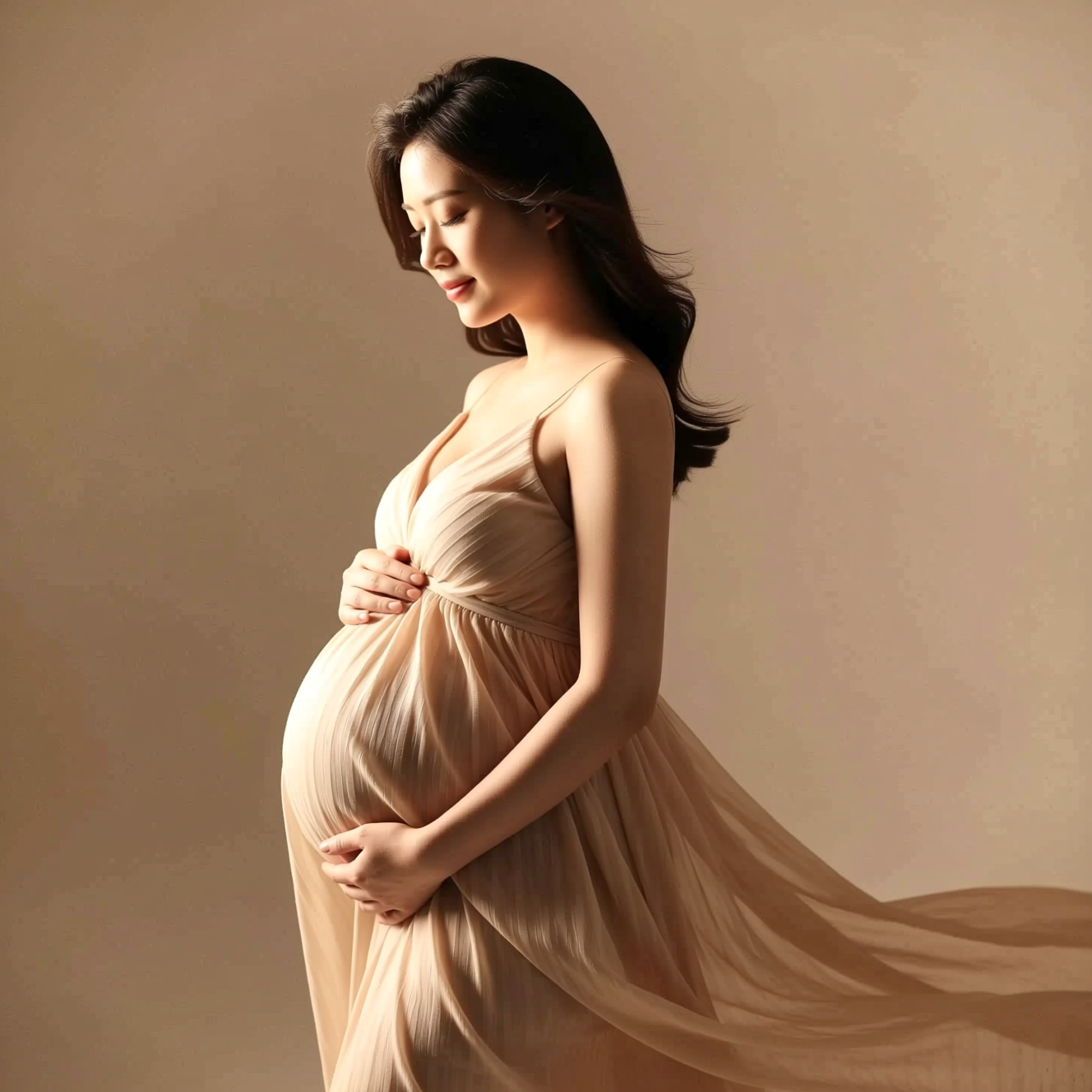 How to Get a Studio Maternity Portrait from a Photo Taken at HomeA studio maternity portrait is soft side light, a simple backdrop and a flowing dress. Here is how to get that look from a photo taken at home.
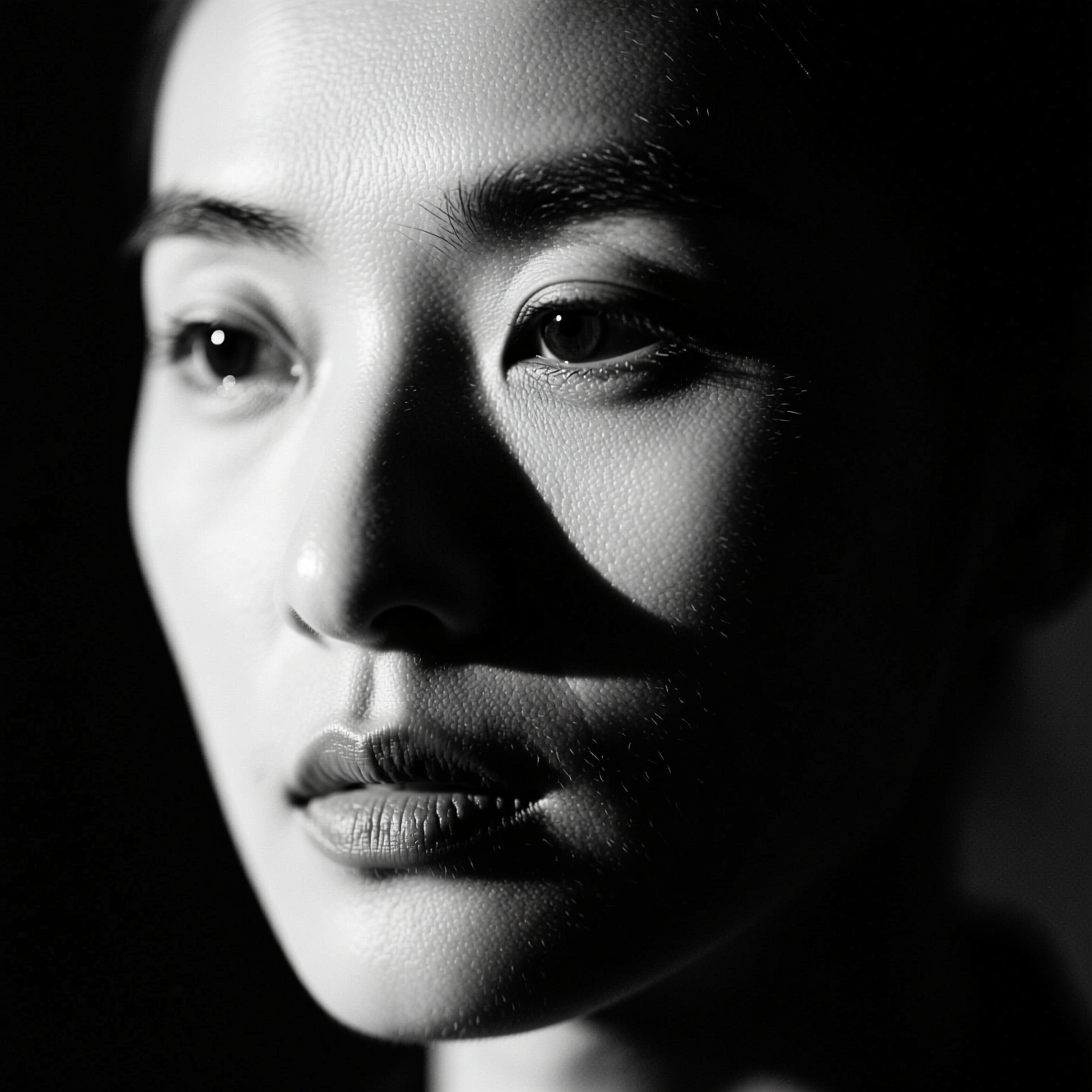 How to Make a Black-and-White Portrait from a Colour PhotoRemoving colour gives a grey photo. A black-and-white portrait is lit for it. Here is the difference and how to get the second from a colour picture.
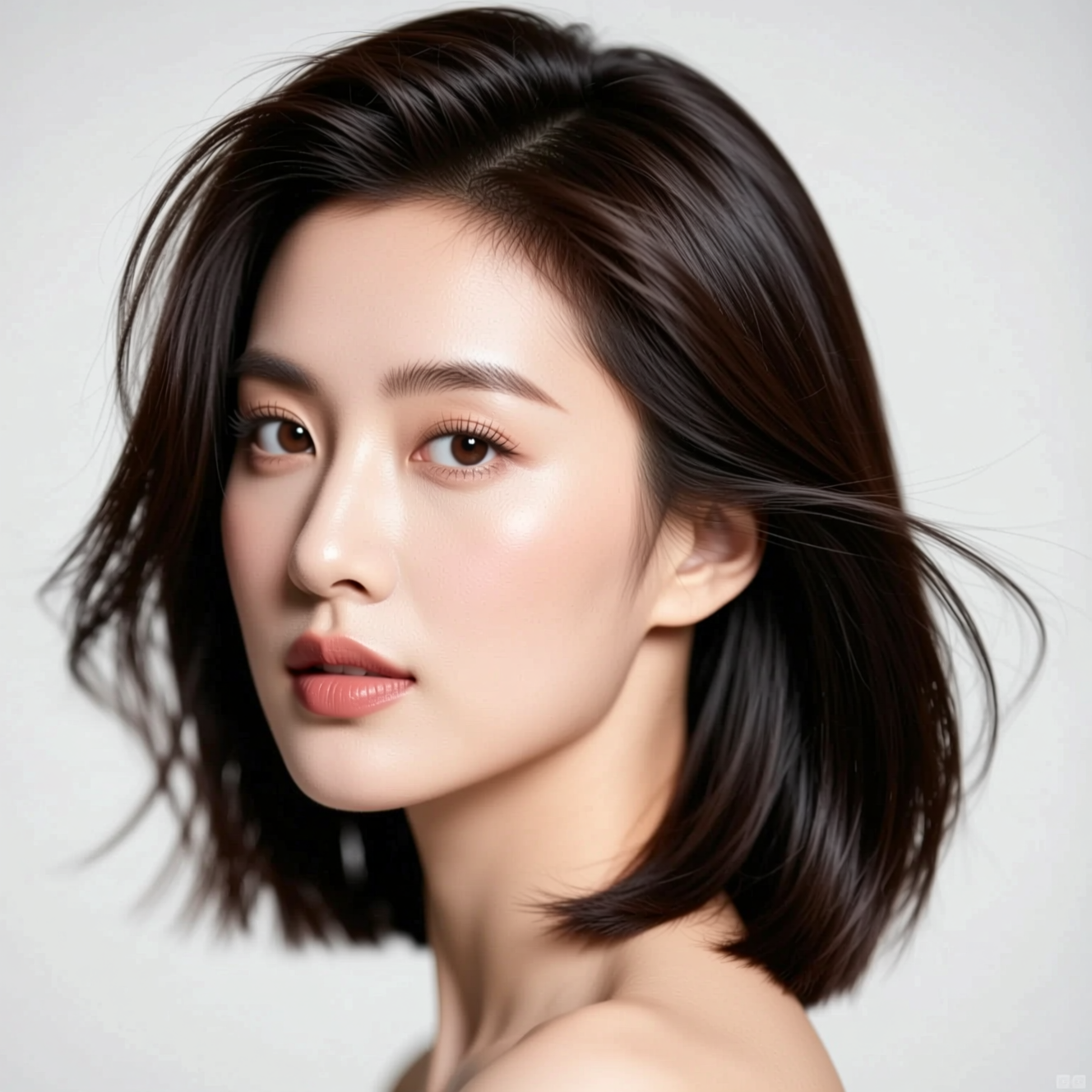 How to Try a New Hairstyle on Your Own PhotoA haircut is easier to judge on your own face than on a model's. Here is how to preview one from a single photo, and what the preview can't tell you.