
AI Selfie Generator
The selfie you would have taken if the light had been right — golden hour, a café window, a city street, a mirror in a clean room.
What AI Selfie Generator does
A selfie generator is not a camera. It takes the face it is given and puts that face somewhere else — better light, a different setting, a photograph nobody actually took. The value is in the places you cannot easily get to: a window-lit apartment at golden hour when you are at your desk, a clean studio background when your bedroom is behind you.
What it must not do is change the face. A selfie of somebody who is not quite you is worthless, however good the lighting is, and it is the failure people notice first. Everything here is built around keeping the face and moving the rest.
One photo in. Several versions out, so you pick rather than accept.
Examples made with this tool
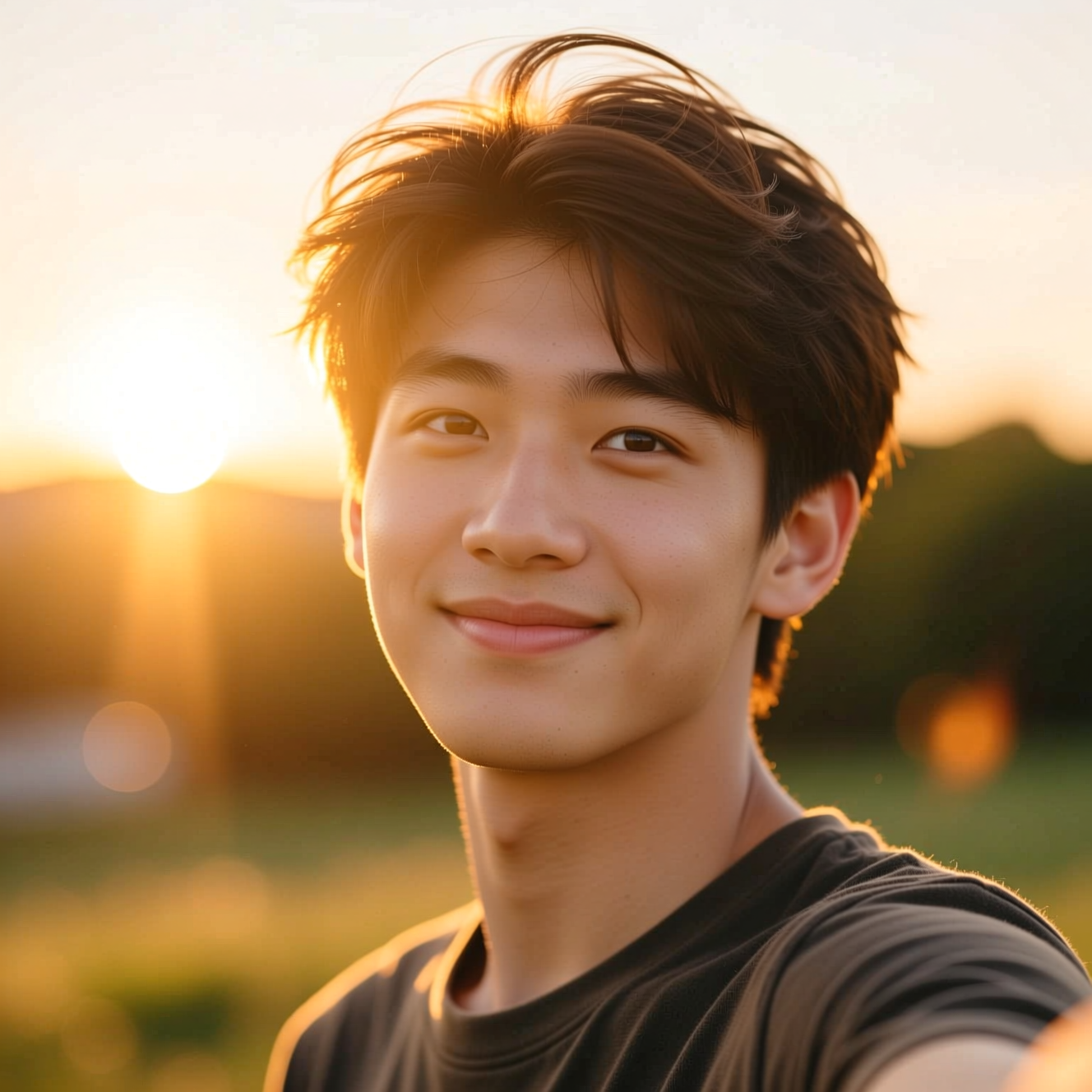
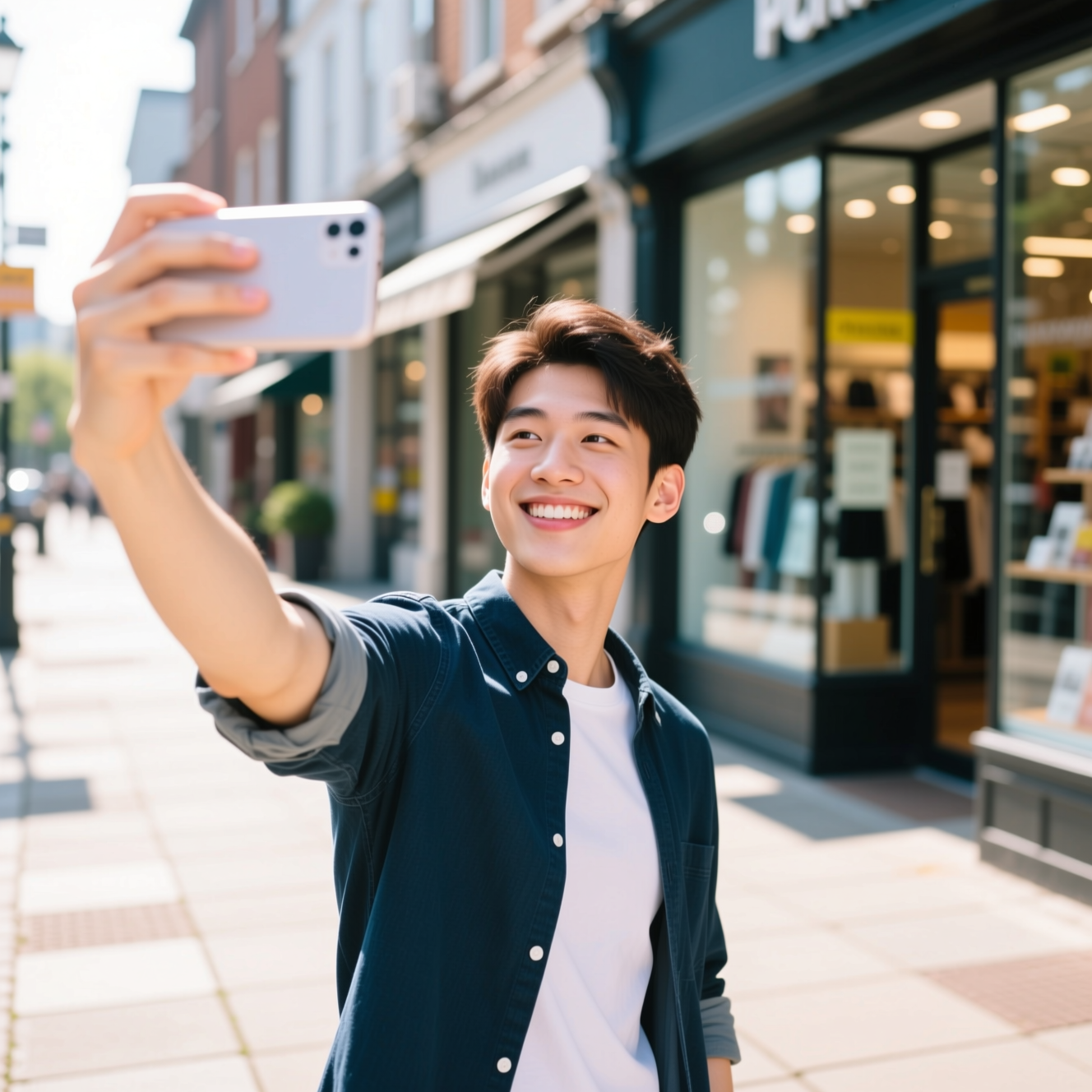
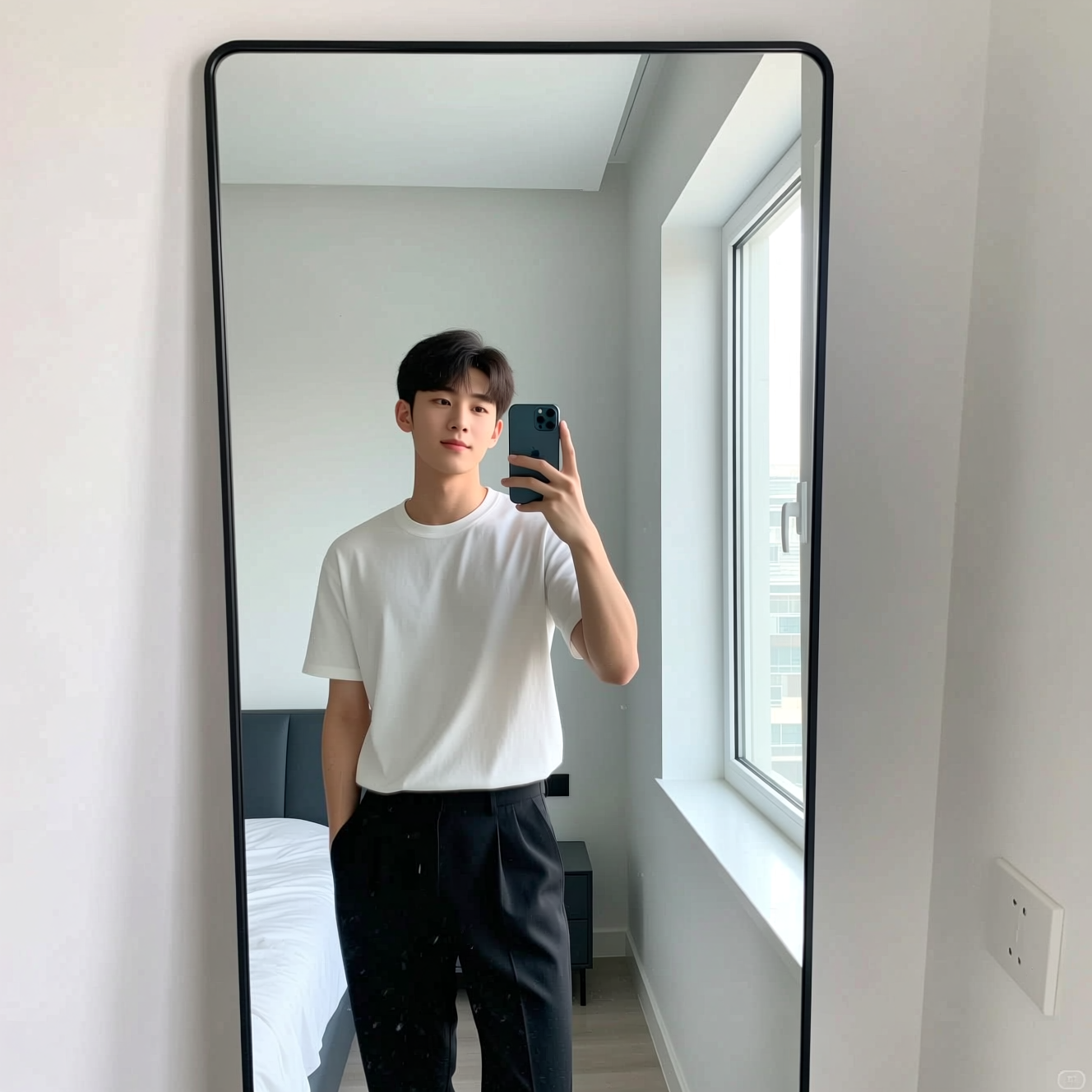
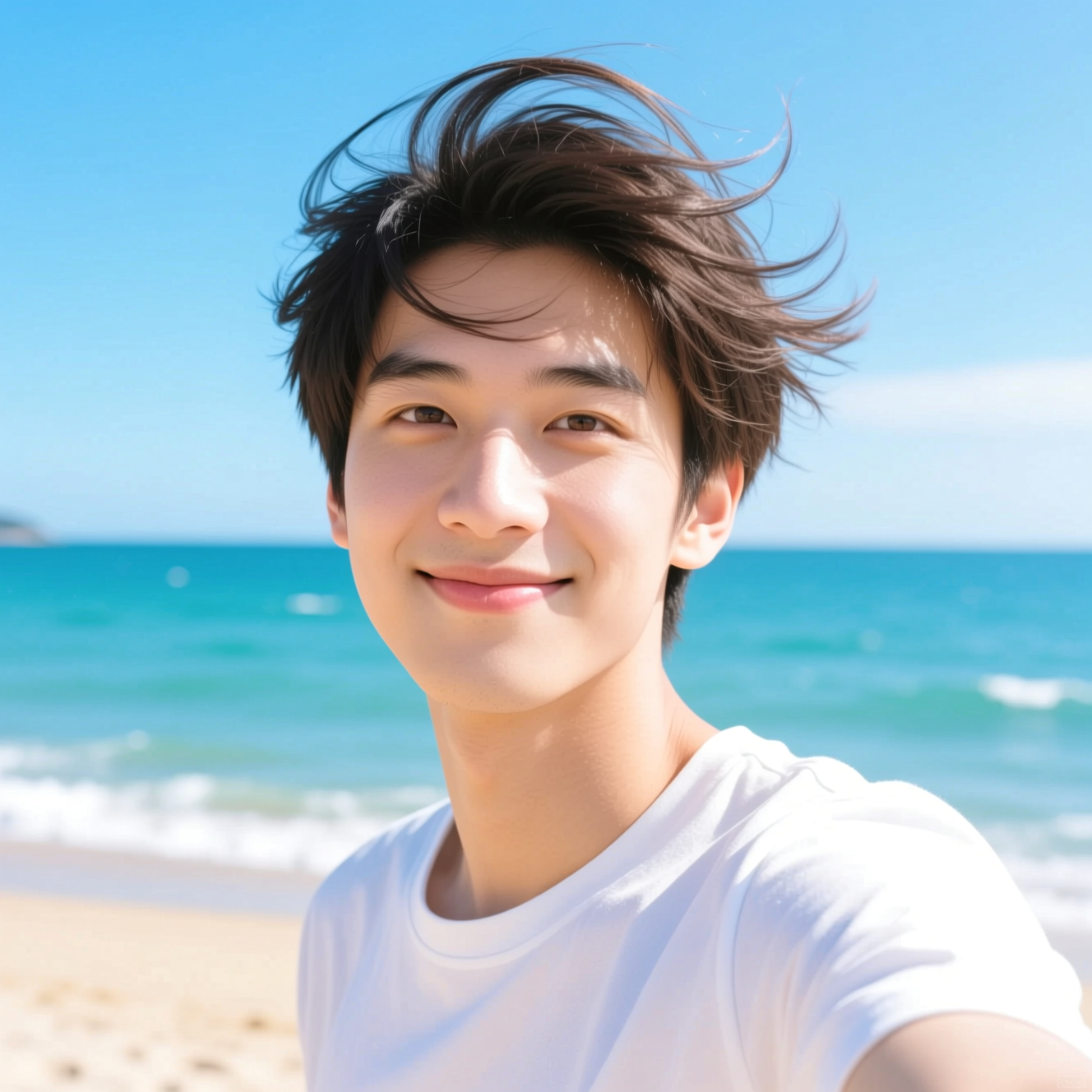
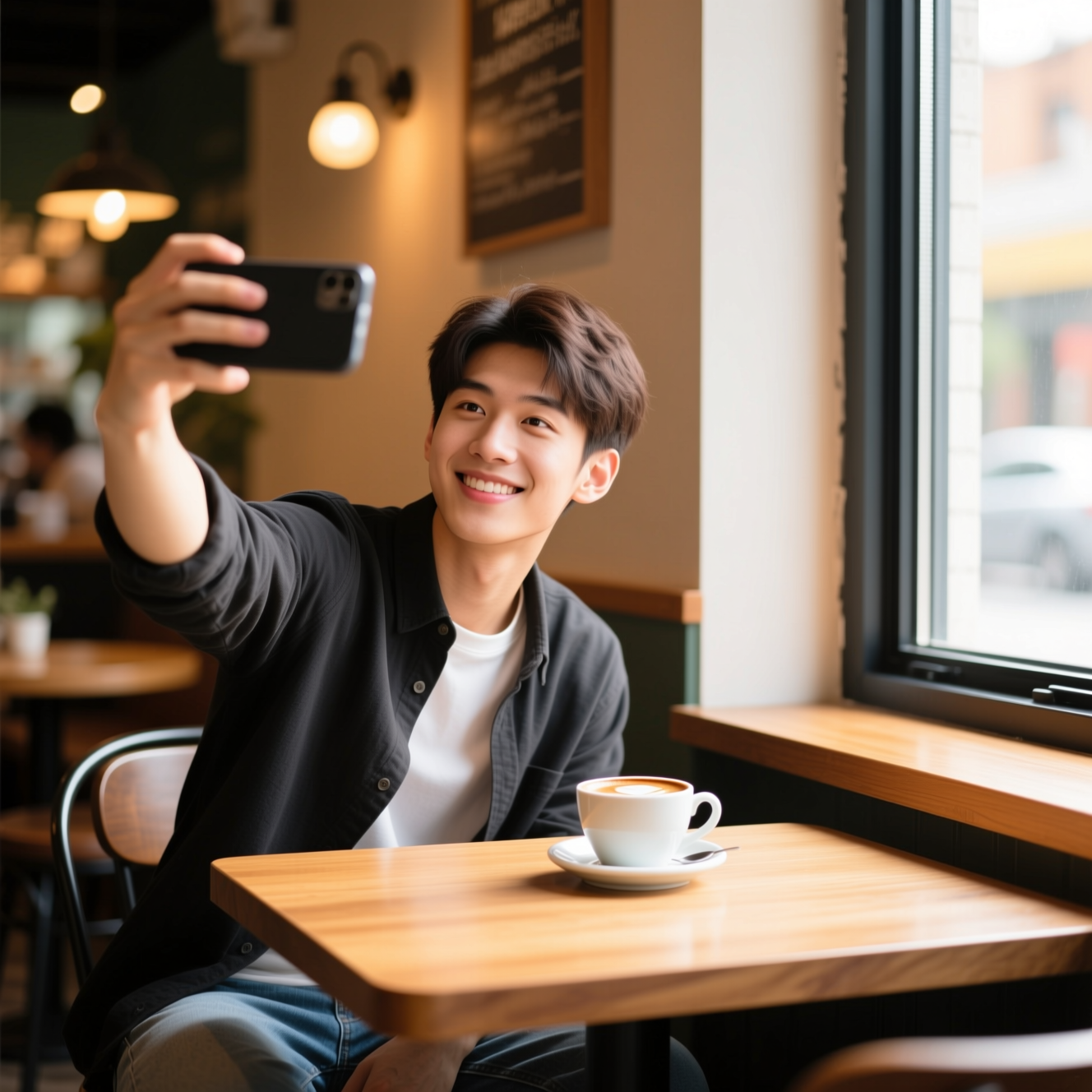
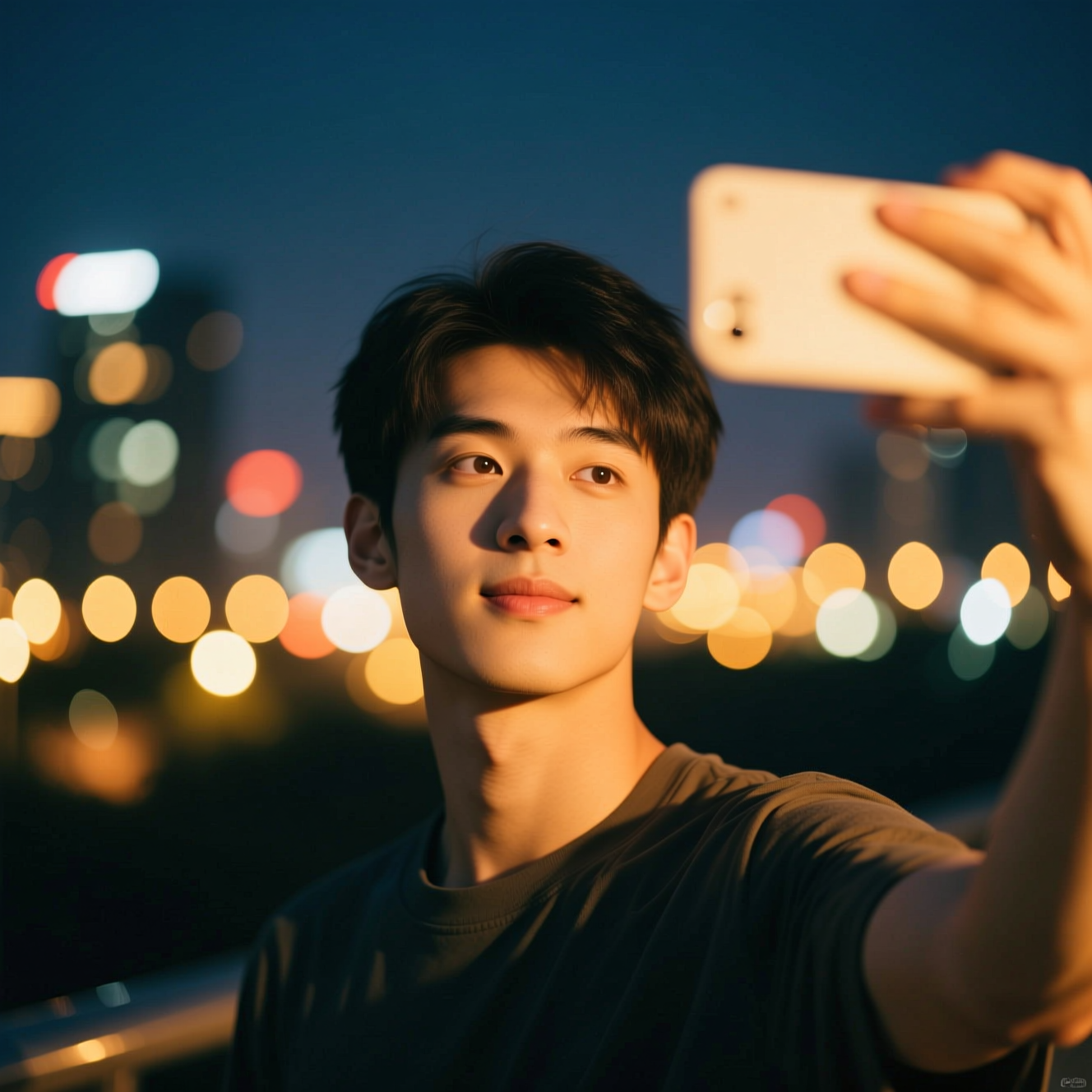
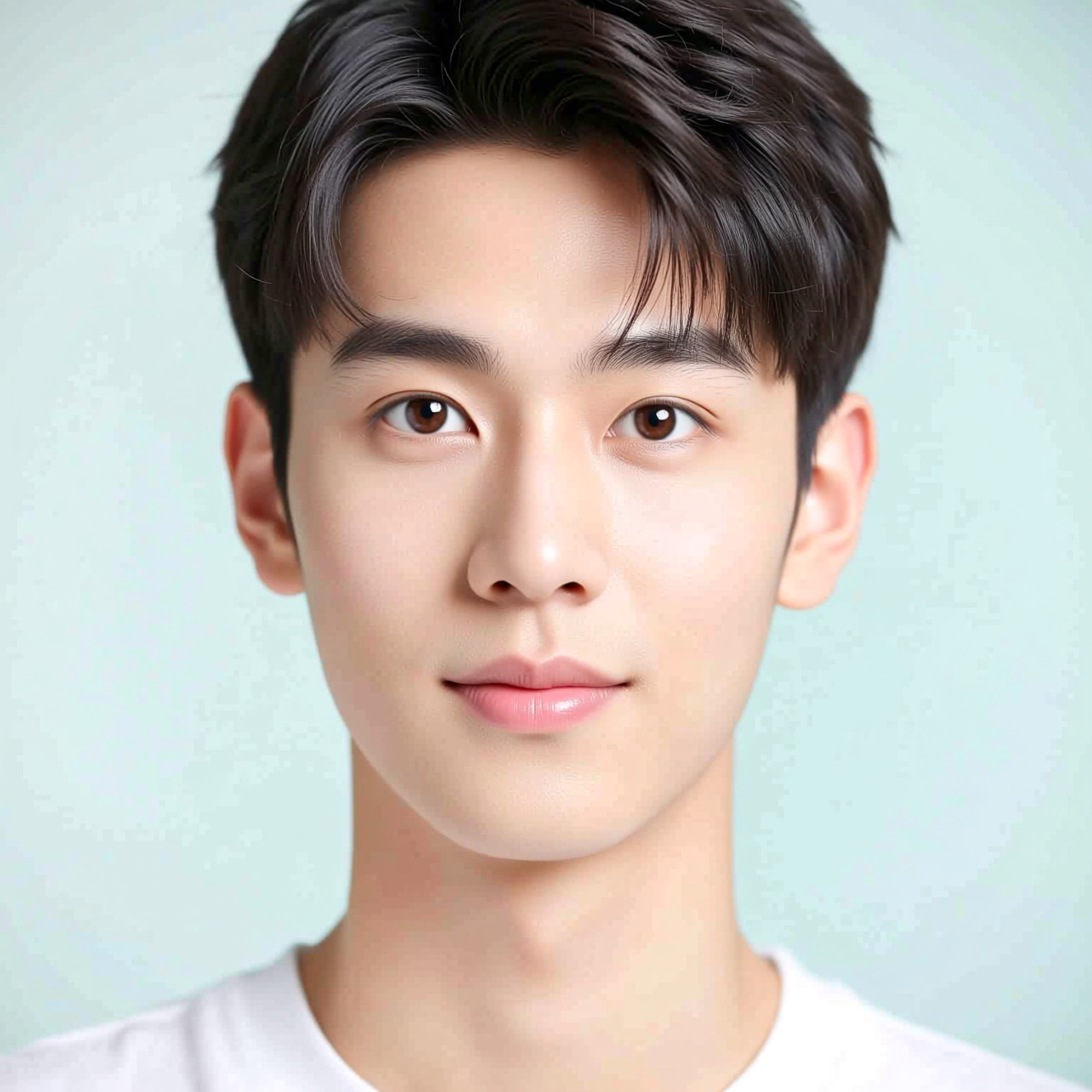
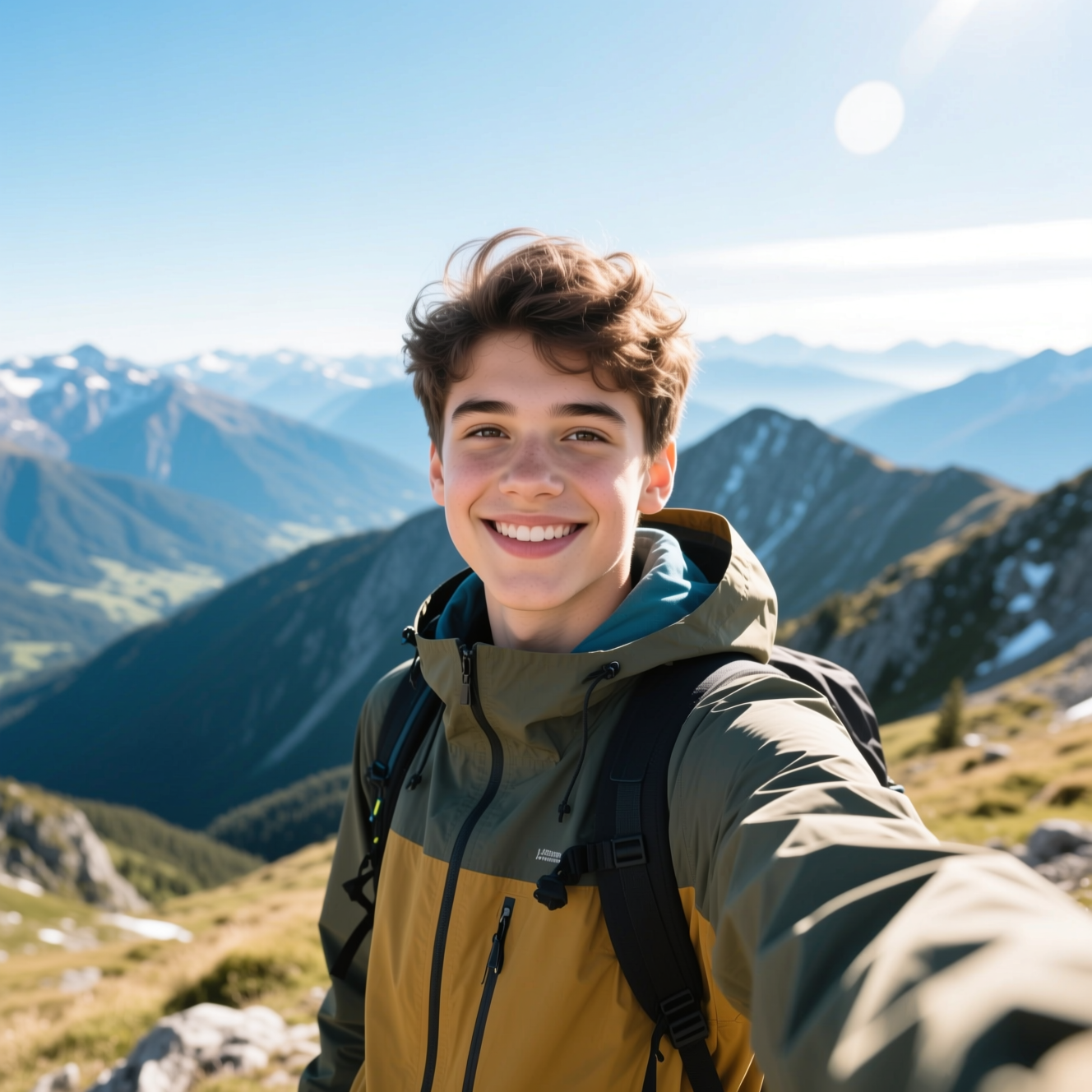
How it works
- Step 1
Upload one photo of yourself
Front-facing and in focus. The light does not have to be good — that is what gets replaced.
- Step 2
Pick where it was taken
Golden hour, city street, mirror, beach, café, night out, studio, or a mountain.
- Step 3
Post it
About a minute, high resolution, no watermark.
What people use it for
A profile picture that is not a bathroom mirror
The most common reason. Same face, light that is not fluorescent, background that is not a shower curtain.
A consistent look across platforms
One source photo run several ways gives you a set that plainly belongs to the same person.
Somewhere you are not
A cafe, a street, a studio. Useful when the photo you need is about the mood rather than the place.
When there is nobody to hold the camera
An arm's length selfie always looks like one. This does not.
Getting a better result
- Start from a sharp, well-lit photo. The model can change the light around you; it cannot invent detail that was never captured.
- Face roughly toward the camera. Extreme angles give it less of your face to preserve, and preservation is the whole job.
- No sunglasses, no heavy filters on the source. Both remove the features that make the result recognisably you.
- Describe the setting, not yourself. "Warm cafe window, late afternoon" gets you further than "make me look good".
- Run three or four. The differences between them are the honest measure of how confident the model is about your face.
What it will not do
- It will not make you look like someone else, and it is not trying to. If the face changes, that is a failure, not a feature.
- It cannot fix a blurry or very dark source. Garbage in is still the rule.
- Hands and jewellery are where generated images still go wrong. Check them before posting.
- It is not a passport or ID photo, and no official process accepts one.
Frequently asked questions
- How does an AI selfie generator work?
- Upload one photo and choose a setting. The AI relights you and rebuilds the background around you — the sun behind your hair, a blurred street, a café window — while keeping your face as it is.
- How is this different from the headshot generator?
- Setting and intent. The headshot pages produce something for a company profile: plain backdrop, business clothing, even studio light. This produces something you would post — golden hour, a café, a beach. Same underlying model, different result.
- Will it still look like me?
- Every prompt here instructs the model to leave the face alone and change only the light and the surroundings. That is a narrower job than restyling a portrait, and it is why the likeness holds up better than in the drawn styles.
- What photo works best?
- Face towards the camera and in focus. Poor lighting is fine — it is being replaced. Motion blur is not, because there is nothing sharp to work from.
- Whose photo may I upload?
- Your own, or someone's who has given you permission. Uploading a photo of a person who has not consented is not allowed under our acceptable use policy.
- What does it cost?
- Each generation comes off your Reelina credit balance and the exact cost is shown before you press Generate. One balance covers every model in the workspace.
- Is it free?
- No — Reelina runs on paid credits. We show what a generation costs before you run it rather than advertising a free tier we do not have.
- What happens to my photo?
- It is used only to make your result. Creations are private by default, and everything is deleted seven days after it is generated.
Every model, one balance
No watermarks, full resolution, and every leading AI model on one credit balance — create right in your browser.
Get StartedRelated tools
AI Headshot Generator
Upload one photo of yourself and get a professional headshot back — no studio, no photographer, ready in about a minute.
AI Portrait Generator
Turn one photo into a styled portrait — editorial, cinematic or fashion, in about a minute.
AI Outfit Changer
Put a different outfit on your own photo. Upload once and see yourself in a suit, in street style, in something you would wear to an event — same you, different clothes.
What people make with Reelina
All AI tools →- AI Aging Filter
- AI Age Progression
- AI Engagement Photos
- AI Dating Photos
- AI Fashion Model Generator
- Looking for a Remini Alternative?
- Looking for a Higgsfield Alternative?
- Looking for a Sora Alternative?
- Looking for an LTX Studio Alternative?
- Looking for a Dreamina Alternative?
- Looking for a Lensa Alternative?
- AI Dance Video Generator
- AI Image to Video
- Text to Video AI
- AI Headshot Generator
- AI Portrait Generator
- AI Hairstyle Changer
- AI Tattoo Generator
- AI Outfit Changer
- AI Maternity Photoshoot
- AI Christmas Card Generator
- AI Wedding Photo Generator
- AI Couple Photo Generator
- AI Car Photo Editor
- See Yourself Younger
- See Yourself as a Baby
- What Would Our Baby Look Like
- Caricature Maker
- Anime Filter
- Real Estate Photo Editing
- Cartoon Yourself
- Pop Art Generator
- Action Figure Generator
- Magazine Cover Generator
- AI Product Photo Generator
- AI Photo Restoration
- Colorize Black and White Photos
- Looking for a Kling AI Alternative?
- Looking for a Veo 3 Alternative?
- Looking for a PixVerse Alternative?
- Looking for a Hailuo AI Alternative?
- AI Birthday Photo
- AI Pet Portrait
- Royal Portrait Generator
- AI Selfie Generator