
How to Make a Magazine Cover Photo from a Portrait
A cover image is made by light, styling and the space left for the title. Here is how to turn a portrait into one.
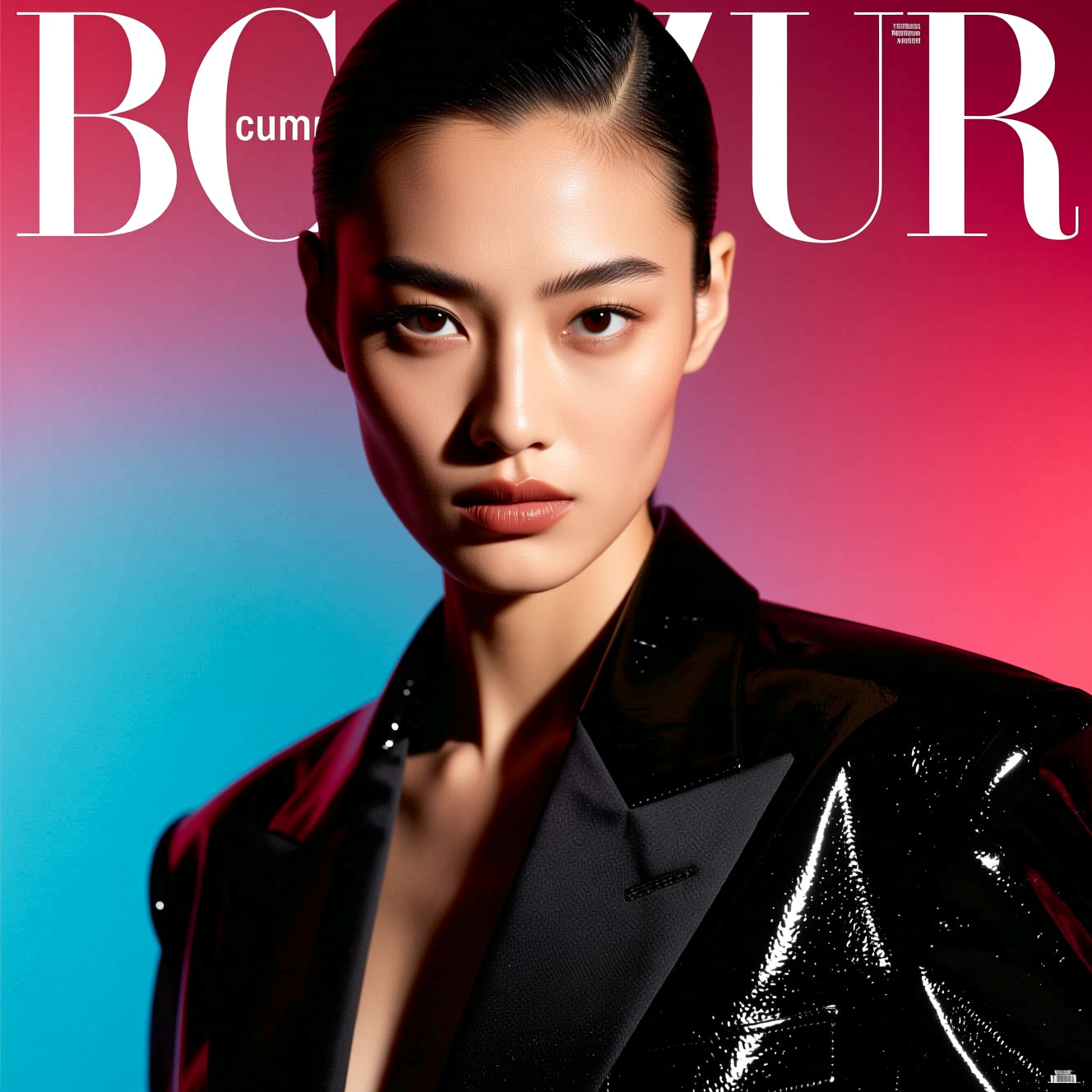
To make a magazine cover photo, upload a clear portrait to an AI tool that restyles it as an editorial shot: dramatic studio lighting, designer styling and a bold cover crop, with your face kept the same. The tool makes the photograph; you add the masthead and headlines afterwards.
What makes a photo look like a cover
Covers follow rules that ordinary portraits don't.
- Light with a direction. One strong source, sculpting the face, with a clean falloff into shadow. Even, flat light is a snapshot.
- Styling. Clothes and hair that look chosen for the picture.
- Room for type. A cover leaves space above the head for the title and down one side for cover lines. A portrait cropped tight to the hair leaves nowhere to put them.
- Eye contact. Most covers look straight at the reader.
Photos that work
- Face to camera, sharp, with space around the head.
- Waist-up or head and shoulders.
- A simple background. It will be replaced by a studio look.
Doing it in Reelina
Open Magazine Cover, upload the photo and generate. The instruction asks for a high-fashion magazine cover editorial shot with dramatic studio lighting, designer styling and a glossy aesthetic with bold composition, keeping the person's face and identity exactly the same.
No title or text is generated. Add the name and cover lines yourself in any design or photo app, which also lets you use your own wording and font. Don't use a real magazine's name or logo on something you publish.
FAQ
Does it add the magazine title and headlines? No. It creates the photograph. Add your own text afterwards.
Will it change my face? No. Face and identity are kept; lighting, styling and composition change.
What photo works best? A clear portrait with space around the head for an editorial crop.
Can I print it as a gift or poster? Yes. Run Photo Upscaler first for a large print.
Try it yourself
Every model on one coin balance, straight in your browser. No install, no watermark.
Start creatingKeep reading
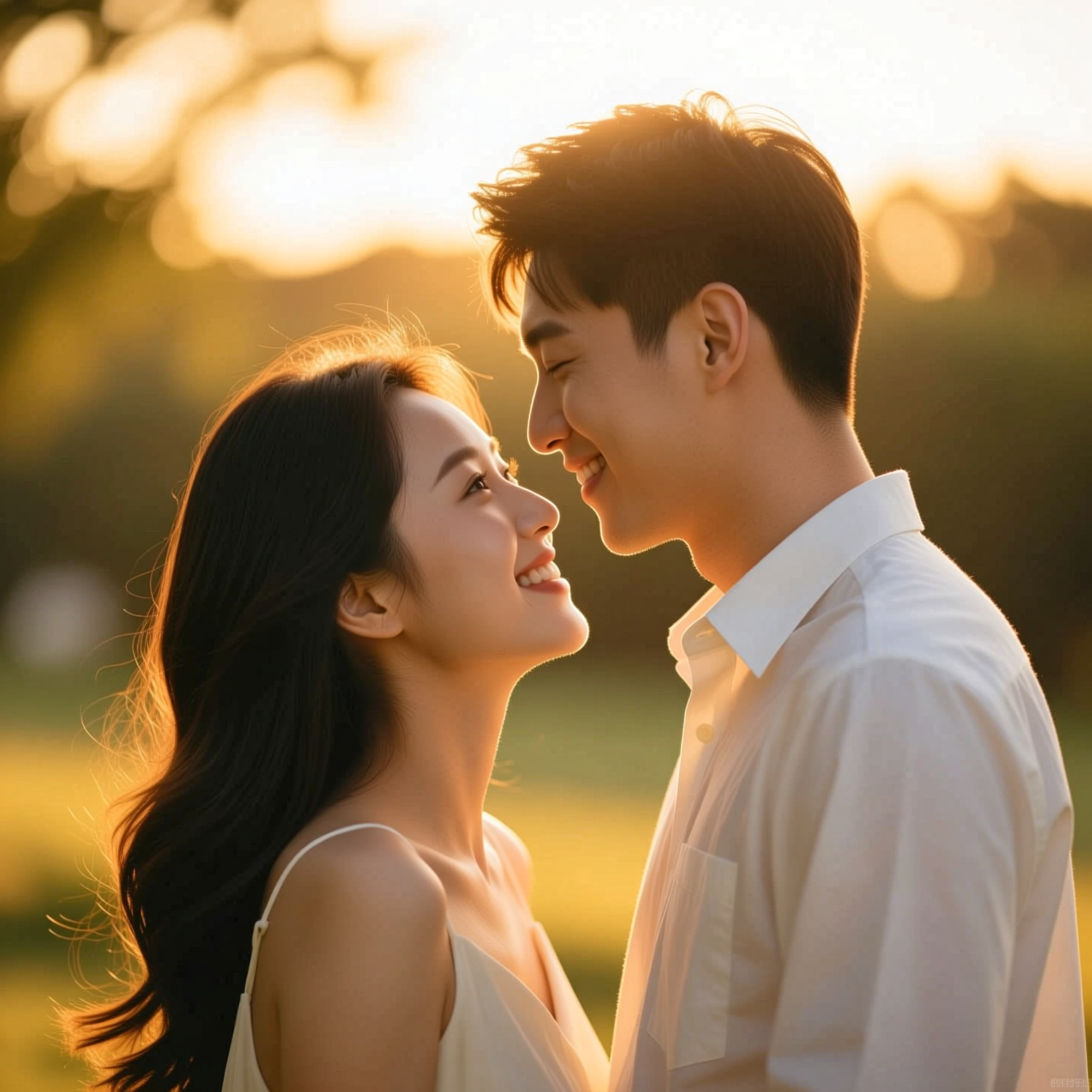 How to Make a Wedding-Style or Couple Portrait from an Everyday PhotoA portrait in wedding or engagement style is a picture, not a record of the day. Here is how to make one from an everyday photo and where it fits.
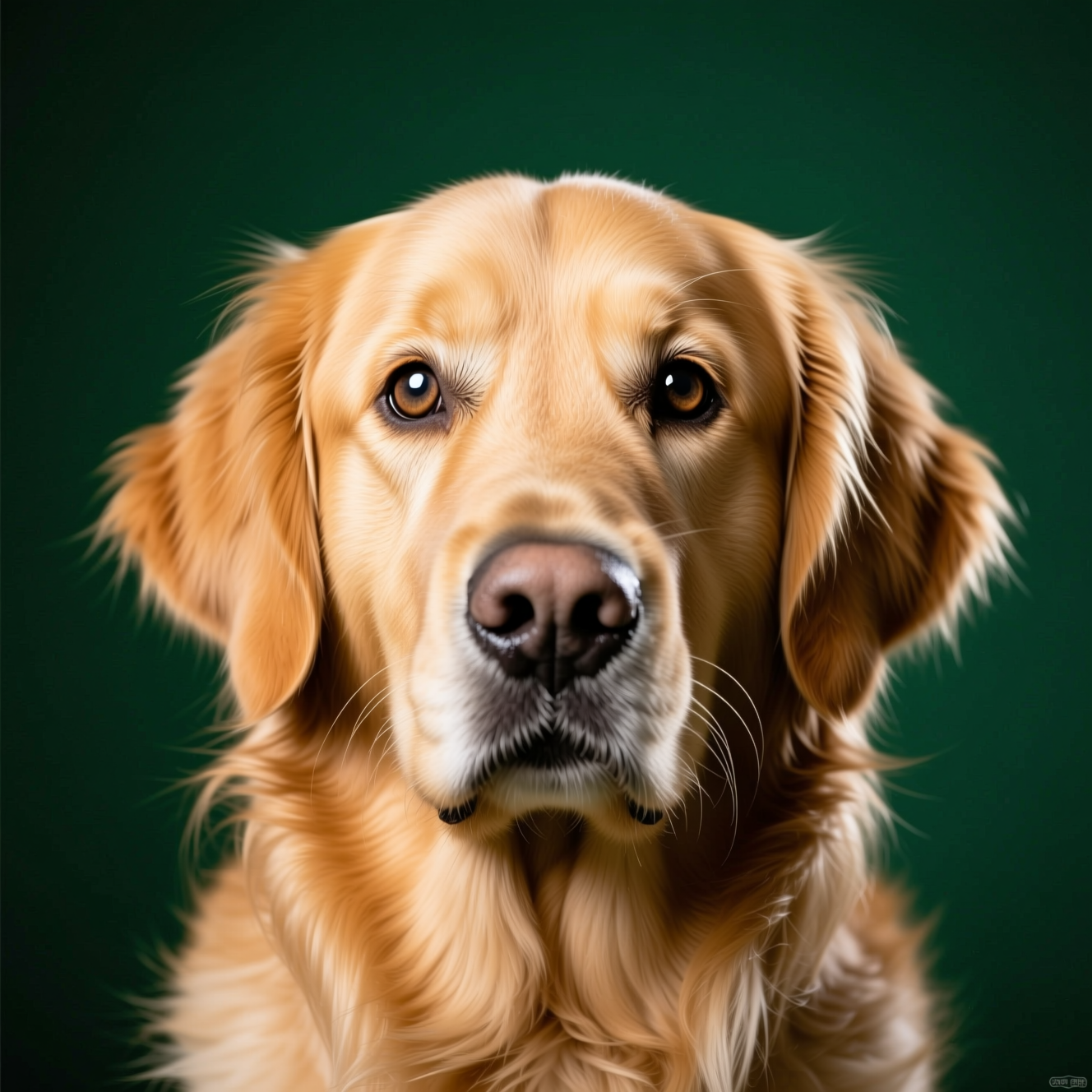 How to Turn a Photo of Your Pet into a Painted PortraitA pet portrait lives or dies on markings and expression. Here is how to turn a phone photo of your pet into a painted portrait worth framing.
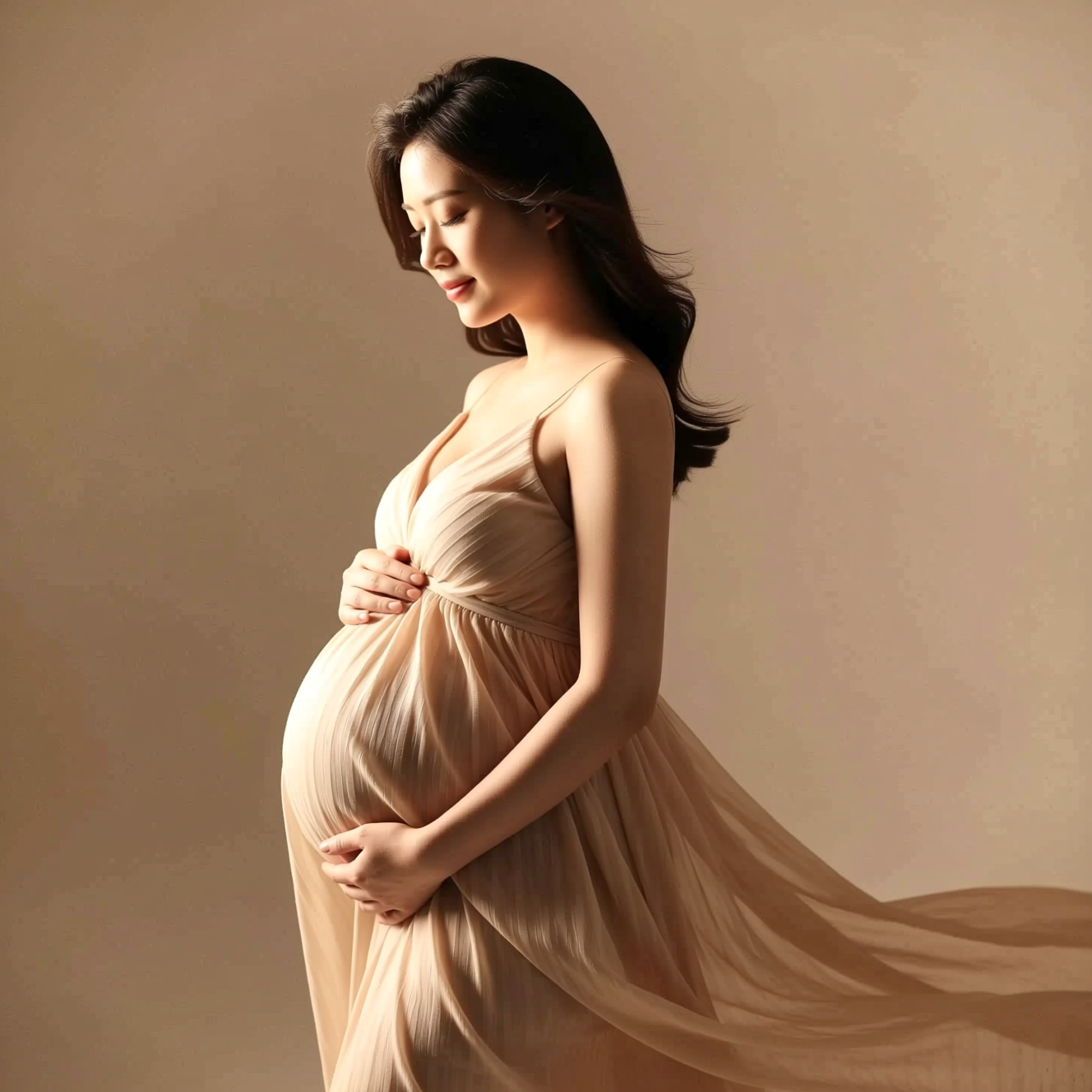 How to Get a Studio Maternity Portrait from a Photo Taken at HomeA studio maternity portrait is soft side light, a simple backdrop and a flowing dress. Here is how to get that look from a photo taken at home.