
How to Change Clothes in a Photo
Swapping an outfit in a photo goes wrong at the fabric, not the face. Here is what makes a clothing edit believable and how to do it from one photo.
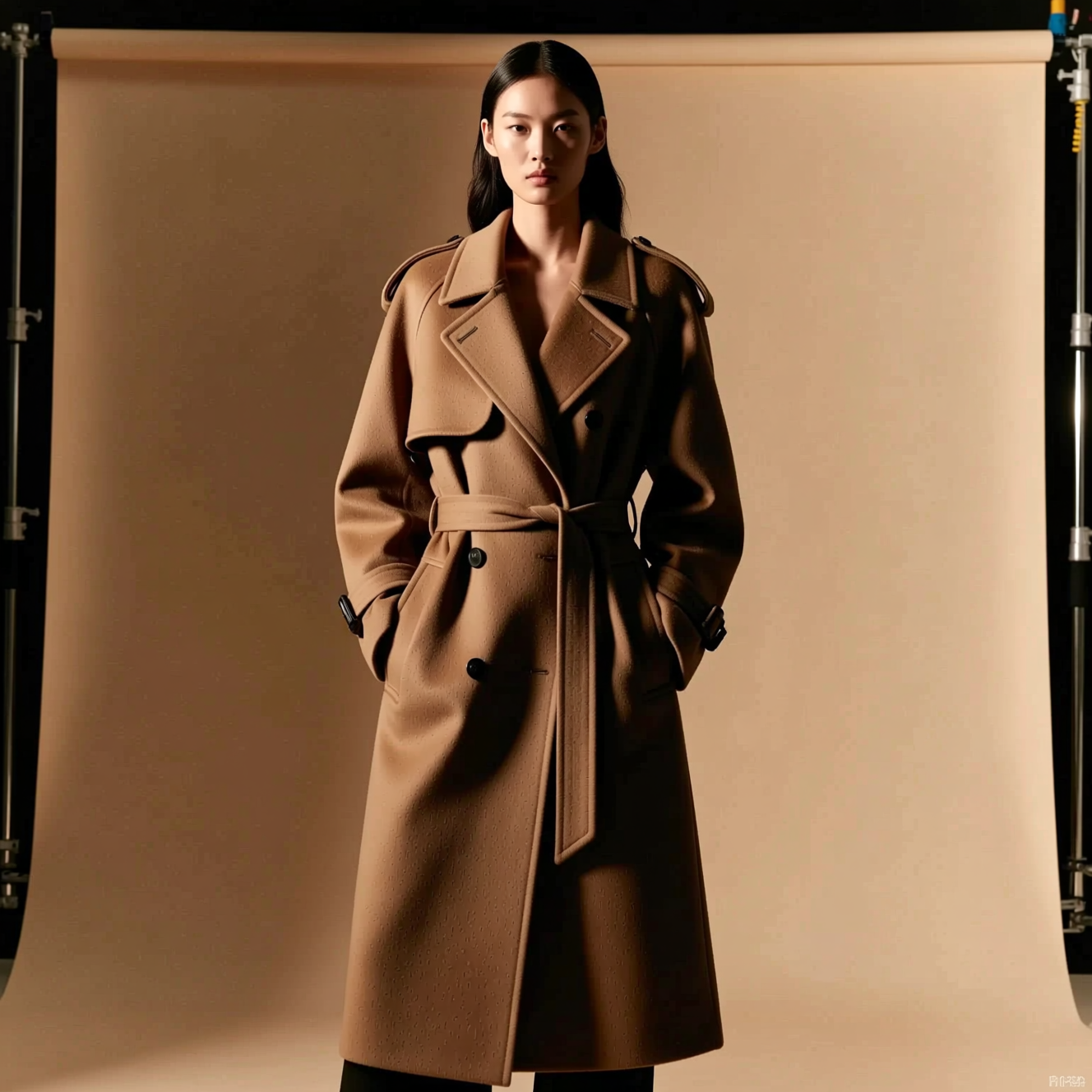
To change clothes in a photo, upload it to an AI outfit editor: it redraws the clothing and keeps your face, pose and background. A full-body photo with a clear outline gives the most convincing result, and it takes one photo and a couple of minutes.
What gives a clothing swap away
It is rarely the face. It is fabric that doesn't behave like fabric: a jacket with no weight at the shoulders, folds that ignore the bend of an arm, a hem that floats. Clothes hang from the body, crease at the joints and catch the same light as everything else in the frame. An edit that gets those three right reads as a photo. One that pastes a flat garment on reads as a sticker.
Photos that work best
- Full body or three-quarter length. The more of the outfit is in frame, the more there is to change, and the better the fit can be judged.
- A clear silhouette. Arms slightly away from the body and nothing held in front of the torso.
- Simple light. Strong patterned shadows across the clothes have to be re-created on the new fabric, and that is where errors show.
- Hair off the shoulders if you can. Long hair over the chest makes the collar area harder.
Doing it in Reelina
Open Outfit Change, upload the photo and generate. The instruction asks for a different, stylish outfit that suits the person, with realistic fabric, fit and draping, and pins face, identity, pose and background.
Each run proposes a different outfit rather than taking an order, so generate a few. If you need one specific garment, use the image editor in the studio and describe it in words.
FAQ
Can I choose the outfit? Not in the one-tap app. Runs vary between styles that suit the subject. For a specific garment, describe it in the studio's image editor.
Does it keep my face and pose? Yes. Face, identity, pose and background are kept; only the clothing changes.
Does it work on a selfie? It works, but a selfie shows only the neckline and shoulders. Full-body photos show the result best.
Can I use it to show a product I sell? For putting your own garment on a model, use Product on Model instead; Outfit Change invents the clothing.
Try it yourself
Every model on one coin balance, straight in your browser. No install, no watermark.
Start creatingKeep reading
 How to Get a Studio Maternity Portrait from a Photo Taken at HomeA studio maternity portrait is soft side light, a simple backdrop and a flowing dress. Here is how to get that look from a photo taken at home.
 How to Make a Black-and-White Portrait from a Colour PhotoRemoving colour gives a grey photo. A black-and-white portrait is lit for it. Here is the difference and how to get the second from a colour picture.
 How to Try a New Hairstyle on Your Own PhotoA haircut is easier to judge on your own face than on a model's. Here is how to preview one from a single photo, and what the preview can't tell you.