
Restore Old Photos Using AI
Old photographs hold priceless memories, but time can leave them faded, blurry, scratched, or damaged. Discover how AI restoration with Reelina can bring old photos back to life in just a few minutes.
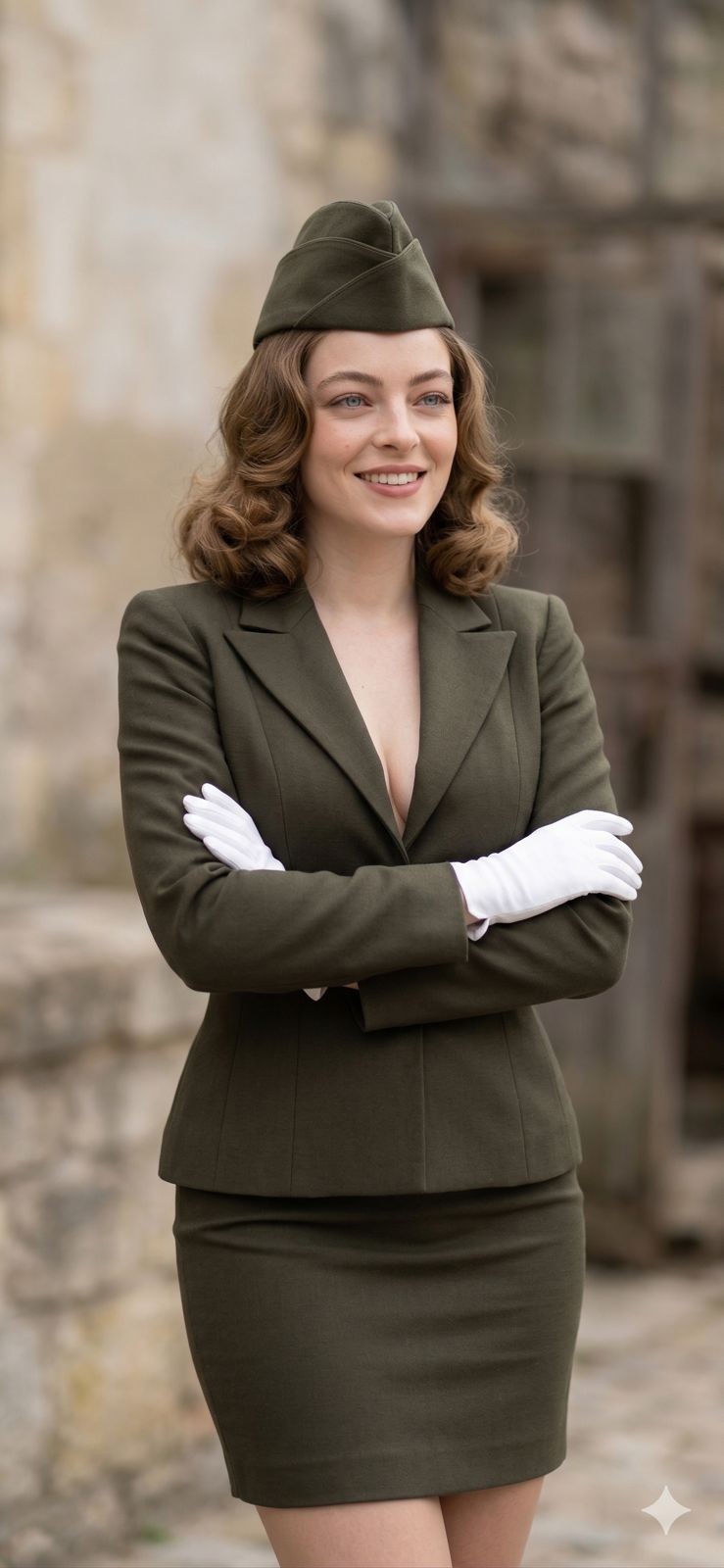
Restore Old Photos Using AI: Bring Your Memories Back to Life
Every old photograph tells a story.
Whether it's a childhood memory, a wedding portrait, or a picture of your grandparents, these moments become more valuable as time passes. Unfortunately, old printed photos often fade, become scratched, lose detail, or suffer damage from age.
Thanks to artificial intelligence, restoring old photos is now faster, easier, and more accurate than ever.
In this guide, you'll learn how AI photo restoration works, what kinds of damage it can repair, and how Reelina helps preserve your most meaningful memories.
Why Old Photos Lose Quality
Physical photographs naturally deteriorate over time.
Some of the most common issues include:
- Faded colors
- Yellowing paper
- Scratches
- Dust spots
- Cracks
- Water damage
- Low-resolution scans
- Blur caused by aging prints
Even digital copies often lose quality after repeated compression or scanning.
What Is AI Photo Restoration?
AI photo restoration uses machine learning models trained on millions of photographs to rebuild damaged areas and improve image quality.
Instead of simply applying filters, AI analyzes the image and predicts missing details based on real photographic patterns.
Modern AI can restore:
- Faces
- Hair
- Eyes
- Clothing
- Background details
- Color balance
- Contrast
- Overall sharpness
The goal is not to create a different image—but to recover the original photo as naturally as possible.
How Reelina Restores Old Photos
Reelina combines advanced AI enhancement with intelligent restoration technology.
After uploading an old image, Reelina automatically analyzes it and applies multiple improvements, including:
- Scratch reduction
- Blur correction
- Noise removal
- Resolution enhancement
- Color improvement
- Facial detail reconstruction
- Contrast optimization
- Image sharpening
Unlike manual editing, the process takes only a few moments and requires no design experience.
What Types of Photos Can Be Restored?
Family Portraits
Restore precious family memories that have faded over decades.
Wedding Photos
Recover important wedding photographs damaged by time.
Childhood Pictures
Sharpen scanned childhood photos and improve facial details.
Black and White Images
Enhance classic black-and-white photographs while preserving their timeless look.
Historical Photos
Improve scanned archival photographs for easier viewing and long-term preservation.
Common Problems AI Can Fix
Faded Colors
Old prints often lose their original vibrancy.
AI restores more natural contrast and balanced tones.
Blurry Faces
Facial details are one of the biggest strengths of modern AI.
Eyes, skin texture, and facial features become noticeably clearer.
Scratches
Surface scratches and small imperfections can often be reduced automatically.
Low Resolution
Many scanned photos are too small for modern displays.
Reelina increases image resolution while maintaining natural detail.
Digital Noise
Older digital cameras introduced heavy image noise.
AI removes unnecessary grain while preserving important textures.
Before and After Restoration
A typical old photo might include:
- Washed-out colors
- Soft facial details
- Visible scratches
- Low contrast
- Pixelation
- Dust marks
After restoration with Reelina, users often notice:
- Sharper faces
- Cleaner backgrounds
- Improved brightness
- Higher resolution
- More balanced colors
- Better overall clarity
The final image feels closer to how the original memory looked.
AI Restoration vs Manual Editing
| Feature | Reelina AI Restoration | Manual Editing |
|---|---|---|
| Fast results | ✅ | ❌ |
| Beginner friendly | ✅ | ❌ |
| Scratch removal | ✅ | Manual work |
| Resolution enhancement | ✅ | Limited |
| Facial detail recovery | ✅ | Difficult |
| Automatic processing | ✅ | ❌ |
Professional restoration can take hours.
AI restoration often finishes in minutes.
Tips for Better Results
For the highest-quality restoration:
- Scan printed photos at high resolution.
- Clean dust from the original print before scanning.
- Upload the original image whenever possible.
- Avoid heavily compressed files.
- Use the largest version available.
These small steps help AI produce more accurate restorations.
More Than Photo Restoration
While restoring memories is one of Reelina's most popular features, the platform offers much more.
With Reelina, you can also:
- Generate professional AI headshots
- Create LinkedIn profile photos
- Produce Instagram-ready portraits
- Generate dating profile pictures
- Enhance blurry selfies
- Remove unwanted backgrounds
- Turn photos into AI-generated videos
This makes Reelina a complete AI photography platform rather than a single-purpose restoration tool.
Frequently Asked Questions
Can AI restore extremely old photos?
Yes.
Even photographs that are decades old can often be significantly improved, especially if the scan is reasonably clear.
Will Reelina change the people in my photo?
No.
Reelina is designed to preserve the original identity of every person while improving image quality.
Can scratches really disappear?
Minor scratches, dust spots, and visual imperfections can often be greatly reduced through AI restoration.
Does Reelina colorize black-and-white photos?
Reelina primarily focuses on restoration and enhancement. Depending on future updates, additional restoration features may become available.
Is AI restoration better than Photoshop?
For most users, yes.
AI restoration requires no editing skills and produces professional-looking improvements in just a few clicks.
Why Choose Reelina?
Many AI tools specialize in only one task.
Some restore photos.
Others generate portraits.
Others enhance image quality.
Reelina brings these capabilities together in one intuitive platform.
Whether you're preserving family memories, improving a blurry portrait, creating professional headshots, or generating AI-powered videos, Reelina gives you one place to do it all.
Final Thoughts
Old photographs deserve to be preserved—not forgotten.
With modern AI restoration, faded memories can become vibrant again without spending hours learning professional editing software.
If you want a fast, natural, and reliable way to restore old family photos while also accessing powerful AI photography tools, Reelina is an excellent place to start.
Related Articles
- How to Upscale Blurry Photos with AI
- AI Photo Generator vs Remini
- AI Background Remover Guide
- Best AI Headshot Generator in 2026
- AI Portrait Styles Explained
Restore Your Memories with Reelina
Bring old family photos back to life in just a few minutes.
With Reelina, you can restore faded images, improve sharpness, enhance resolution, and preserve your most valuable memories using advanced AI technology.
Try it yourself
Every model on one coin balance, straight in your browser. No install, no watermark.
Start creatingKeep reading
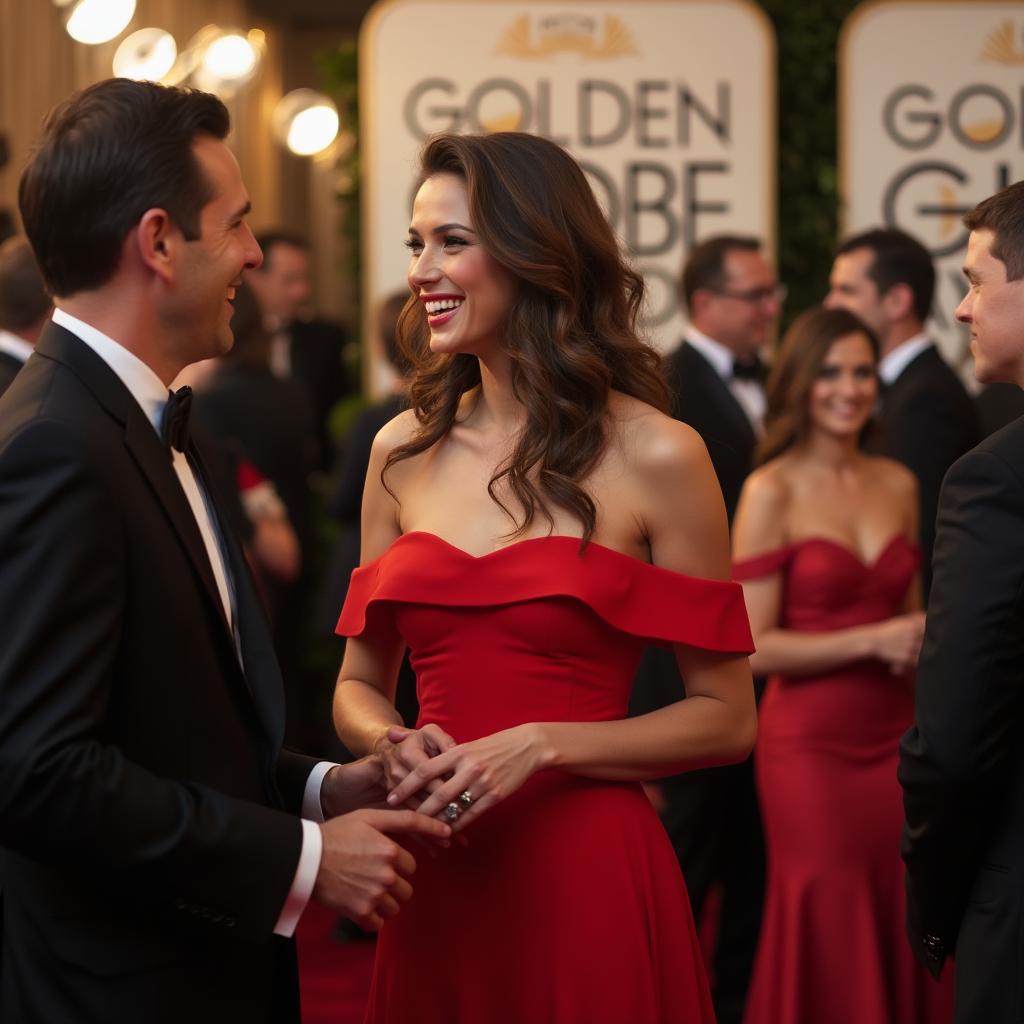 How to Upscale Blurry Photos with AIBlurry photos don't have to stay blurry forever. Learn how AI image upscaling works, when to use it, and how Reelina can improve low-quality photos while preserving natural details.
 What Can AI Generate? 12 Things You Can Create TodayAI can generate far more than chat: photos, videos, voices, music, subtitles, restored memories and more. A practical tour of 12 things you can create with AI right now — with real costs and where to try each one.
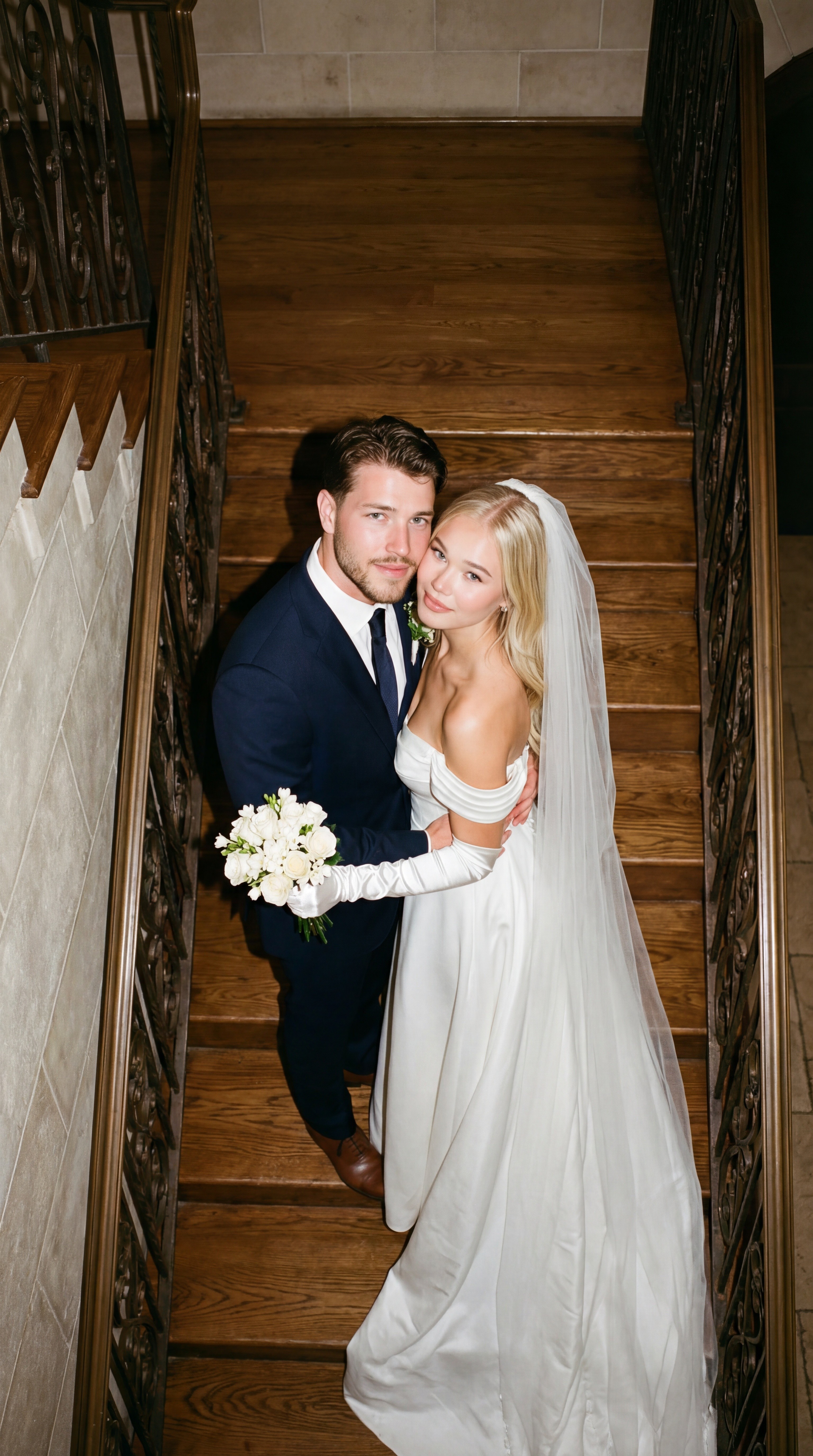 How to Merge Two Photos into One with AIAI photo merging combines two pictures into one natural scene — two people who were never in the same room, a product in a new setting, two moments in one frame. Here is how it works and how to blend photos in seconds.