
How to Upscale Blurry Photos with AI
Blurry photos don't have to stay blurry forever. Learn how AI image upscaling works, when to use it, and how Reelina can improve low-quality photos while preserving natural details.
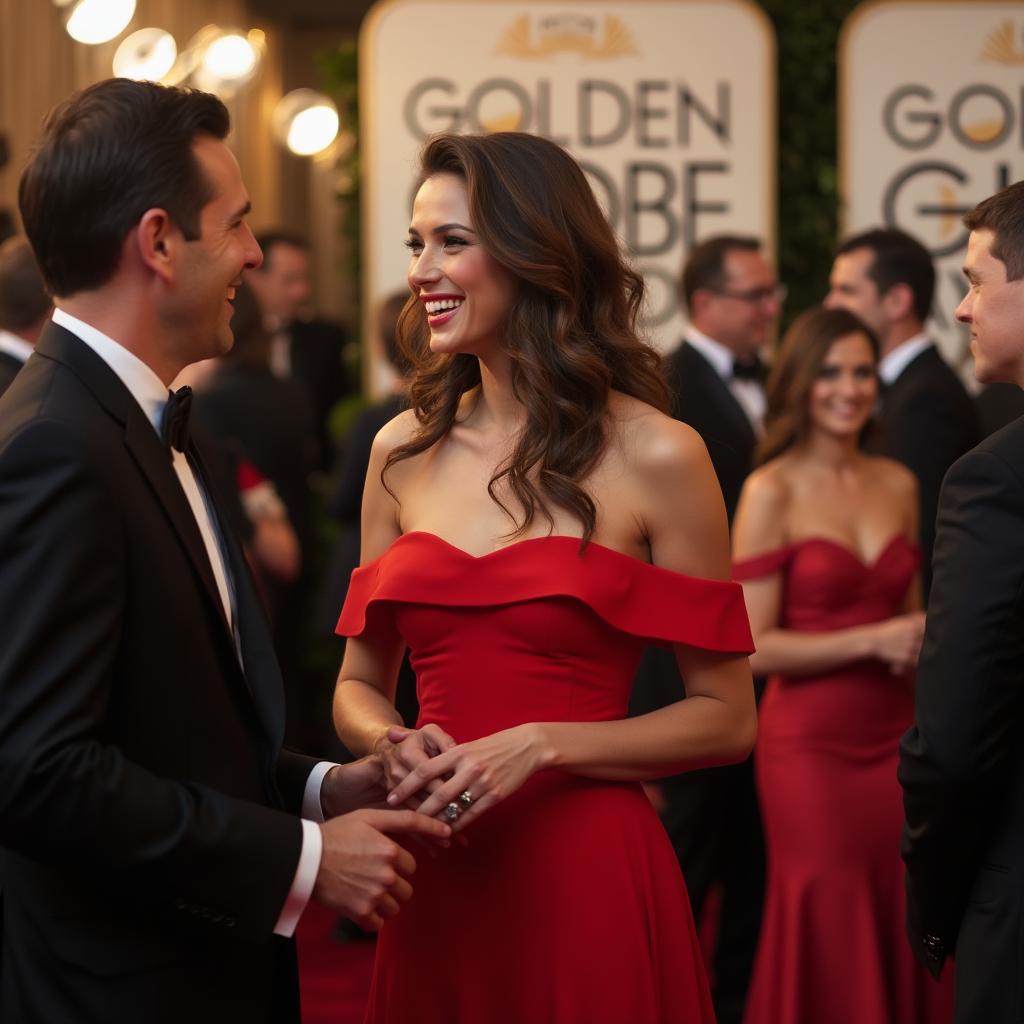
How to Upscale Blurry Photos with AI (Complete Guide 2026)
Have you ever taken the perfect photo only to realize it was blurry?
Maybe it was captured in low light, downloaded from social media, cropped too much, or taken years ago with an older smartphone.
Fortunately, modern AI image upscaling can dramatically improve photo quality without requiring advanced editing skills.
In this guide, you'll learn how AI upscaling works, when to use it, and why tools like Reelina make restoring blurry photos easier than ever.
What Is AI Image Upscaling?
AI image upscaling uses deep learning models to increase an image's resolution while intelligently reconstructing missing details.
Unlike traditional resizing—which simply stretches pixels—AI predicts textures, edges, and facial details to create a much sharper result.
Modern AI can improve:
- Portraits
- Selfies
- Family photos
- Travel pictures
- Social media images
- Scanned photographs
Why Do Photos Become Blurry?
There are many reasons why photos lose quality.
Common causes include:
- Camera shake
- Motion blur
- Poor lighting
- Digital zoom
- Heavy cropping
- Compression from messaging apps
- Social media uploads
- Old smartphone cameras
Many of these problems cannot be fixed with traditional editing software.
AI offers a smarter solution.
How AI Upscaling Works
Modern AI models have been trained on millions of high-quality photographs.
When you upload a blurry image, the AI analyzes:
- Facial features
- Hair texture
- Eyes
- Clothing
- Background elements
- Lighting
- Sharp edges
Instead of guessing randomly, the model reconstructs missing details based on patterns it has learned.
The result is a cleaner and more natural-looking image.
What Can Reelina Improve?
Reelina uses advanced AI enhancement technology to improve image quality while maintaining a natural appearance.
With Reelina, you can:
- Increase image resolution
- Sharpen facial details
- Improve portrait clarity
- Enhance lighting
- Reduce image noise
- Restore compressed images
- Prepare photos for printing
- Improve social media uploads
Rather than simply enlarging an image, Reelina focuses on preserving realism throughout the enhancement process.
Before and After AI Upscaling
A typical blurry image may suffer from:
- Soft facial details
- Pixelated skin
- Blurry eyes
- Loss of texture
- Low resolution
After AI enhancement with Reelina, the same image can feature:
- Sharper eyes
- Cleaner skin texture
- Better hair detail
- Higher resolution
- Improved lighting
- More professional appearance
The difference is especially noticeable in portrait photography.
Best Photos to Upscale
AI enhancement works particularly well for:
Portraits
Restore facial details while maintaining a natural look.
Family Photos
Bring old memories back with improved clarity.
Travel Photos
Recover compressed vacation images from messaging apps or cloud storage.
Business Photos
Create cleaner images for presentations, websites, and LinkedIn profiles.
Social Media Content
Produce higher-quality Instagram, Facebook, TikTok, and X uploads.
When AI Upscaling Works Best
For the best results:
- Use the highest-quality original image available.
- Avoid screenshots whenever possible.
- Upload uncompressed files if you have them.
- Make sure faces are clearly visible.
- Use images with decent lighting.
The better the original photo, the more impressive the final result.
AI Upscaling vs Traditional Image Resizing
| Feature | AI Upscaling | Traditional Resizing |
|---|---|---|
| Increases resolution | ✅ | Limited |
| Restores facial details | ✅ | ❌ |
| Sharpens textures | ✅ | ❌ |
| Improves image quality | ✅ | ❌ |
| Uses machine learning | ✅ | ❌ |
Traditional resizing stretches pixels.
AI creates new detail.
Common Use Cases
People use Reelina to upscale photos for:
- LinkedIn profile pictures
- Professional headshots
- Instagram posts
- Dating profile photos
- Company websites
- Marketing materials
- Family albums
- Large-format printing
Because AI enhancement improves both sharpness and realism, one image can often be reused across multiple platforms.
Frequently Asked Questions
Can AI really fix blurry photos?
Yes.
While no AI can recover information that never existed, modern models can significantly improve sharpness, texture, and overall image quality.
Will upscaling change my face?
No.
Reelina is designed to preserve your identity while enhancing image quality.
The goal is to make your existing photo clearer—not make you look like someone else.
Can I print AI-upscaled photos?
Yes.
Higher-resolution images are often much better suited for printing than the original low-quality version.
Does AI work on old family photos?
Absolutely.
AI enhancement is especially useful for scanned photographs and older digital images that have lost detail over time.
Is Reelina only an image upscaler?
No.
In addition to AI image enhancement, Reelina allows you to generate:
- Professional AI headshots
- Lifestyle portraits
- Dating profile photos
- Instagram-ready images
- Business portraits
- AI-generated videos from photos
This makes Reelina much more than a simple photo enhancement app.
Why Choose Reelina?
Many AI tools specialize in only one task.
Some focus solely on photo enhancement.
Others only generate AI portraits.
Reelina combines both.
You can enhance an existing photo, generate entirely new AI portraits, or even transform your photos into engaging AI videos—all from a single platform.
Whether you're improving an old memory or creating fresh content for your personal brand, Reelina gives you the flexibility to do both.
Final Thoughts
Blurry photos no longer need to be deleted or forgotten.
Thanks to advances in AI, it's possible to recover details, improve resolution, and create images that look dramatically sharper than the originals.
If you're looking for an easy way to enhance portraits, restore old memories, or prepare photos for professional use, Reelina offers a fast and realistic AI-powered solution.
Related Articles
- AI Photo Generator vs Remini
- AI Photo Generator vs Lensa
- Restore Old Photos Using AI
- AI Background Remover Guide
- Best AI Headshot Generator in 2026
Enhance Your Photos with Reelina
Whether you're restoring an old family picture, improving a blurry selfie, or preparing a professional headshot, Reelina helps you create clearer, sharper, and more realistic images with AI in just a few clicks.
Try it yourself
Every model on one coin balance, straight in your browser. No install, no watermark.
Start creatingKeep reading
 Restore Old Photos Using AIOld photographs hold priceless memories, but time can leave them faded, blurry, scratched, or damaged. Discover how AI restoration with Reelina can bring old photos back to life in just a few minutes.
 AI Photo Generator vs ReminiRemini is one of the most popular AI photo enhancement apps, but is it the best choice for creating AI portraits? Compare Remini with modern AI photo generators to find the right tool for your needs.
- Remini Alternatives: Restore, Upscale and Retouch Photos Without the SubscriptionRestore, upscale, colourise and retouch photos per image instead of on a subscription: what each job costs on Reelina, from 4 coins an upscale.