
How to Get Listing-Quality Real Estate Photos from a Phone
Listing photos fail on leaning walls and dark rooms, not on the camera. Here is how to fix both from a phone picture without misrepresenting the home.
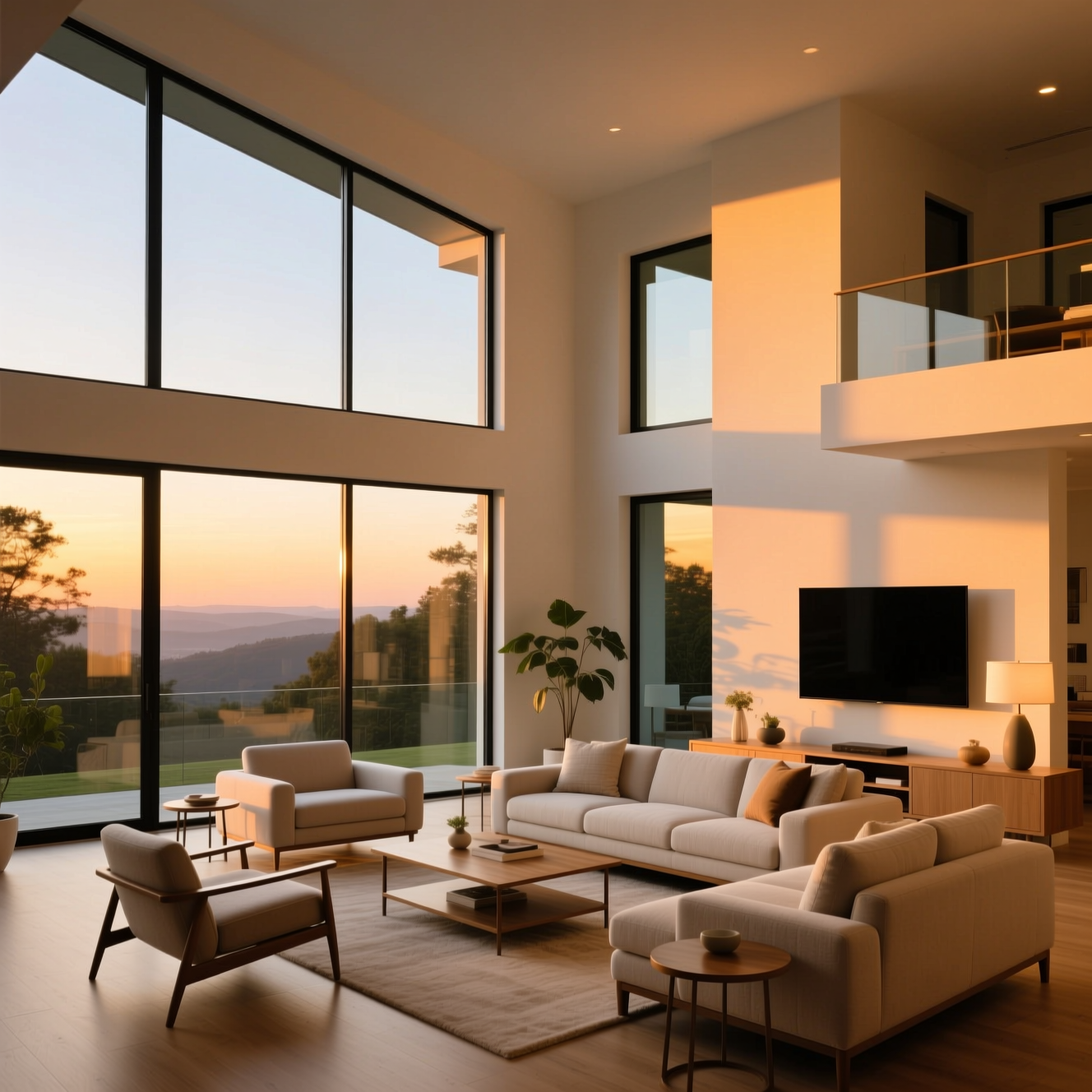
To get listing-quality property photos from a phone, shoot each room level from a corner in daylight, then use an AI tool to straighten the perspective, brighten the room and balance colour. The edit should stop at light and lens: the room in the photo has to be the room a buyer walks into.
The two things that mark an amateur photo
Leaning verticals. Tilt the phone up or down and walls lean inwards. Agency photos have door frames and corners running straight up the picture.
Dark rooms with white windows. A phone exposes for the bright window and leaves the room dim, or exposes for the room and burns the window out. A good listing photo shows both.
Fix those two and most of the gap closes.
Shooting the room
- Hold the phone at about chest height and keep it level.
- Stand in a corner or doorway to show two walls and the floor.
- Use the main lens. The ultra-wide makes rooms look bigger than they are and bends the edges.
- Shoot in daylight with curtains open and lights on.
- Tidy first. Clutter is part of the room and stays in the picture.
Doing it in Reelina
Open Real Estate Enhance, upload the photo and generate. The instruction asks for listing quality: corrected perspective, rooms brightened with natural light, vivid but realistic colours and tidy professional presentation, and tells the model not to add or remove furniture or change the space.
Compare each result with the original before publishing. If anything in the room differs, a fixture, a view, a piece of furniture, discard that version.
Stay on the right side of honest
Correcting light and lens is standard practice. Changing the property is misrepresentation, and listing rules and consumer law in many places treat it that way. Keep edits to exposure, colour and perspective.
FAQ
Does it change the property? No. It corrects and lights the photo; the instruction forbids adding or removing furniture or changing the space.
Does it fix leaning walls? Yes. Perspective correction is part of it.
Can I use the photos on a listing? Yes. Enhanced photography is standard; misrepresenting a property is not, so keep edits to light and lens.
Does it work for exteriors? Yes. Shoot level, in good daylight, from far enough back to show the whole front.
Try it yourself
Every model on one coin balance, straight in your browser. No install, no watermark.
Start creatingKeep reading
 How to Turn Yourself into an Action FigureThe boxed-toy picture works when the packaging looks manufactured and the face is still yours. Here is how to get both from one photo.
 How to Turn a Photo into Pop ArtPop art is flat colour, halftone dots and a hard outline. Here is how to turn a photo into a poster in that style, and which photos suit it.
 How to Turn a Photo into AnimeAnime style is drawn decisions, not a colour filter. Here is how to turn a photo into an anime portrait that is still recognisably you.