
Real Estate Photo Editing
Listing photos that look like the agency paid for them. Straight verticals, balanced light, a grey sky fixed — from the photo you took on your phone.
Create in the browser · One credit balance across every model
What Real Estate Photo Editing does
Listing photographs sell viewings, not houses. A buyer scrolling a portal decides in about a second whether a room is worth a second look, and that decision is made almost entirely on light — which is why the same room shot at eleven in the morning and four in the afternoon gets different numbers of enquiries.
This fixes the photograph, not the property. Windows that blew out to white come back with a view in them. Rooms shot under a grey sky get the light they have on a good day. Verticals that lean because the camera was tilted are straightened.
That line matters commercially as well as ethically: in most markets a listing image that misrepresents the property is a regulatory problem, and it is also the fastest way to waste a viewing.
Examples made with this tool
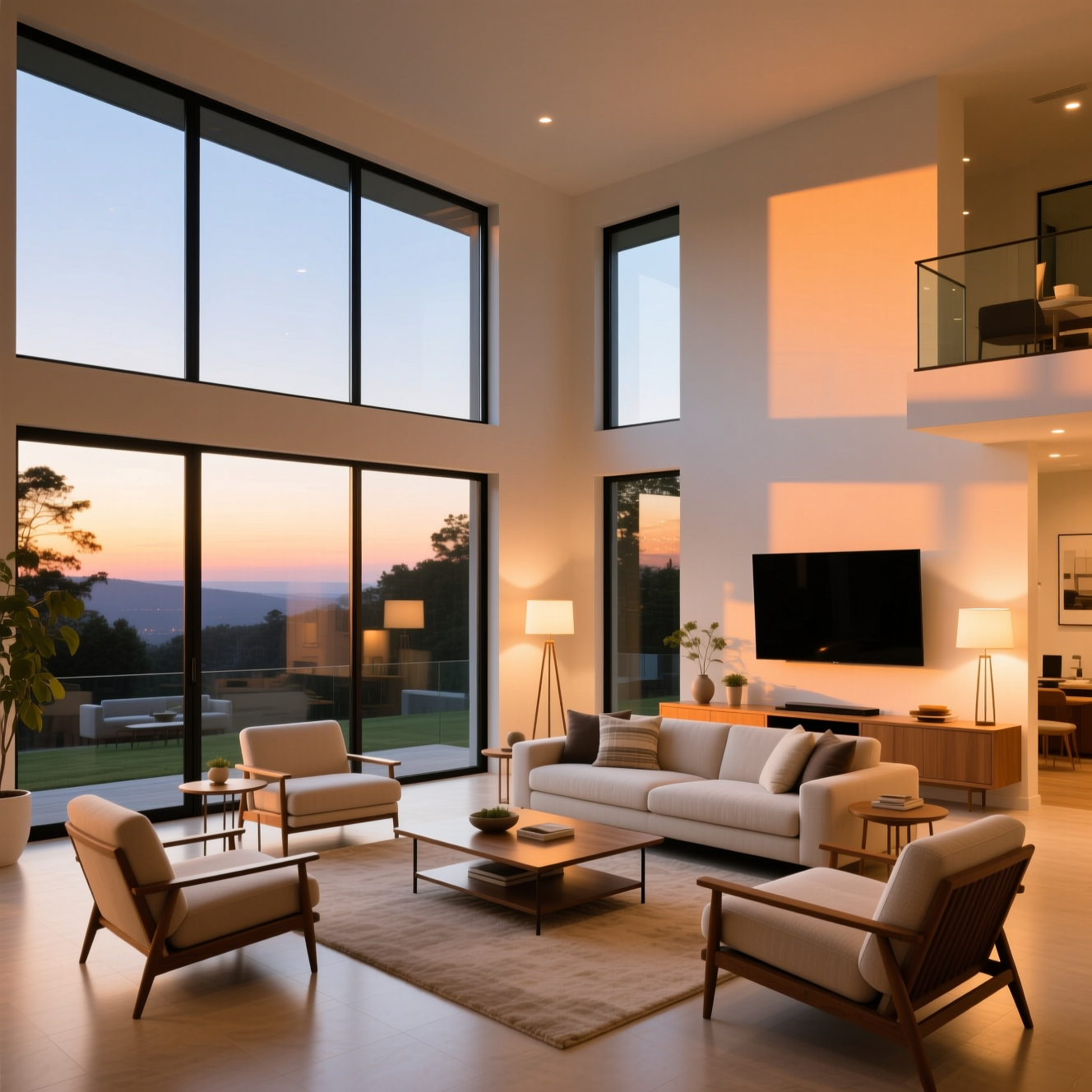
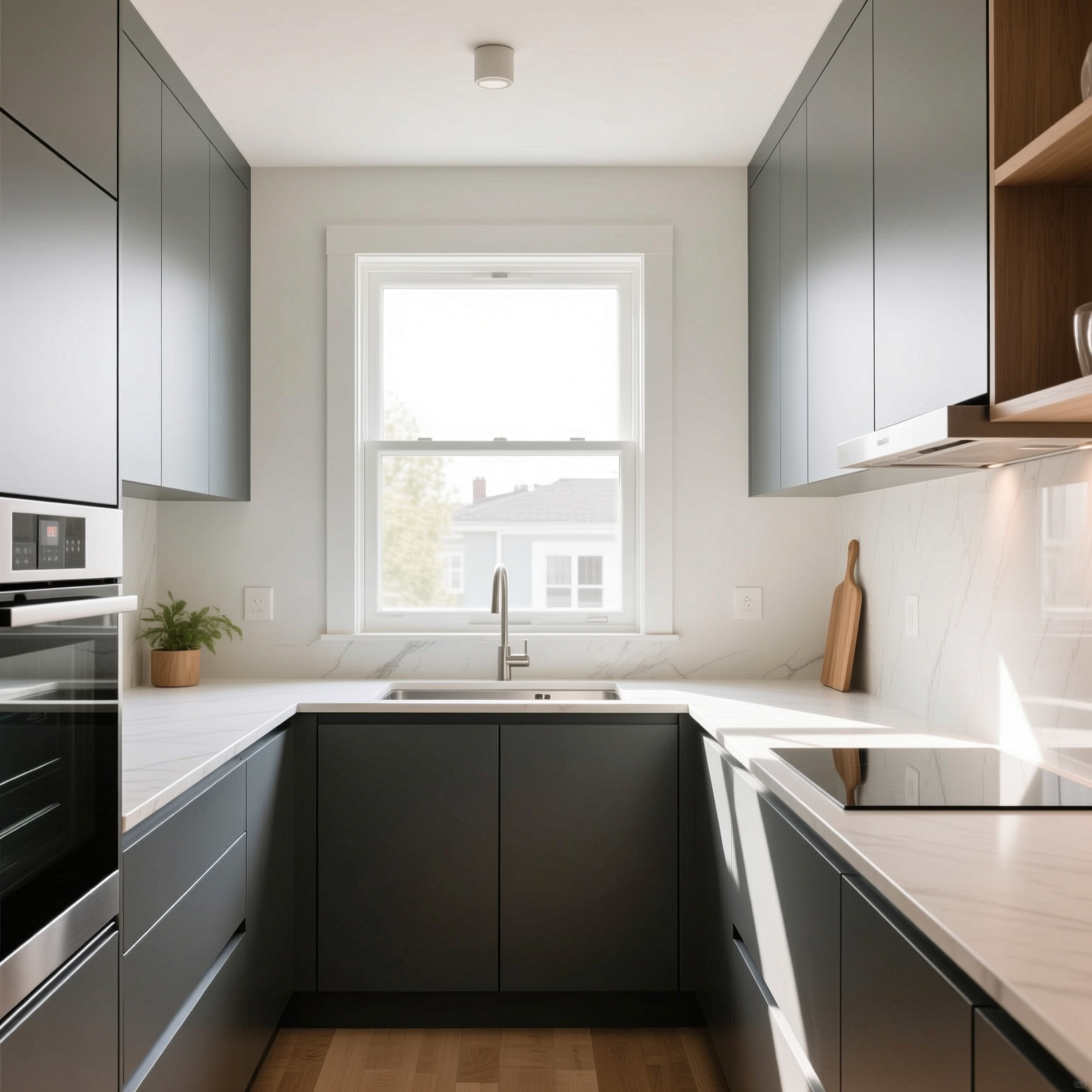
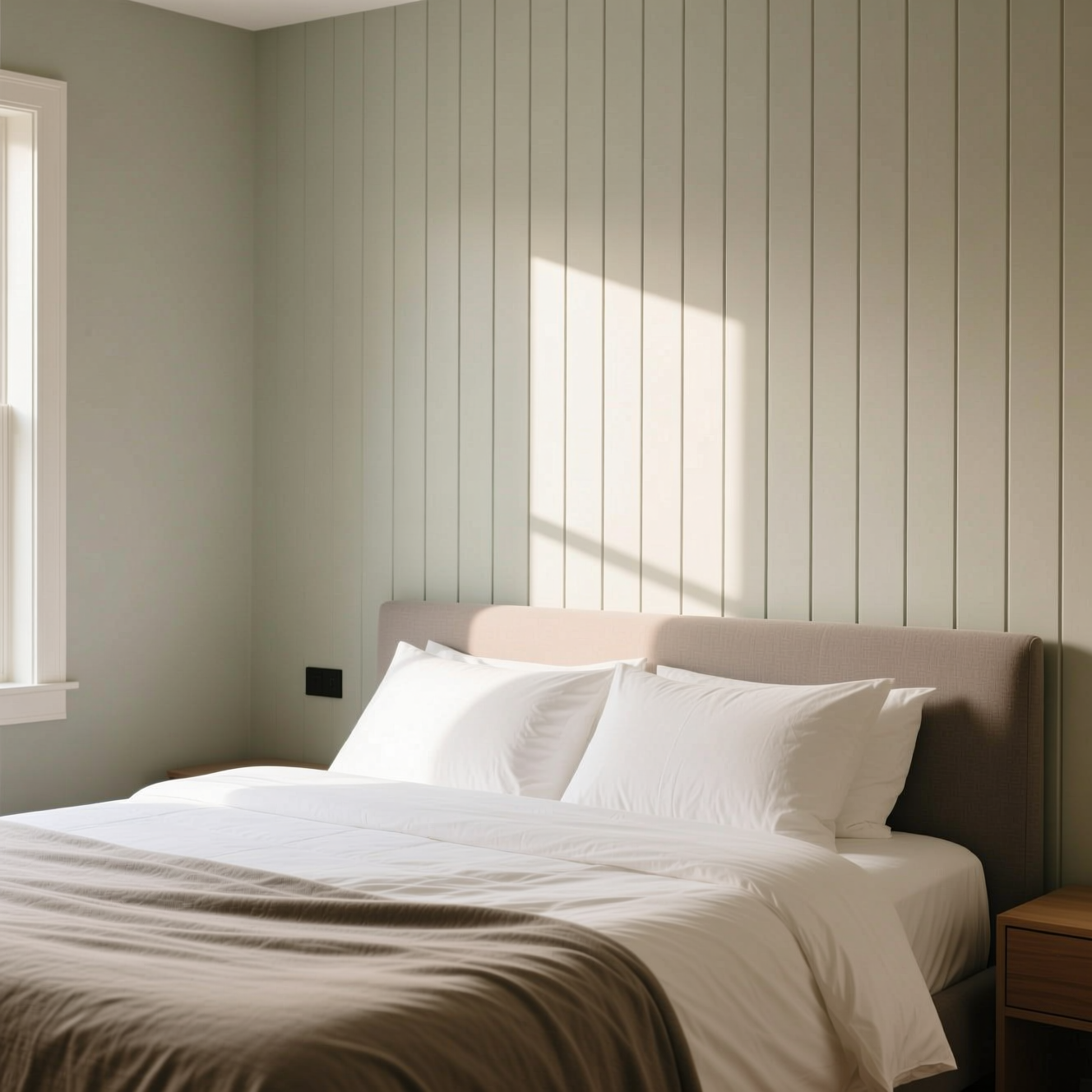
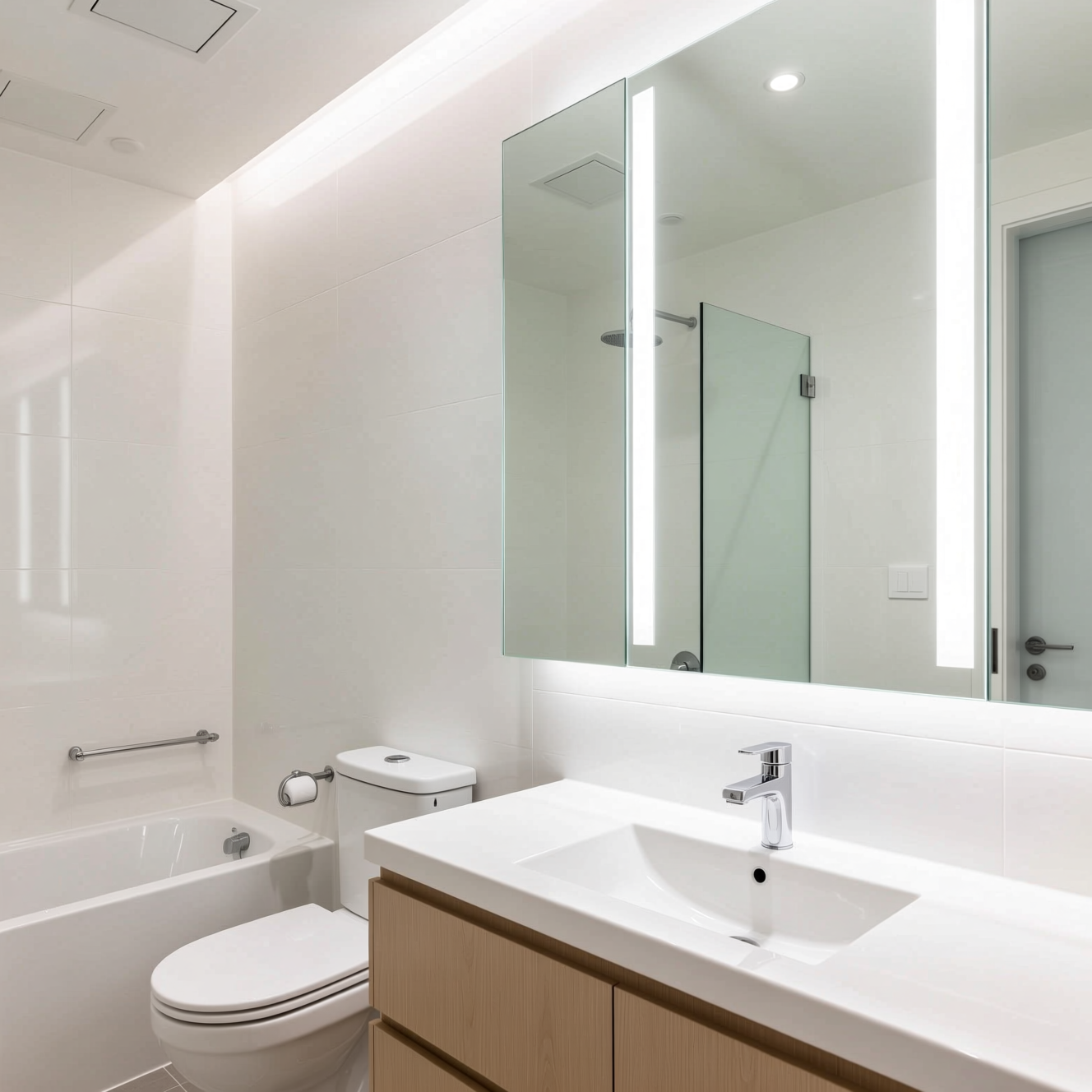
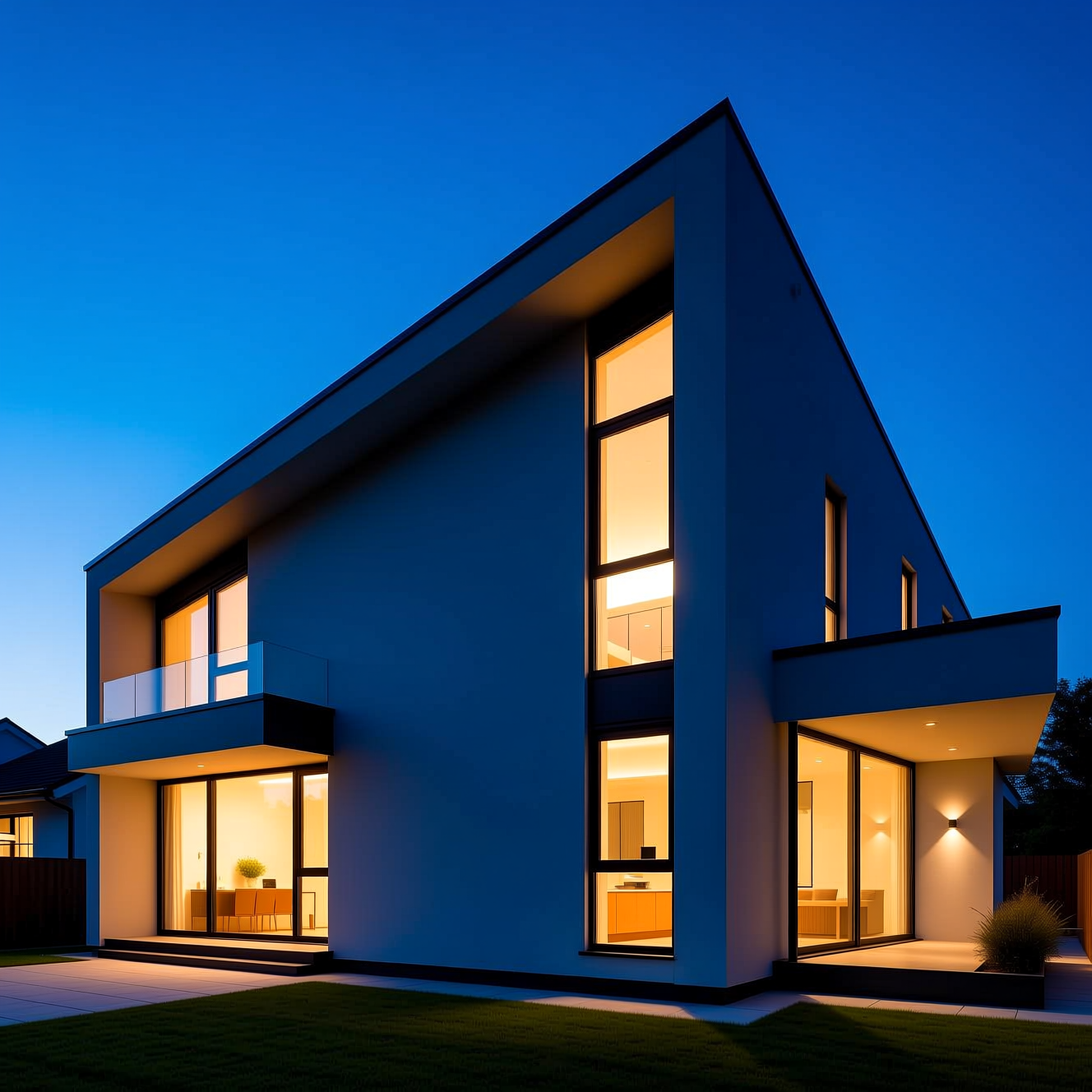
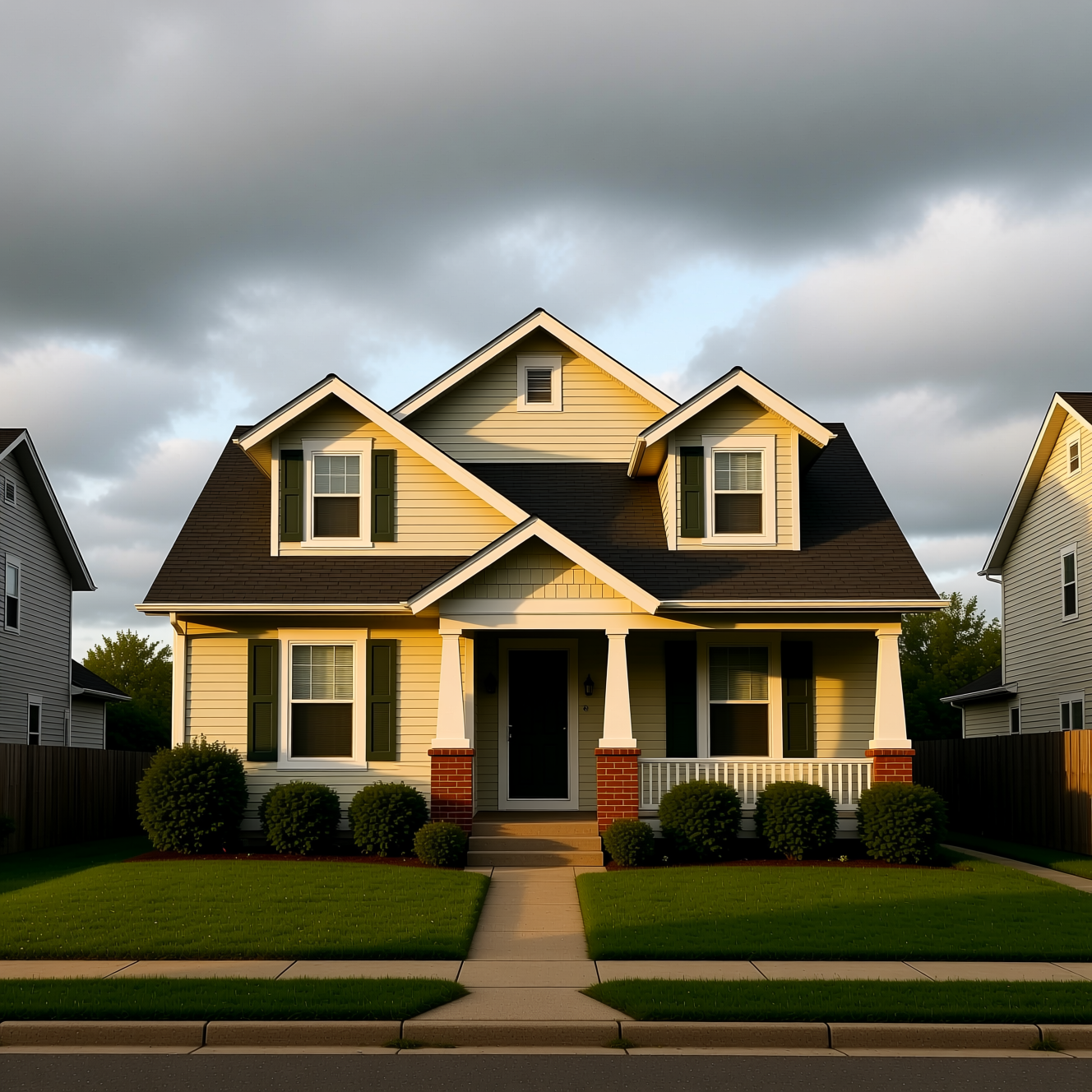
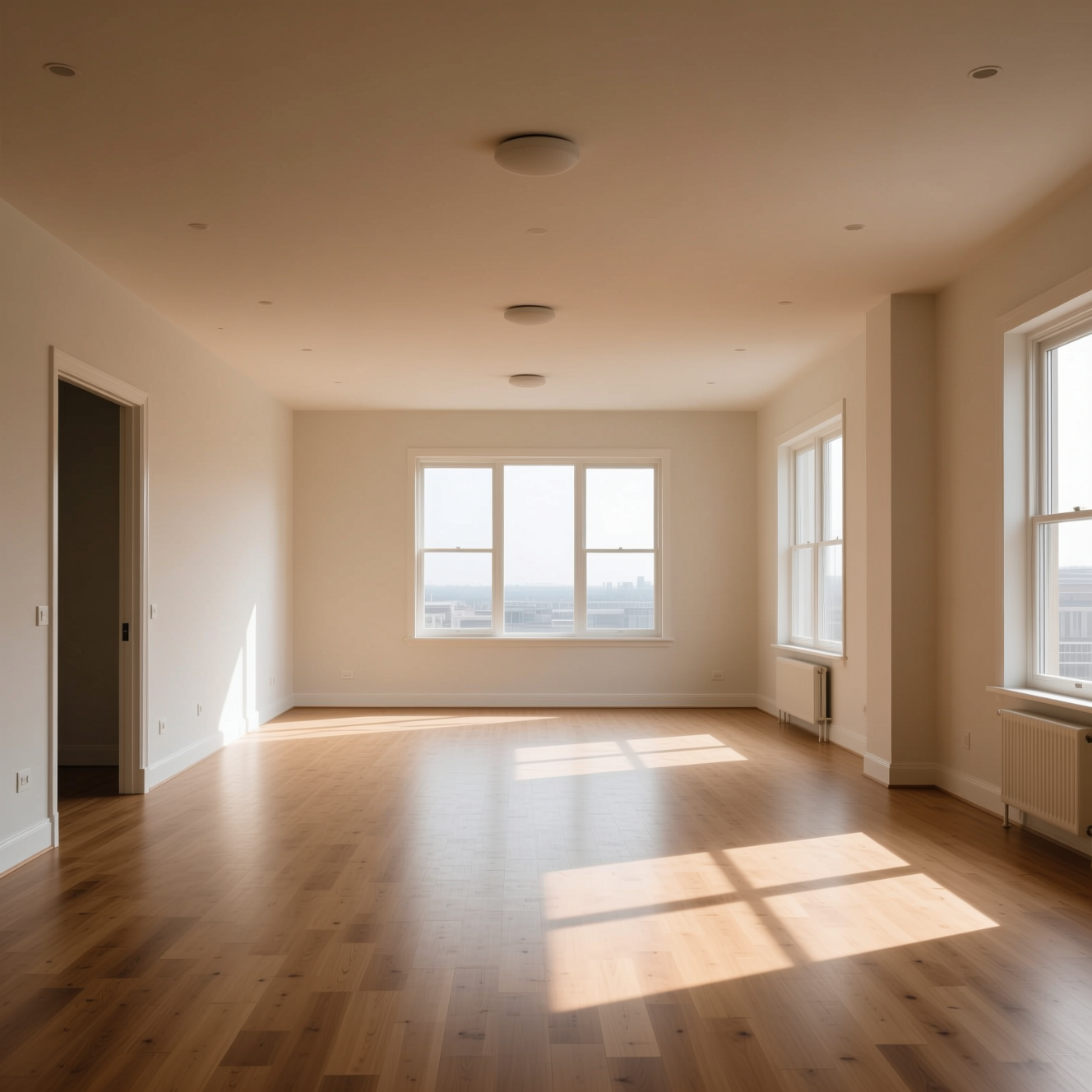
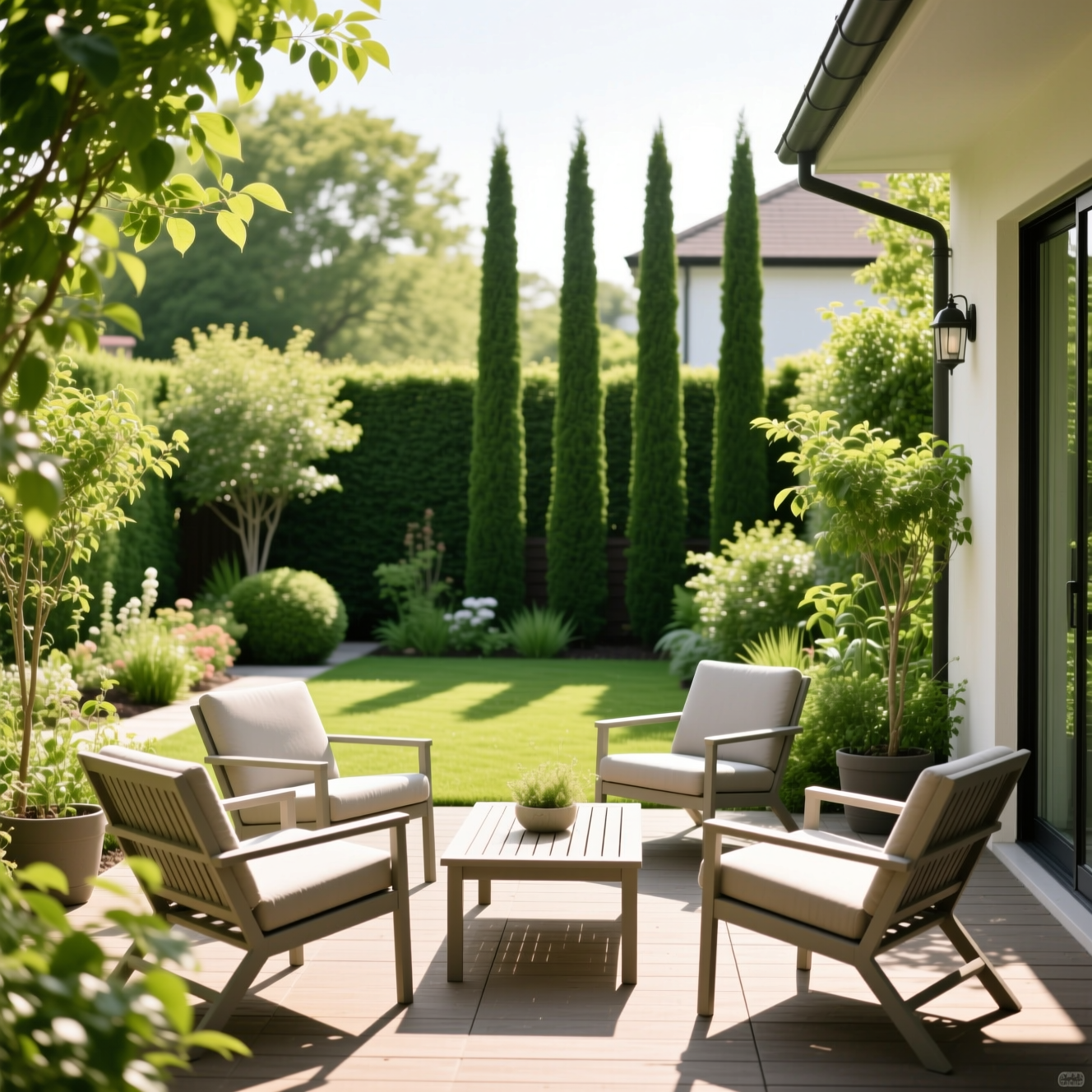
How it works
- Step 1
Photograph the room
From a corner, camera level and at chest height, curtains open. Level beats wide — a tilted camera is the single hardest thing to fix afterwards.
- Step 2
Pick what it needs
Interior light balance, perspective correction, an overcast exterior rescued, blue-hour warmth. Each runs on its own.
- Step 3
Put it in the listing
High resolution and unwatermarked, ready for a portal, a brochure or a window card.
What people use it for
Agents shooting on a phone
The gap between a phone photo and a professional one is mostly exposure and straight lines. Both are recoverable.
Grey-day exteriors
A house photographed under cloud looks like a house nobody wants. Sky replacement is the oldest trick in the trade for a reason.
Rooms with a bright window
Phone cameras choose between the room and the view. This gets you both, which is what the eye actually saw.
Refreshing an old listing
Reshooting means access, keys and a diary. Re-editing does not.
Getting a better result
- Shoot from chest height, camera level. Tilting up or down is what makes walls converge, and straightening after the fact costs image at the edges.
- Turn every light on and open the blinds before you shoot. Editing recovers exposure; it does not invent a lamp.
- Stand in a corner and get two walls in. A room photographed flat-on reads smaller than it is.
- Tidy first. Removing clutter from a photograph is possible and looks it; moving the clutter takes ninety seconds.
- Keep the original. If a buyer or a regulator ever asks what was changed, having both files is the whole answer.
What it will not do
- It will not remove a pylon, a neighbour's extension or damp from a wall. Those are facts about the property and editing them out is misrepresentation.
- It does not add furniture. Virtual staging is a different job with its own disclosure rules.
- It cannot straighten a photograph taken at a severe angle without cropping into the room.
- Very dark or very noisy phone shots stay dark and noisy. There is only so much information in the file.
Frequently asked questions
- What does real estate photo editing actually fix?
- The three things phone photos of property get wrong: verticals that lean because the camera was tilted, windows blown out while the room stays dark, and a flat grey sky that drains an exterior.
- Does it change the property?
- No, and it must not. The prompts correct light and perspective and are told explicitly not to add, remove or alter any fixture, wall or feature. What is in the photo is what was in the room.
- Is edited photography allowed in property listings?
- Correcting light and perspective is standard practice everywhere. Removing a defect, adding a feature, or making a room look larger than it is misleads a buyer and breaches listing rules in most markets — and in many, consumer protection law.
- Can I do a whole property?
- Each photo runs on its own, so a full set is a matter of repeating it. Using the same treatment across every room is what makes a listing look like one shoot rather than eight.
- What photo works best?
- Camera level, shot from a corner, curtains open, lights on, nothing in the doorway. Tilted cameras, extreme wide angles and dark rooms all leave less to work with.
- What does it cost?
- Each generation comes off your Reelina credit balance and the exact cost is shown before you press Generate. One balance covers every model in the workspace.
- Is it free?
- No — Reelina runs on paid credits. We show what a generation costs before you run it rather than advertising a free tier we do not have.
- What happens to my photos?
- They are used only to make your results. Creations are private by default, and everything is deleted seven days after it is generated.
Every model, one balance
No watermarks, full resolution, and every leading AI model on one credit balance — create right in your browser.
Get StartedRelated tools
Automotive Photo Editing
Every car on the lot, shot the same way. Photograph it wherever it stands and get back a consistent set — same light, same backdrop, listing after listing.
Car Photo Editor
Fix the photo you already took. Bad light, a cluttered driveway, a grey sky — upload it and get the car back looking like it was shot properly.
AI Portrait Generator
Turn one photo into a styled portrait — editorial, cinematic or fashion, in about a minute.
What people make with Reelina
All AI tools →- AI Aging Filter
- AI Age Progression
- AI Engagement Photos
- AI Dating Photos
- AI Fashion Model Generator
- Looking for a Remini Alternative?
- Looking for a Higgsfield Alternative?
- Looking for a Sora Alternative?
- Looking for an LTX Studio Alternative?
- Looking for a Dreamina Alternative?
- Looking for a Lensa Alternative?
- AI Dance Video Generator
- AI Image to Video
- Text to Video AI
- AI Headshot Generator
- AI Portrait Generator
- AI Hairstyle Changer
- AI Tattoo Generator
- AI Outfit Changer
- AI Maternity Photoshoot
- AI Christmas Card Generator
- AI Wedding Photo Generator
- AI Couple Photo Generator
- AI Car Photo Editor
- See Yourself Younger
- See Yourself as a Baby
- What Would Our Baby Look Like
- Caricature Maker
- Anime Filter
- Real Estate Photo Editing
- Cartoon Yourself
- Pop Art Generator
- Action Figure Generator
- Magazine Cover Generator
- AI Product Photo Generator
- AI Photo Restoration
- Colorize Black and White Photos
- Looking for a Kling AI Alternative?
- Looking for a Veo 3 Alternative?
- Looking for a PixVerse Alternative?
- Looking for a Hailuo AI Alternative?
- AI Birthday Photo
- AI Pet Portrait
- Royal Portrait Generator
- AI Selfie Generator