
How to Make a Photo Instagram-Ready in One Pass
The gap between a photo you post and one you delete is usually four fixable things, and none of them is a filter.
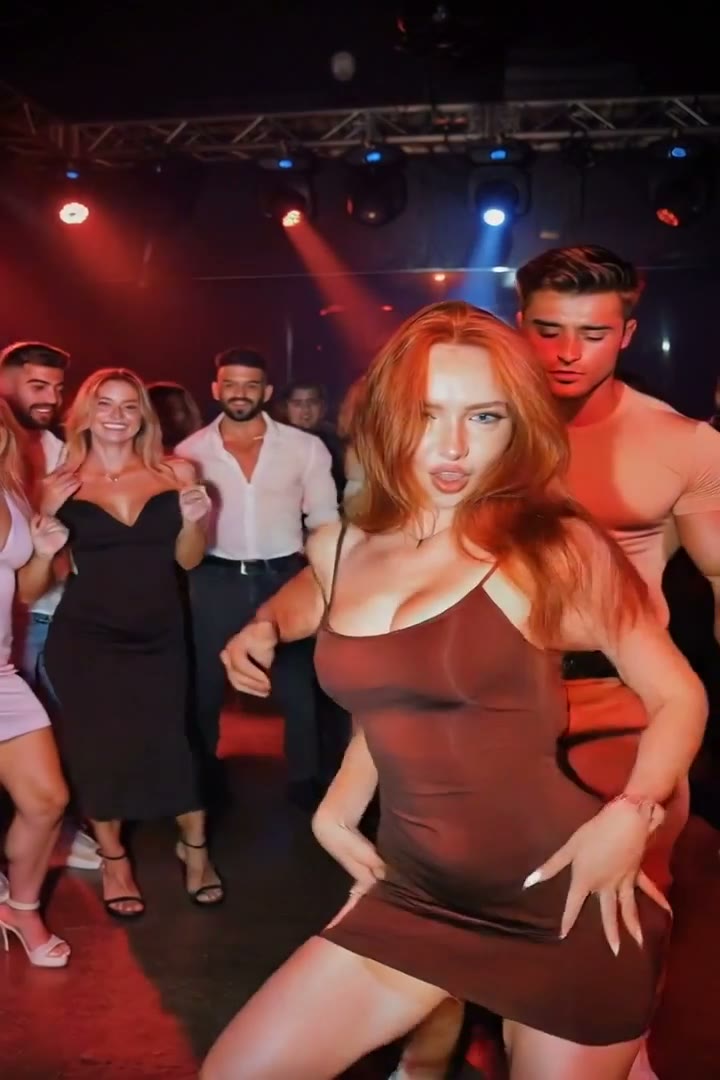
Filters were the old answer. They apply the same colour shift to every photo regardless of what is wrong with it, which is why a filtered set looks consistent and none of the individual photos look good.
The four things that actually matter
Look at photos you scrolled past versus photos you stopped on. The difference is almost always the same short list.
Exposure. Faces shot against a bright window come out dark. Faces in direct sun come out blown.
Skin tone. Mixed lighting — daylight through a window plus a warm bulb — leaves skin two different colours across one face.
Colour. Phone cameras oversaturate in some scenes and go flat in others. Neither reads as intentional.
Subject separation. The person has to be the crispest thing in the frame. If the background is as sharp as they are, the eye has nowhere to land.
A filter addresses one of these by accident. Fixing them deliberately is the whole job.
Why one pass matters
Running four separate edits compounds drift: each pass re-draws from the previous output, and by the fourth the face has quietly moved. A single instruction carrying every change keeps the original photo as the only source.
Doing it in Retake
Tick Instagram ready. It evens skin tone, balances exposure, grades colour, adds gentle contrast, crisps the subject and fixes harsh facial shadows and red eye — as one edit.
Add Clear skin if there are temporary blemishes, and Blur the background if the subject is not separating from the scene. Up to eight presets go out together for one price.
FAQ
Is this just a filter? No. A filter applies a fixed colour shift regardless of the photo. This reads the photo and corrects exposure, tone and contrast for what is actually wrong with it.
Will my skin look plastic? The skin instruction explicitly preserves pores and texture. Plastic skin comes from smoothing everything; clearing a blemish is a different operation.
Which crop should I use? Retake does not crop. Shoot or crop to 4:5 for feed posts and 9:16 for stories before you edit.
Can I use it on photos of other people? Only with their agreement — an edited photo of someone else is still a photo of someone else.
Try it yourself
Every model on one credit balance, straight in your browser. No install, no watermark.
Start creatingKeep reading
- What One AI Retouch Actually Changes (and What It Doesn't)An honest list: what one pass fixes well, what it fixes badly, and what nothing recovers.
- Adding Muscle Definition to a Photo: What Looks RealAdded muscle fails on lighting long before it fails on anatomy. Here is what a believable version needs.
- How to Fix Posture and Angles in a PhotoMost unflattering photos are not about the face. They are about a camera held too low and shoulders nobody told you to square.