
How to Make a Caricature from a Photo
A good caricature exaggerates what makes a face recognisable and stays kind about it. Here is how to make one from a photo.
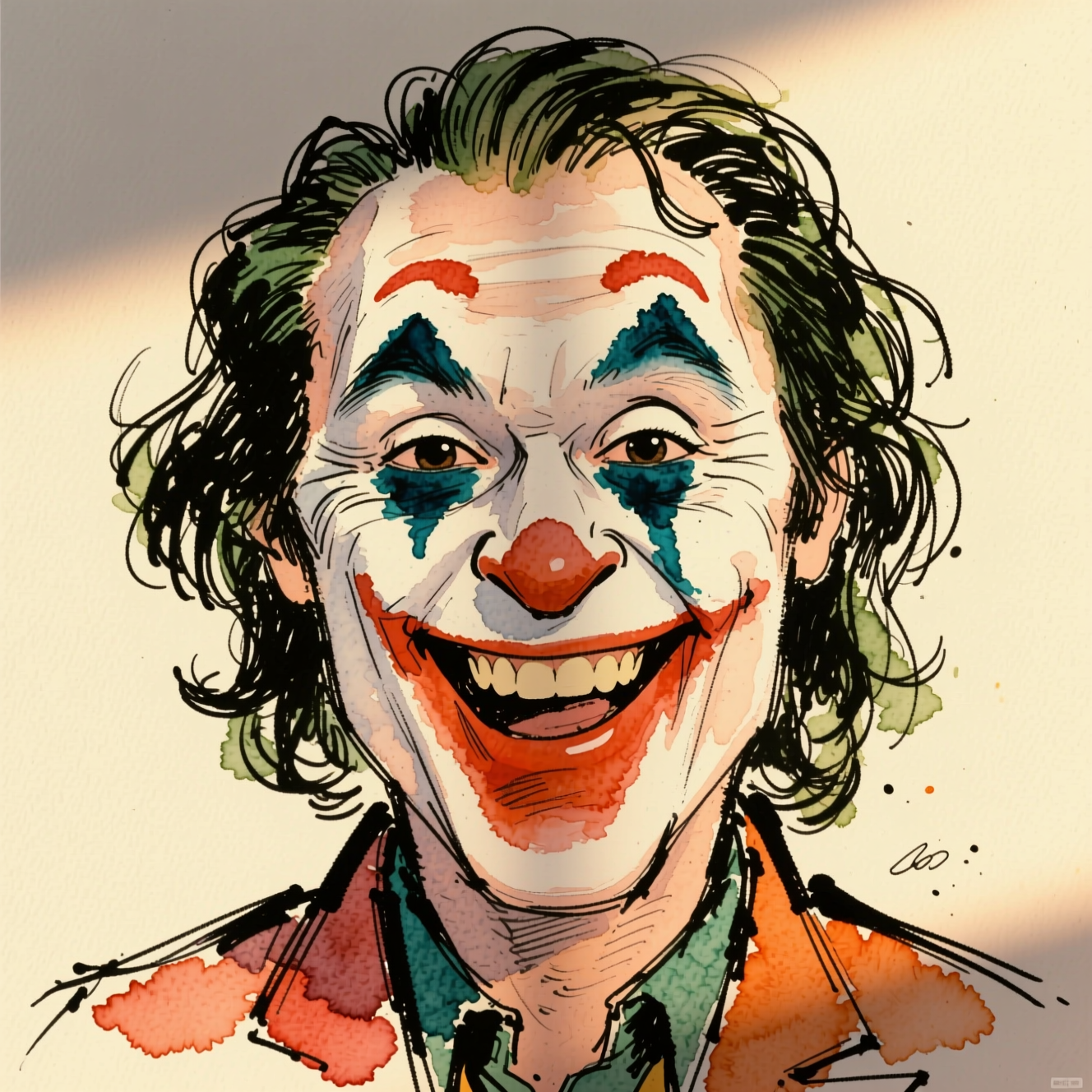
To make a caricature from a photo, upload a clear front-facing portrait to an AI caricature tool: it draws the person in a hand-drawn cartoon style with their most distinctive features playfully enlarged. The trick is the same as for a street artist: exaggerate what is already there, and keep it affectionate.
How caricature works
A caricaturist looks for what makes this face different from an average one, a strong jaw, big hair, a wide smile, round glasses, and pushes exactly those further. Everything else is simplified. That is why a caricature can be more recognisable than a photo: it is a drawing of the differences.
It goes wrong in two ways. Exaggerate everything and it is just a big-headed cartoon of nobody. Exaggerate something the person dislikes and it stops being a gift.
Choose a photo with character
- Front-facing and well lit, so the features are readable.
- Their usual look. Glasses on if they wear them, the hat if it is their hat.
- A real expression. A grin gives the drawing more to work with than a passport face.
Doing it in Reelina
Open Caricature, upload the photo and generate. The instruction asks for a warm, friendly caricature with playfully exaggerated features that stay flattering and instantly recognisable, in a hand-drawn cartoon style with vibrant colours. Each run chooses its exaggerations a little differently, so make a few and pick the one that feels most like them.
For a print or a gift, run the result through Photo Upscaler first.
FAQ
Will it be unflattering? No. It is tuned warm: exaggeration that reads as affectionate, not mocking.
What photo works best? A clear front-facing face. Distinctive features give the caricature something to work with.
Can I make one of a couple or a group? One face per photo gives the best likeness. Run it once per person.
Can I print it as a gift? Yes. Upscale before printing.
Try it yourself
Every model on one coin balance, straight in your browser. No install, no watermark.
Start creatingKeep reading
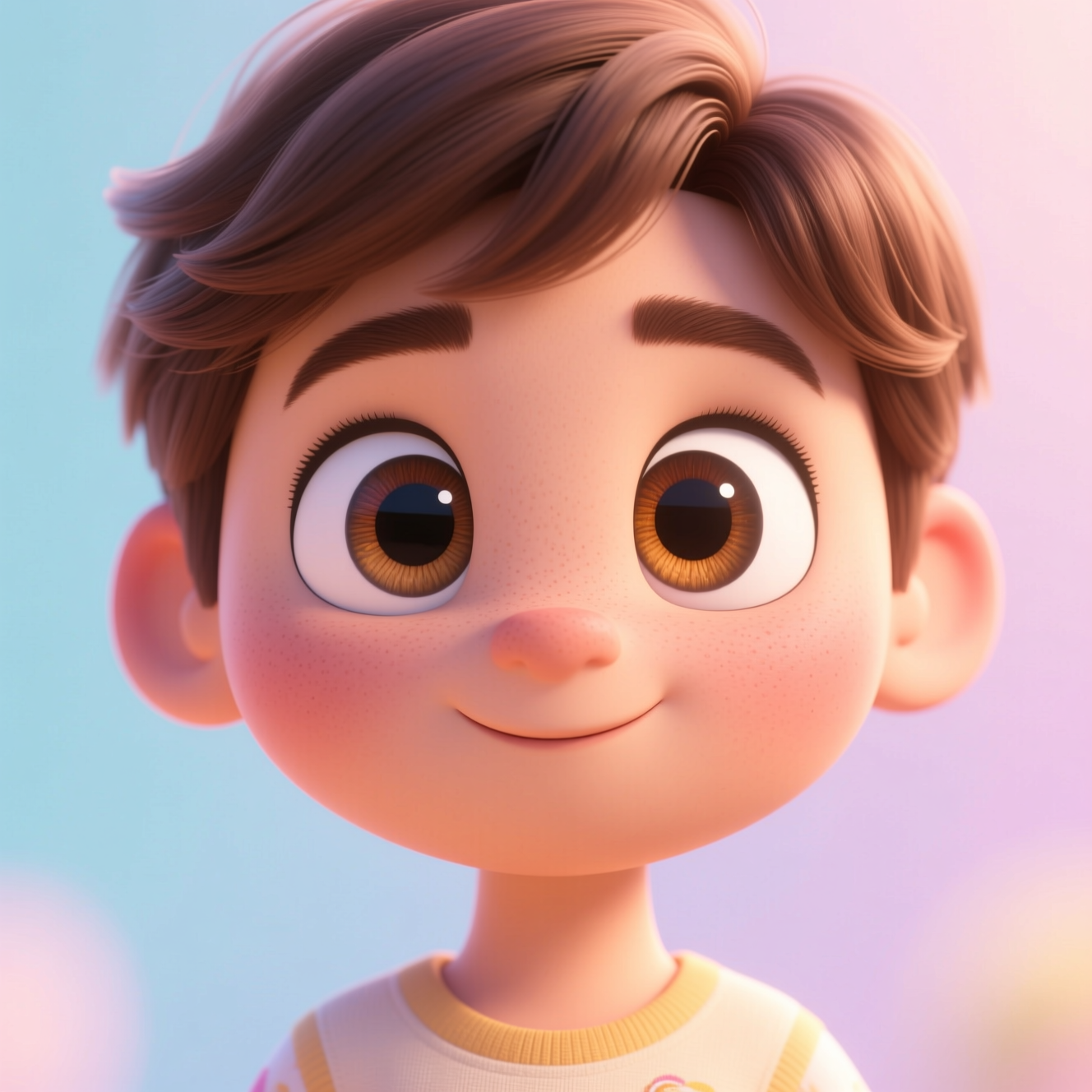 How to Turn a Photo into a 3D Cartoon CharacterThe animated-film look comes from shape and light, not from smoothing skin. Here is how to turn a photo into a 3D cartoon character.
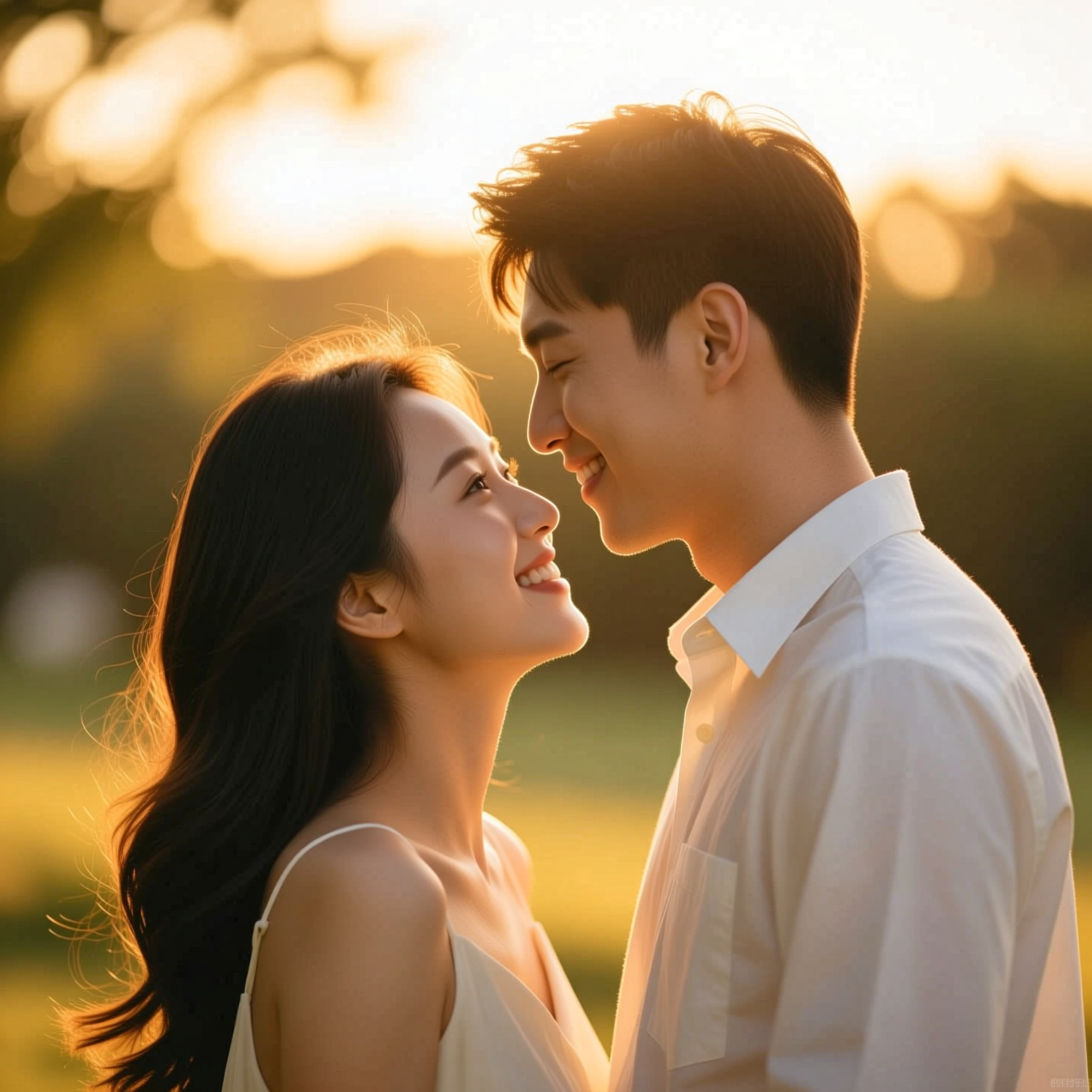 How to Make a Wedding-Style or Couple Portrait from an Everyday PhotoA portrait in wedding or engagement style is a picture, not a record of the day. Here is how to make one from an everyday photo and where it fits.
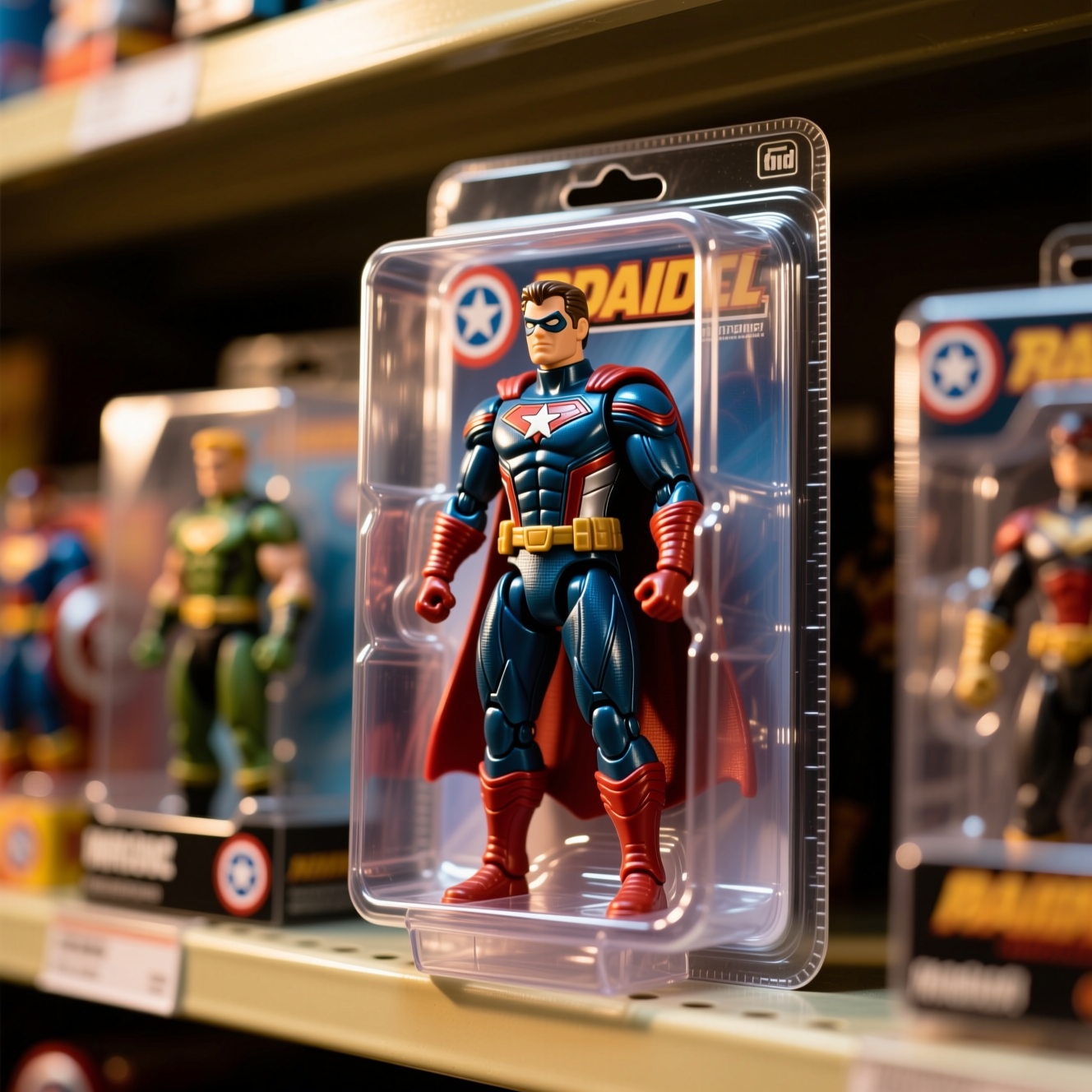 How to Turn Yourself into an Action FigureThe boxed-toy picture works when the packaging looks manufactured and the face is still yours. Here is how to get both from one photo.