
How to Turn a Photo into a 3D Cartoon Character
The animated-film look comes from shape and light, not from smoothing skin. Here is how to turn a photo into a 3D cartoon character.
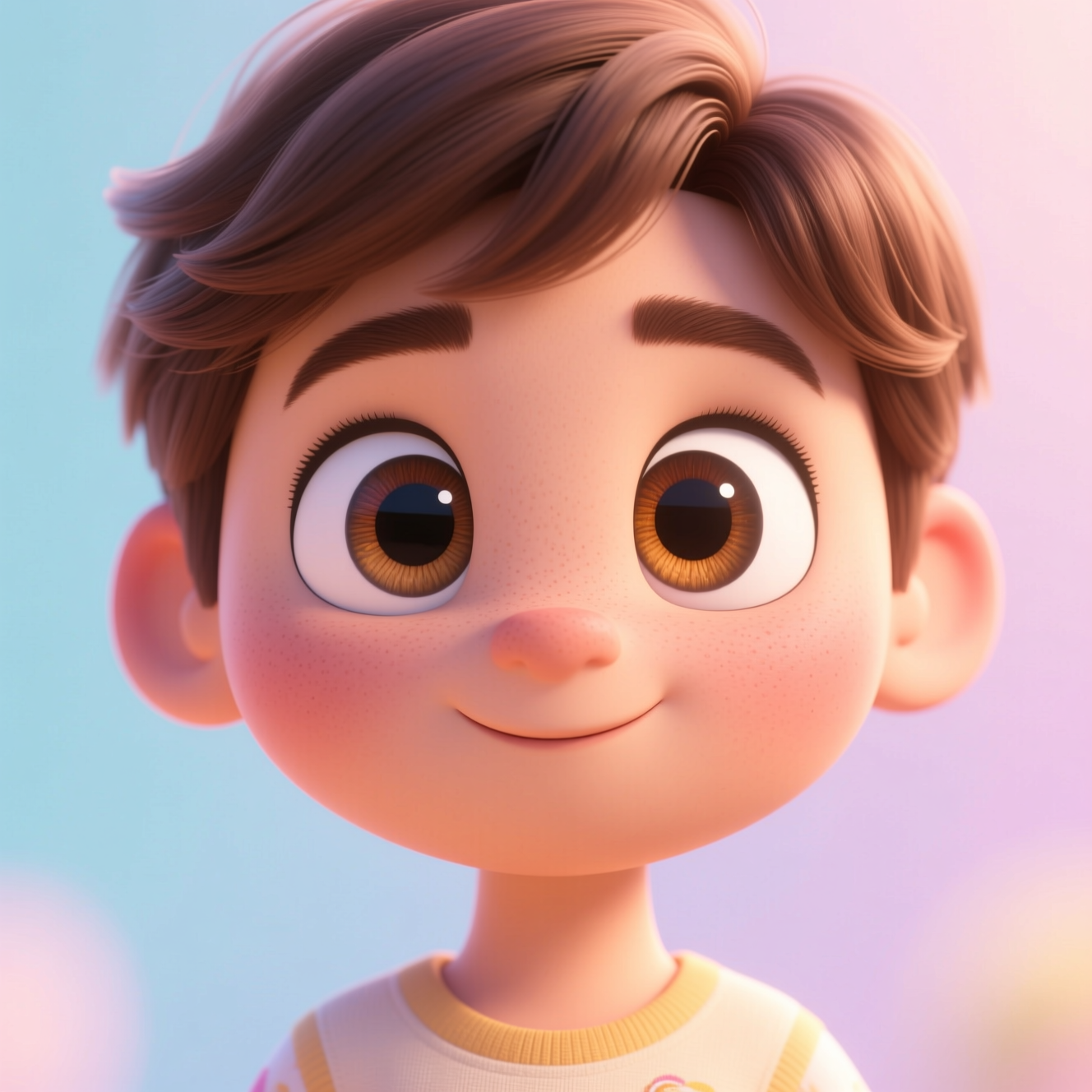
To turn a photo into a 3D cartoon character, upload a clear portrait to an AI tool that rebuilds you in the style of a modern animated feature: rounded forms, large expressive eyes and soft cinematic lighting, with your features still recognisable.
Why it is not a smoothing filter
Animated-film characters are designed, then lit. The design exaggerates proportion: a larger head and eyes, simpler nose, cleaner shapes for hair. The lighting is soft and wraps around those shapes, with a gentle glow where light passes through ears and skin. Blurring a photo's skin gives none of that; it gives a blurry photo. The look depends on the face being rebuilt as a three-dimensional character.
Photos that convert well
- Face clearly visible, front-on or three-quarter.
- An expression with some life in it. A slight smile or raised eyebrow becomes character; a blank stare stays blank.
- Hair and clothing in frame. They become part of the design.
- One person. Each extra face makes every character less detailed.
Doing it in Reelina
Open 3D Animation Character, upload the photo and generate. The instruction asks for a cinema-quality 3D animated character in the style of a modern animated feature film, with soft global illumination and expressive stylised features, keeping the person clearly recognisable. It makes an original character, not a copy of an existing one.
For a flat, drawn look, use Anime Character. For animals, Pet Portrait suits them better.
FAQ
How is this different from anime style? Anime is flat, drawn and two-dimensional. This is rendered, lit and three-dimensional.
Will it look like me? Yes. Proportions are stylised but your features, hair and clothing carry over.
Can I use it as an avatar? Yes. It is one of the most common uses: recognisable without being a photo of you.
Does it work on children's photos? It works on any clear portrait.
Try it yourself
Every model on one coin balance, straight in your browser. No install, no watermark.
Start creatingKeep reading
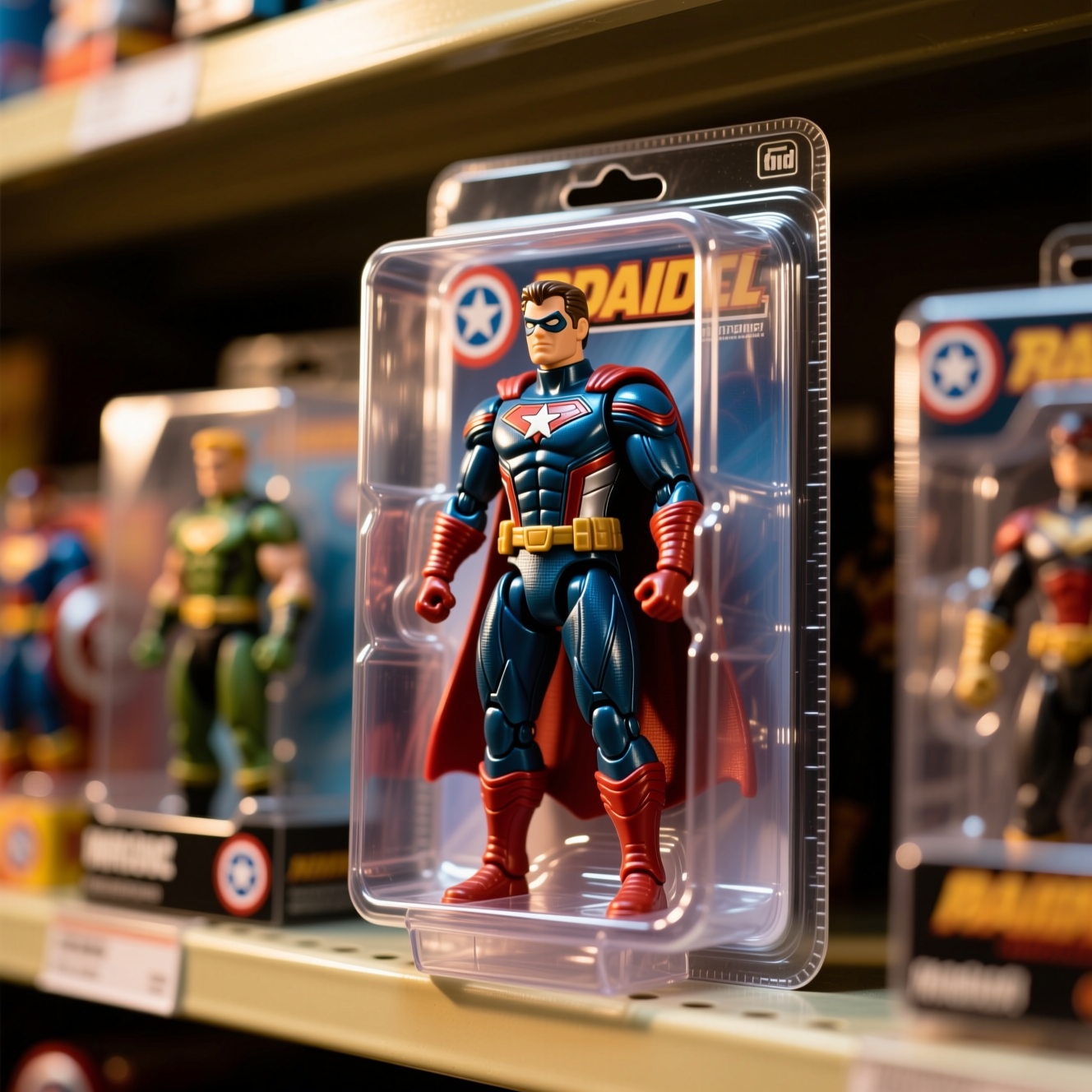 How to Turn Yourself into an Action FigureThe boxed-toy picture works when the packaging looks manufactured and the face is still yours. Here is how to get both from one photo.
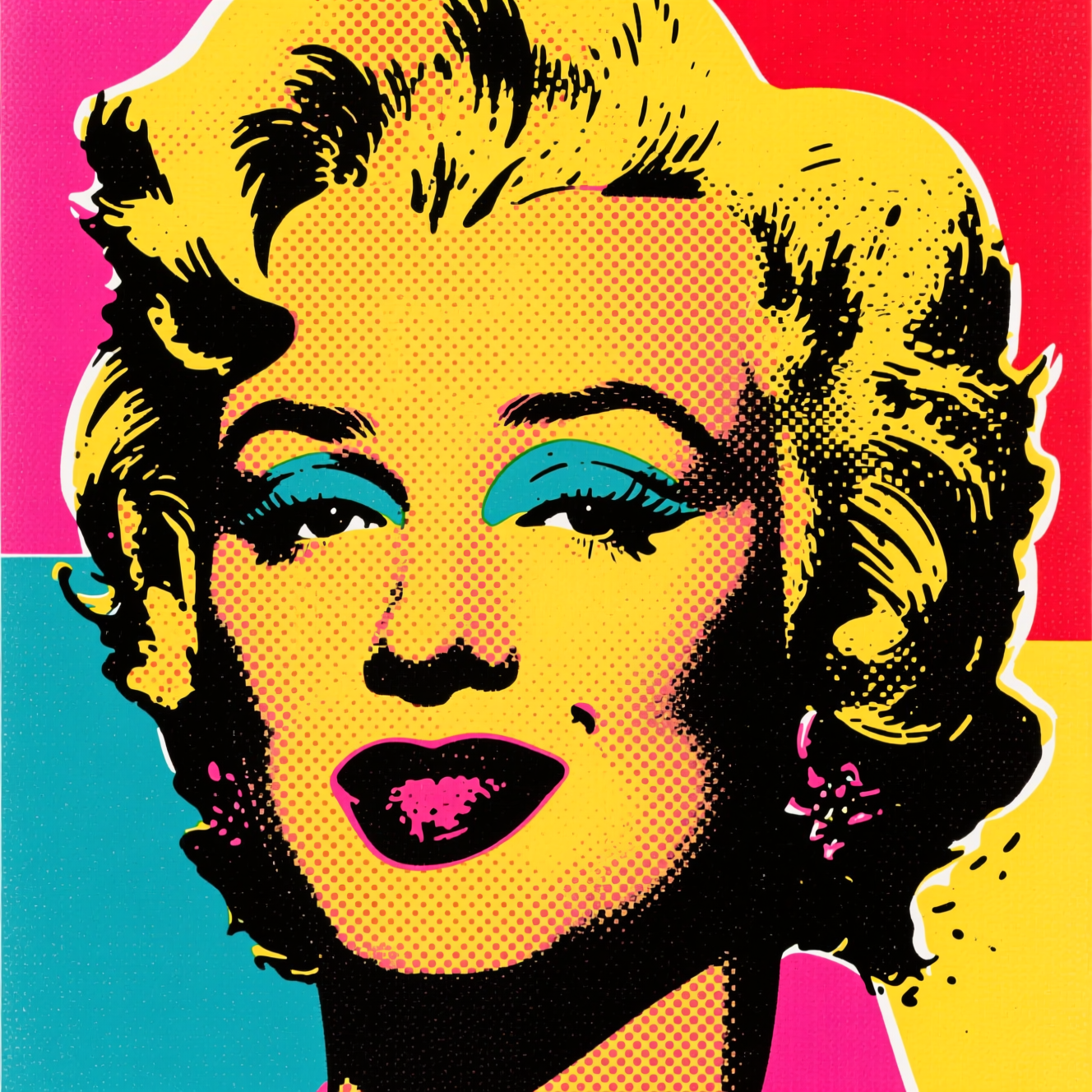 How to Turn a Photo into Pop ArtPop art is flat colour, halftone dots and a hard outline. Here is how to turn a photo into a poster in that style, and which photos suit it.
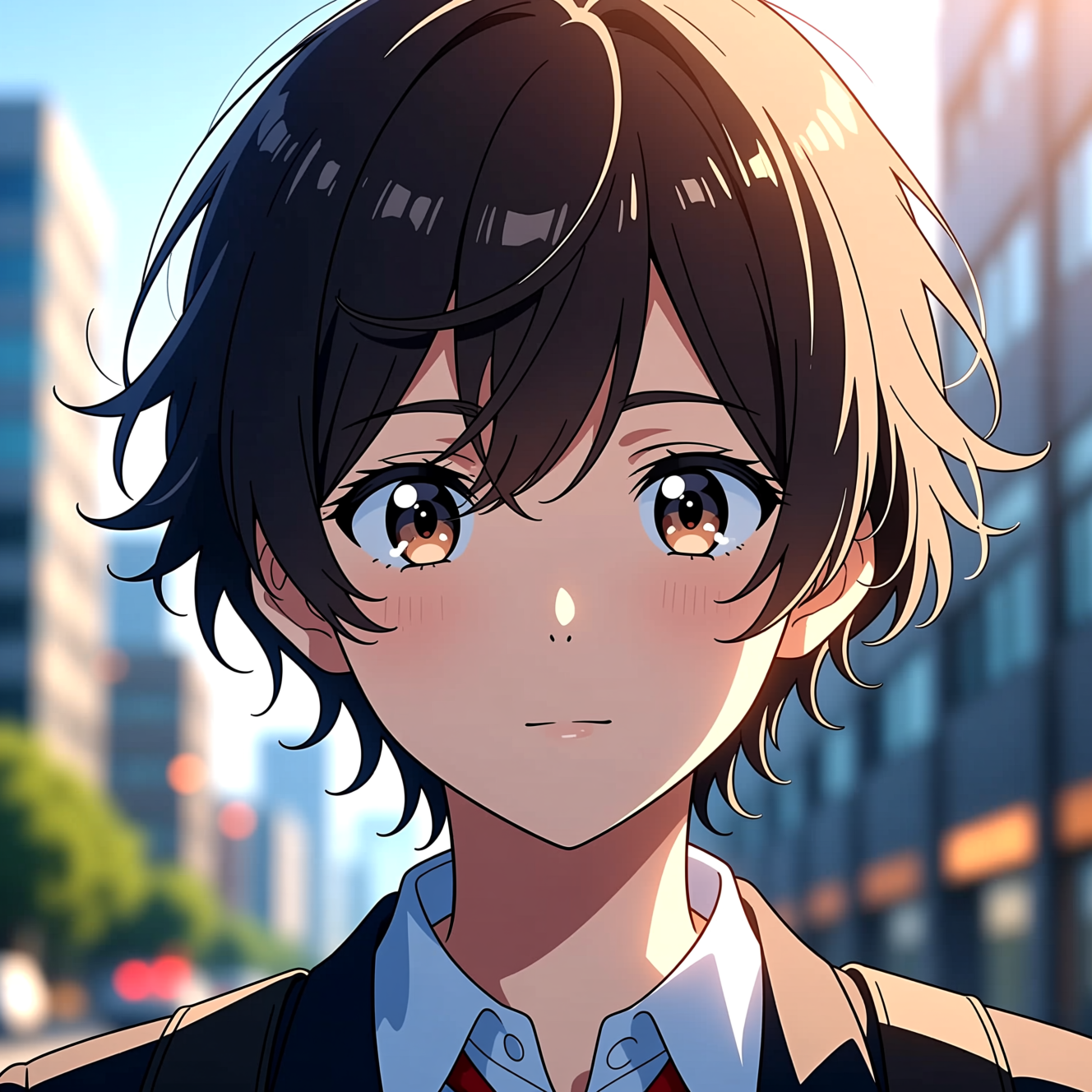 How to Turn a Photo into AnimeAnime style is drawn decisions, not a colour filter. Here is how to turn a photo into an anime portrait that is still recognisably you.