
How to Open Closed Eyes in a Photo
One person blinked and the shot is unusable. Opening the eyes is a repair, not a transplant — here is the difference.
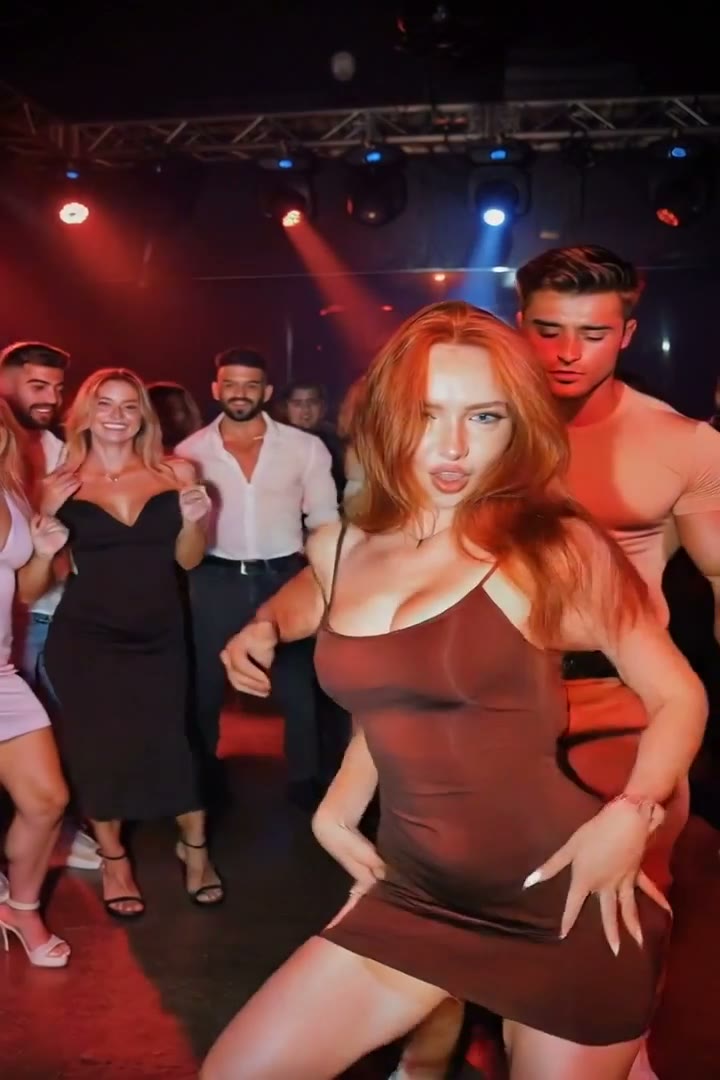
There is one frame where the light is right, everyone is laughing, and one person blinked. Burst mode gives you twenty near-misses and no keeper.
Why the old fix looks wrong
The manual approach is to paste eyes from another frame. It almost never survives a second look: the donor eyes carry their own lighting, their own catchlights and their own gaze direction, and the face they land on has moved a few degrees. You end up with a person staring slightly past the camera in light that comes from somewhere else.
What an edit model does instead
An image-edit model does not transplant anything. It reconstructs the eye region from the face it can already see — the eye shape, the lash line, the crease, and where that person was looking a fraction of a second earlier. The catchlights are placed to match the light already in the photo, because the model can see where that light is coming from.
The instruction that matters is narrow. "Open the eyes" invites a redraw of the whole face. "Open the eyes naturally, matching their natural eye shape and gaze direction, and change nothing else" is a repair.
Where it still fails
Two situations are genuinely hard. A face turned far from the camera gives the model very little eye to reconstruct from, and heavy motion blur across the eye region leaves nothing to anchor to. If the eyelids are fully down and the head is in profile, no tool is inventing that gaze honestly.
Doing it in Retake
Upload the photo, tick Open the eyes, and run it. If the same shot also needs a smile or a skin pass, tick those too — they go out as one edit rather than three, so the face is only redrawn once. Editing a photo three times in a row is how a person slowly stops looking like themselves.
FAQ
Will the eyes look like mine? They are reconstructed from your own face rather than borrowed from a stock one, so the shape and spacing stay yours. The colour is read from whatever is visible at the lash line.
What if everyone in the group blinked? It works on multiple faces in one pass, but the more faces there are the smaller each one is in the frame — and a face that is only forty pixels wide does not carry enough detail to rebuild.
Does it change the rest of the photo? It shouldn't. The instruction fixes the pose, framing, lighting and background in place, so the edit stays inside the eye region.
Can I undo it? The original upload is never modified. The result is a new image alongside it.
Try it yourself
Every model on one credit balance, straight in your browser. No install, no watermark.
Start creatingKeep reading
- How to Fix Posture and Angles in a PhotoMost unflattering photos are not about the face. They are about a camera held too low and shoulders nobody told you to square.
- How to Whiten Teeth in a Photo NaturallyOver-whitened teeth are the most recognisable edit in photography. The tell is simpler than you think.
- AI Photo Retouching That Still Looks Like YouThe failure mode of AI retouching is not a bad edit. It is a good edit of somebody else.