
How to Combine Two Photos into One Picture
Two photos become one believable picture only when light and scale agree. Here is how to combine them, and which pairs work.
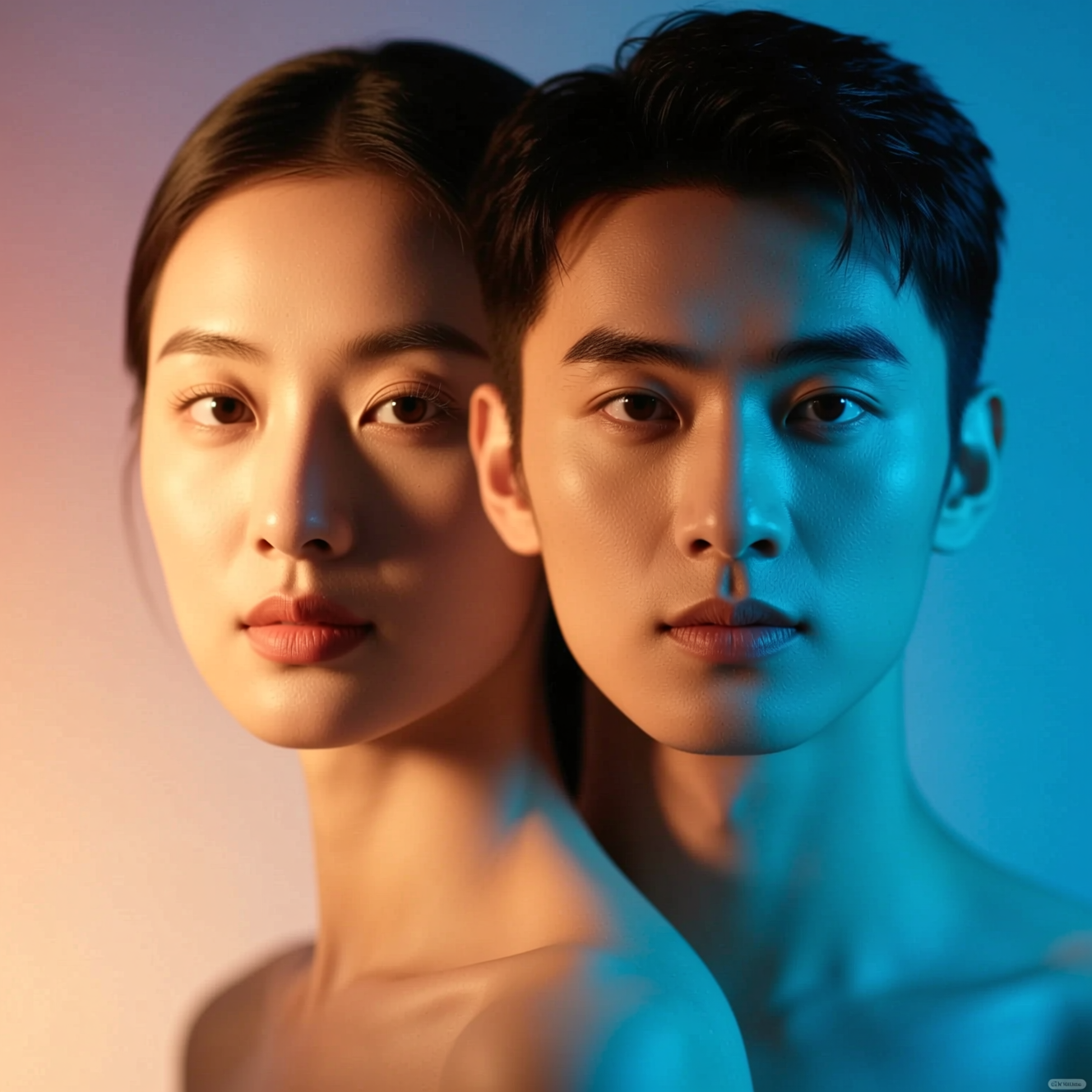
To combine two photos into one, upload both to an AI blending tool: it fuses them into a single image, putting a person into a scene, two people into one frame or an object into a new setting, and relights the result so it reads as one photograph. It works best when the two photos already agree on light and angle.
What it is for
- Two people photographed separately, brought into one frame.
- A person into a place: you, and the view.
- An object into a setting: a product on a table it was never on.
A cut-and-paste composite keeps both original lightings, which is why it looks stuck together. Blending produces one new image in which both subjects share the same light.
Choosing two photos that agree
The closer the pair, the more natural the result.
- Light direction. Both lit from the same side, or both in soft light.
- Camera height. Two eye-level photos fit together; one from above and one from below do not.
- Sharpness. A crisp subject in a blurry scene stands out.
- Scale. If one person is a close-up and the other a distant full-body shot, the tool has to guess their relative size.
Doing it in Reelina
Open Photo Blend, add the two photos and generate. It fuses them into one seamless image. There is no instruction to write, so the result depends on the two pictures you choose; if the first attempt puts the emphasis in the wrong place, run it again or swap one photo for a better match.
Check faces in the result against the originals, since a blend creates a new image and small features can shift.
If you want a video that turns one photo into the other, that is Photo Merge.
FAQ
What is the difference between Photo Blend and Photo Merge? Photo Blend makes one still image. Photo Merge makes a video transition between two photos.
Will the lighting match? It relights the inserted subject to fit the scene. Wildly different lighting is harder.
Can I blend two people into one photo? Yes. Putting two people who were photographed separately into one frame is a common use.
Can I tell it how to arrange the result? Not in the one-tap app. Choose photos that already suggest the arrangement, and run it again for a different result.
Try it yourself
Every model on one coin balance, straight in your browser. No install, no watermark.
Start creatingKeep reading
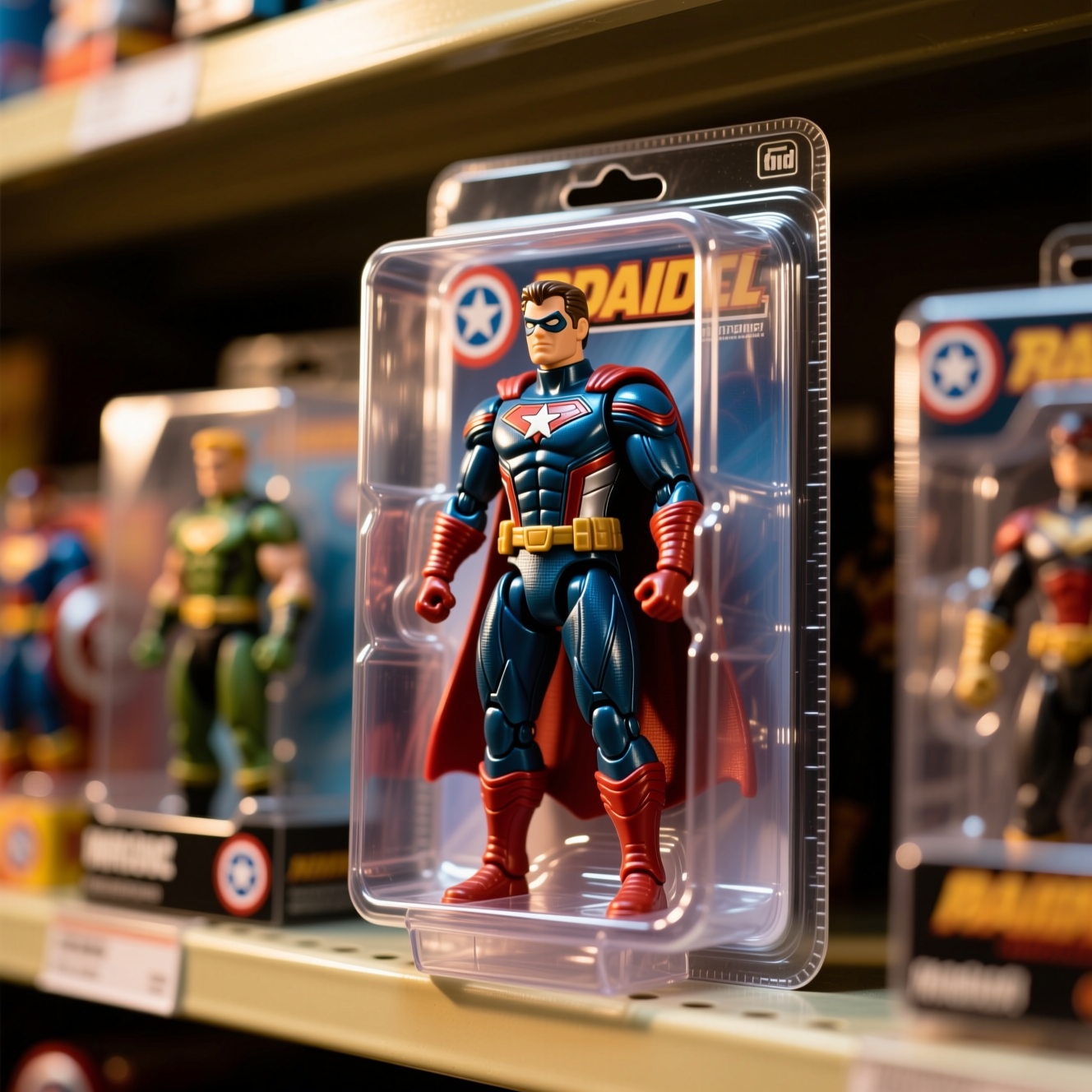 How to Turn Yourself into an Action FigureThe boxed-toy picture works when the packaging looks manufactured and the face is still yours. Here is how to get both from one photo.
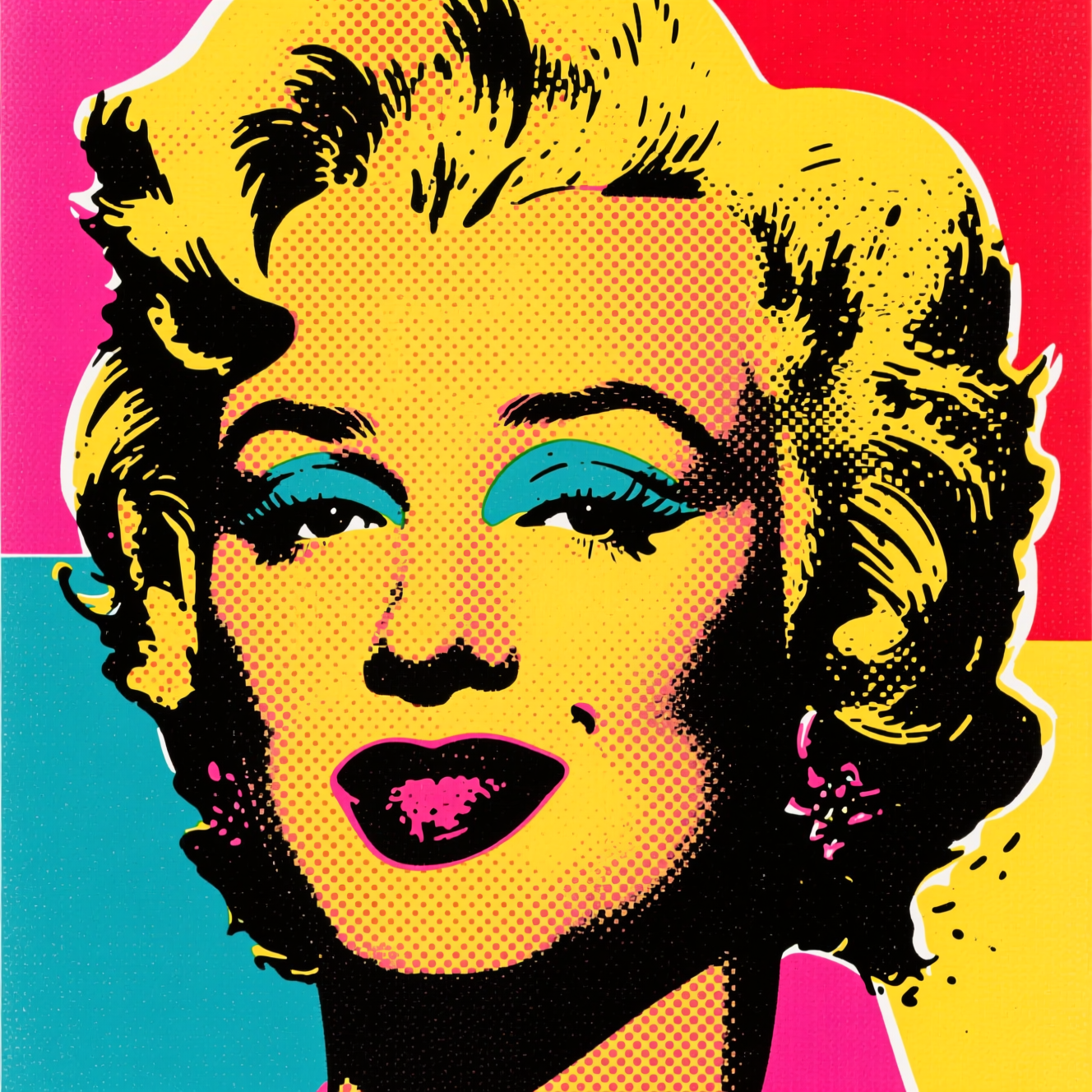 How to Turn a Photo into Pop ArtPop art is flat colour, halftone dots and a hard outline. Here is how to turn a photo into a poster in that style, and which photos suit it.
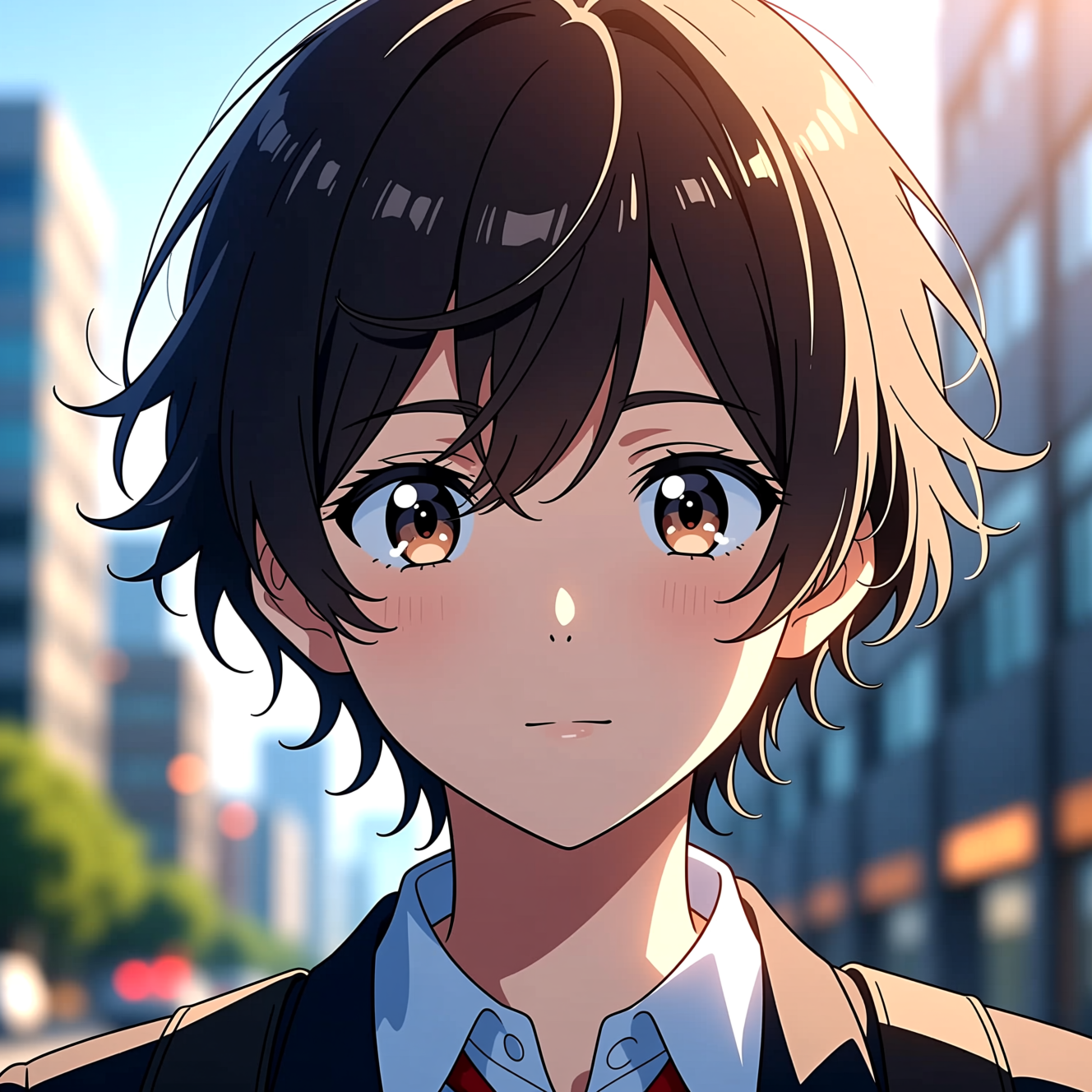 How to Turn a Photo into AnimeAnime style is drawn decisions, not a colour filter. Here is how to turn a photo into an anime portrait that is still recognisably you.