
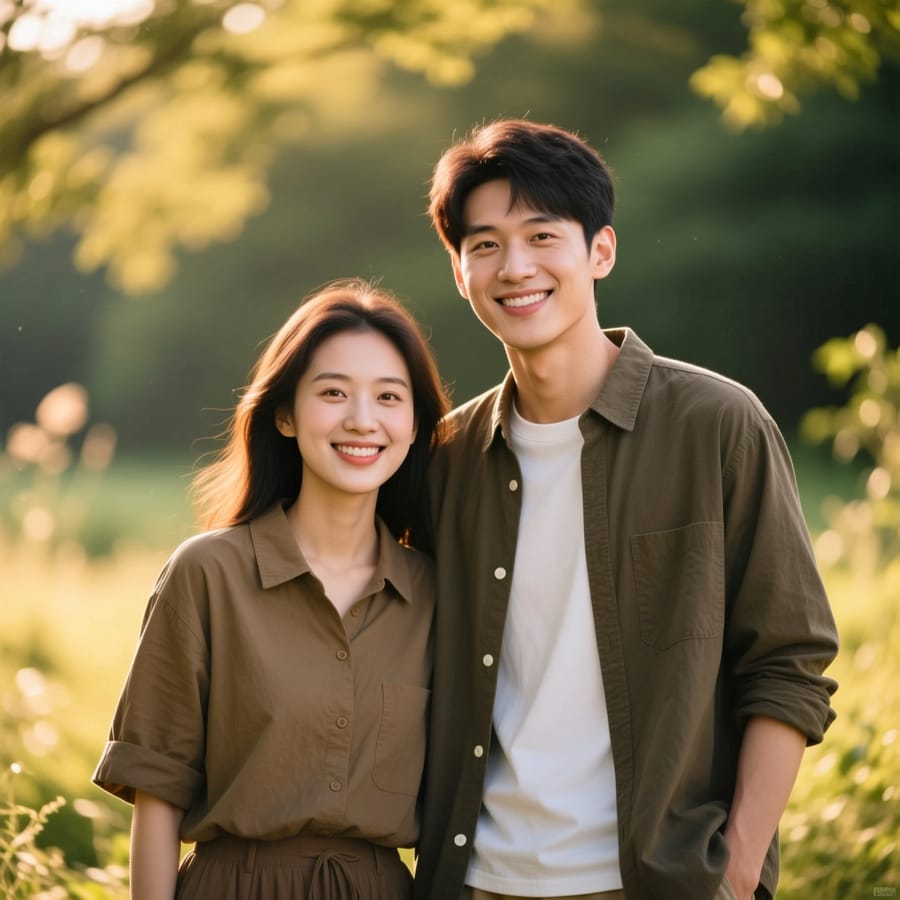
Photo Merge
Pick two photos and get a smooth cinematic video from one to the other.
1
Add the first and last photo
2
Create
Total 38
What Photo Merge does
Two photos become one moving shot — a smooth cinematic transition from the first image into the second, with the camera and lighting carried across.
How it works
- 1Add both photos. There is nothing to configure and no prompt to write.
- 2Photo Merge runs with the model and settings already chosen for this job.
- 3Your result lands in your library. It costs 38 coins, shown before you run it.
Frequently asked questions
- What do I upload?
- Two images: where the shot starts and where it ends.
- Do they need to match?
- They do not, but similar framing gives a smoother transition.
- What comes out?
- A short video, not a still.
Other apps like this
- Motion ControlTransfer the motion of any clip onto your character.
- DancePick a dance video, add your photo, and watch yourself dance.
- Video UpscalerSharpen and upscale any video to crisp HD in one click.
- Talking PhotoMake the person in your photo speak — type the words or upload a voice.
- Lip SyncMatch the lips in any video to new words — type them or upload audio.
- Video ExtendContinue any video a few more seconds, same style and motion.