
How to Make a Birthday or Christmas Card Photo from Any Picture
A card photo needs the right mood and room for your own words. Here is how to make a birthday or Christmas card picture from an ordinary photo.
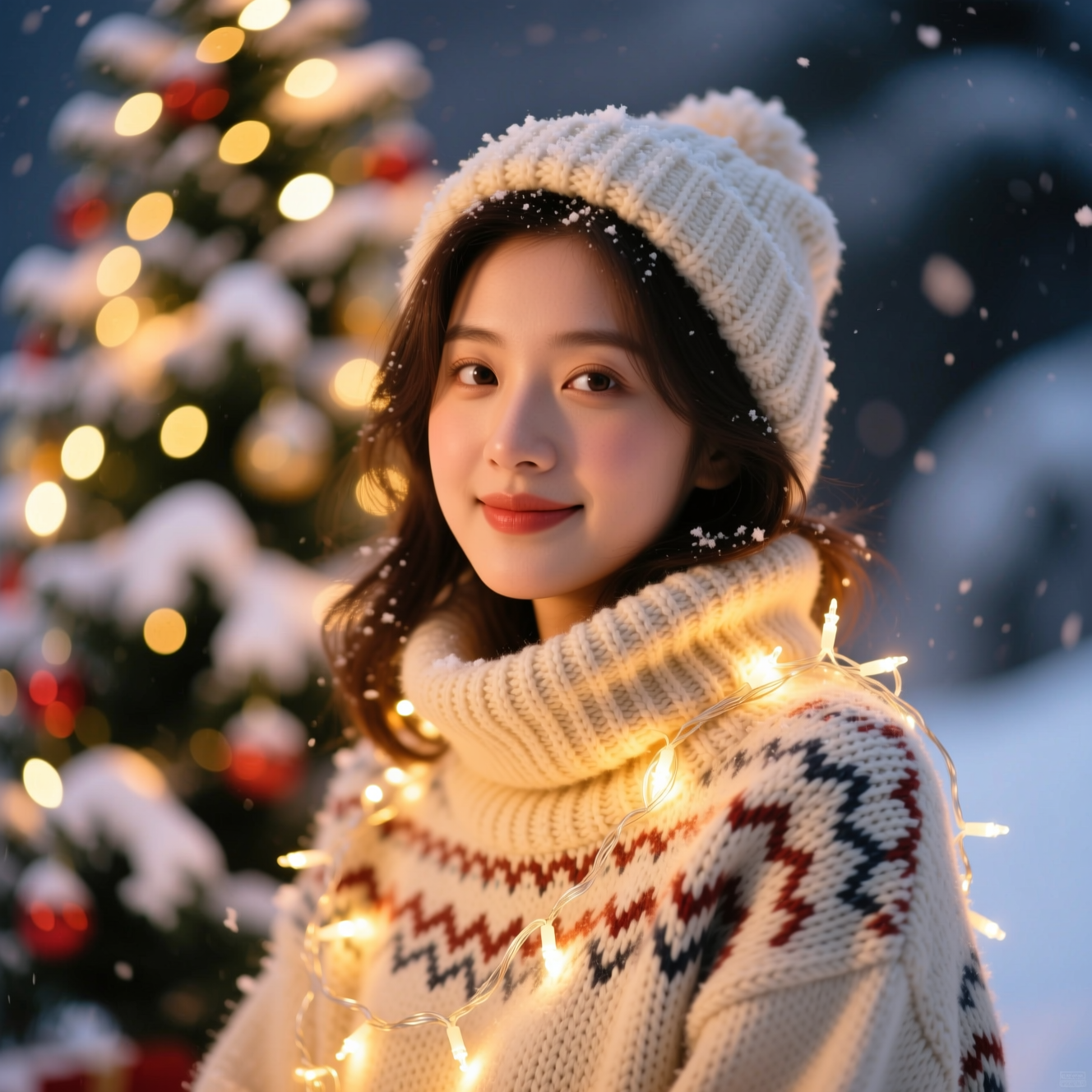
To make a card photo from an ordinary picture, upload it to an AI tool that rebuilds the scene around the person, fairy lights and a tree for Christmas, balloons and party light for a birthday, and keeps the face the same. The image comes without text, so the greeting is yours to add.
Why no text is the right choice
Generated lettering is the weak point of AI images: misspelt words and odd characters. A card also needs your words, in your language, maybe with a name and a year. So the picture is made clean, and you add the message in whichever app you use to print or send it. A card typed by you looks better than one a model guessed at.
Leave room for the message
Choose a photo where the person is not filling the whole frame. Space above or beside them is where the greeting goes. If the original is tightly cropped, pick another one: the scene is rebuilt, but the framing of the person stays.
Photos that work
- A clear, sharp face. Any season: a summer photo can become a winter card.
- One person or a small group close together.
- A natural expression. The scene supplies the festivity.
Doing it in Reelina
For Christmas, open Christmas Card, upload the photo and generate. The instruction asks for a festive card portrait with cosy winter styling, warm fairy lights and a softly blurred tree, with no text anywhere in the image, keeping the person's face and identity exactly the same.
For a birthday, open Birthday Photo: warm party lighting with softly blurred balloons and lights behind the person, and the same face and expression.
Printing it? Run Photo Upscaler first.
FAQ
Does it write the greeting for me? No, deliberately. No text is generated, so you can add your own message in any language and font.
Can I use a photo taken in summer? Yes. The scene and styling are rebuilt.
Will it change the person's face? No. Face and identity are kept.
Is the result good enough for a printed card? Yes. Upscale before printing.
Try it yourself
Every model on one coin balance, straight in your browser. No install, no watermark.
Start creatingKeep reading
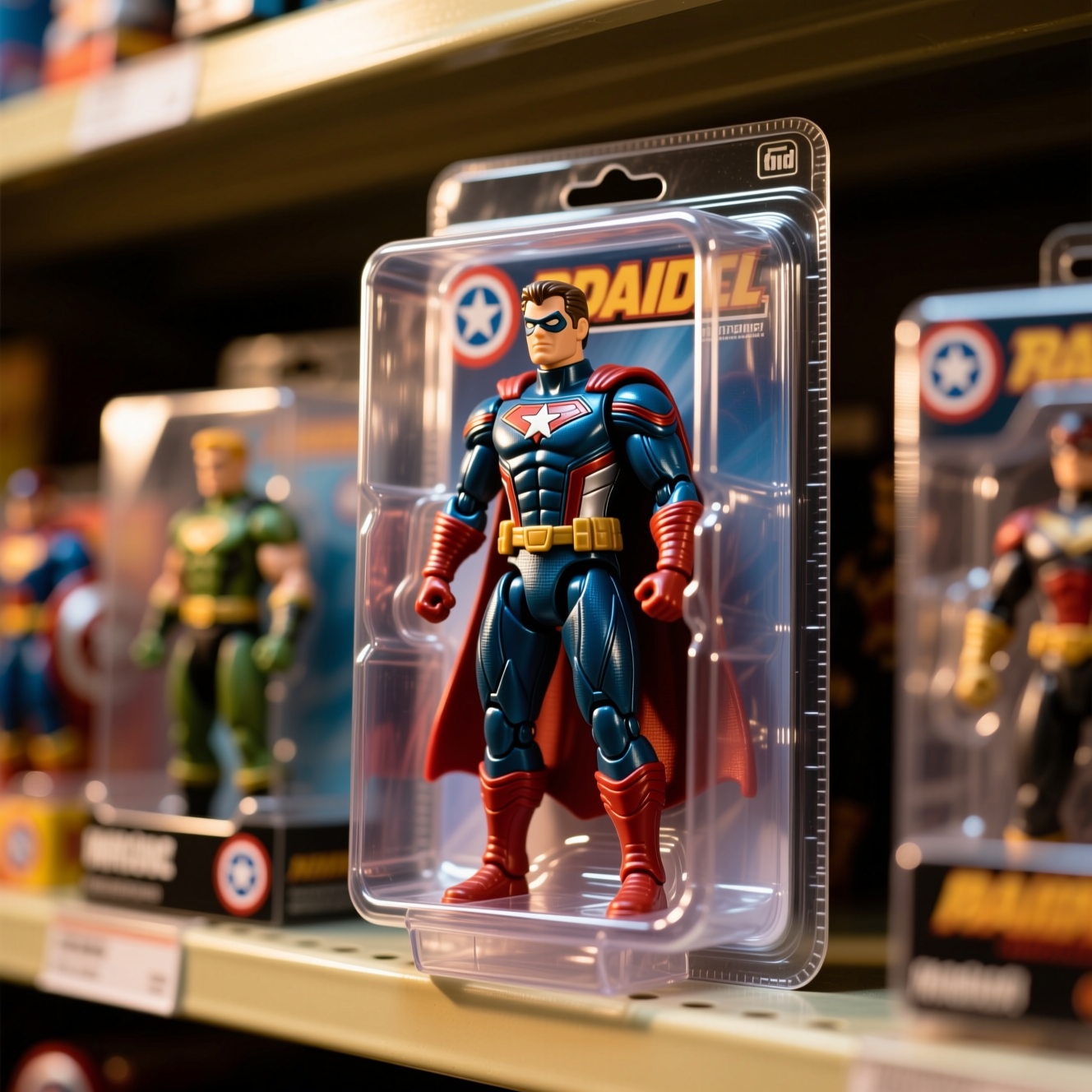 How to Turn Yourself into an Action FigureThe boxed-toy picture works when the packaging looks manufactured and the face is still yours. Here is how to get both from one photo.
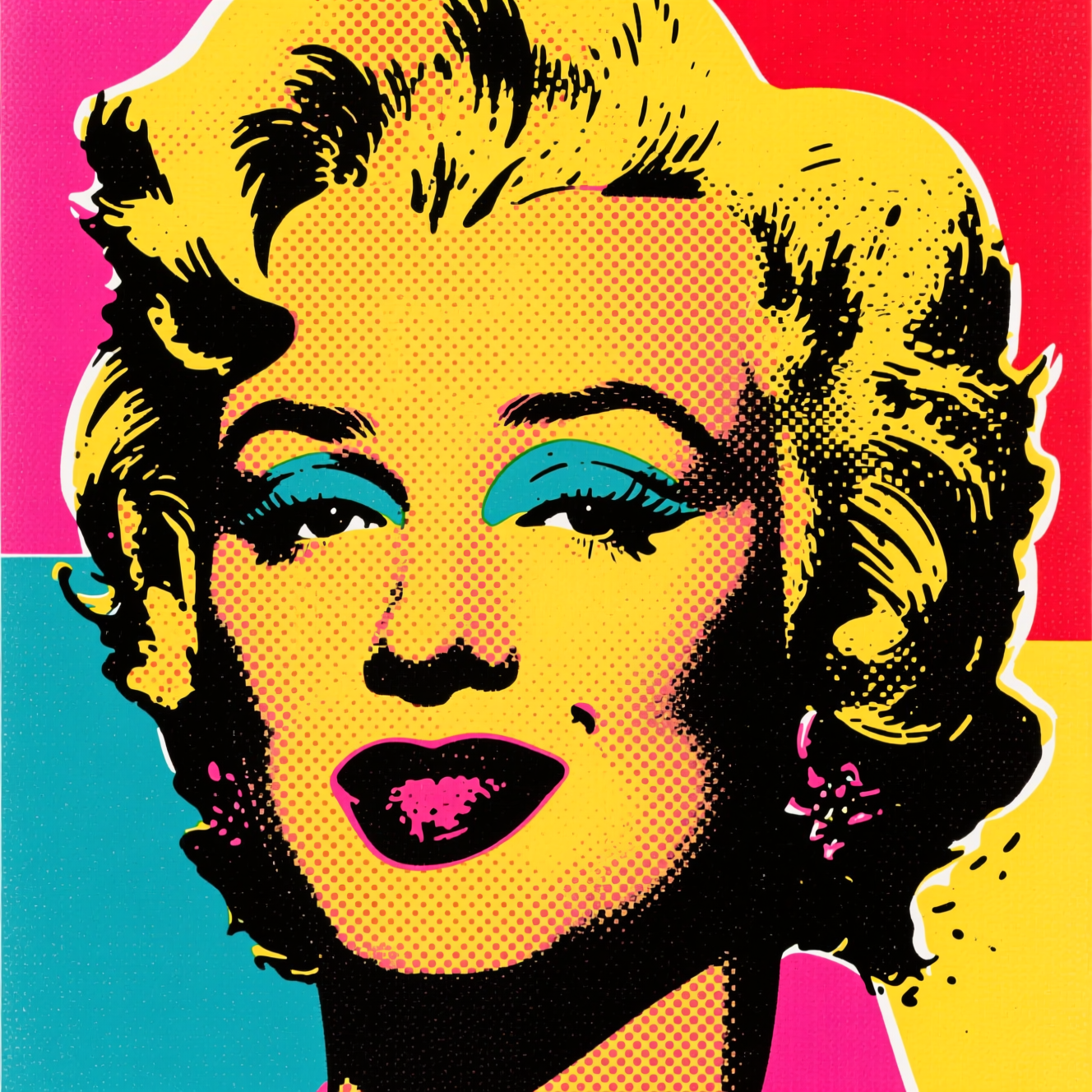 How to Turn a Photo into Pop ArtPop art is flat colour, halftone dots and a hard outline. Here is how to turn a photo into a poster in that style, and which photos suit it.
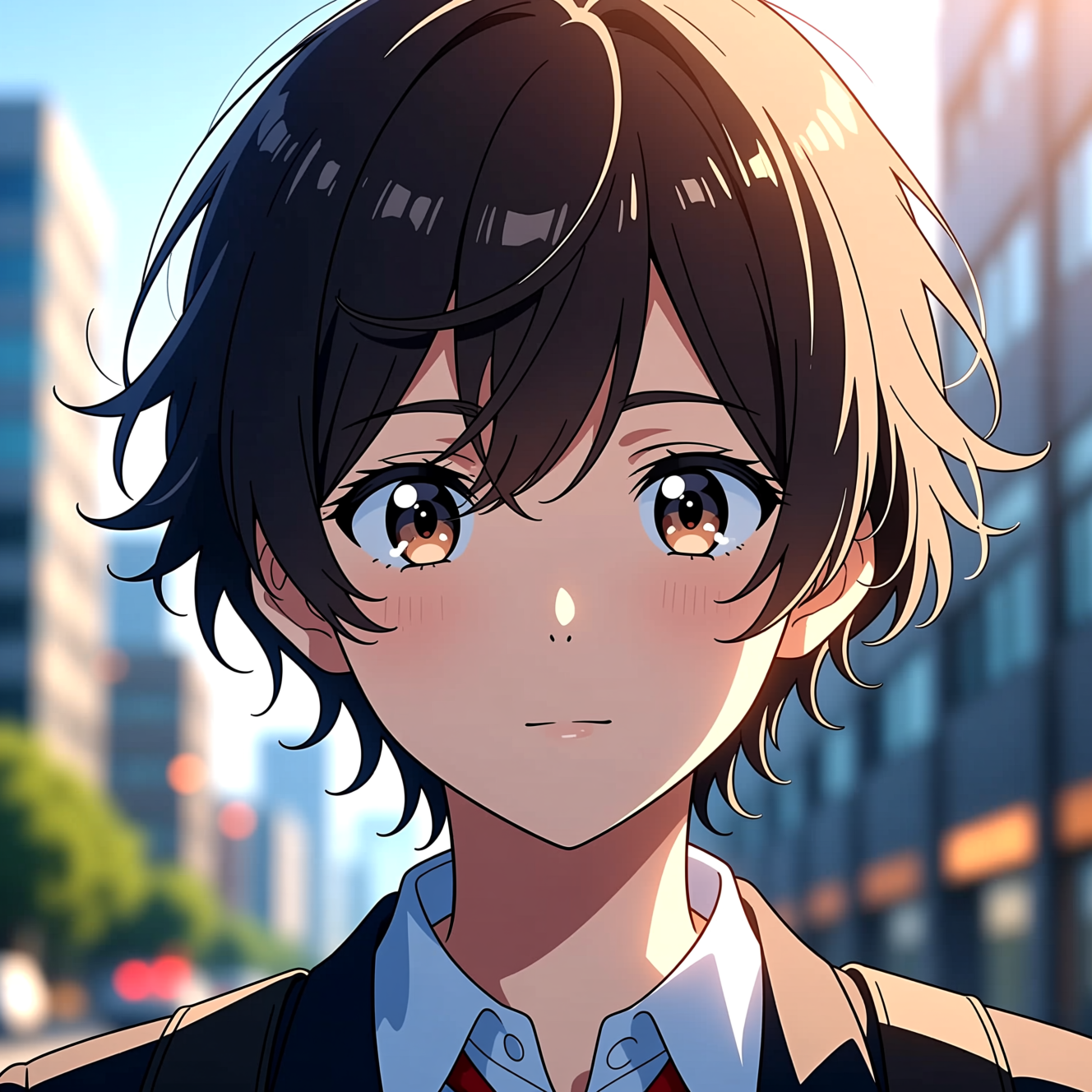 How to Turn a Photo into AnimeAnime style is drawn decisions, not a colour filter. Here is how to turn a photo into an anime portrait that is still recognisably you.