
How to See What You Will Look Like Older (or Looked Like Younger)
An aged photo is a plausible picture, not a forecast. Here is how to see yourself decades older or younger from one photo, and how to read the result.
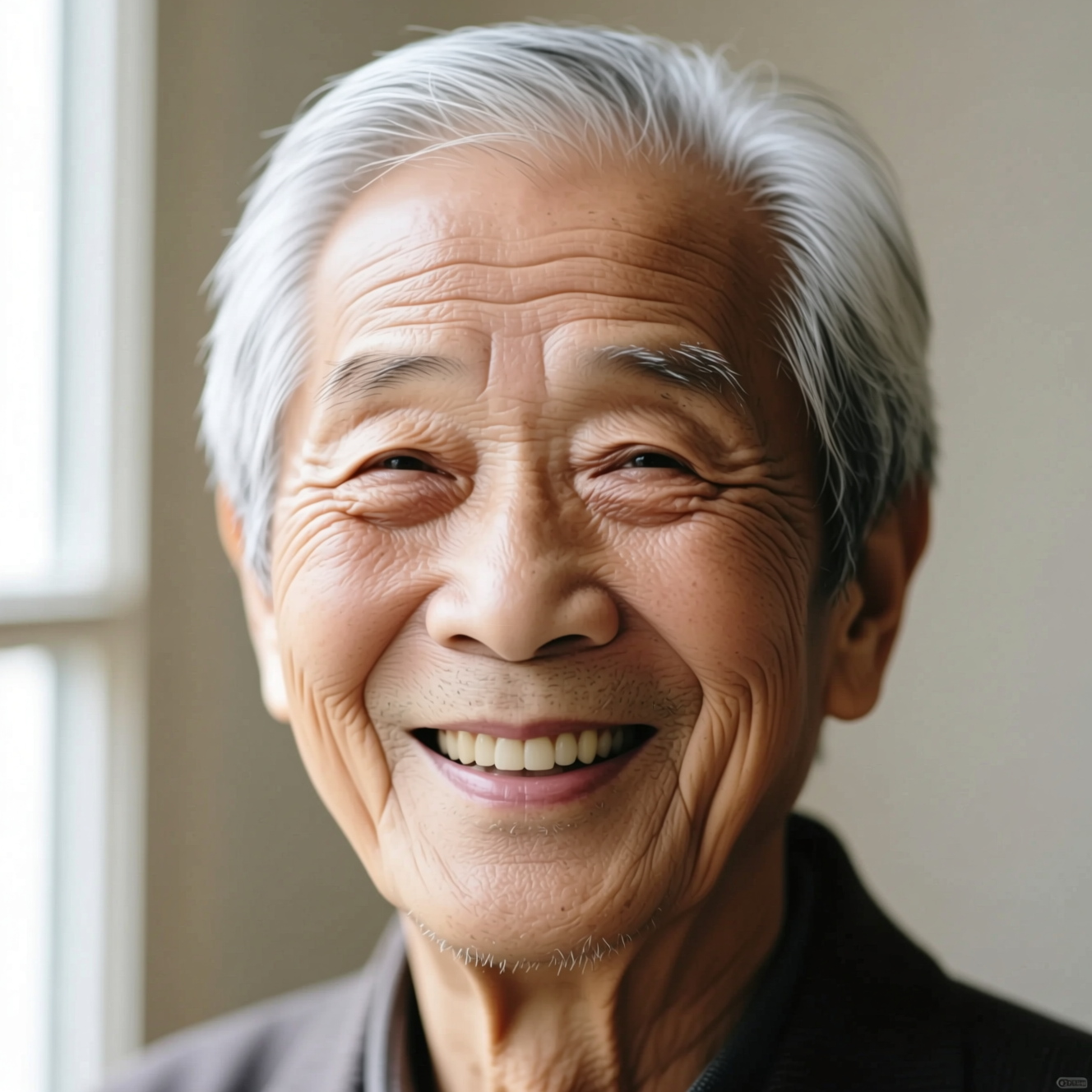
To see yourself older, upload a clear photo to an AI ageing tool: it adds about forty years of lines, grey hair and the way a face settles, and keeps your expression, pose and clothes. The reverse takes about twenty years off. Neither is a prediction; both are a plausible version of your face at another age.
What ageing does to a face
A filter that draws wrinkles on top of a young face looks like makeup. Real ageing changes structure: skin loosens along the jaw, the eyes sit deeper, hair thins and greys, and the lines follow the expressions you make most. A convincing result rebuilds the face with those changes instead of layering them on.
Going younger is the same in reverse. Smoothing the skin gives an airbrushed adult. A younger face has fuller cheeks, a softer jaw and a different hairline.
What it cannot know
How you age depends on genetics, sun, sleep and luck. The model has a photo. It shows how a face like yours commonly ages, which is why two runs give two slightly different people. Use it for curiosity, a birthday card or a character, not as a forecast.
Photos that work best
- One face, front-on, with even light.
- No heavy makeup or beauty filters: they hide the skin the model works from.
- A neutral or lightly smiling expression. A wide laugh already creases the face.
Doing it in Reelina
Open Age Me, upload the photo and generate. The instruction ages the person by about forty years with realistic wrinkles and grey hair, and keeps identity, expression, pose and clothing the same.
To go the other way, open Young Me, which takes about twenty years off with the same rules.
FAQ
Is this what I will really look like? No. It is plausible, not a prediction. Genetics and life do things a model cannot see.
Can I choose how many years? Not in the one-tap apps: Age Me adds about forty years and Young Me removes about twenty.
Does it change anything besides the face? No. Expression, pose and clothing are kept.
Does it work on an old photo? It does, though a recent, sharp photo gives the more interesting result.
Try it yourself
Every model on one coin balance, straight in your browser. No install, no watermark.
Start creatingKeep reading
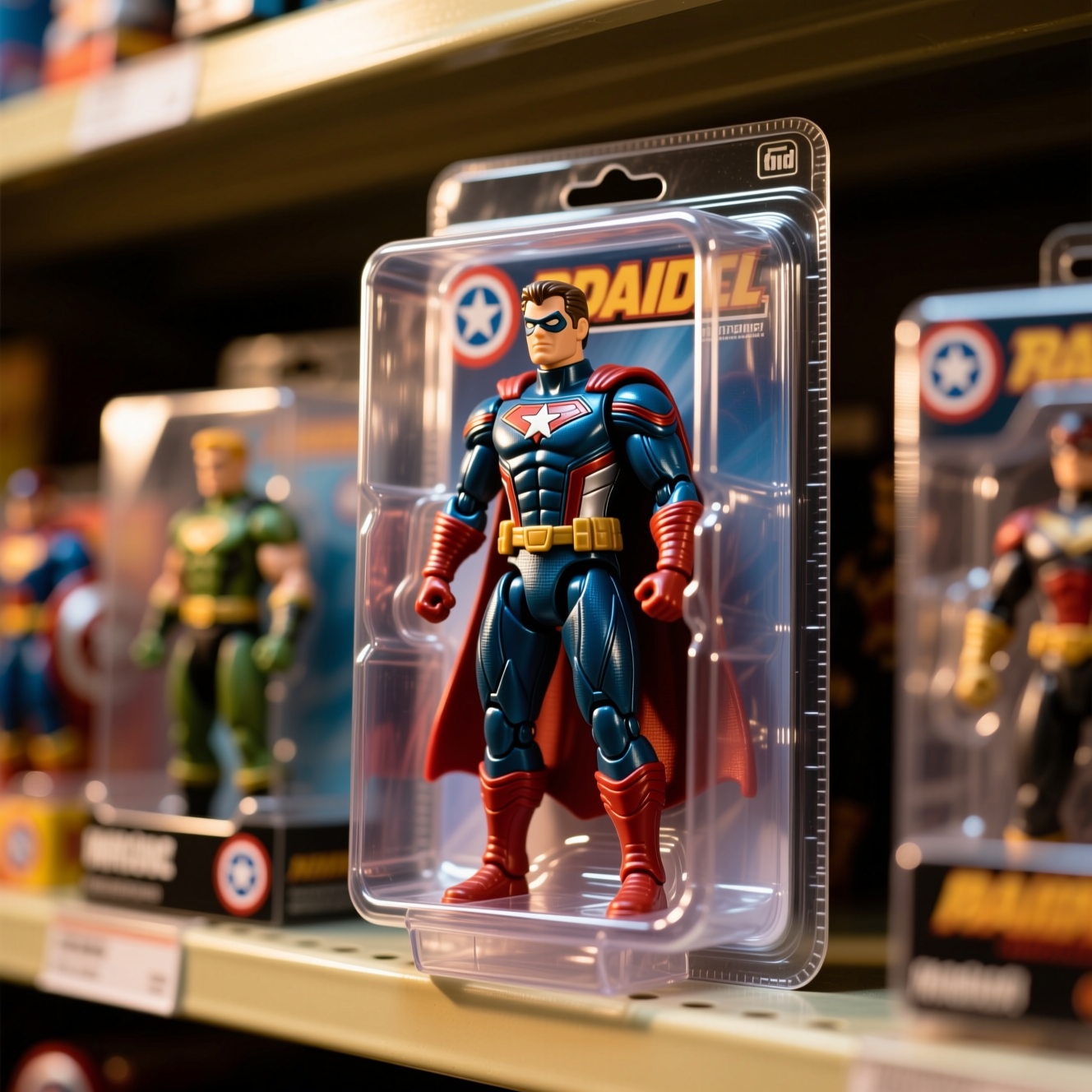 How to Turn Yourself into an Action FigureThe boxed-toy picture works when the packaging looks manufactured and the face is still yours. Here is how to get both from one photo.
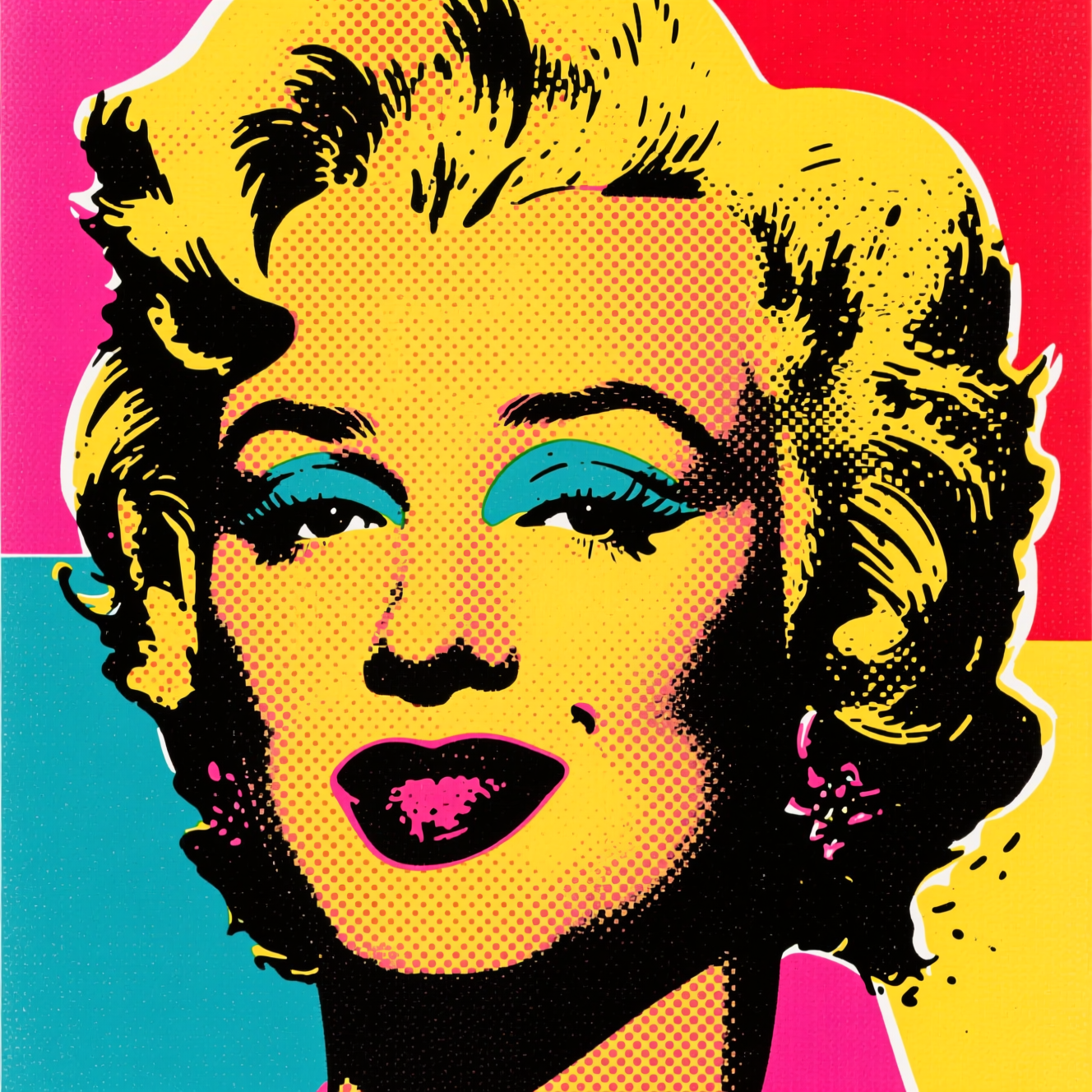 How to Turn a Photo into Pop ArtPop art is flat colour, halftone dots and a hard outline. Here is how to turn a photo into a poster in that style, and which photos suit it.
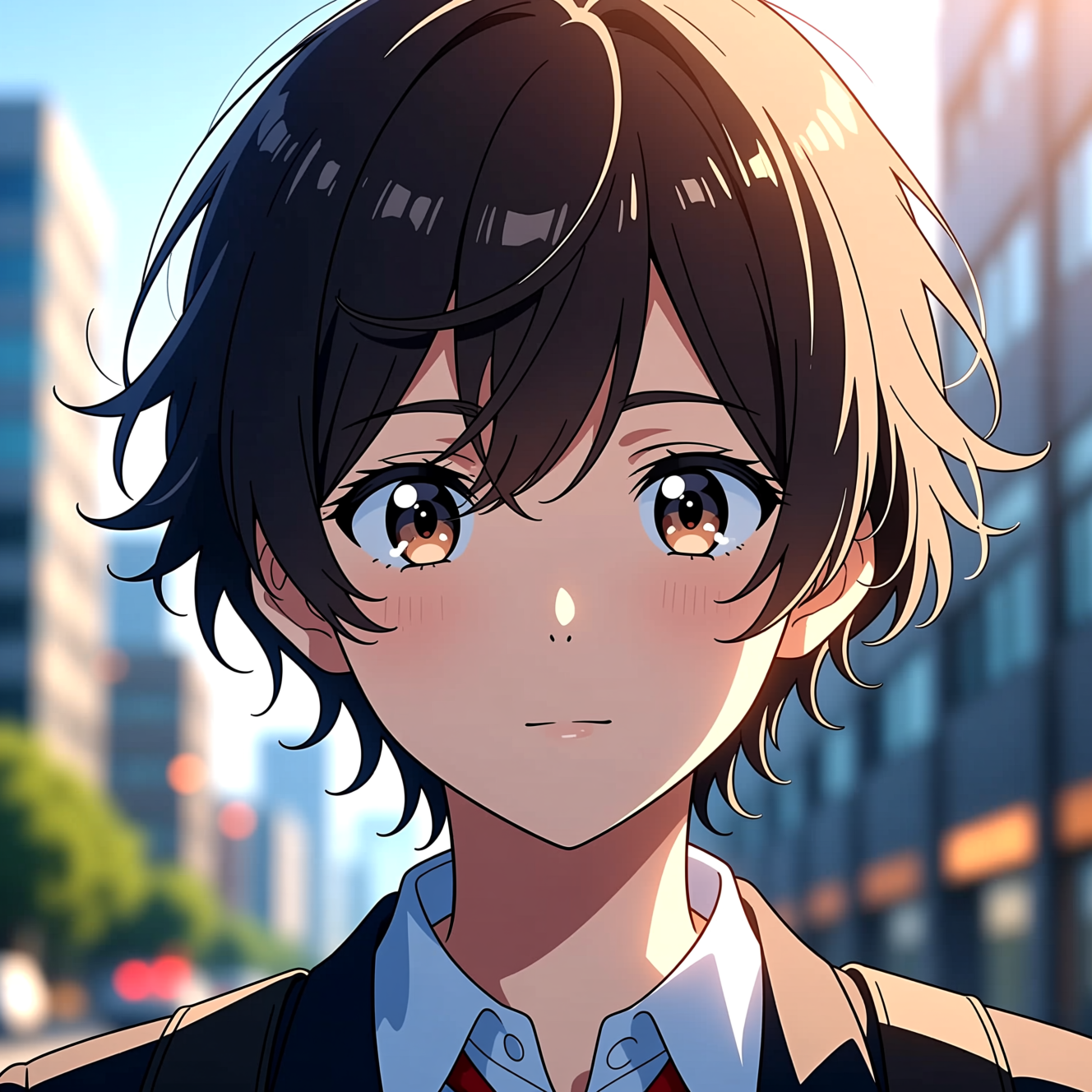 How to Turn a Photo into AnimeAnime style is drawn decisions, not a colour filter. Here is how to turn a photo into an anime portrait that is still recognisably you.