
How to Make Studio Product Photos from a Phone Picture
A catalogue shot is a clean background, soft light and an accurate product. Here is how to get there from a phone snapshot without a lightbox.
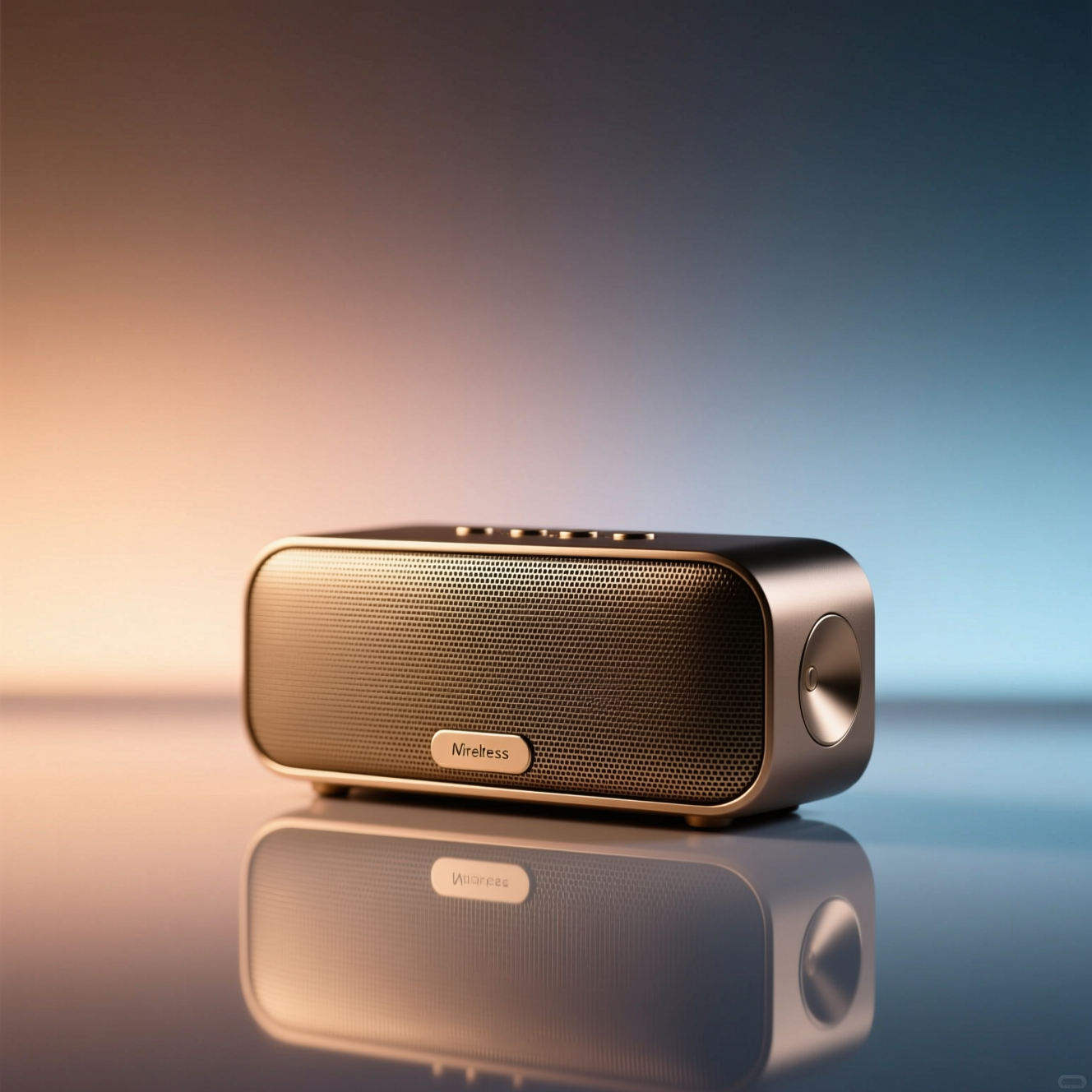
To make a studio product photo from a phone picture, shoot the product sharply in even light and use an AI tool to move it onto a clean seamless background with soft-box lighting and a natural shadow. The product itself, its shape, colours, label and text, has to come through unchanged, so the phone shot needs to show it clearly.
What a catalogue shot is
Three things, in this order: an accurate product, a background that doesn't compete with it, and soft light with a shadow that puts it on a surface. Shops ask for this because it makes a page of different items look like one shop, and because buyers return things that arrive looking different from the picture. Accuracy is the part you can't fake afterwards. Background and light are the parts a tool can do for you.
Shoot it so the product survives
- Whole product in frame, in focus. Anything cropped off or blurred has to be invented, and invented detail is how a label ends up wrong.
- Even daylight. Near a window, out of direct sun. Hard glare hides colour and print.
- Face the label to the camera. Text the camera can read is text the result keeps.
- Any plain surface will do. A table or a sheet of paper is fine; the background gets replaced.
- One product per photo. Groups are harder to relight consistently.
Doing it in Reelina
Open Product Studio Shot, upload the photo and generate. The instruction asks for a clean seamless background, soft-box lighting and a subtle reflection at e-commerce catalogue quality, and tells the model to keep the product exactly the same: shape, colours, labels and text.
Compare the result with the real item before you list it, small print especially. For the product in a room or in use, try Product Lifestyle Shot; for a transparent cut-out, use Background Remove.
FAQ
Do I need a lightbox or a backdrop? No. A sharp phone photo in even light is enough; the background and lighting are replaced.
Does it keep the product accurate? Shape, colour and labelling are preserved; it relights rather than redesigns. Check small text against the real item before publishing.
Can I use the result on a marketplace listing? Yes, that is the common use. Check your marketplace's own image rules, such as background colour and size.
What if my product is reflective or transparent? Glass and polished metal are the hardest cases. Shoot them without bright reflections of the room and compare the result carefully.
Try it yourself
Every model on one coin balance, straight in your browser. No install, no watermark.
Start creatingKeep reading
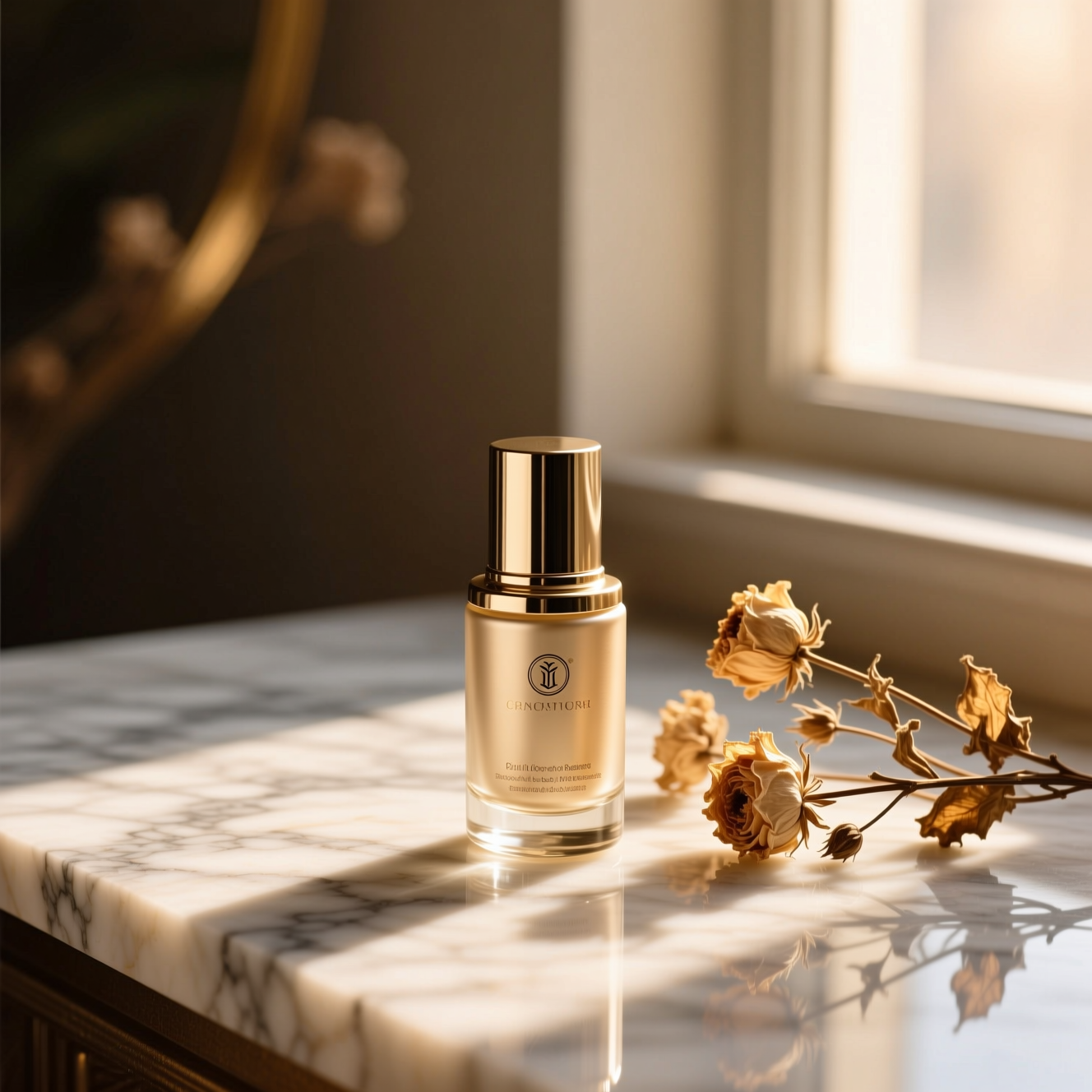 How to Make Lifestyle and On-Model Product Photos Without a ShootA studio shot shows the object; a lifestyle or on-model shot shows it in use. Here is how to make both from one product photo.
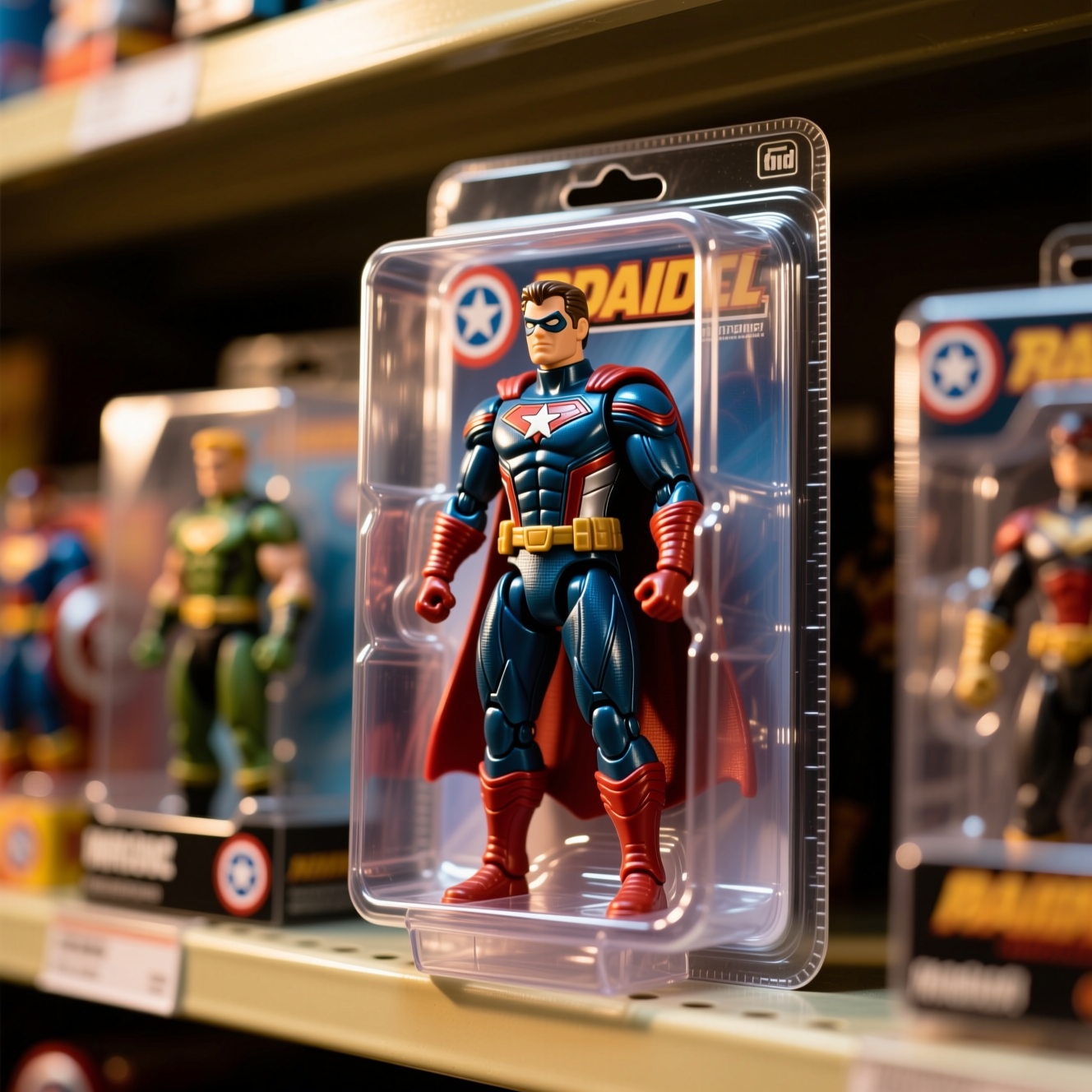 How to Turn Yourself into an Action FigureThe boxed-toy picture works when the packaging looks manufactured and the face is still yours. Here is how to get both from one photo.
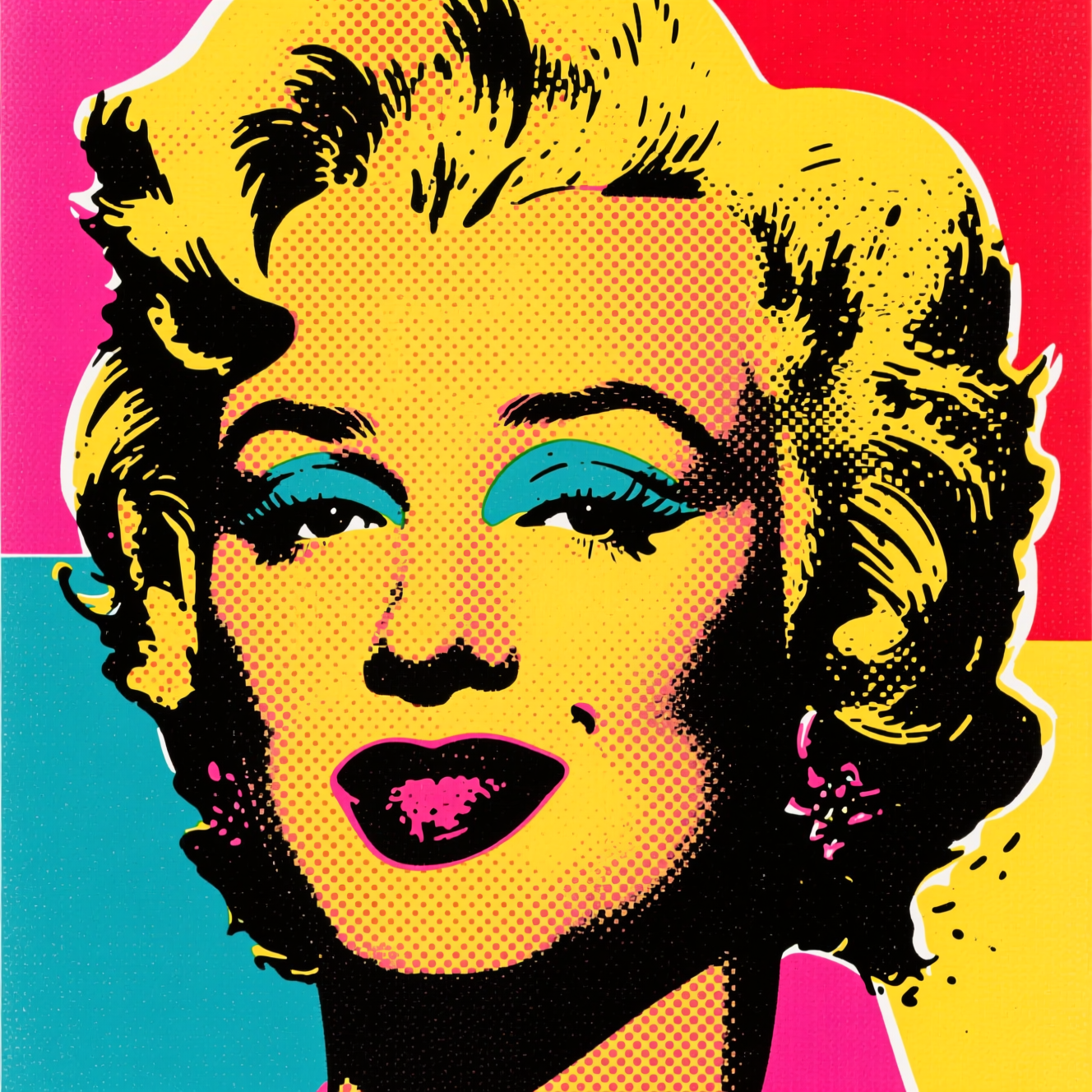 How to Turn a Photo into Pop ArtPop art is flat colour, halftone dots and a hard outline. Here is how to turn a photo into a poster in that style, and which photos suit it.