
How to Make Lifestyle and On-Model Product Photos Without a Shoot
A studio shot shows the object; a lifestyle or on-model shot shows it in use. Here is how to make both from one product photo.
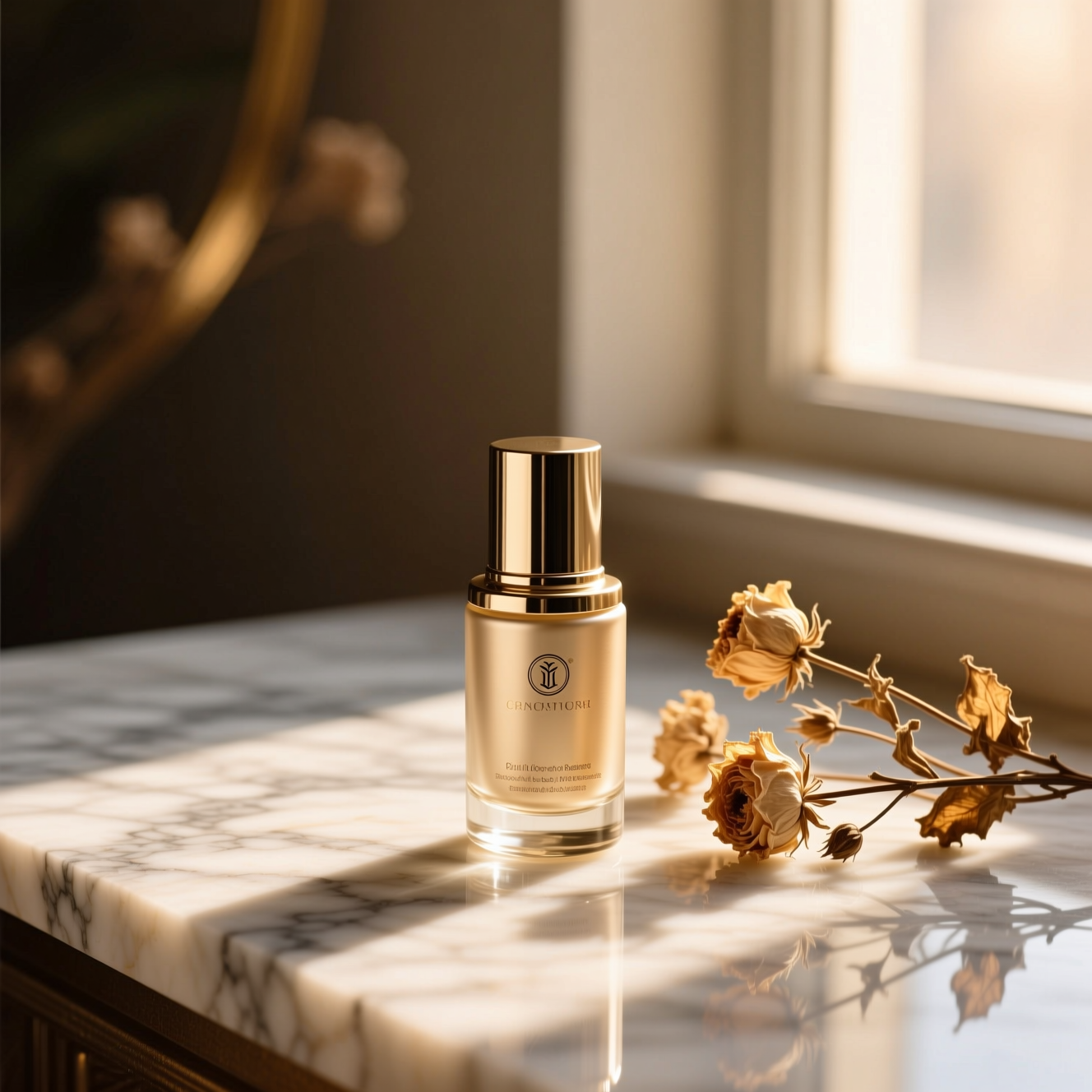
To make a lifestyle product photo, upload a clear picture of the product to an AI tool that places it in a realistic setting where it would be used and lights it to match. For clothing and accessories, an on-model tool shows the item worn by a realistic model. In both, the product has to stay exactly as it is.
Why a listing needs more than a white background
A studio shot answers "what is it". A lifestyle shot answers "what is it like to own": the mug on a desk, the lamp in a room, how big the bag is against a person. For clothes, shoppers want to see fit and drape, which a flat lay can't show. Most listings do best with both kinds.
Photographing the product
For a lifestyle scene
- The whole product, sharp, in even light, label facing the camera.
- The angle you would see it from in use: a bottle upright, a rug from above.
For on-model
- A flat or hanging shot of the garment, clearly lit, uncreased.
- The whole item in frame, including sleeves and hem.
- True colour: shoot in daylight, not under yellow bulbs.
Doing it in Reelina
Open Product Lifestyle Shot, upload the photo and generate. The instruction places the product into a realistic lifestyle scene where it would naturally be used, with natural lighting and an editorial commercial feel, keeping shape, colours, labels and text exactly the same. The scene is chosen for you and varies between runs.
For apparel, open Product on Model: the item worn by a realistic fashion model in a studio, with natural fit and draping and the design, colours and details kept.
For the plain catalogue image, use Product Studio Shot.
Check before you publish
Compare logo, print, colour and stitching with the real item. An on-model image shows a generated person and an estimate of fit, so keep your size chart and real measurements on the listing.
FAQ
Can I choose the scene? Not in the one-tap app. Runs vary between plausible settings for the product.
Does the product change? No. Only the world around it. Check small text and logos against the real item.
Do I need a model for clothing photos? No. Upload a flat or hanging shot of the garment.
When would I use this over a studio shot? Studio sells the object; lifestyle sells the situation. Most listings want both.
Try it yourself
Every model on one coin balance, straight in your browser. No install, no watermark.
Start creatingKeep reading
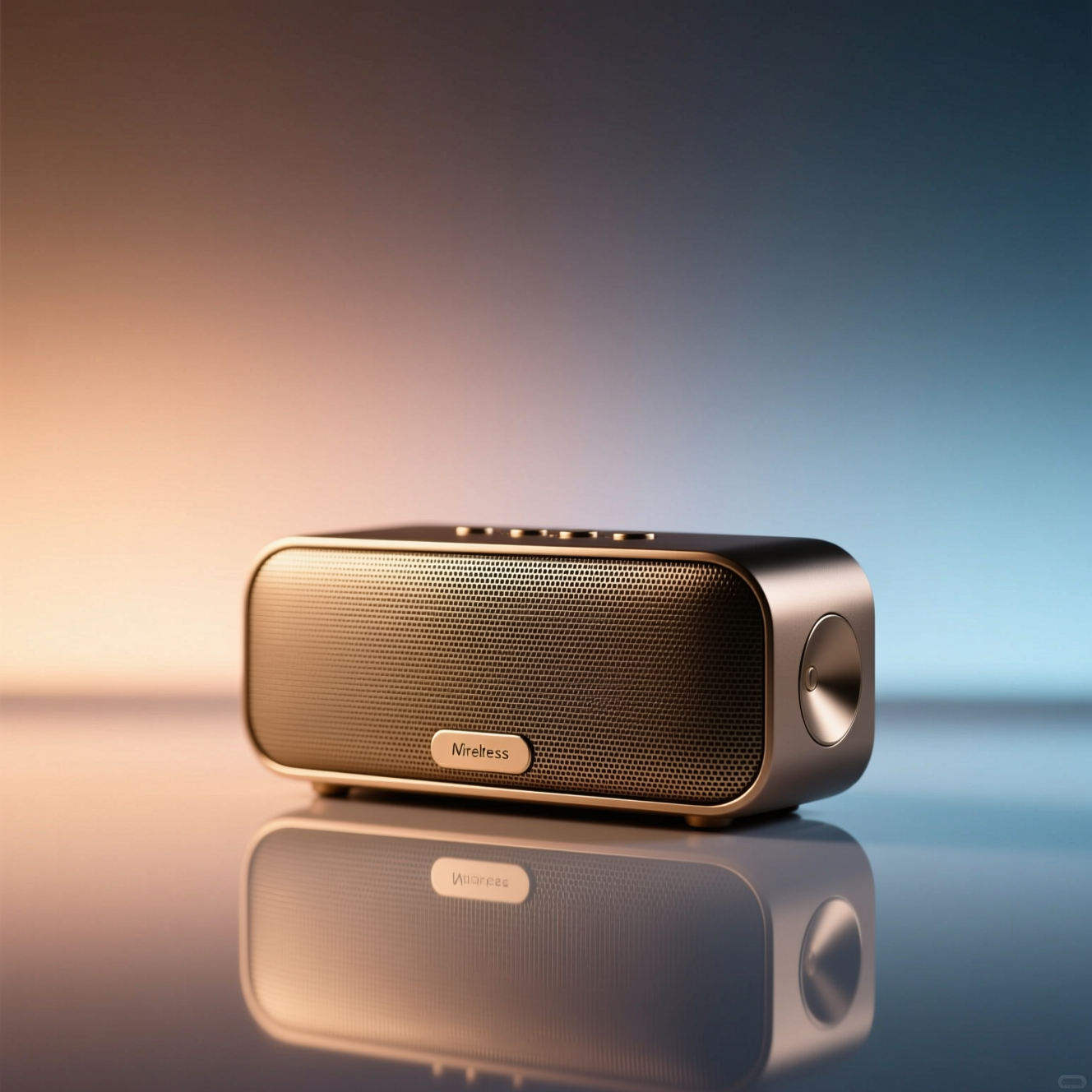 How to Make Studio Product Photos from a Phone PictureA catalogue shot is a clean background, soft light and an accurate product. Here is how to get there from a phone snapshot without a lightbox.
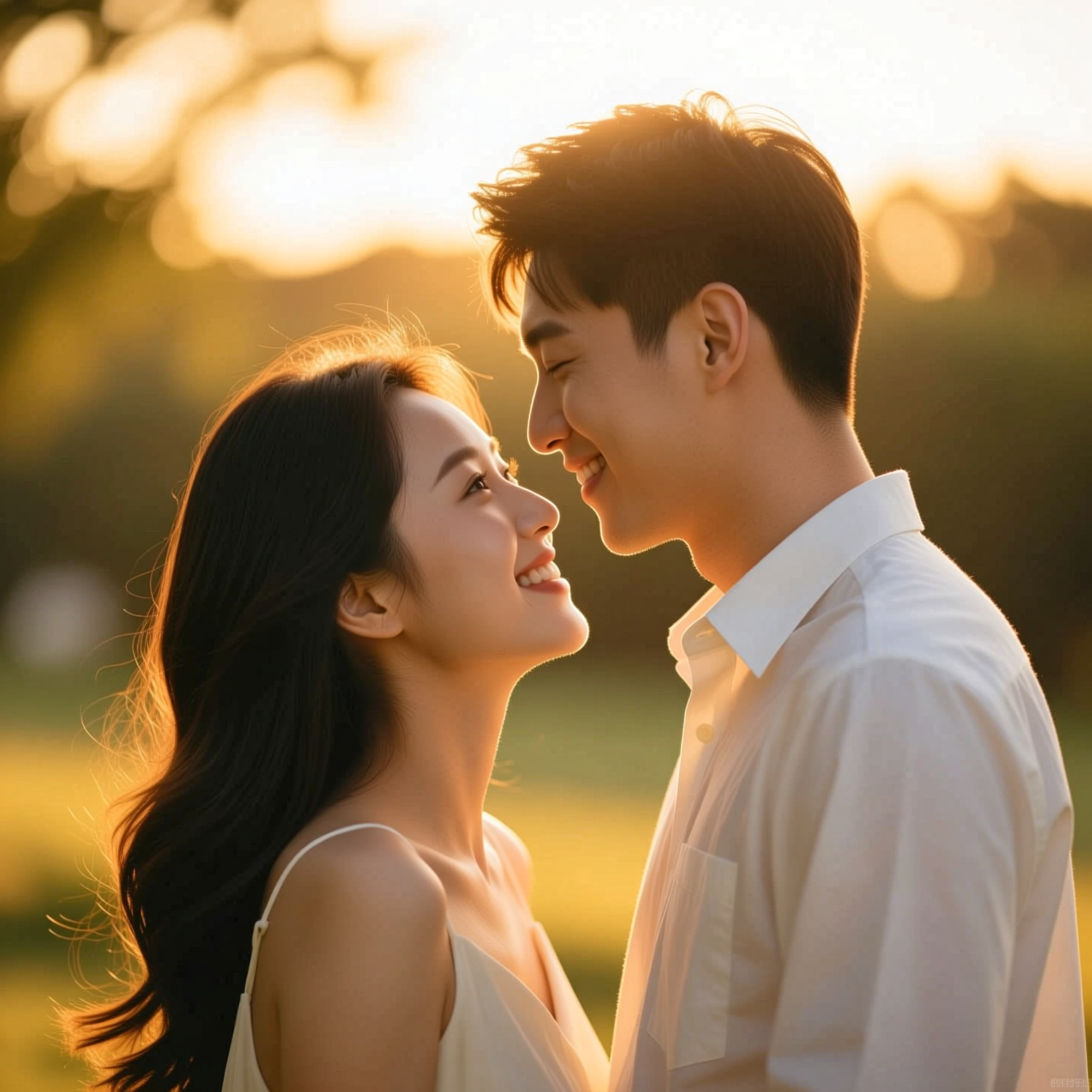 How to Make a Wedding-Style or Couple Portrait from an Everyday PhotoA portrait in wedding or engagement style is a picture, not a record of the day. Here is how to make one from an everyday photo and where it fits.
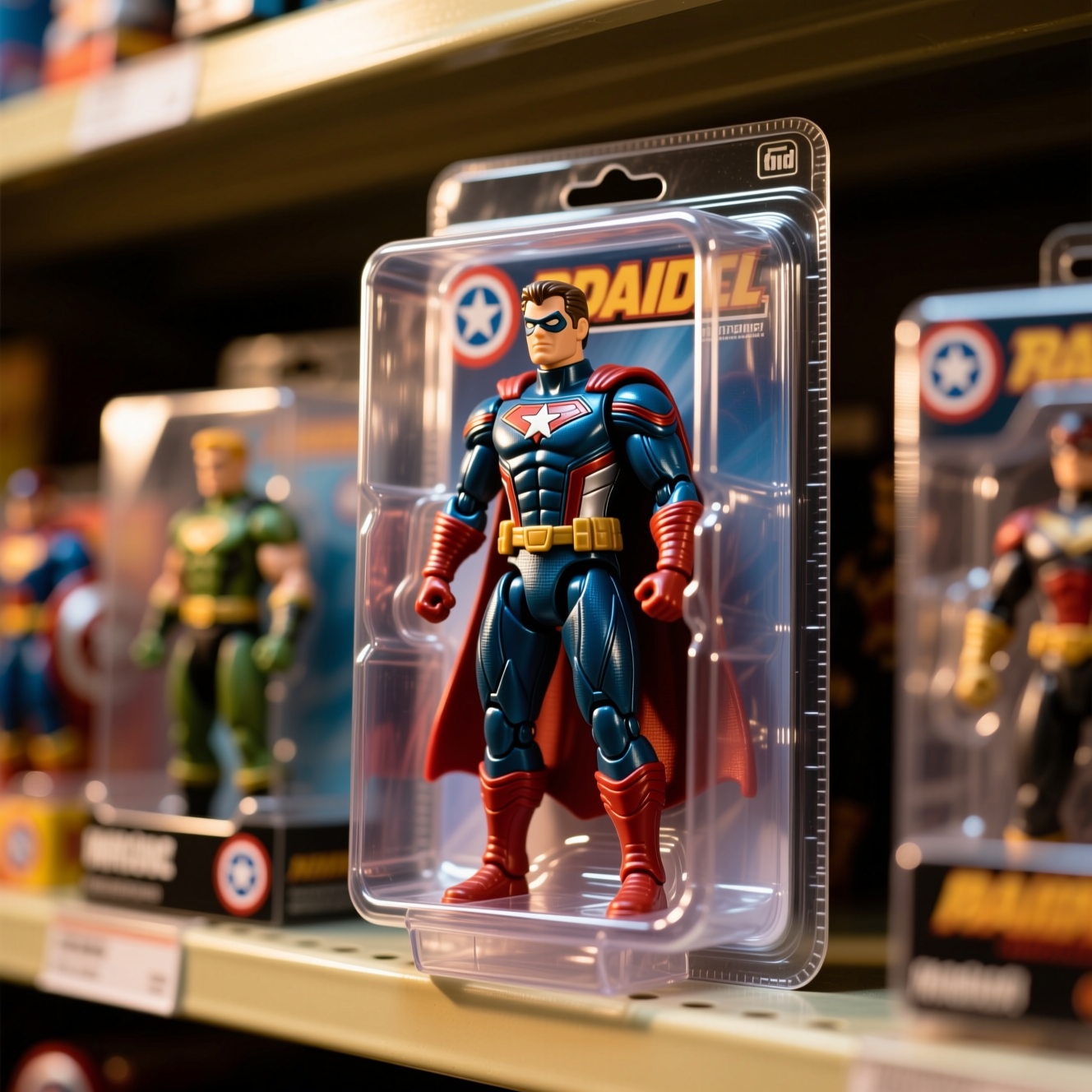 How to Turn Yourself into an Action FigureThe boxed-toy picture works when the packaging looks manufactured and the face is still yours. Here is how to get both from one photo.