
How to Make a YouTube Thumbnail from a Photo
A thumbnail is read in under a second at the size of a stamp. Here is what survives that, and how to build one from a photo.
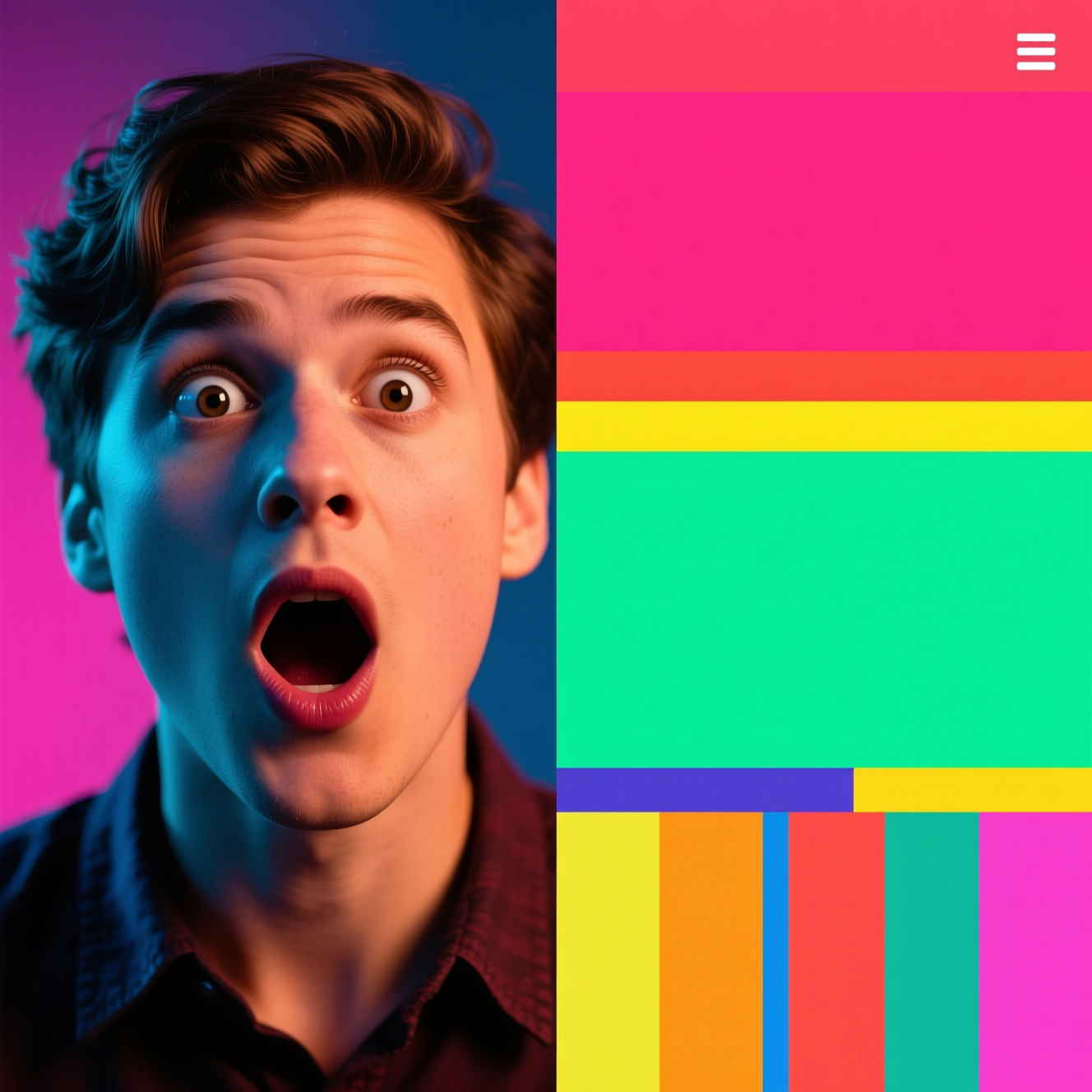
To make a YouTube thumbnail from a photo, start with a clear, expressive shot of the subject and use an AI tool to cut it from the background, raise contrast and saturation, and leave empty space for a title. Then add a few large words yourself. Design it for the size it is seen at: tiny.
What survives at thumbnail size
On a phone a thumbnail is a couple of centimetres wide, next to a dozen others.
- One subject, large. A face filling a third of the frame reads; a full-body figure in a room does not.
- Expression. Surprise, concentration, delight: the emotion is what gets read first.
- Separation. Subject bright against a darker or blurred background, with a clean edge.
- Few words. Three or four, big, saying something the title doesn't.
- A clear bottom-right corner. YouTube puts the video length there.
The photo to use
Take it for the thumbnail; a frame grabbed from the video is usually soft and mid-blink. Face the light, exaggerate the expression a little, and leave space on one side for the text.
Doing it in Reelina
Open YouTube Thumbnail, upload the photo and generate. The instruction asks for punchy contrast and saturation, the subject cleanly cut out and emphasised, and a dynamic background with depth. It leaves clear empty space for title text and keeps the person's face expressive and recognisable, in widescreen framing.
No words are added. Put your text on in any editor, then check the result at small size before uploading.
Keep it true to the video
A thumbnail that promises something the video doesn't deliver gets the click and loses the viewer in seconds, and YouTube's rules prohibit misleading thumbnails. Punchy is fine. Untrue is not.
FAQ
Does it add the title text? No. It builds the image and leaves space; add your headline in your editor.
What size and shape is the result? Widescreen thumbnail framing. Export at the size YouTube currently asks for when you add your text.
Does it work with any photo? A clear photo of the subject. Expression matters more than resolution here.
Can I use it for a video without a person? Yes. Use a clear photo of the main object.
Try it yourself
Every model on one coin balance, straight in your browser. No install, no watermark.
Start creatingKeep reading
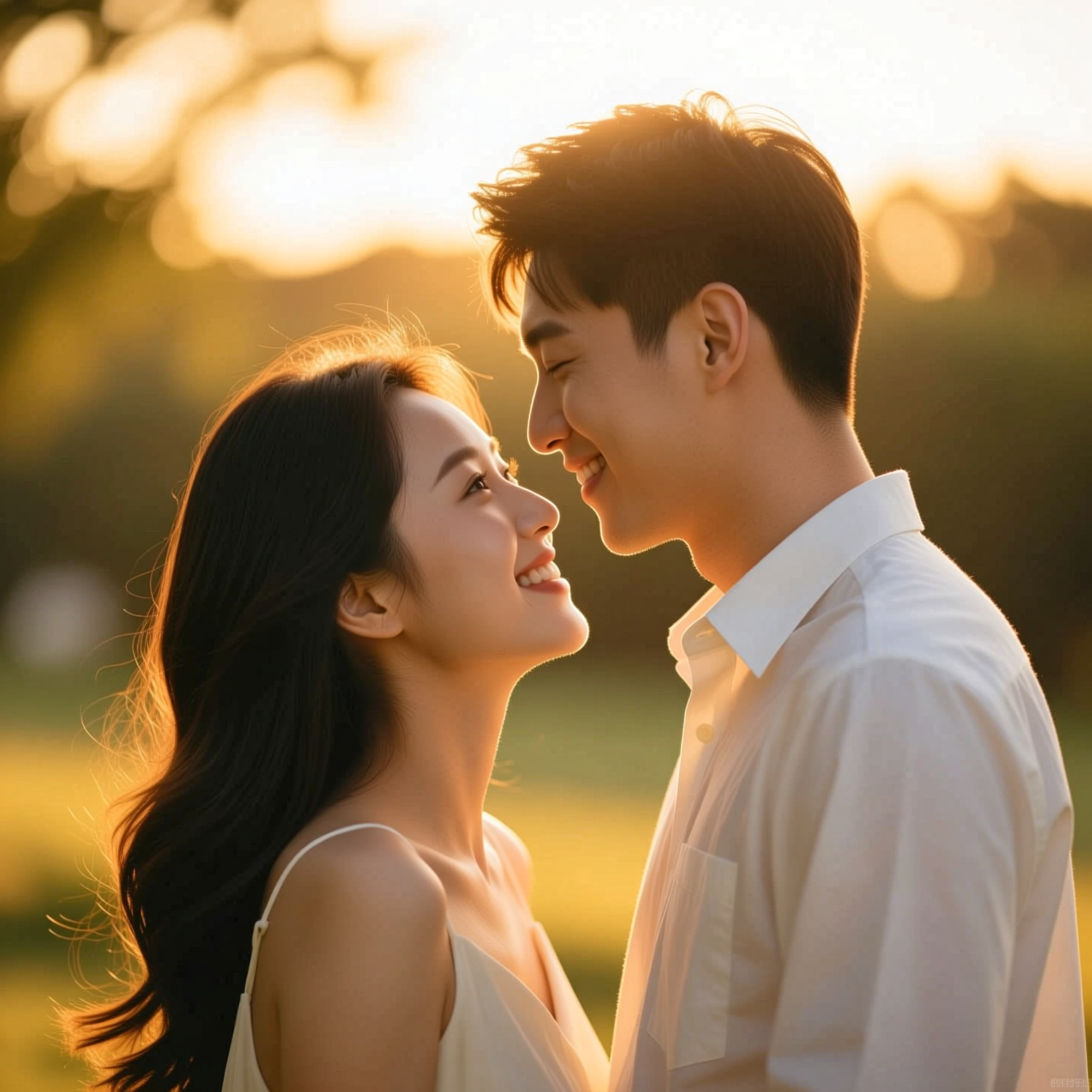 How to Make a Wedding-Style or Couple Portrait from an Everyday PhotoA portrait in wedding or engagement style is a picture, not a record of the day. Here is how to make one from an everyday photo and where it fits.
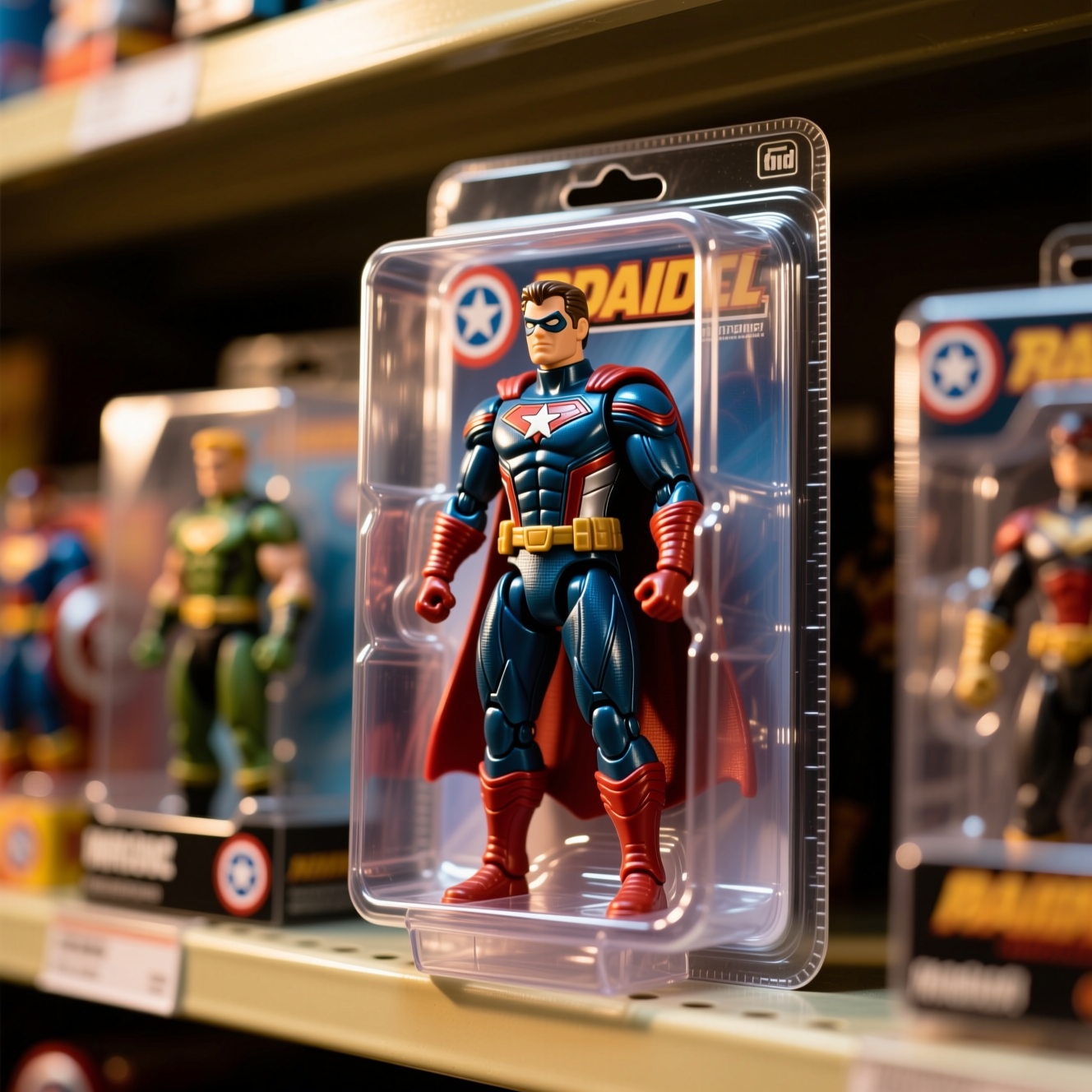 How to Turn Yourself into an Action FigureThe boxed-toy picture works when the packaging looks manufactured and the face is still yours. Here is how to get both from one photo.
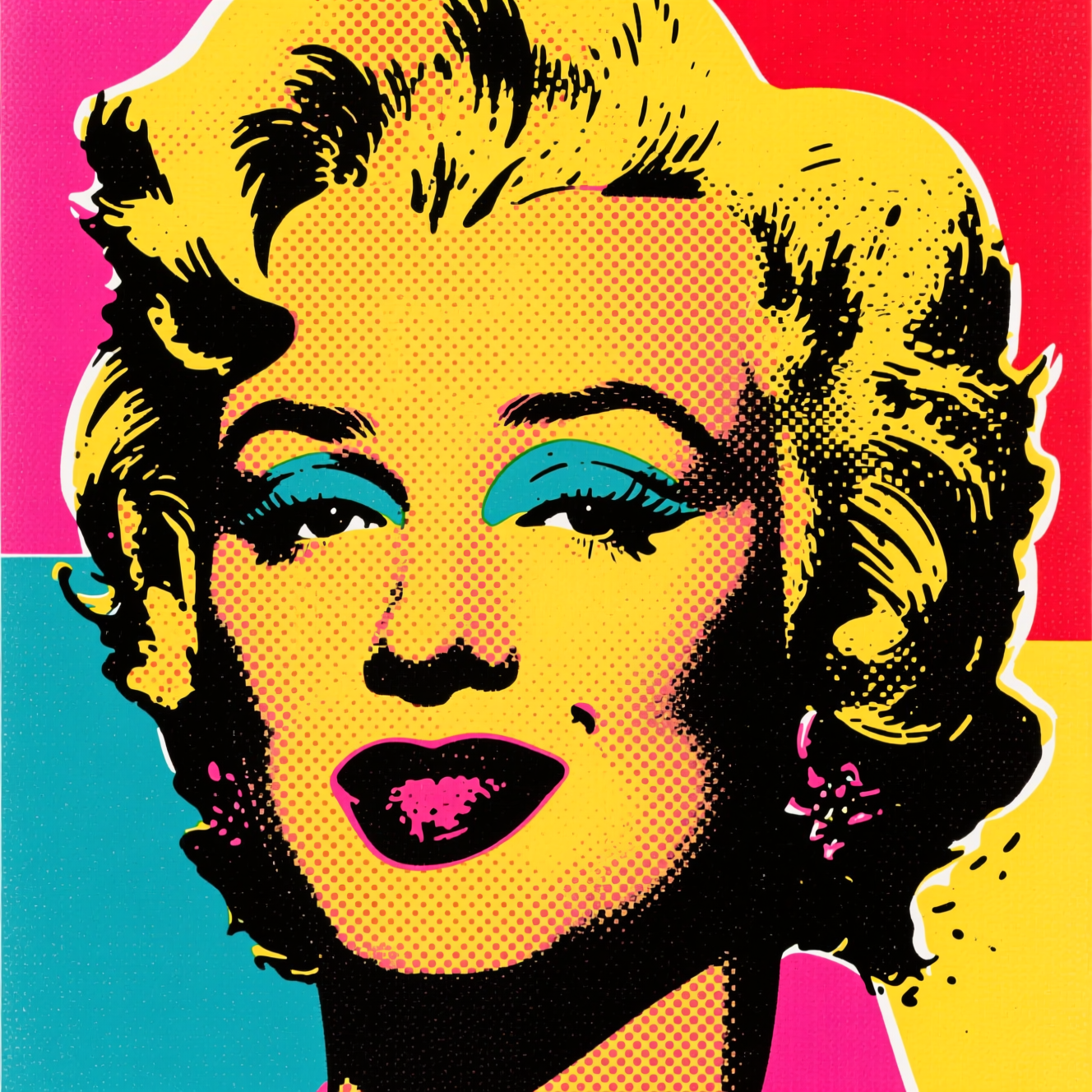 How to Turn a Photo into Pop ArtPop art is flat colour, halftone dots and a hard outline. Here is how to turn a photo into a poster in that style, and which photos suit it.