
How to Make a Photo Look Vintage: 90s School Photo or 1920s Portrait
A vintage photo is a whole era's styling, not a sepia tint. Here is how to restyle a portrait as a 90s school photo or a 1920s studio print.
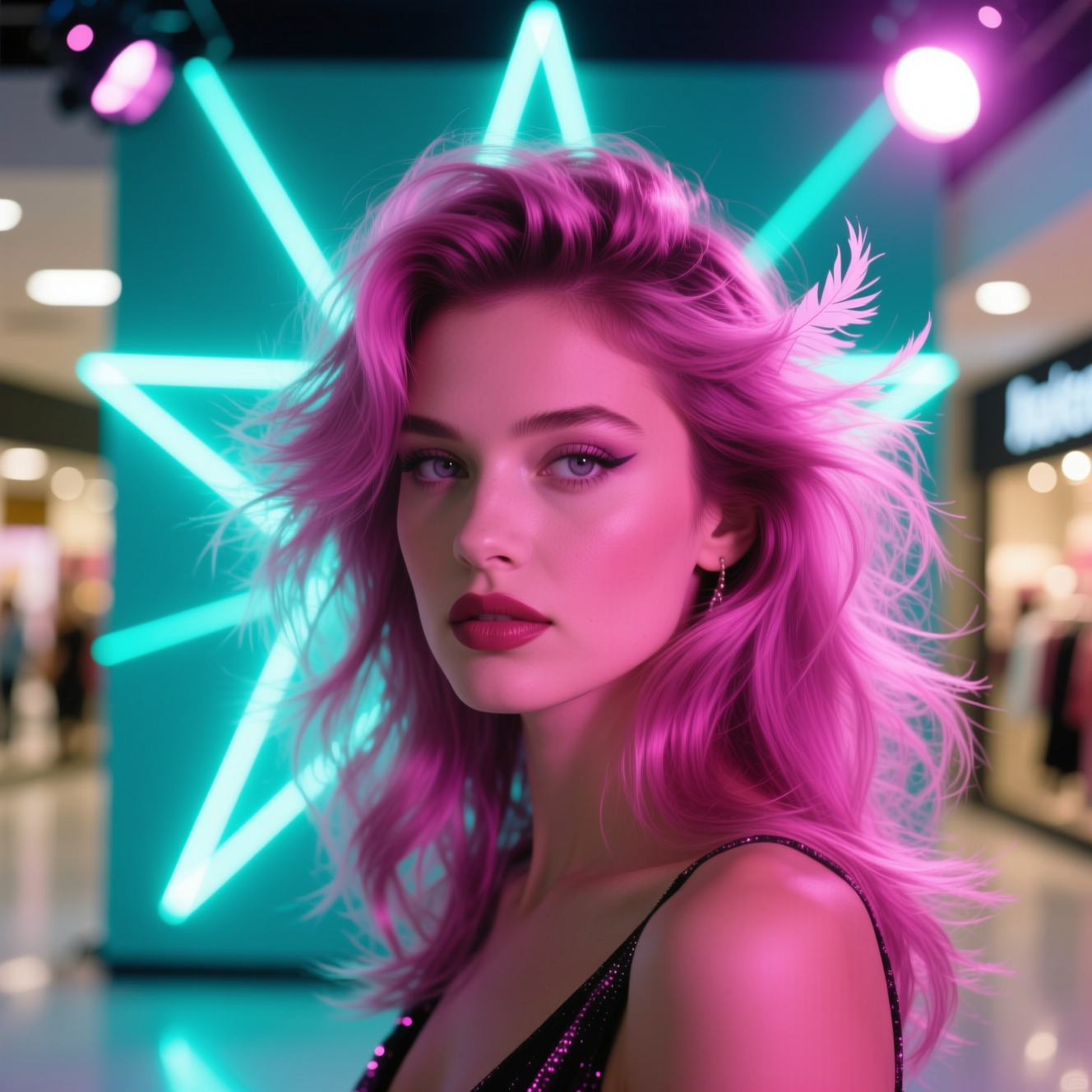
To make a photo look vintage, restyle the whole picture to one era: the backdrop, the lighting, the film grain, and the hair and clothes of the time. A sepia tint over a modern photo looks like a modern photo with a tint, because everything else in it is still from now.
What dates a photograph
People recognise an era from several things at once:
- The backdrop and pose. A 1990s school portrait has a laser or gradient background and a slight turn of the shoulders. A 1920s studio portrait has a painted or plain backdrop and a formal, still pose.
- The light. Soft on-camera flash for the 90s; window light or early studio lamps for the 1920s.
- The medium. Colour film grain in one, sepia tone, soft focus and darkened corners in the other.
- Hair and clothing. Usually the strongest signal of all.
Change one and it is a filter. Change all four and it is a picture from that decade.
Photos that work
A clear portrait, head and shoulders, with a simple background. Since hair and clothing are restyled, what you are wearing matters little.
Doing it in Reelina
For the yearbook look, open 90s Studio Photo, upload the photo and generate. The instruction asks for a nostalgic 1990s school studio portrait with a laser or gradient backdrop, era film grain, soft flash lighting and period styling, keeping the person's face and identity the same.
For the older look, open 1920s Portrait: sepia tones, period hairstyle and clothing, photographic grain and vignetting, with the face kept recognisable.
FAQ
Does it change my clothes and hair? Yes. Period styling is most of what sells the effect.
Can I pick the backdrop? Not in the one-tap app. Runs vary between the era's backdrops, so generate a few.
Is the 1920s version historically accurate? It follows the period's photographic conventions; it does not reproduce a specific studio.
Will I still be recognisable? Yes. Styling and tone change; your features stay.
Try it yourself
Every model on one coin balance, straight in your browser. No install, no watermark.
Start creatingKeep reading
 How to Turn Yourself into an Action FigureThe boxed-toy picture works when the packaging looks manufactured and the face is still yours. Here is how to get both from one photo.
 How to Turn a Photo into Pop ArtPop art is flat colour, halftone dots and a hard outline. Here is how to turn a photo into a poster in that style, and which photos suit it.
 How to Turn a Photo into AnimeAnime style is drawn decisions, not a colour filter. Here is how to turn a photo into an anime portrait that is still recognisably you.