
How to Animate Photos with AI
Static photos don't have to stay still. Learn how AI photo animation works, what kinds of images produce the best results, and how Reelina transforms ordinary photos into realistic animated videos.
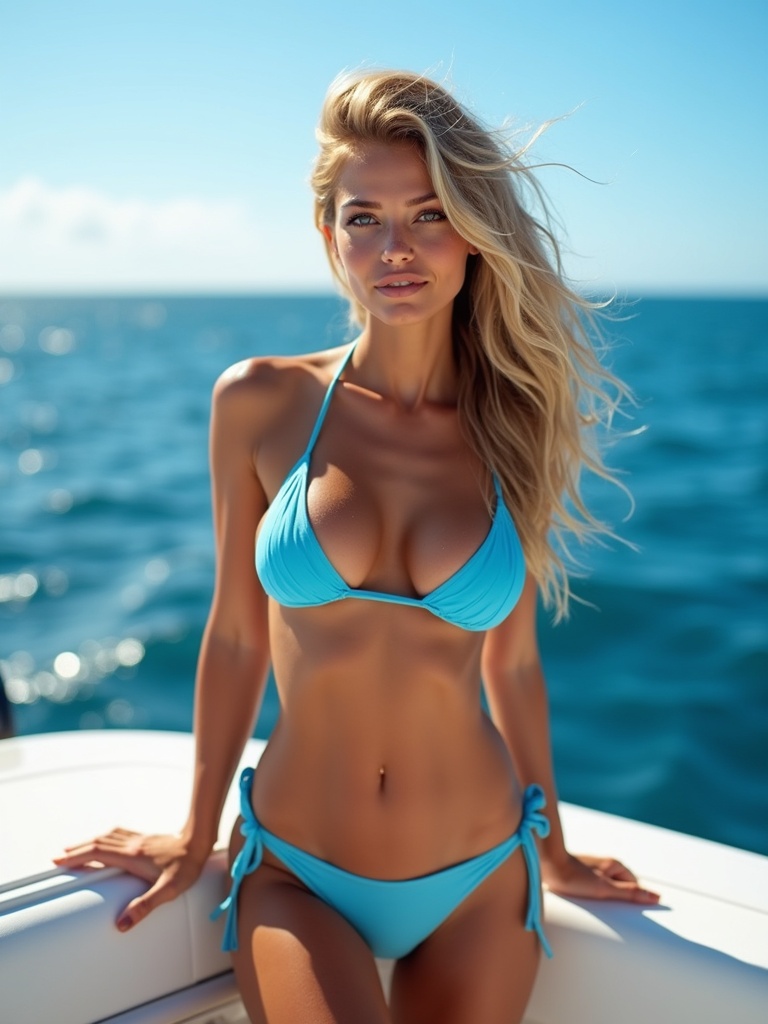
How to Animate Photos with AI: Turn Still Images Into Lifelike Animations
A photograph captures a single moment in time. But what if that moment could move?
AI photo animation makes it possible to transform a still image into a realistic video with natural facial expressions, subtle body movement, and cinematic camera motion. What once required advanced animation software can now be done in minutes with modern AI.
In this guide, you'll learn how AI photo animation works, which photos deliver the best results, and why Reelina is a powerful solution for creating realistic animated videos.
What Is AI Photo Animation?
AI photo animation uses artificial intelligence to generate realistic movement from a single image.
Instead of simply applying a zoom or pan effect, AI understands the content of the photo and predicts how people, objects, lighting, and perspective would naturally move.
The result is an animation that feels much more like a real video than a slideshow.
How Does AI Animate a Photo?
Modern AI models analyze multiple elements within an image, including:
- Facial features
- Eye direction
- Hair
- Clothing
- Body posture
- Background
- Lighting
- Camera perspective
Using deep learning, AI predicts natural movement frame by frame while keeping the person's identity consistent.
What Types of Photos Work Best?
While AI can animate many kinds of images, some perform better than others.
Portraits
Portraits are ideal because the subject is clearly visible, allowing AI to generate natural facial expressions and subtle movement.
Selfies
High-quality selfies are perfect for creating animated social media content.
Family Photos
Old family pictures can be transformed into moving memories that feel more personal and emotional.
Travel Photos
Bring vacation memories to life with realistic camera movement and environmental effects.
Professional Headshots
Business portraits can become engaging introductions for LinkedIn, websites, or presentations.
Popular Uses for AI Photo Animation
People animate photos for many different reasons.
Common use cases include:
- Instagram Reels
- TikTok videos
- YouTube Shorts
- Birthday surprises
- Wedding memories
- Memorial tributes
- Business presentations
- Personal branding
- Marketing campaigns
Animated content often attracts significantly more engagement than static images.
How Reelina Animates Photos
Reelina uses advanced AI models to create smooth, realistic motion while preserving the appearance of the original photo.
Depending on the image, Reelina can generate:
- Natural eye movement
- Gentle head turns
- Facial expressions
- Hair movement
- Camera push-ins
- Cinematic depth
- Soft environmental motion
The goal is to create movement that feels believable rather than exaggerated.
From Selfie to Cinematic Video
One of Reelina's biggest advantages is its ability to start with an ordinary selfie and generate content that feels professionally produced.
For example, a single image can become:
- A luxury lifestyle clip
- A travel-inspired animation
- A cinematic portrait
- A professional business introduction
- A stylish social media post
This allows creators to produce fresh content without recording new videos.
Tips for Better Results
To achieve the most realistic animation:
- Use a high-resolution photo.
- Ensure the face is clearly visible.
- Avoid heavy filters.
- Choose images with good lighting.
- Upload the original file whenever possible.
- Prefer photos with a single subject.
These factors help AI understand the image more accurately.
AI Animation vs Traditional Animation
| Feature | Reelina AI Animation | Traditional Animation |
|---|---|---|
| Beginner friendly | ✅ | ❌ |
| Photo to video | ✅ | Manual process |
| Realistic facial motion | ✅ | Time-consuming |
| Fast generation | ✅ | Hours or days |
| No editing software | ✅ | ❌ |
| Social-media ready | ✅ | Manual export |
For most users, AI animation is dramatically faster and easier than creating animations manually.
More Than Photo Animation
Reelina offers much more than animated photos.
Users can also:
- Generate professional AI headshots
- Create realistic AI portraits
- Remove or replace backgrounds
- Restore old family photos
- Upscale blurry images
- Enhance photo quality
- Generate AI videos from prompts and photos
Everything is available in one platform, eliminating the need for multiple editing apps.
Frequently Asked Questions
Can AI really animate a single photo?
Yes.
Modern AI models can generate natural-looking movement from just one image by analyzing facial structure, depth, and scene composition.
Will the animation look realistic?
High-quality images typically produce the most realistic results. Reelina focuses on preserving facial identity and creating subtle, believable motion.
Can I animate old family photos?
Absolutely.
Many people use Reelina to bring historical family photographs to life and preserve important memories in a more engaging format.
What image format works best?
High-resolution JPG and PNG files generally provide the best results.
Can I share animated photos on social media?
Yes.
Videos created with Reelina are ideal for Instagram Reels, TikTok, YouTube Shorts, Facebook, and other social platforms.
Why Choose Reelina?
Many AI tools specialize in only one feature—either photo editing or video generation.
Reelina combines both.
You can enhance blurry photos, restore old memories, remove backgrounds, generate professional AI portraits, and animate still images without switching between different apps.
Whether you're creating content for social media, building a personal brand, or preserving meaningful moments, Reelina gives you a complete AI-powered creative workflow.
Final Thoughts
AI photo animation has changed how we experience photography.
Instead of viewing memories as static images, you can now watch them come to life with realistic movement and cinematic effects.
Whether you're animating a recent selfie, a treasured family photo, or a professional portrait, Reelina makes the process simple, fast, and remarkably realistic.
Related Articles
- AI Video Generator From Photos
- AI Portrait Styles Explained
- Restore Old Photos Using AI
- How to Upscale Blurry Photos with AI
- AI Background Remover Guide
Animate Your Photos with Reelina
Bring your favorite images to life with realistic AI animation.
Upload a single photo and let Reelina create smooth, lifelike videos ready to share on Instagram, TikTok, LinkedIn, or anywhere you want your memories to stand out.
Try it yourself
Every model on one credit balance, straight in your browser. No install, no watermark.
Start creatingKeep reading
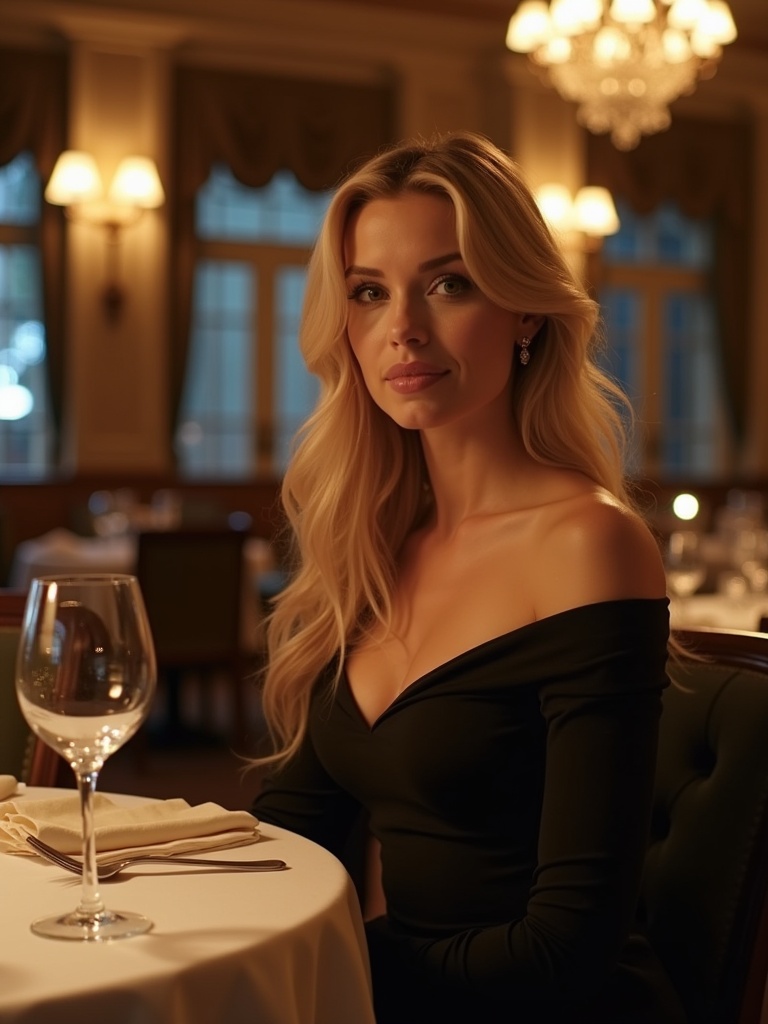 AI Video Generator From PhotosA single photo can now become a lifelike video with AI. Discover how Reelina transforms still images into realistic animations for social media, personal memories, and creative storytelling.
 How to Make an AI Video from Text or Photos (Beginner Guide)You can make a complete AI video in under five minutes: write a prompt or upload a photo, pick a model like Kling or Seedance, and generate. This beginner guide walks through every step, with real costs and prompt examples.
 AI Dance Video: Make Anyone Dance from One PhotoAI dance video tools map full-body dance moves onto the person in a photo — you, your friend, even a pet. How motion transfer works, why dance templates dominate social feeds, and a two-minute how-to.