
How to Make a Product Video from a Single Photo
One still can become a short product video: a full turn or a slow cinematic push-in. Here is how, and which products turn convincingly.
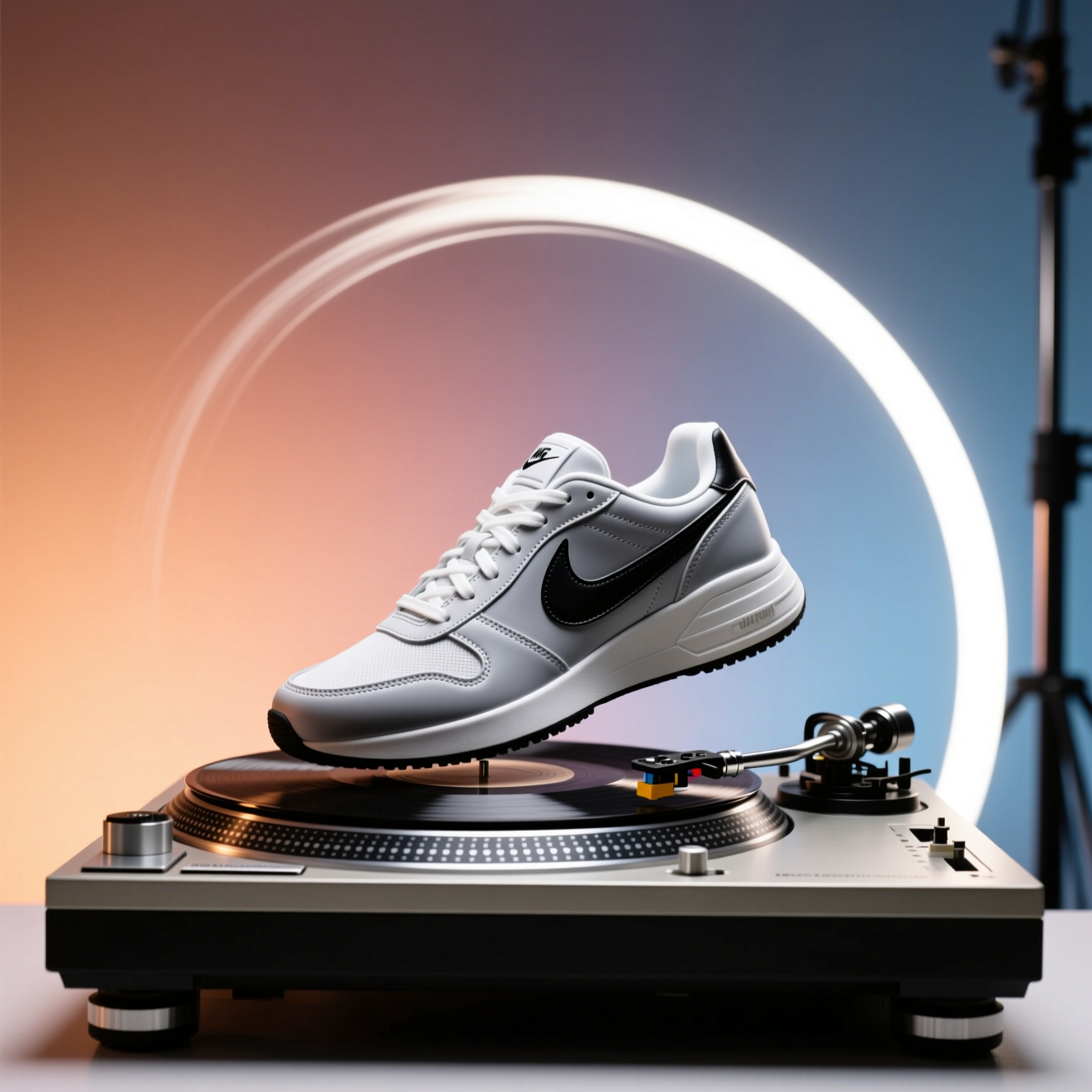
To turn a product photo into a short video ad, start from a clean, sharp shot, animate it with an AI image-to-video tool (a full 360-degree turn or a slow cinematic push-in), then add a hook, one or two benefits and a call to action in a video editor. Export it vertical, 9:16, for Reels, TikTok and Meta ads. The sides the camera never saw are reconstructed, so check them before the clip goes out.
Two kinds of clip
A 360-degree spin shows the object from every angle, the view a product page wants. It suits simple, symmetrical things: bottles, jars, shoes, boxes, watches.
A cinematic promo keeps the angle and adds motion to the picture: a slow move towards the subject, light that shifts, film-style colour. It suits adverts and social posts, and works for a person as well as a product.
From clip to a 15-second ad
The AI gives you the moving shot; the advert is built around it. A structure that works for most products:
| Seconds | What is on screen |
|---|---|
| 0–3 | The product moving, with a short hook in text |
| 3–8 | The clip continues; one benefit, written large |
| 8–12 | A second angle or a close-up; a second benefit |
| 12–15 | The product still, your offer and a call to action |
Write the text for a muted feed: most people watch the first seconds without sound. Keep it to a few words a line and leave space at the top and bottom, where the apps put their own buttons.
Prompts that keep the product intact
The instruction should move the camera and the light, not the product. Three that work on a single photo:
- Slow push-in: "Slow dolly-in towards the product. Soft studio light moves across its surface. Keep the shape, colours, label and text exactly as in the photo. No extra objects."
- Orbit: "The camera circles slowly around the product on a clean studio background. The product stays still and unchanged; realistic shadow under it."
- Light sweep: "The camera holds still. A band of light sweeps across the product from left to right, showing its material. Keep every detail of the packaging the same."
A slow camera move is more reliable than a fast one, and a push-in is safer than a full turn when the back of the product matters.
What "from one photo" means for a spin
The model has seen the front. It infers the back from the shape and from how such objects usually look. A plain bottle turns convincingly. A box with different text on every face, or a product with a detailed back panel, will show an invented back. If the back matters, state it in your listing or film a real turn.
The photo to upload
- The product alone, whole and sharp, on a plain background.
- Level camera, straight on or slightly above.
- For a promo: a picture with some depth, foreground and background, so the camera has somewhere to move.
Doing it in Reelina
Open Product 360° Spin, upload the photo and generate. The instruction rotates the product smoothly through a full turn on a clean studio background with soft commercial lighting, keeping shape, colours, labels and text the same.
For the cinematic version, open Cinematic Promo: a slow push-in with atmospheric lighting shifts and film-grade colour, keeping the subject the same.
Start from a clean image; Product Studio Shot makes one from a phone picture, and Reelina Image Edit changes a photo with one sentence, for example "put the bottle on a plain white studio background". To try other video models on the same photo, use AI Image to Video.
FAQ
Does it really work from one photo? Yes. The unseen sides are reconstructed, so simple, symmetrical products turn most convincingly.
What do I get back? A short video.
Will the label stay readable while it turns? The front is kept from your photo. Text on sides the photo didn't show is invented, so check it.
Can I use the video on my store or in an ad? Yes.
What format should the ad be? Vertical 9:16 for Reels, TikTok and Meta ads, square for some feed placements. Keep it around 10 to 15 seconds and add the text and music in a video editor.
Try it yourself
Every model on one coin balance, straight in your browser. No install, no watermark.
Start creatingKeep reading
 How to Copy the Movement from a Video onto a PhotoMotion transfer takes the movement from one clip and gives it to the person in a photo. Here is how it works and what makes a good reference.
 How to Make Sound Effects from a Text DescriptionA sound effect is described by what makes it, where, and how far away. Here is how to write a prompt that returns the sound you heard in your head.
 How to Extend a Video That Ends Too EarlyA clip that stops a beat too soon can be continued. Here is how AI video extension works, which clips extend well, and where it drifts.