
How to Copy the Movement from a Video onto a Photo
Motion transfer takes the movement from one clip and gives it to the person in a photo. Here is how it works and what makes a good reference.
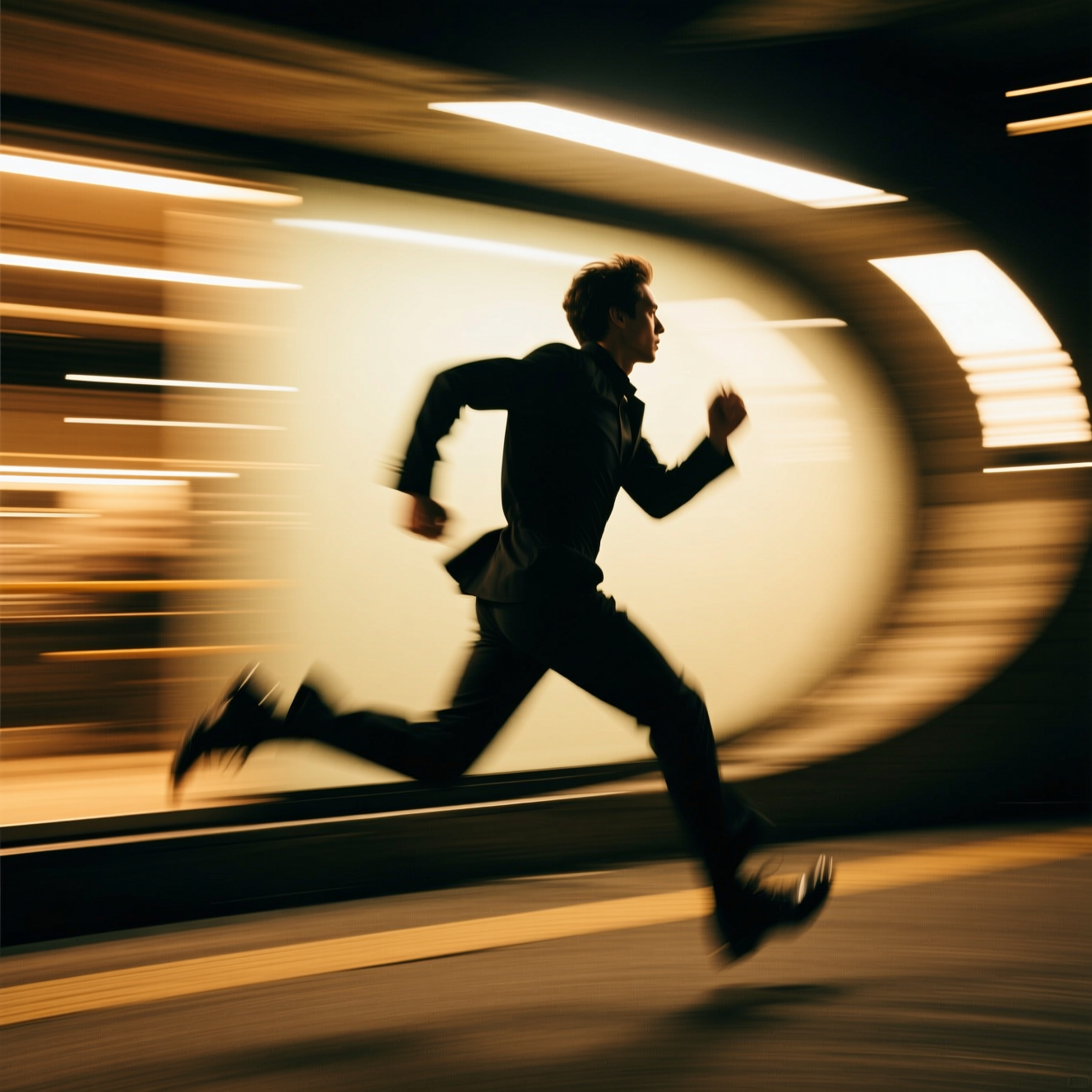
To copy movement from a video onto a photo, give an AI motion-transfer tool a photo of a person and a short reference clip: the person in the photo then performs the movement from the clip. It takes the motion only. The setting of your photo stays, and so does the person's appearance.
How it differs from other image-to-video
Describing motion in words gets you something like what you meant. A reference clip gets you that exact movement: the timing of a dance step, a particular gesture, a walk. Use it when you already have the motion and need someone else performing it.
The photo
- One person, clearly visible, in good light.
- Framing that matches the reference. If the clip shows a full body dancing, the photo needs a full body. A head-and-shoulders photo has no legs to move.
- A pose that is roughly neutral: standing, facing the camera.
The reference video
- One subject, fully in frame for the whole clip.
- A steady camera. If the camera moves, the tool has to separate camera motion from body motion.
- A few seconds. Longer footage costs more and rarely improves the result.
- No fast cuts. A cut is a jump the motion tracking can't follow.
Doing it in Reelina
Open Motion Control and add the photo. Then either pick one of the suggested motions or upload your own reference video, and generate. The person in the photo copies the movement, and the photo's setting is kept.
Use people and footage you have the right to use
Animate photos of yourself or of people who have agreed to it. Making someone appear to do something they never did, without their consent, harms them. The same goes for the reference: use footage you made or have permission to use.
FAQ
What makes a good reference video? A single subject, clearly visible, moving in frame. Crowded or fast-cut footage confuses the motion tracking.
Does it copy the background of the reference video? No. It takes the movement, not the scene. Your photo's setting stays.
What video length works best? Short clips of a few seconds.
Do I have to upload a reference video? No. You can pick one of the suggested motions.
Try it yourself
Every model on one coin balance, straight in your browser. No install, no watermark.
Start creatingKeep reading
 How to Make a Product Video from a Single PhotoOne still can become a short product video: a full turn or a slow cinematic push-in. Here is how, and which products turn convincingly.
 How to Extend a Video That Ends Too EarlyA clip that stops a beat too soon can be continued. Here is how AI video extension works, which clips extend well, and where it drifts.
- Hailuo AI Alternatives: When to Switch, and the Models to Run Next to ItReelina runs Hailuo 02 and 2.3 directly. When its per-second rate is worth it, when Seedance, Kling or Veo do the shot for less, and how to draft cheaply and finish on Hailuo.