
How to Make Menu-Quality Food Photos from a Phone Picture
Food photos sell on light and texture. Here is how to turn a phone picture of a dish into a menu-quality shot without changing what you serve.
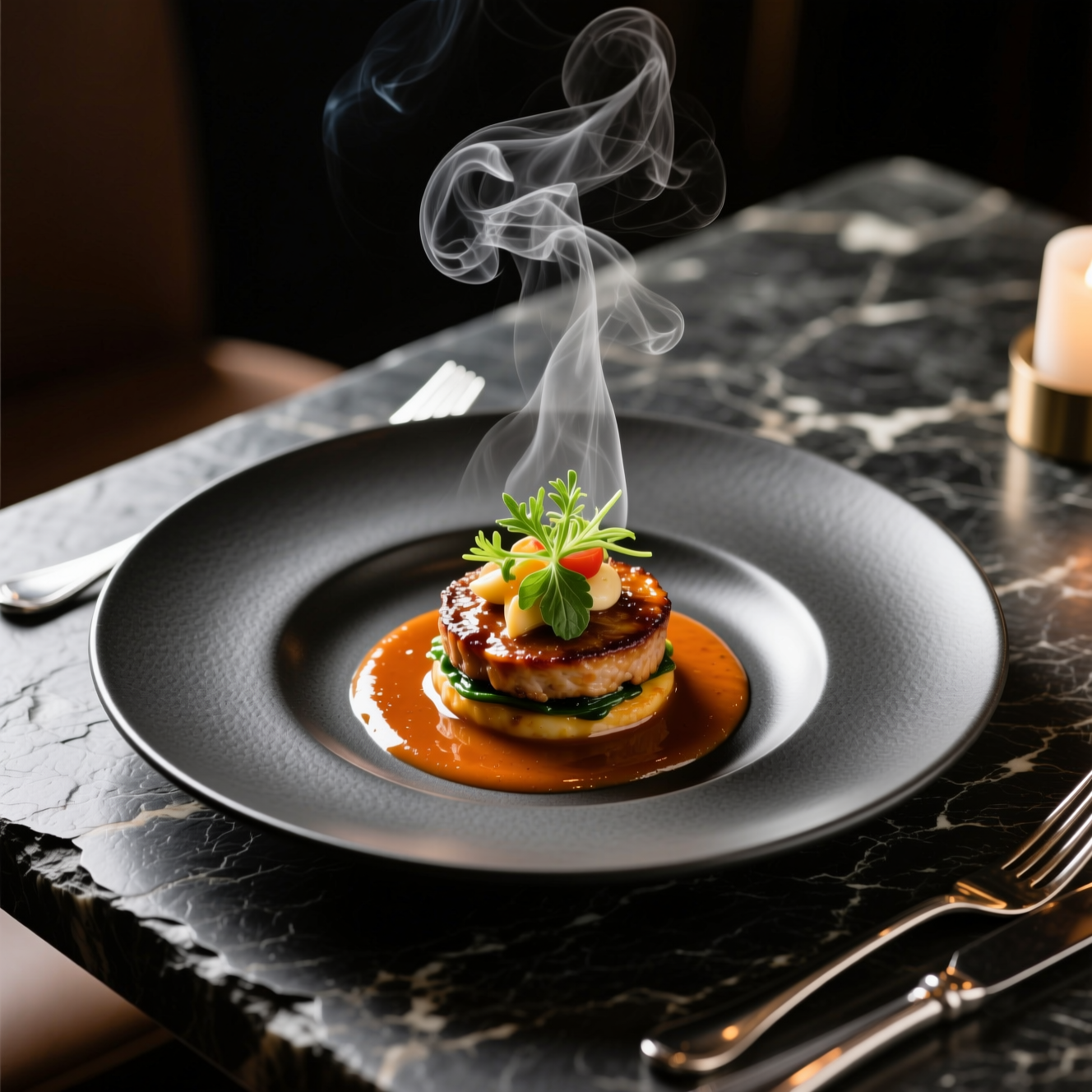
To make a menu-quality food photo from a phone picture, shoot the dish in window light from the angle you want, then use an AI tool to restyle the light, depth and garnish while keeping the dish recognisable. The picture has to stay honest: it should look like what arrives at the table.
What makes food look good
- Side or back light. Light skimming across the plate shows texture: the crust, the gloss on a sauce, steam. Overhead kitchen light and phone flash flatten all of it.
- A shallow focus. The dish sharp, the background soft.
- Freshness. Food photographs best in the first minute.
- The right angle for the dish. Flat food such as pizza and bowls from above; tall food such as burgers and cakes from the side; most plates from about 45 degrees.
Take the best original you can
The tool improves the shot you give it and keeps its angle and framing. So:
- Turn off the flash and move the plate near a window.
- Wipe the rim of the plate.
- Fill the frame with the dish, leaving a little space around it.
- Shoot from the angle you want on the menu.
Doing it in Reelina
Open Food Photography, upload the photo and generate. The instruction asks for a professional food photograph for menus and social media with appetising styling, fresh garnish, soft directional light and shallow depth of field, keeping the dish itself recognisable and unchanged.
Styling can add a garnish. Compare the result with the real plate, and regenerate if it shows something you don't serve: a customer should get what the photo promised.
FAQ
Does it change the dish? It restyles and relights the plate and keeps the food recognisable. Check the result for added garnish before you publish it.
Can I use it for delivery apps and menus? Yes, that is the main use. Check each platform's own photo rules.
What photo should I take? From the angle you want, in reasonable light. It improves the shot; it does not reframe it.
Does it work for drinks and desserts? Yes. The same rules about light and angle apply.
Try it yourself
Every model on one coin balance, straight in your browser. No install, no watermark.
Start creatingKeep reading
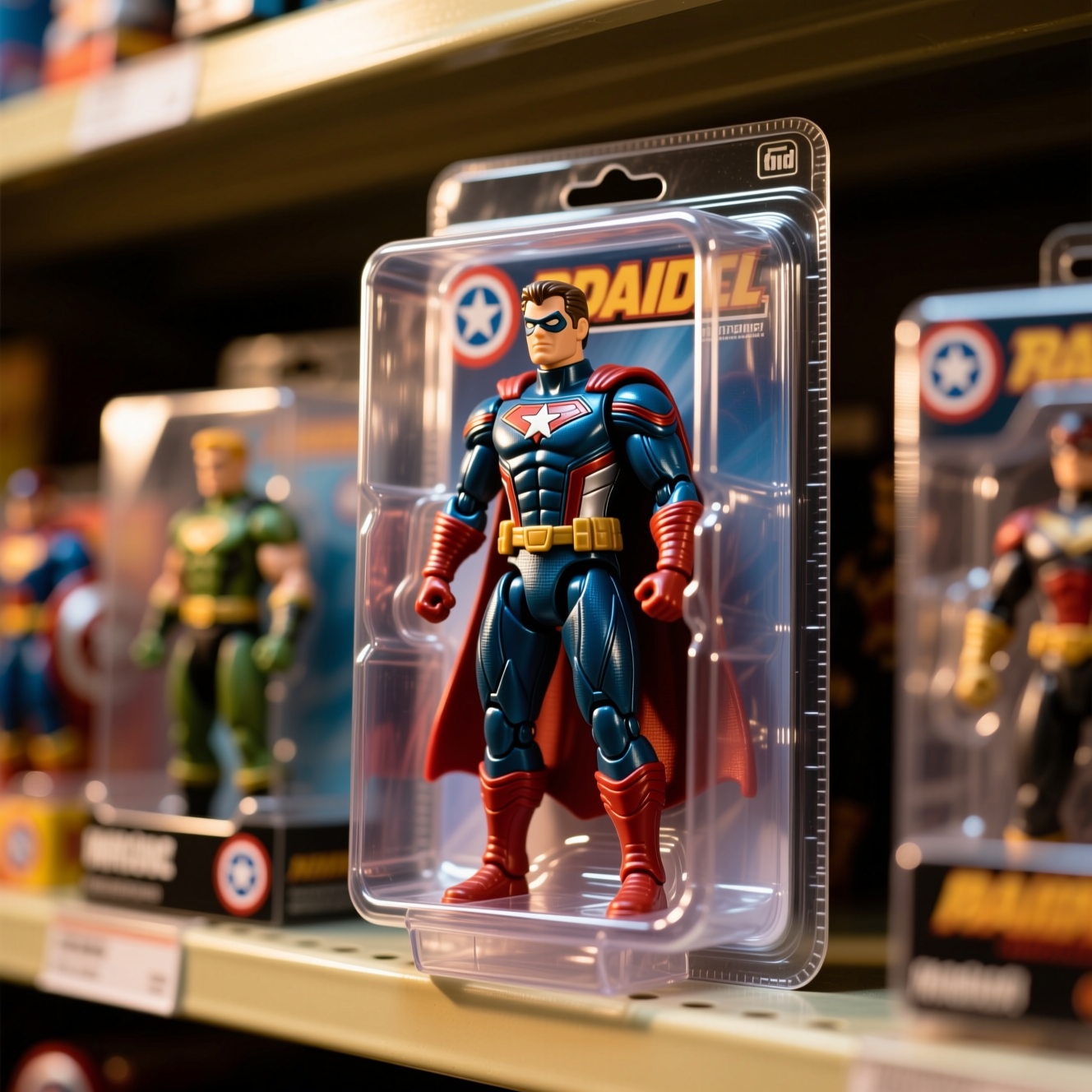 How to Turn Yourself into an Action FigureThe boxed-toy picture works when the packaging looks manufactured and the face is still yours. Here is how to get both from one photo.
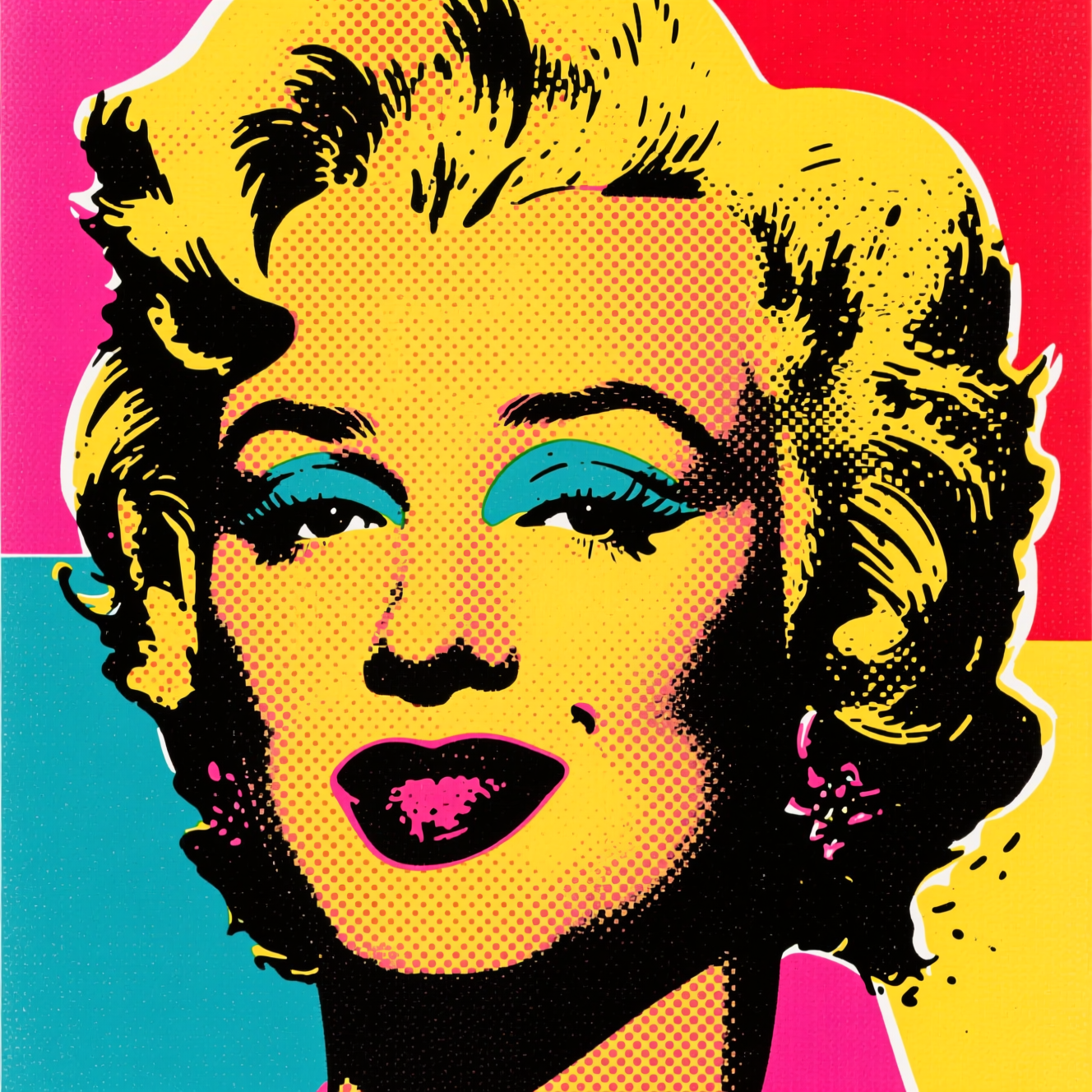 How to Turn a Photo into Pop ArtPop art is flat colour, halftone dots and a hard outline. Here is how to turn a photo into a poster in that style, and which photos suit it.
 How to Turn a Photo into AnimeAnime style is drawn decisions, not a colour filter. Here is how to turn a photo into an anime portrait that is still recognisably you.