
Create a Video from Photos with AI (Not a Slideshow)
AI can turn your photos into real video — camera motion, living scenes, even you dancing — instead of a fading slideshow. Three ways to create a video from photos, from one-tap templates to full image-to-video control.
For twenty years, "make a video from photos" meant a slideshow: crossfades, pan-and-zoom, background music. AI replaced that. Now a photo becomes actual video — the person in it moves, the camera travels through the scene, the moment continues past the shutter click. Here are the three ways to do it, easiest first.
Method 1 — One-tap templates (easiest)
Reelina's template gallery contains hundreds of ready video scenes — dance trends, cinematic moments, couple scenes, memes. Pick one, add your photo, and the template renders you into the scene. No prompting, no settings; cost per template is shown on its card.
Best for: social content, trends, gifts, trying AI video for the first time.
Method 2 — Image-to-video (full control)
Upload one photo to the AI Studio, describe the motion ("slow zoom in, she turns and smiles, wind in the trees"), pick a model, generate. A 5-second clip starts around 12 coins and renders in a couple of minutes. Full guide: Image to Video AI.
Best for: product shots, portraits, art, precise creative direction.
Method 3 — Chain photos into a story
For multiple photos, animate each one with a consistent style prompt, then join the clips. A practical recipe:
- Pick 3–5 photos that tell a sequence (trip, year recap, product line).
- Animate each with the same motion language: "gentle cinematic push-in, warm tones".
- Use Video Extend where a moment deserves more air.
- Add narration with the Voice Generator and subtitles.
The style consistency is what makes it feel like one film instead of stitched clips.
Old photos deserve this most
Scan an old family photo, restore it with AI (scratches gone, color revived, ~24 coins), then animate it. Watching a decades-old still start to move is the single most emotional thing this technology does.
What it costs
Everything is priced in coins, shown before each generation: template runs from ~17 coins, image-to-video clips from ~12, restoration ~24. The $9.99 Starter plan (1,000 coins/month, coins never expire) comfortably covers a multi-photo project.
FAQ
Can AI make a video from just one photo? Yes — one photo plus a motion prompt produces a real moving clip, no slideshow tricks.
How do I make a video from several photos? Animate each photo, keep the style prompt identical, then chain the clips — Method 3 above.
Can the person in my photo move and dance? Yes — dance and motion templates map full-body movement onto the person in your photo. See the template gallery.
What about old or damaged photos? Restore first, then animate — both tools live in Features.
Try it yourself
Every model on one credit balance, straight in your browser. No install, no watermark.
Start creatingKeep reading
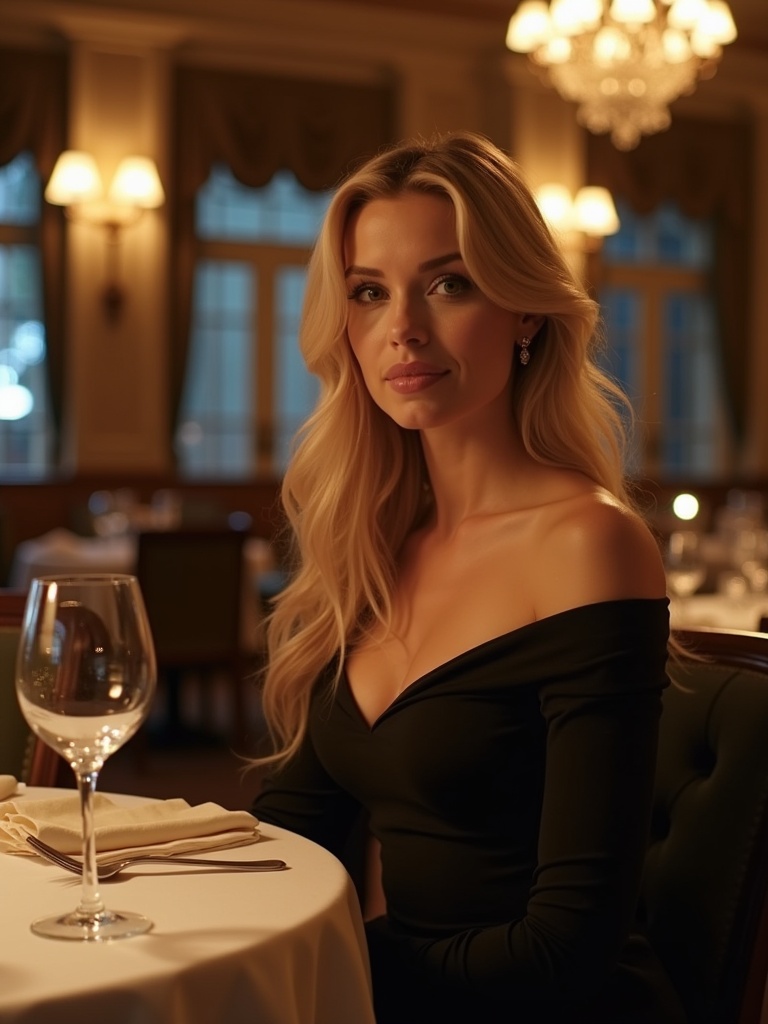 AI Video Generator From PhotosA single photo can now become a lifelike video with AI. Discover how Reelina transforms still images into realistic animations for social media, personal memories, and creative storytelling.
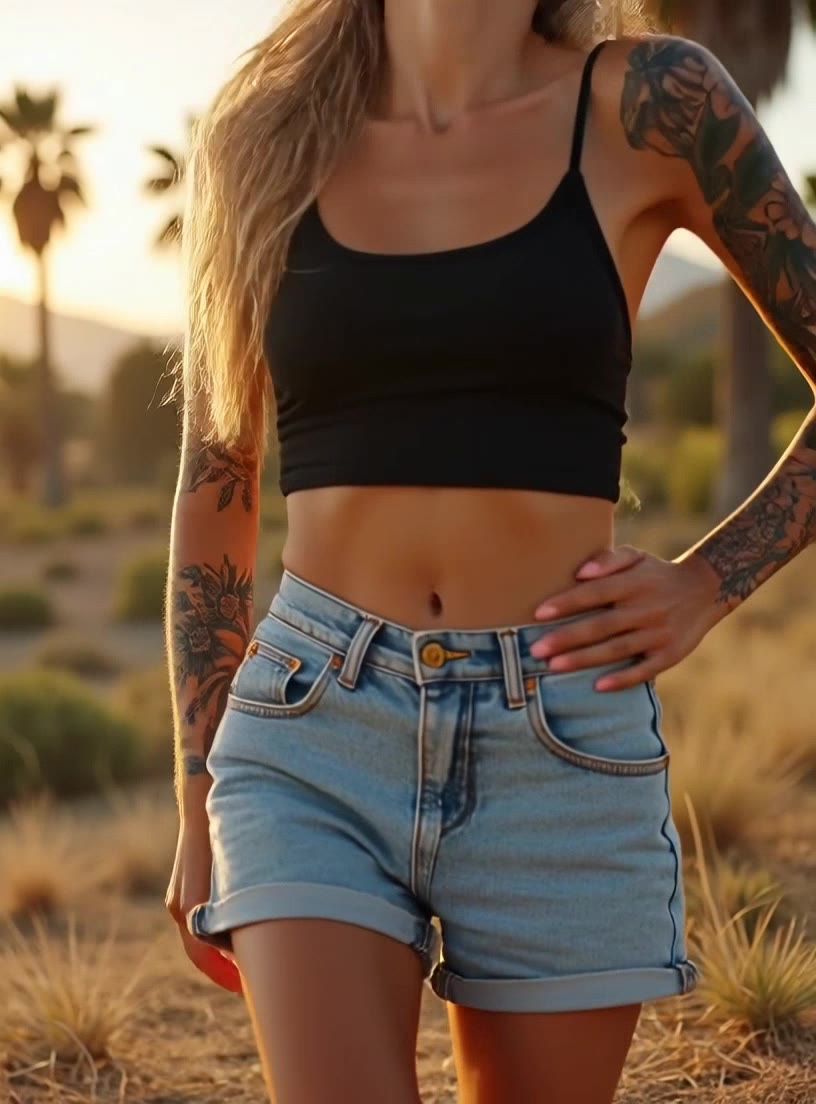 AI Dance Video: Make Anyone Dance from One PhotoAI dance video tools map full-body dance moves onto the person in a photo — you, your friend, even a pet. How motion transfer works, why dance templates dominate social feeds, and a two-minute how-to.
 AI Song Generator: Make a Full Song with Vocals from TextAI music generators produce complete songs — vocals, lyrics, instruments, structure — from a style description. How AI song generation works, how to prompt genres and moods, and how to make your first track.