
How to Colorize a Black-and-White Photo
A colorized photo is a careful guess, not a recovered memory. Here is how to get a guess that looks right, and where it can't know.
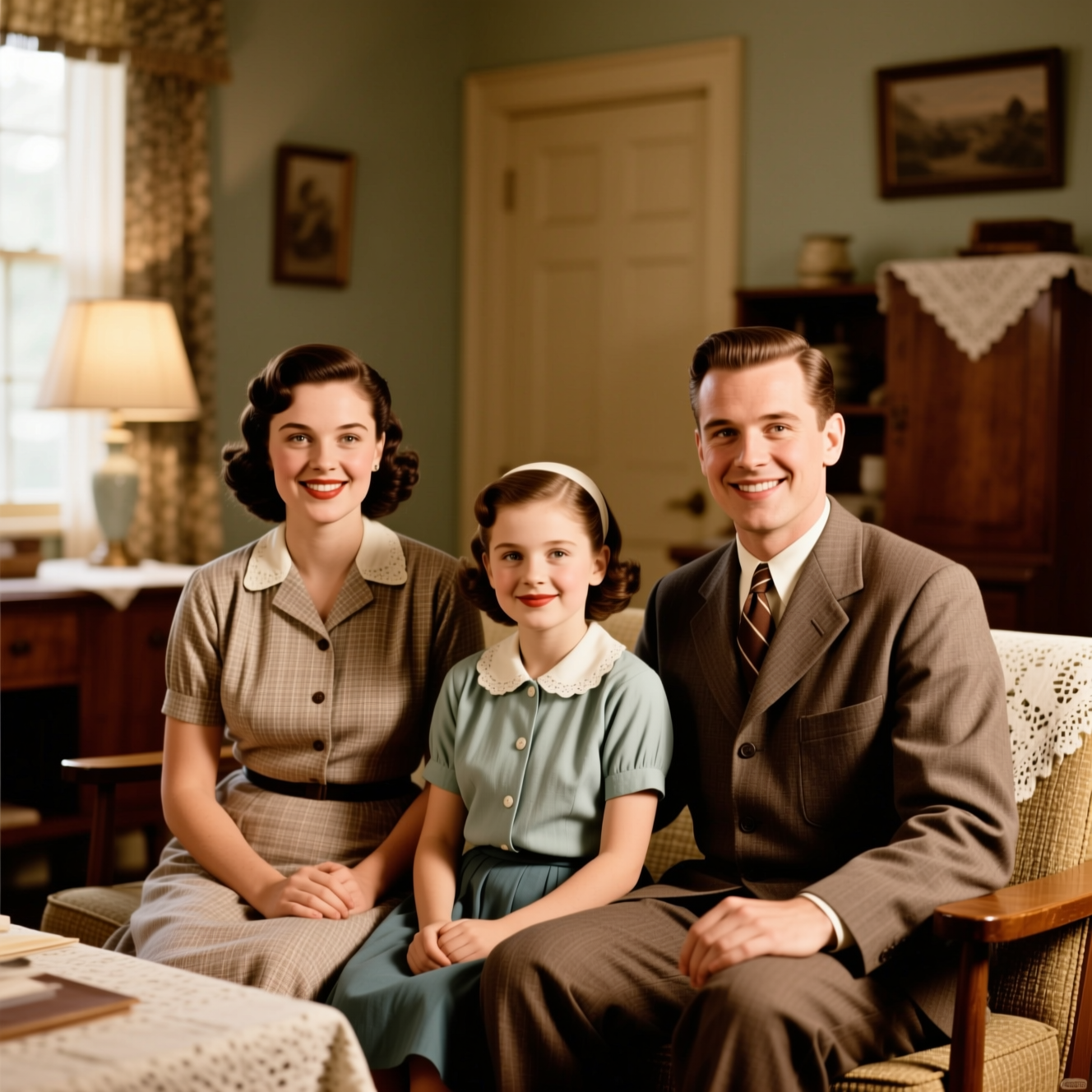
To colorize a black-and-white photo, upload a clean scan to an AI colorizer and let it infer skin, fabric and background colours from the tones in the image. It takes a couple of minutes and one photo. The result is plausible colour, not the colour that was actually there, and that difference decides how you should use it.
What the model can and cannot know
A black-and-white negative recorded brightness, not hue. A dark coat could have been navy, brown or bottle green; the photo keeps no trace of which. The model fills that gap from what coats, skies and skin usually look like. Skin tones, grass, sky and wood come out convincingly because they vary little. Clothing, cars and painted walls are guesses.
So a colorized family portrait is good for seeing the people as people. It is not evidence of what your grandmother wore.
Start with the best scan you have
Colour is laid over the detail already in the image, so the scan matters more than anything you do afterwards.
- Scan the print flat, or photograph it in even daylight with no glare on the surface.
- Crop to the photo itself. A wide border of album page gives the model something else to colour.
- If the print is scratched, torn or faded in patches, repair it first. Colour laid over a crease makes the crease more visible, not less.
Doing it in Reelina
Open Colorize B&W Photo, upload the photo and generate. The instruction behind it asks for natural, historically plausible colours and tells the model to leave faces, composition and content alone, so only colour is added.
For a damaged print, run Photo Restore first and colorize the repaired version. If a colour comes back wrong, run it again: results vary between runs, and the second coat is often the believable one.
FAQ
Are the colours accurate? They are plausible, not documentary. The model infers colour from brightness and context, so a red coat photographed in 1950 may come back brown.
Can I choose a specific colour for something? Not in the one-tap app. Run it again for a different result, or colorize first and then change one item with a text instruction in the studio.
Does colorizing also fix scratches and fading? No. It only adds colour. Repair damage with Photo Restore first, then colorize.
Will it change the faces? It should not. The instruction pins faces and composition, and only colour is added.
Try it yourself
Every model on one coin balance, straight in your browser. No install, no watermark.
Start creatingKeep reading
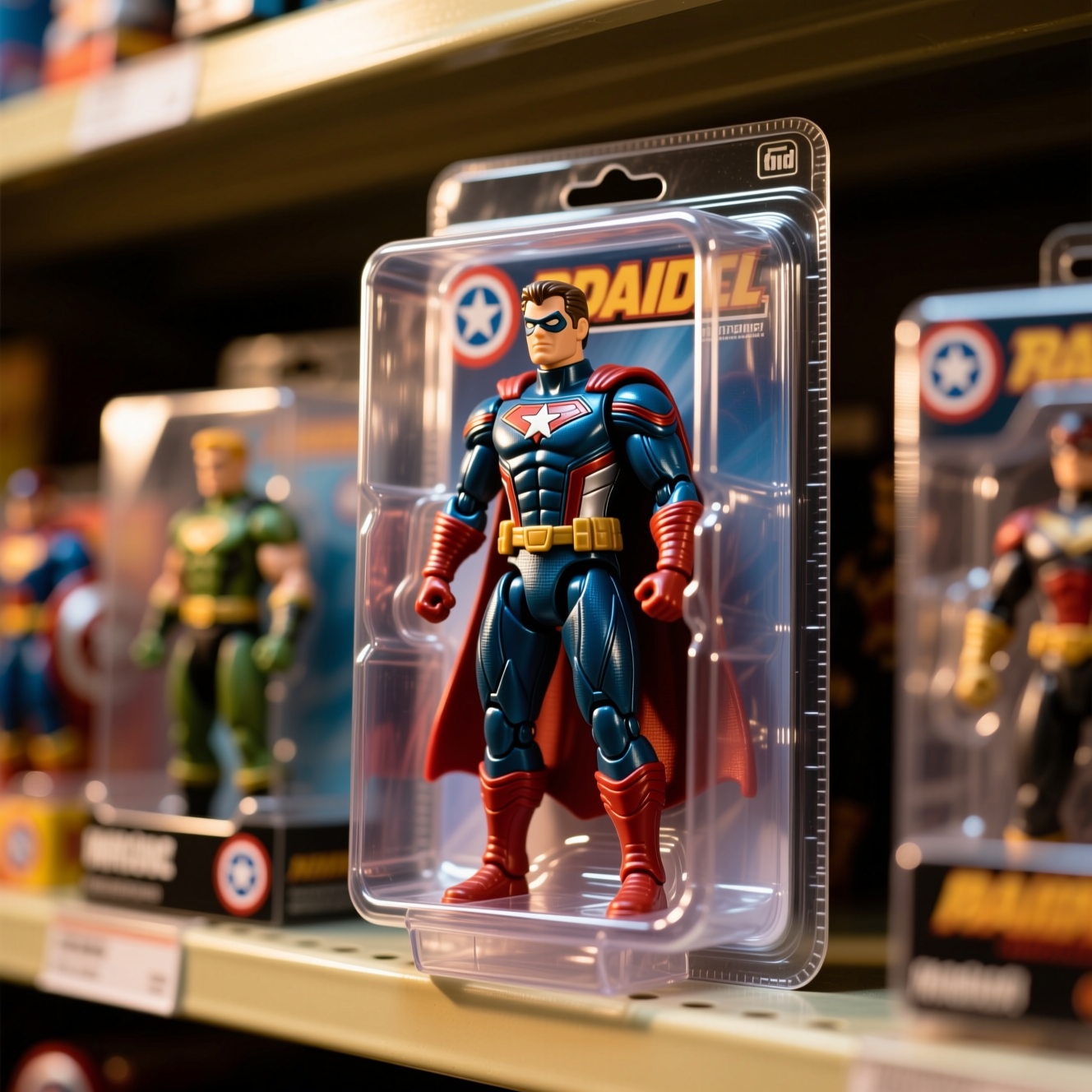 How to Turn Yourself into an Action FigureThe boxed-toy picture works when the packaging looks manufactured and the face is still yours. Here is how to get both from one photo.
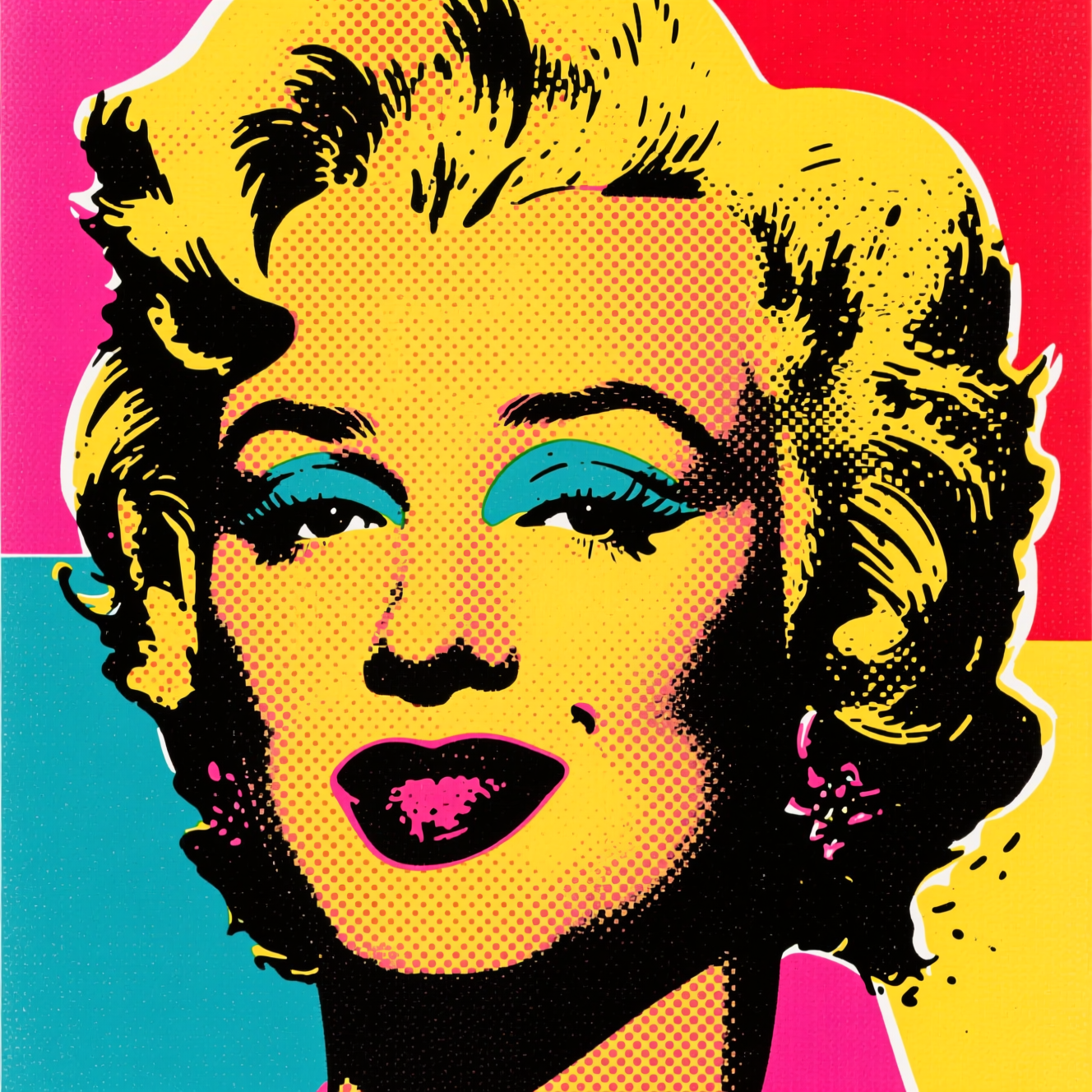 How to Turn a Photo into Pop ArtPop art is flat colour, halftone dots and a hard outline. Here is how to turn a photo into a poster in that style, and which photos suit it.
 How to Turn a Photo into AnimeAnime style is drawn decisions, not a colour filter. Here is how to turn a photo into an anime portrait that is still recognisably you.