
AI Background Remover Guide
Removing photo backgrounds no longer requires Photoshop. Discover how AI background removal works, when to use it, and how Reelina creates clean, professional-looking results in seconds.
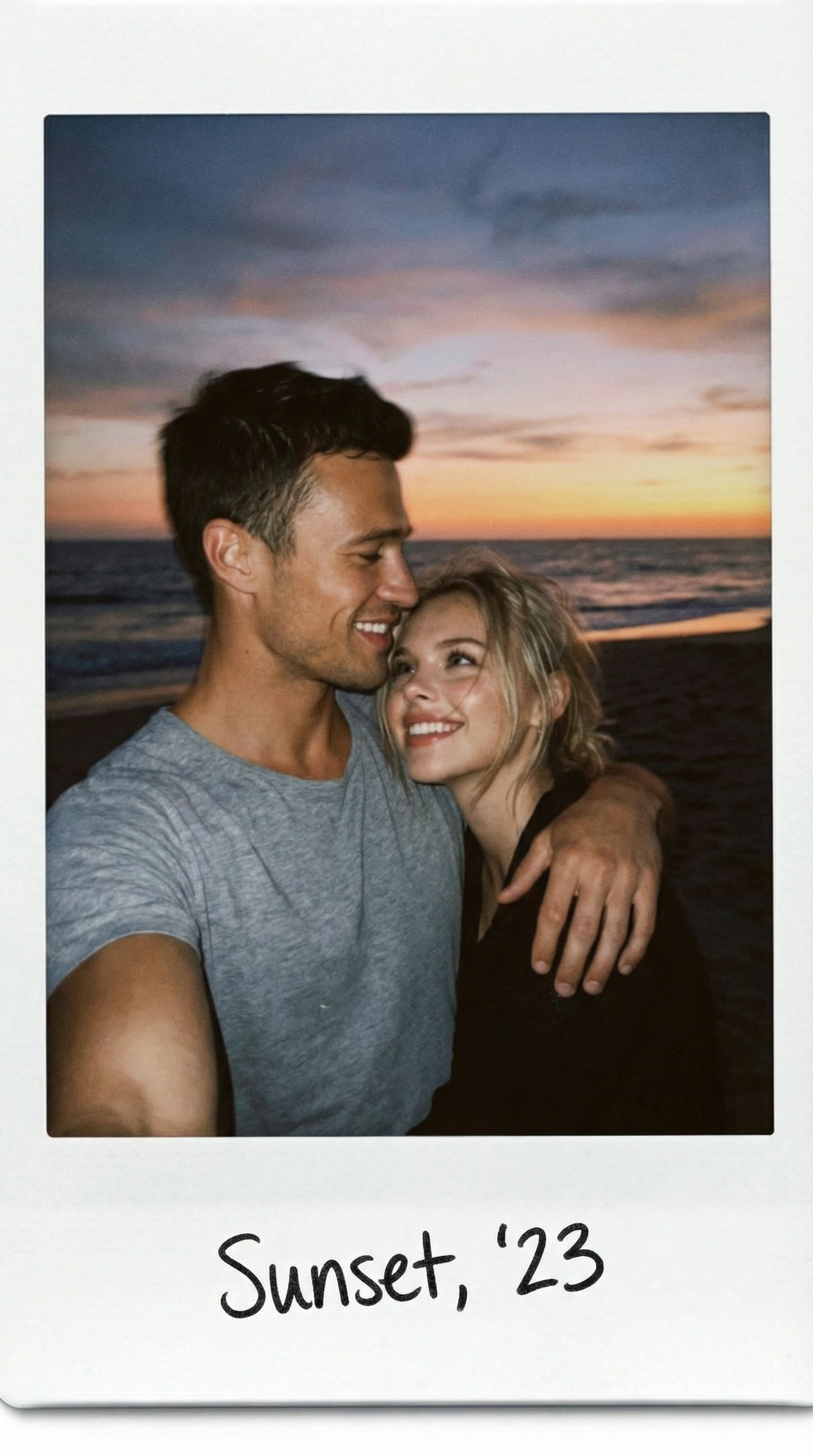
AI Background Remover Guide: Remove Image Backgrounds in Seconds
Background removal used to be one of the most time-consuming parts of photo editing.
Whether you wanted a professional LinkedIn headshot, an e-commerce product photo, or a transparent PNG for graphic design, you often needed advanced editing software and hours of manual work.
Today, artificial intelligence can remove backgrounds automatically in just a few seconds.
In this guide, you'll learn how AI background removal works, when to use it, and why Reelina makes creating professional-looking images faster than ever.
What Is an AI Background Remover?
An AI background remover is a tool that automatically separates the main subject from the background.
Instead of manually selecting every edge, artificial intelligence recognizes:
- People
- Faces
- Hair
- Clothing
- Pets
- Products
- Objects
The AI then removes the background while preserving natural details around the subject.
Modern AI is accurate enough to handle even complex elements like curly hair, transparent objects, and soft shadows.
Why Remove a Background?
There are many situations where background removal improves a photo.
Some of the most common include:
- Professional LinkedIn headshots
- Passport-style portraits
- Business websites
- E-commerce product images
- Social media content
- Marketing materials
- Graphic design projects
- Presentation slides
A clean background helps the subject stand out and creates a more professional appearance.
How AI Background Removal Works
AI models are trained on millions of labeled images.
When you upload a photo, the AI identifies:
- The main subject
- The outline of the body
- Hair details
- Facial features
- Clothing edges
- Foreground objects
Instead of relying on simple color detection, AI understands the content of the image.
This produces much cleaner cutouts than traditional editing tools.
Remove or Replace the Background
Removing a background is only the first step.
With Reelina, you can also replace it with something completely new.
Popular choices include:
- Professional office backgrounds
- Photography studios
- Modern apartments
- Nature landscapes
- Luxury hotels
- Coffee shops
- Minimal white backgrounds
- Transparent backgrounds
This allows one photo to be reused across multiple platforms without taking another picture.
Professional Headshots
One of the most popular uses for AI background removal is creating business portraits.
Instead of taking a new photo in a professional studio, Reelina lets you replace distracting backgrounds with clean, polished environments.
This is ideal for:
- Company websites
- Business cards
- Speaker profiles
- Personal branding
The final result looks like it was captured in a professional photography studio.
Social Media Content
Content creators constantly need fresh visuals.
By changing the background, a single selfie can become:
- A travel photo
- A luxury lifestyle portrait
- A café scene
- A city skyline
- A beach vacation image
- A modern office portrait
Reelina makes it easy to create multiple variations from the same original image.
E-Commerce Product Photos
AI background removal isn't just for portraits.
Online sellers use it to create clean product images for marketplaces and online stores.
Removing distracting backgrounds helps products appear more professional and improves consistency across catalogs.
AI vs Manual Background Removal
| Feature | Reelina AI | Manual Editing |
|---|---|---|
| Automatic detection | ✅ | ❌ |
| Hair preservation | ✅ | Difficult |
| Transparent background | ✅ | Manual |
| Replace background | ✅ | Manual |
| Beginner friendly | ✅ | ❌ |
| Fast processing | ✅ | ❌ |
Traditional editing often requires advanced software like Photoshop.
Reelina completes the same task in just a few clicks.
Tips for Better Results
For the cleanest background removal:
- Use a high-resolution image.
- Make sure the subject is clearly visible.
- Avoid extremely dark lighting.
- Keep the subject separated from the background when possible.
- Upload the original image instead of a screenshot.
Higher-quality photos produce even more accurate AI cutouts.
More Than Background Removal
Reelina is more than an AI background remover.
The platform also lets you:
- Generate professional AI headshots
- Create realistic AI portraits
- Enhance blurry photos
- Restore old family pictures
- Generate LinkedIn profile photos
- Create dating profile pictures
- Produce AI-generated videos from photos
Instead of using multiple editing apps, Reelina brings everything together in one AI-powered platform.
Frequently Asked Questions
Can AI remove backgrounds automatically?
Yes.
Modern AI can accurately detect people and objects, removing the background automatically without manual editing.
Does Reelina preserve hair details?
Yes.
Reelina is designed to maintain natural-looking hair edges, facial contours, and fine details while removing backgrounds.
Can I replace the background instead of deleting it?
Absolutely.
You can replace the original background with professional studios, offices, outdoor scenes, or other realistic environments.
Does background removal reduce image quality?
No.
Reelina preserves image quality while separating the subject from the background.
Is Reelina only a background remover?
No.
Reelina is a complete AI photo and video platform that also offers portrait generation, headshots, image enhancement, old photo restoration, and AI video creation.
Why Choose Reelina?
Many AI tools only remove backgrounds.
Others only generate portraits.
Others specialize in image enhancement.
Reelina combines these capabilities into a single platform.
Whether you're preparing a LinkedIn profile, editing social media content, creating marketing materials, or building a personal brand, Reelina gives you professional-quality results without complicated editing software.
Final Thoughts
AI background removal has transformed photo editing.
What once required professional software and hours of manual work can now be completed in seconds.
If you want clean cutouts, realistic background replacements, and a complete suite of AI-powered photography tools, Reelina provides an easy and professional solution for creators, professionals, and everyday users alike.
Related Articles
- How to Upscale Blurry Photos with AI
- Restore Old Photos Using AI
- AI LinkedIn Headshots: The Complete Guide
- Best AI Headshot Generator in 2026
- AI Portrait Styles Explained
Create Professional Photos with Reelina
Remove unwanted backgrounds, replace them with realistic scenes, generate professional headshots, and create stunning AI portraits—all from one platform.
Start creating with Reelina today.
Try it yourself
Every model on one credit balance, straight in your browser. No install, no watermark.
Start creatingKeep reading
 AI Photo Editor: Edit Any Photo with a Text Prompt (2026 Guide)AI photo editing lets you retouch, restyle, and transform any picture just by describing the change. Here is how AI photo editors work, what they can (and cannot) do, and how to edit a photo with AI in under a minute.
 What One AI Retouch Actually Changes (and What It Doesn't)An honest list: what one pass fixes well, what it fixes badly, and what nothing recovers.
- Adding Muscle Definition to a Photo: What Looks RealAdded muscle fails on lighting long before it fails on anatomy. Here is what a believable version needs.