
AI Baby Photos: How They Work and What They Can't Tell You
An AI baby picture blends faces; it does not predict a child. Here is how the two kinds work, which photos to use, and what the result means.
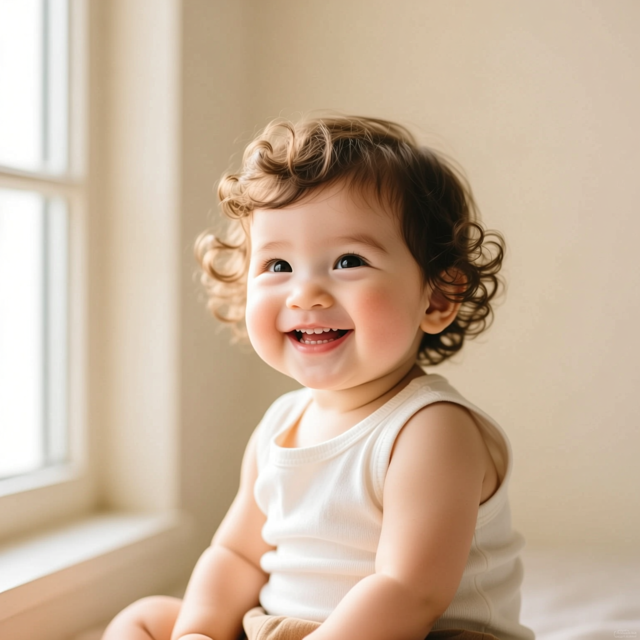
An AI baby generator makes one of two pictures: the child two people might have, blended from a photo of each, or a guess at what one adult looked like as a baby. Both are imagined faces built from the features in your photos. Neither is a prediction, and no tool can make one.
Why it is not a prediction
A real child's face comes from genes the photo doesn't show, including traits neither parent visibly has. The model knows none of that. It takes what it can see, eye shape and colour, nose, mouth, hair, and draws a child's face that carries them. Run it twice and you get two different children, which is the honest way to understand it: these are possibilities drawn for fun.
Photos that work
- One photo per person, taken separately. With two faces in one frame the model can't tell whose features are whose.
- Front-facing, eyes visible, even light.
- No sunglasses, heavy filters or strong shadows. Features it can't see, it invents.
Doing it in Reelina
Open Future Baby and add a photo of each parent. The instruction blends the features of both adults into one realistic toddler face, in warm natural light on a plain background, and does not show the adults.
For the other kind, open Baby Me and upload one photo of yourself. It draws an infant version that keeps your distinctive features.
Keep the results for yourselves and the people you would show a family photo to. A generated child is a picture of nobody, and it is kinder to say so when you share it.
FAQ
Will our baby really look like this? No. It blends two faces into one plausible child; it has no way of knowing what a real child would look like.
Can I use one photo of us together? Upload them separately. Two faces in one frame give it no way to tell which features belong to whom.
Is Baby Me what I actually looked like? No. It is a plausible reconstruction, not a record. Compare it with a real baby photo if you have one.
Why is the result different each time? Because many children are possible from the same two faces, and each run draws another one.
Try it yourself
Every model on one coin balance, straight in your browser. No install, no watermark.
Start creatingKeep reading
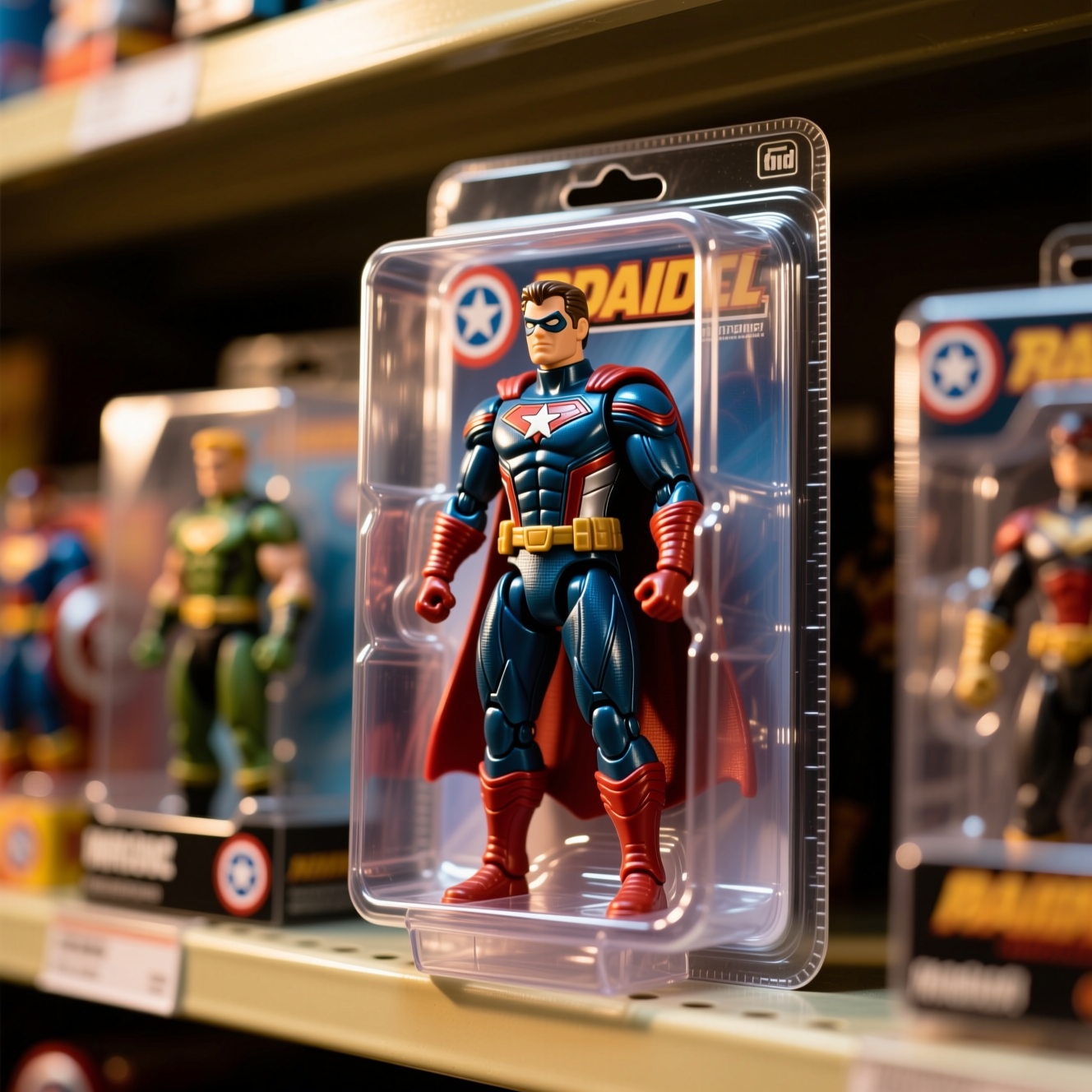 How to Turn Yourself into an Action FigureThe boxed-toy picture works when the packaging looks manufactured and the face is still yours. Here is how to get both from one photo.
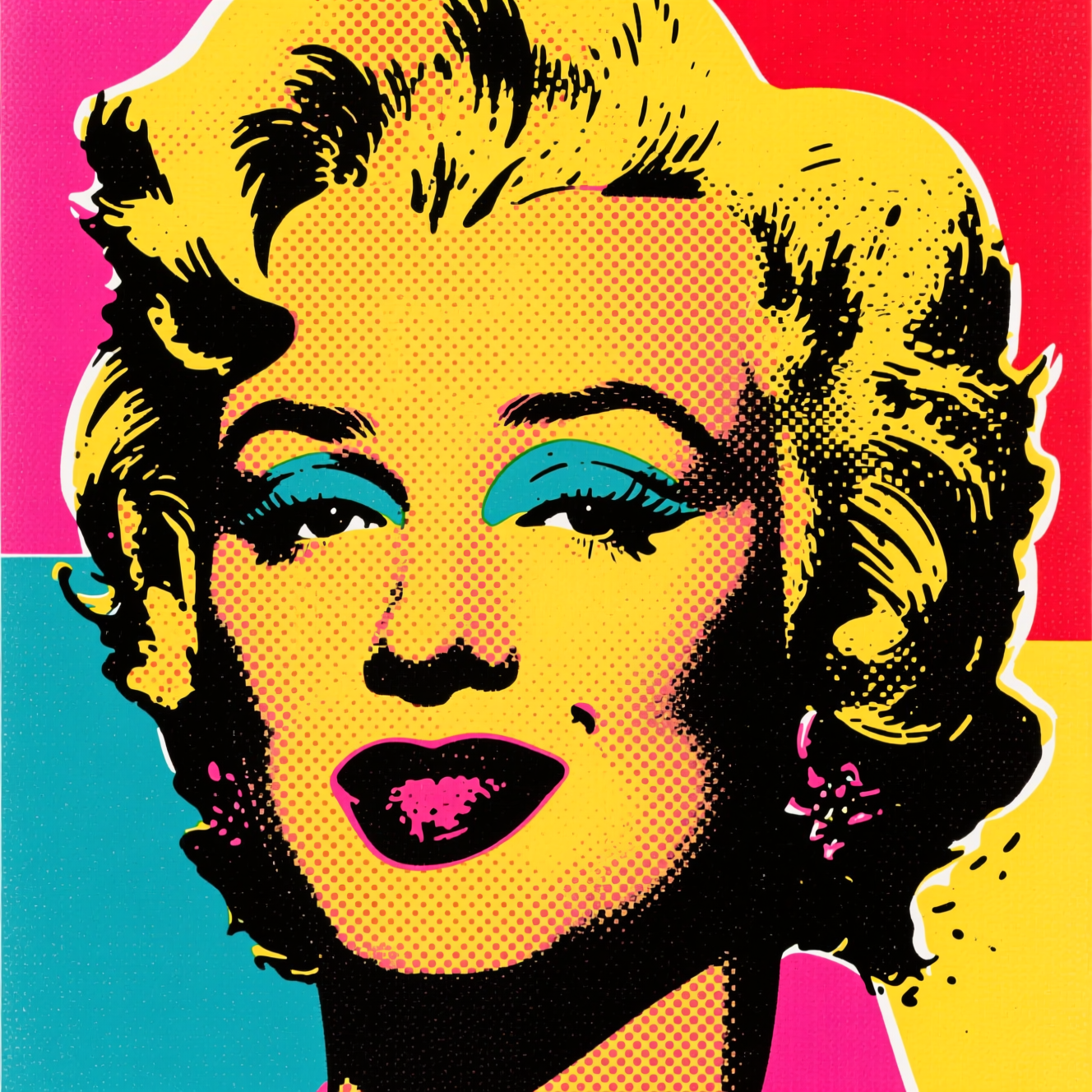 How to Turn a Photo into Pop ArtPop art is flat colour, halftone dots and a hard outline. Here is how to turn a photo into a poster in that style, and which photos suit it.
 How to Turn a Photo into AnimeAnime style is drawn decisions, not a colour filter. Here is how to turn a photo into an anime portrait that is still recognisably you.