
AI Aging Filter
See yourself twenty, thirty or forty years older — realistic lines, greying hair, and a face still recognisably yours underneath.
Examples made with this tool
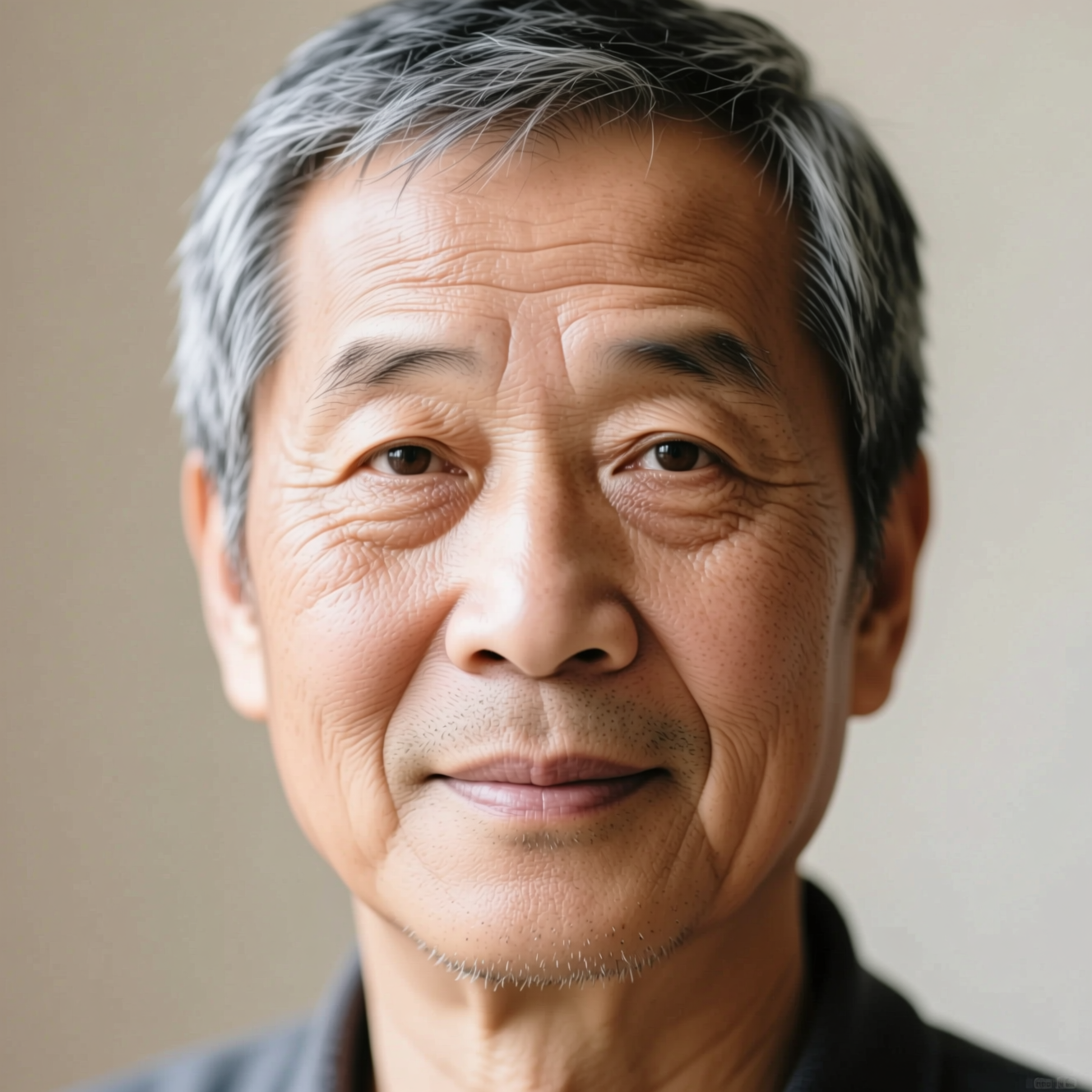
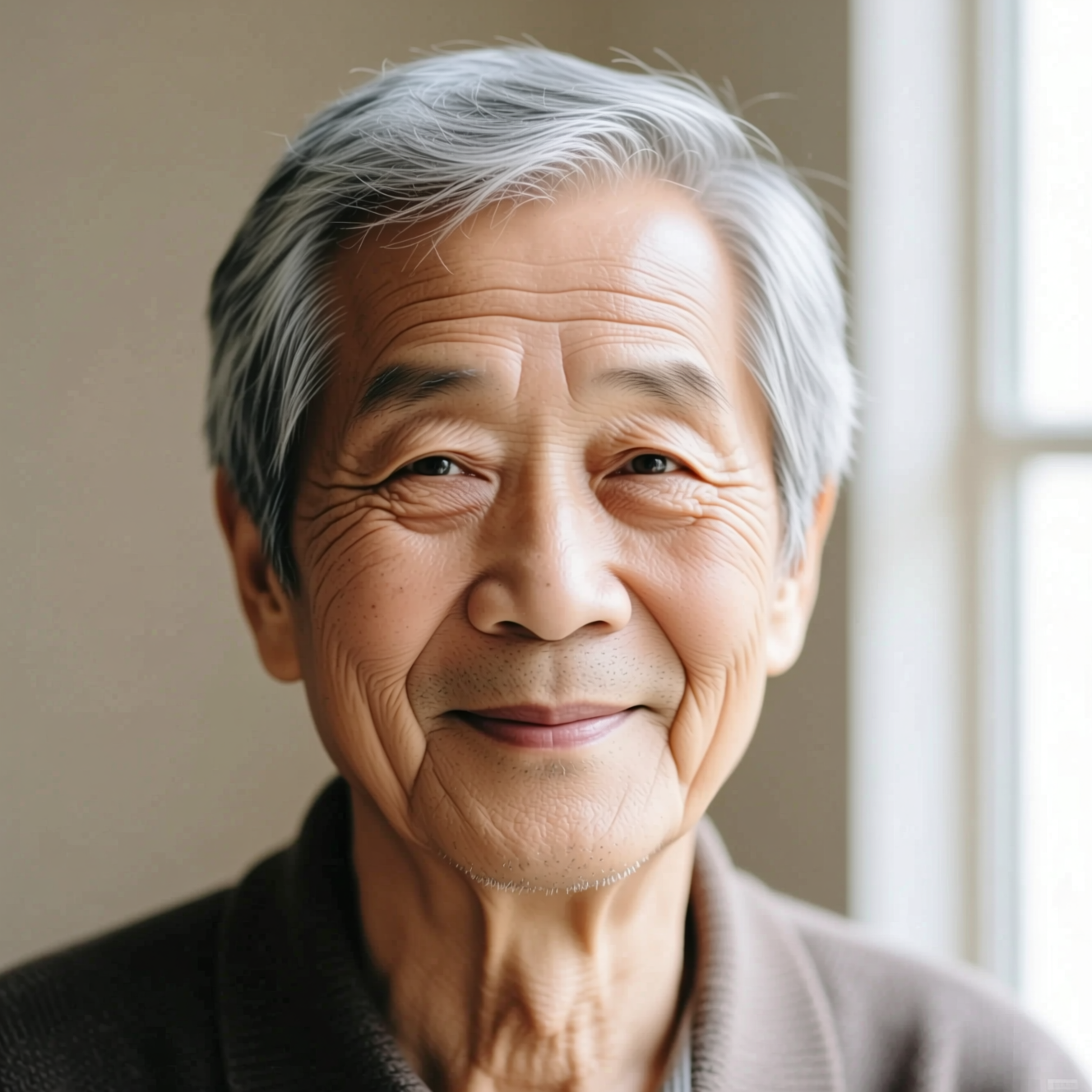
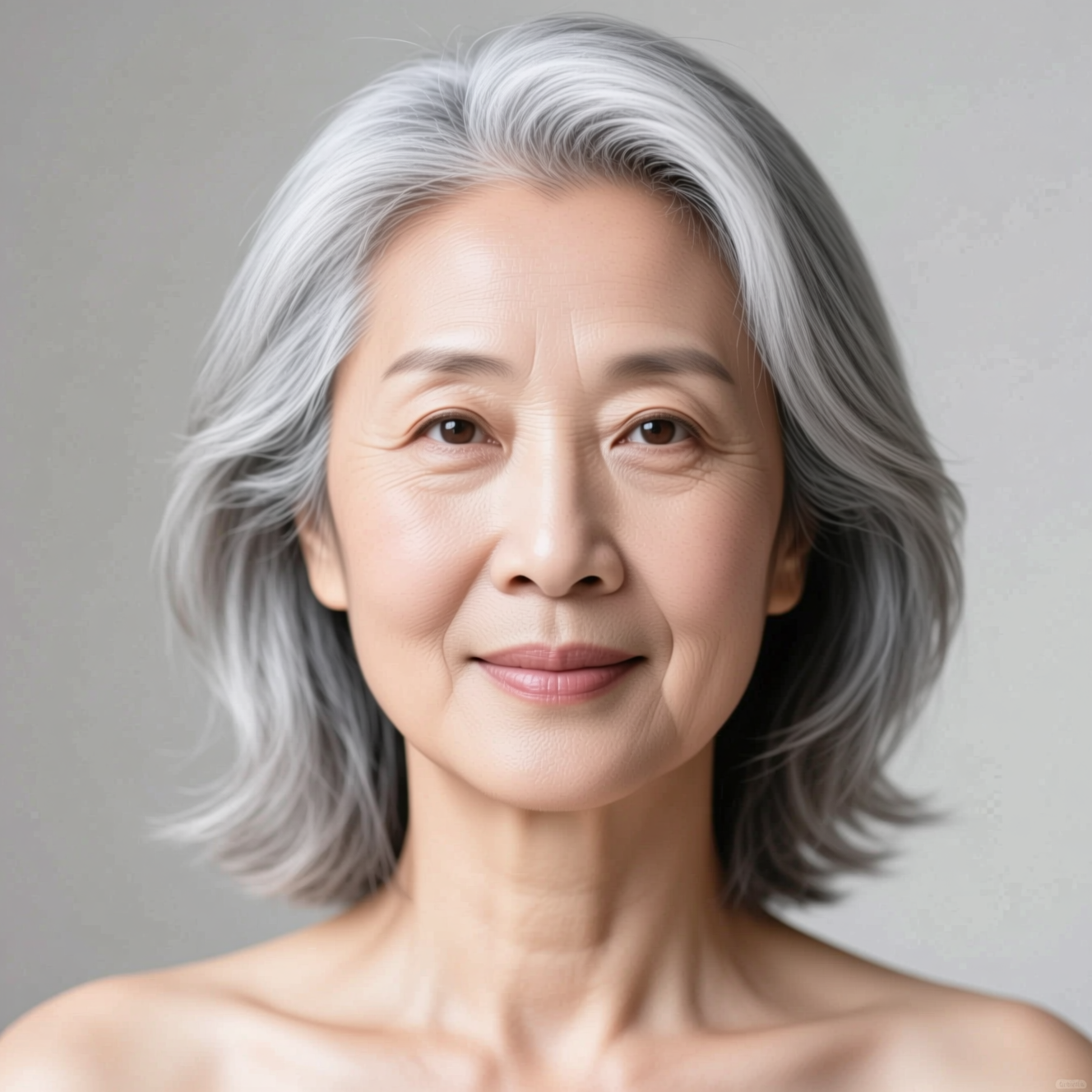
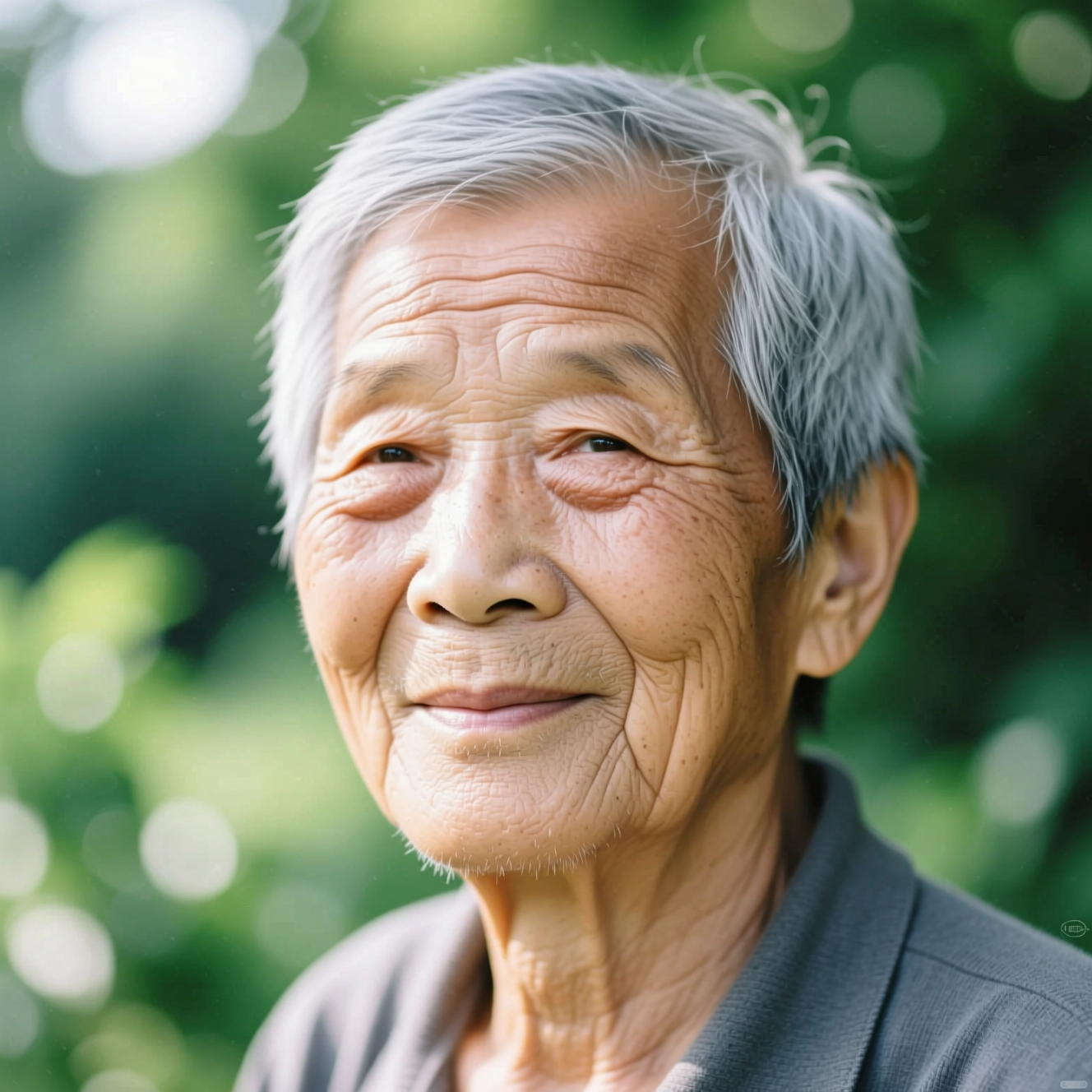
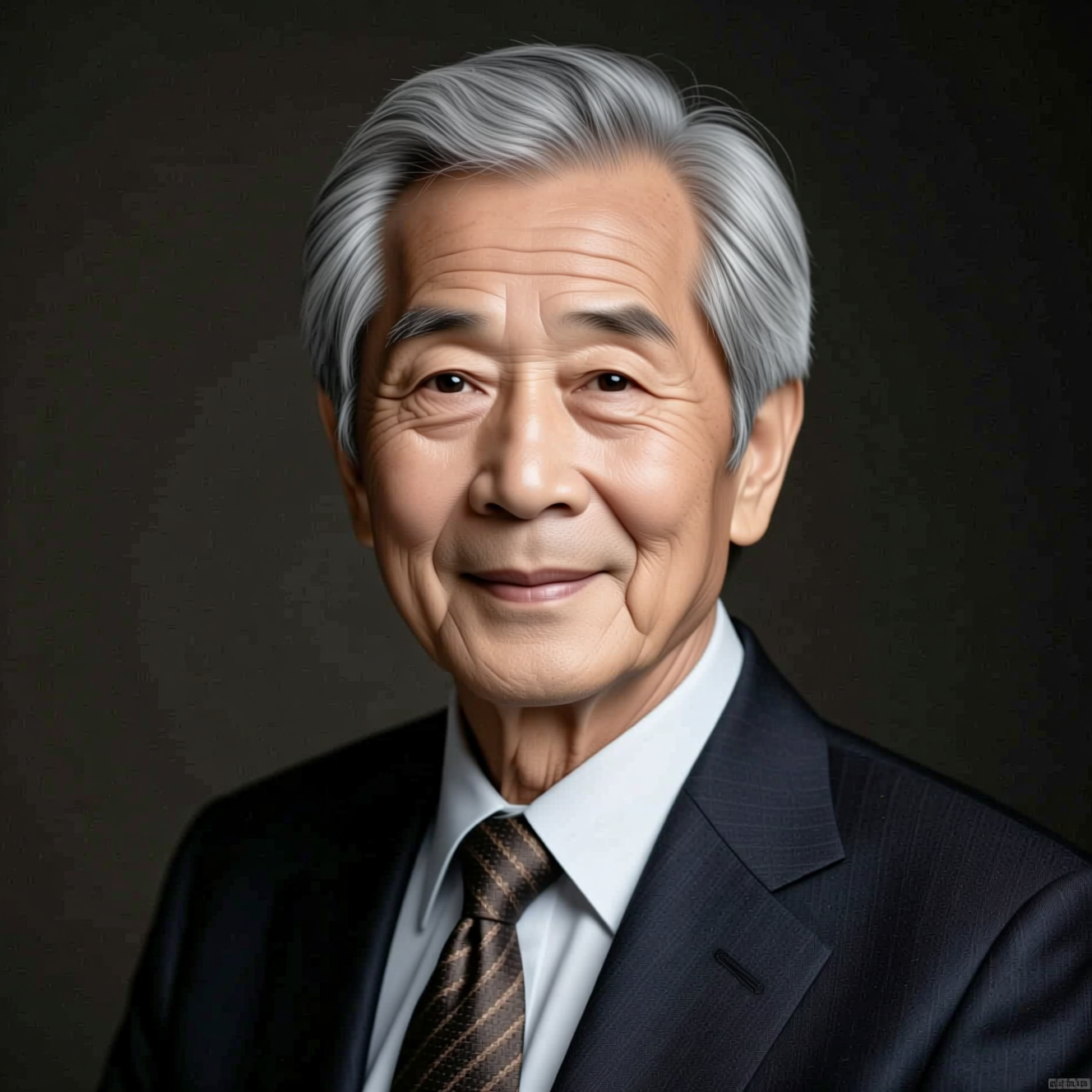
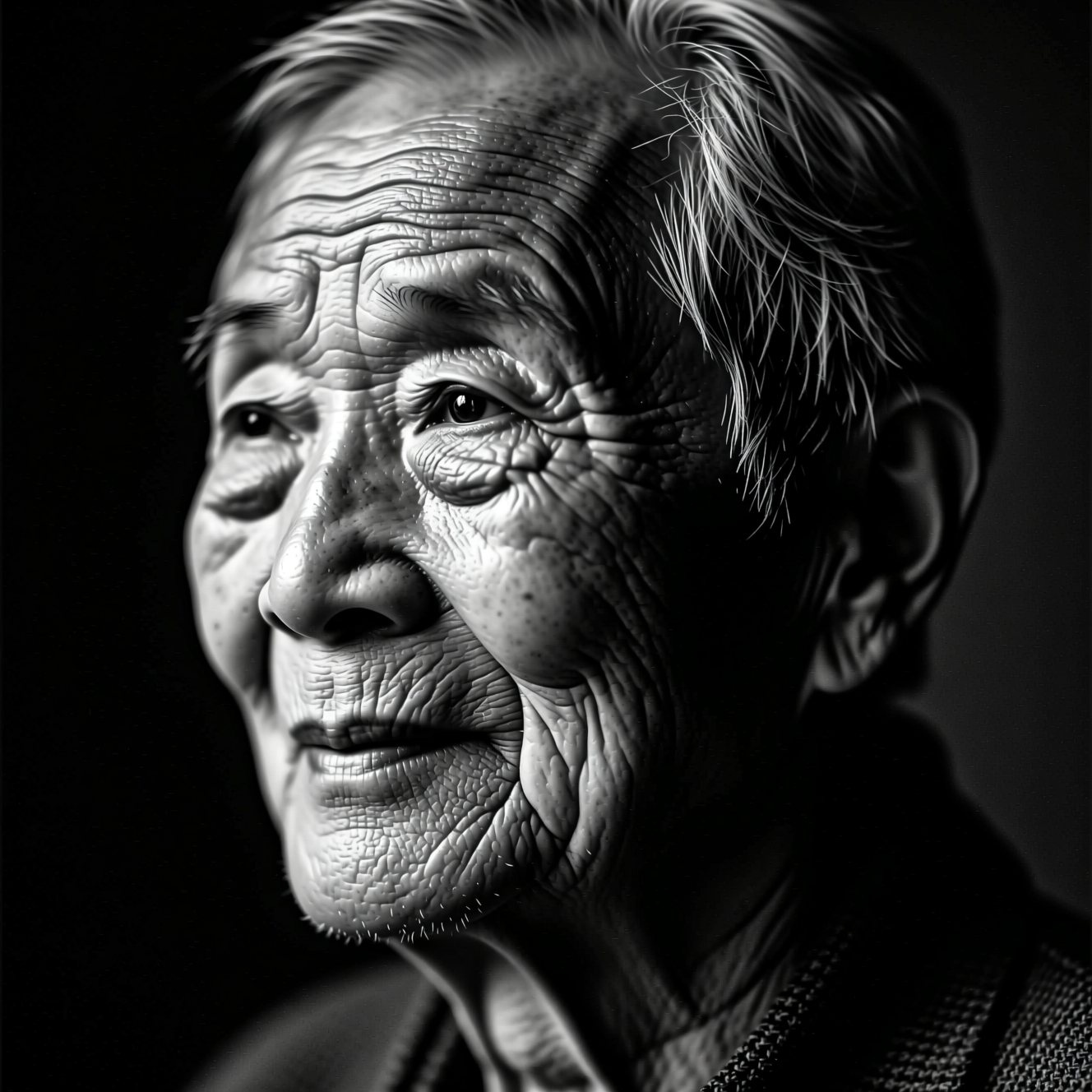
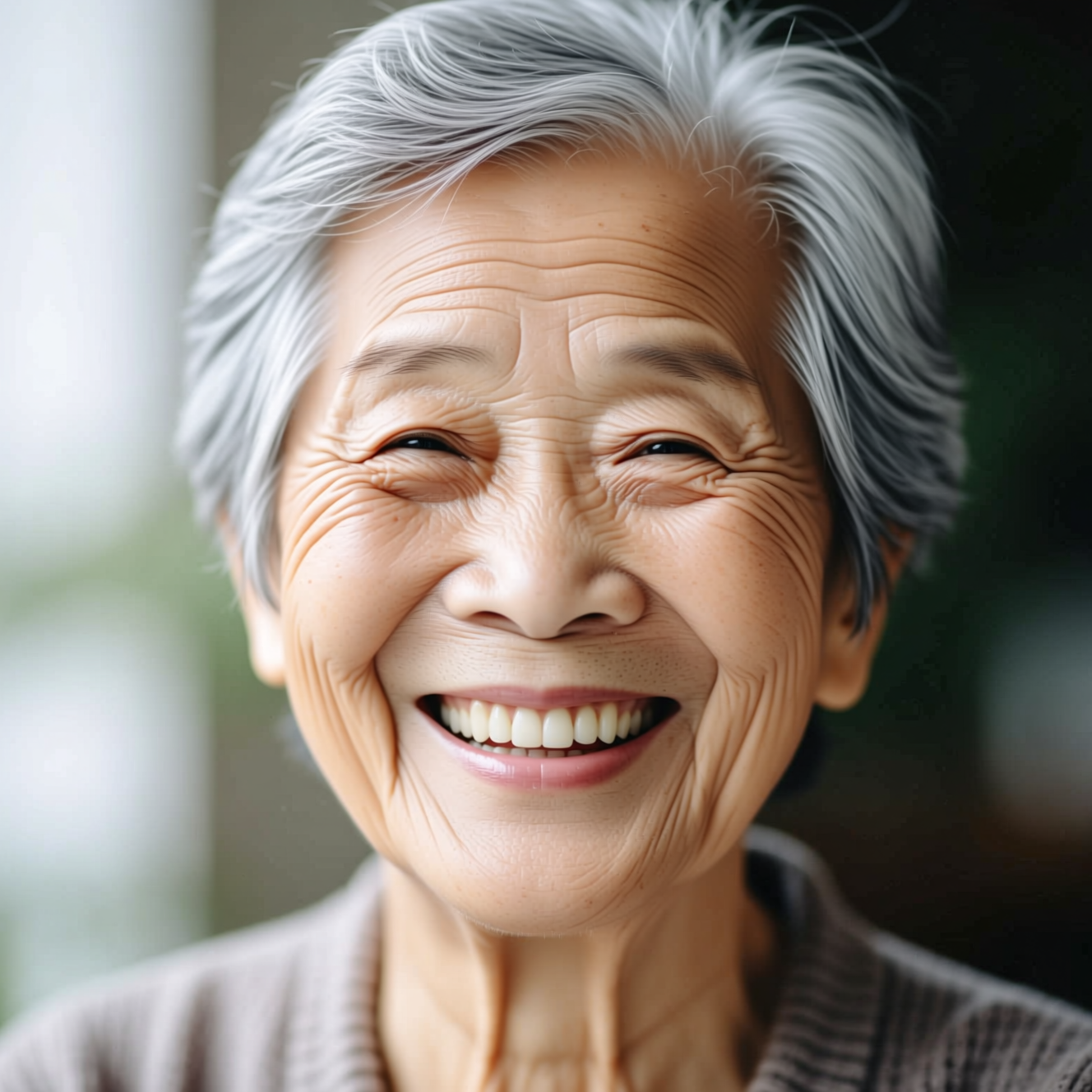
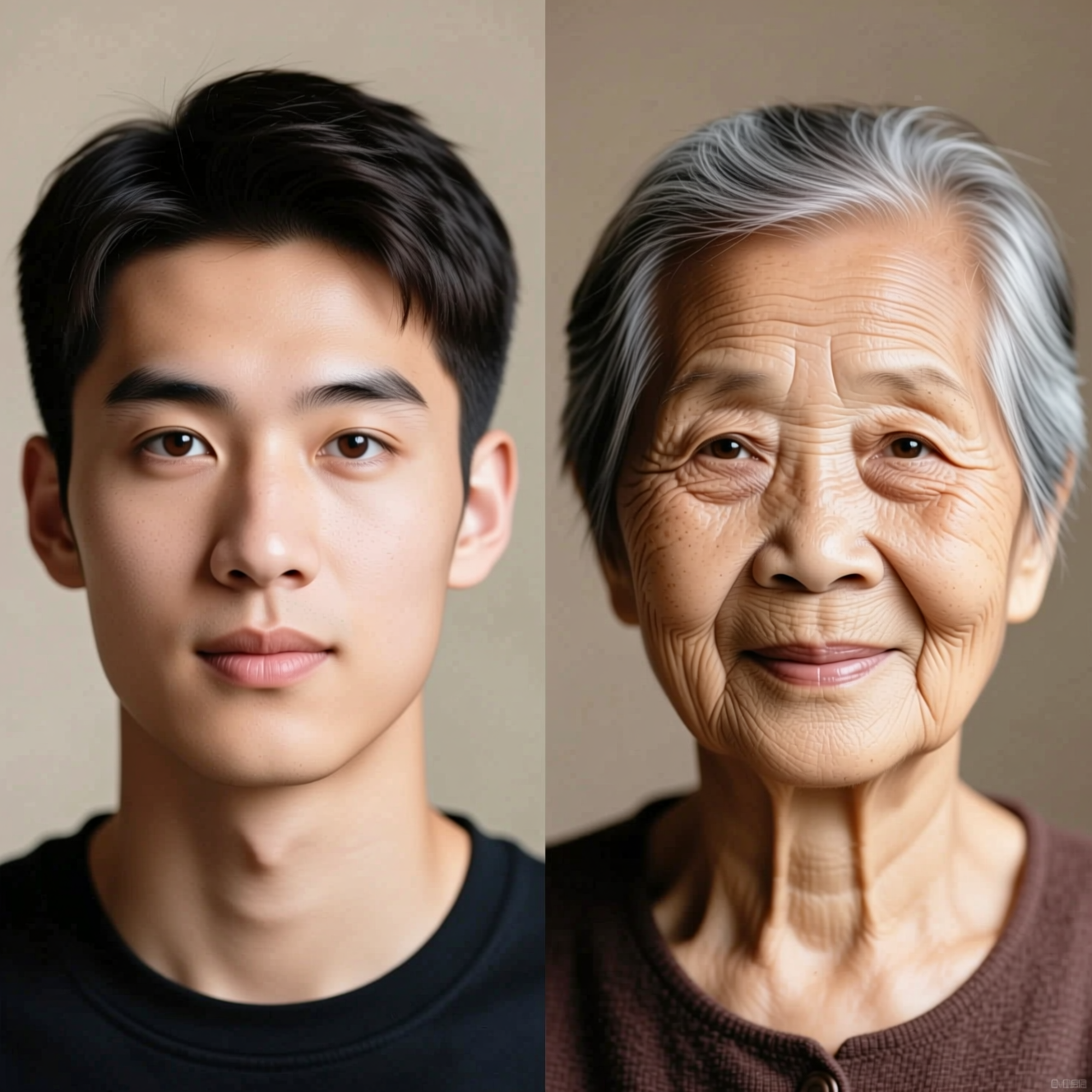
How it works
- Step 1
Upload a clear photo
Front-facing, whole face visible. The model has to read your features in order to keep them.
- Step 2
Choose how far forward
Twenty years, forty years, silver hair only, or a side-by-side of now and later.
- Step 3
Look, then go the other way
The Young Me app runs the same idea backwards if you want both ends.
The model behind it
Wan-2.7 Pro Image-to-image by Qwen
24 coins per image ($0.24 on the US entry plan; prices vary by country), shown before you press the button.
Frequently asked questions
- Is it accurate?
- It is plausible, not a prediction. How a face actually ages depends on genetics, sun, health and luck — things no model can see in a photograph. Treat it as a good guess rendered well, not a forecast.
- Will I still look like me?
- Yes, and that is the point. Bone structure and distinctive features are preserved; lines, skin and hair are what change.
- Can I go younger instead?
- Yes — the Young Me app takes about twenty years off, and Baby Me goes all the way back.
- Does it work on any age?
- Yes, though it reads most clearly on adult faces where there is enough structure to age forward from.
- What does it cost?
- Credits, shown before you run it. There is no free tier.
- What happens to my photo?
- Used only to produce your result, private by default, deleted after seven days.
Every model, one balance
No watermarks, full resolution, and every leading AI model on one coin balance — create right in your browser.
Get StartedRelated tools
AI Age Progression
A photograph, moved forward in time. Twenty to forty years of realistic ageing with your identity kept intact.
See Yourself Younger
Twenty years off the same photograph. Upload one picture and get yourself back at twenty, at thirty, or somewhere in between — still recognisably you.
See Yourself as a Baby
The toddler photo nobody took. Upload a picture of yourself now and get back the two-year-old you would have been — same eyes, same face.
What people make with Reelina
All AI tools →- AI Aging Filter
- AI Age Progression
- AI Engagement Photos
- AI Dating Photos
- AI Fashion Model Generator
- Looking for a Remini Alternative?
- Looking for a Higgsfield Alternative?
- Looking for a Sora Alternative?
- Looking for an LTX Studio Alternative?
- Looking for a Dreamina Alternative?
- Looking for a Lensa Alternative?
- AI Dance Video Generator
- AI Image to Video
- Text to Video AI
- AI Video Generator
- AI Headshot Generator
- AI Portrait Generator
- AI Hairstyle Changer
- AI Tattoo Generator
- AI Outfit Changer
- AI Maternity Photoshoot
- AI Christmas Card Generator
- AI Wedding Photo Generator
- AI Couple Photo Generator
- AI Car Photo Editor
- See Yourself Younger
- See Yourself as a Baby
- What Would Our Baby Look Like
- Caricature Maker
- Anime Filter
- Real Estate Photo Editing
- Cartoon Yourself
- Pop Art Generator
- Action Figure Generator
- Magazine Cover Generator
- AI Product Photo Generator
- AI Photo Restoration
- Colorize Black and White Photos
- Looking for a Kling AI Alternative?
- Looking for a Veo 3 Alternative?
- Looking for a PixVerse Alternative?
- Looking for a Hailuo AI Alternative?
- AI Birthday Photo
- AI Pet Portrait
- Royal Portrait Generator
- AI Selfie Generator