
Lip Sync AI: How to Make a Video (or a Photo) Say New Words
Lip sync AI two ways: re-voice an existing video or make a photo talk. The apps, the models, their prices in coins, and what makes the result look real.
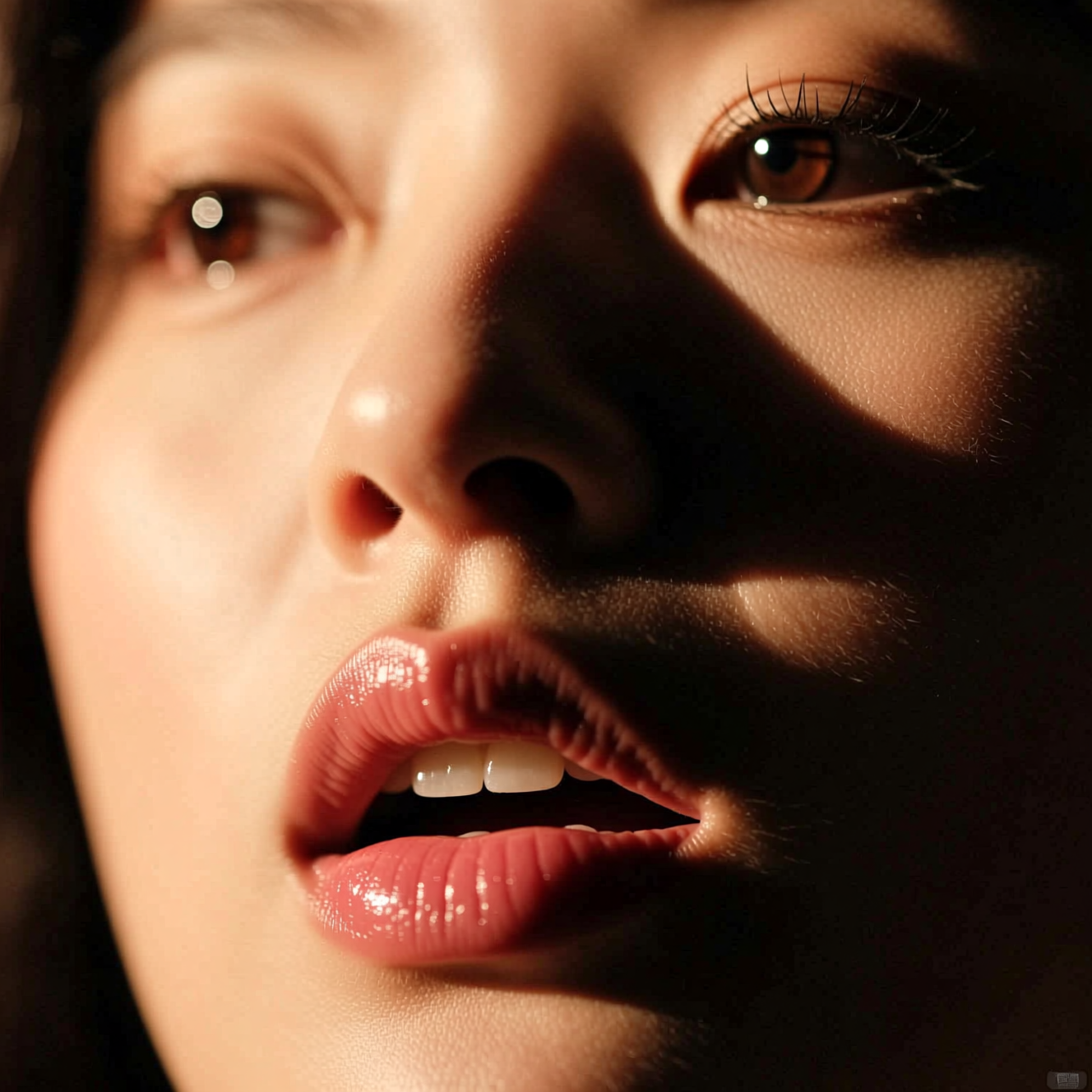
"Lip sync AI" covers two different jobs, and picking the right one saves time and coins:
- Re-voicing a video. You have a clip of someone talking and want them to say something else — a correction, a translation, a new line. The model redraws only the mouth to match new audio.
- Making a photo talk. You have a still portrait and want it to speak. The model animates the face, jaw and head from a single image.
Reelina has models and one-tap apps for both. Everything below is from the Reelina catalogue as of October 2026.
The quickest way: two one-tap apps
| App | Starts from | You give it | Voice |
|---|---|---|---|
| Lip Sync | A video | Typed words or an audio file | Built-in voices if you type |
| Talking Photo | A photo | Typed words or an audio file | Built-in voices if you type |
You do not need to record anything: type the words, pick a voice, and the app generates the speech and the lip movement together. The price is shown before you run it.
Re-voicing a video: the models
| Model | Coins | Input |
|---|---|---|
| VEED Lipsync | from 20 | A video and an audio file |
| Sync.so Lipsync v3 | from 334 | A video and an audio file, with a choice of sync mode |
Both keep the rest of the frame — framing, lighting, background — and rebuild only the mouth area. They work best on a single, clearly visible speaking face. Video models like these are priced by the length of your clip, so trim to the part that changes before you run them.
Common uses: dubbing a clip into another language, fixing a fluffed line without a reshoot, or making a product video say a new price.
Making a photo talk: the models
| Model | Coins | Input |
|---|---|---|
| InfiniteTalk | from 46 | A portrait, audio and an optional prompt |
| Kling 2.6 Std Avatar | from 72 | A portrait, audio and a prompt |
| Kling 2.6 Pro Avatar | from 144 | A portrait, audio and a prompt |
| VEED Fabric 1.0 | from 134 | A portrait and audio (Fast version: 166) |
| OmniHuman 1.5 | from 182 | A portrait, audio and a prompt |
The prompt, where a model accepts one, describes the performance — "smiles, then leans in", "speaks calmly to camera" — while the audio drives the mouth.
Step by step
- Pick the job. A video that should say something else → Lip Sync. A still that should speak → Talking Photo.
- Prepare the face. One person, facing the camera, mouth clearly visible. Avoid hands or microphones covering the mouth.
- Add the words. Type them and choose a voice, or upload your own audio. For another language, type the line in that language.
- Check the price and run it. The cost is on the button before anything is generated.
- Keep it short. Results are most convincing for one or two sentences at a time; longer speeches can be made in parts and joined in Video Studio.
What makes lip sync look real
- A clean source. Front-facing, sharp, well-lit faces sync best; profile views and heavy motion blur are harder.
- Clean audio. Background music or noise in the audio file makes the mouth movement less precise. Use the speech on its own.
- One speaker. With two people on screen, the model targets the clearest face. Single-subject clips are far more reliable.
- Matching energy. A shouted line on a calm, still face looks wrong. Match the audio to the performance in the shot.
FAQ
What is the best lip sync AI? It depends on the job. To re-voice a video, start with VEED Lipsync (from 20 coins) and move to Sync.so Lipsync v3 when you need more control. To make a photo talk, the Talking Photo app is the quickest; InfiniteTalk, Kling 2.6 Avatar and OmniHuman 1.5 give more control.
Can I lip sync in another language? Yes. Type or upload the line in the new language; the mouth is redrawn to match it. Dubbing is one of the most common uses.
Do I need to record my own voice? No. Both apps can generate the speech from typed text with built-in voices. You can upload audio if you already have it.
Does the rest of my video change? With the video lip sync models, no — only the mouth area is rebuilt.
Do I need an API key or an app download? No. Reelina is a web app; every model runs in the browser on one coin balance. There is no free tier, and each run's cost is shown before you start.
Try it yourself
Every model on one credit balance, straight in your browser. No install, no watermark.
Start creatingKeep reading
 Reference to Video AI: Every Model, Its Limits and Its PriceReference-to-video AI keeps your characters, products and voices in a new shot. Every model on Reelina, how many references each takes, and its price.
 AI Character Video Generator: How to Keep the Same Character in Every ClipWhy AI video characters drift, and four ways to keep the same character in every clip: story mode, reference-to-video, one portrait, and talking photos.
 Kling 3.0 vs Veo 3.1: Clip Length, Audio and Cost ComparedKling 3.0 vs Veo 3.1: 3–15 s clips vs 4, 6 or 8 s, aspect ratios, resolutions, which tiers make sound, and cost per second for every variant.