
Best AI Video Generator: 10 Best AI Tools to Create Videos in 2026
AI video generators make it easier than ever to create engaging content from photos, text, and AI-generated images. Compare the best AI video tools of 2026 and discover which platform is right for your needs.
Best AI Video Generator (2026): Top AI Tools Compared
Artificial intelligence has transformed video creation.
Instead of spending hours editing footage, anyone can now create engaging videos from photos, images, or simple text prompts. Whether you're building content for social media, promoting a business, or creating professional marketing campaigns, AI video generators dramatically reduce the time and effort required.
But with so many AI video tools available, choosing the right one can be difficult.
In this guide, we'll compare the best AI video generators in 2026, explain their strengths, and help you decide which solution fits your workflow.
What Makes a Great AI Video Generator?
Not every AI video tool is built for the same purpose.
The best platforms typically offer:
- Realistic motion
- Fast rendering
- High-resolution output
- Easy-to-use interface
- Multiple animation styles
- Commercial usage options
- Affordable pricing
The right choice depends on what you want to create.
1. Reelina
Best for: Photo-to-video, realistic portrait animation, and all-in-one AI creativity.
Reelina focuses on transforming still images into realistic animated videos while also providing AI headshots, image enhancement, background removal, and restoration tools.
Pros
- Excellent portrait animation
- Easy photo-to-video workflow
- Professional AI headshots
- Multiple AI photo tools in one app
- Beginner-friendly interface
Best For
- Content creators
- Professionals
- Social media
- Personal branding
- Marketing
2. Runway
Best known for AI-assisted video editing and creative filmmaking.
Strengths
- Video editing
- Motion generation
- Green screen removal
- Professional workflows
3. Pika
Pika specializes in generating creative short-form videos from prompts and images.
Popular among creators producing social media content.
4. Kling AI
Kling has become well known for realistic AI-generated motion and cinematic video quality.
It performs particularly well with text-to-video generation.
5. Luma Dream Machine
Luma creates highly realistic cinematic videos with impressive camera movement.
Excellent for storytelling and creative projects.
6. Google Veo
Google's Veo focuses on high-quality text-to-video generation with realistic physics and long-form scenes.
7. OpenAI Sora
Sora produces highly realistic videos directly from text prompts and continues pushing the boundaries of AI-generated storytelling.
8. Adobe Firefly Video
Adobe integrates AI video generation into Creative Cloud, making it attractive for professional designers and marketers.
9. Canva AI Video
Canva offers beginner-friendly AI tools for presentations, marketing, and social media videos.
Perfect for teams without video editing experience.
10. InVideo AI
InVideo transforms text into complete marketing videos with voiceovers, stock footage, and automated editing.
Ideal for businesses producing promotional content quickly.
Comparison Table
| Tool | Best For | Photo to Video | Text to Video | Beginners |
|---|---|---|---|---|
| Reelina | Portrait animation | ✅ | ✅ | ✅ |
| Runway | Editing | ✅ | ✅ | ⭐⭐⭐ |
| Kling | Cinematic AI | ✅ | ✅ | ⭐⭐⭐ |
| Pika | Social media | ✅ | ✅ | ✅ |
| Luma | Creative filmmaking | ✅ | ✅ | ⭐⭐⭐ |
| Veo | High-end generation | ❌ | ✅ | ⭐⭐ |
| Sora | Advanced storytelling | ❌ | ✅ | ⭐⭐ |
| Firefly | Designers | ✅ | ✅ | ✅ |
| Canva | Marketing | Limited | Limited | ✅ |
| InVideo | Business videos | Limited | ✅ | ✅ |
Which AI Video Generator Should You Choose?
Your ideal tool depends on your goals.
Choose Reelina if you want:
- Photo animation
- Professional AI headshots
- Personal branding
- Social media videos
- Simple workflows
Choose Runway if you need advanced editing features.
Choose Sora or Veo if you're experimenting with cutting-edge text-to-video generation.
Choose Canva if you're creating basic business videos.
How to Create an AI Video
The process is simple.
- Upload a photo or image.
- Select an animation style.
- Customize motion or camera movement.
- Generate your video.
- Download and share.
Most modern AI platforms complete this process in just a few minutes.
Frequently Asked Questions
What is the best AI video generator?
The best AI video generator depends on your workflow. Reelina is an excellent choice for realistic photo animation and portrait videos, while platforms like Runway and Kling focus on advanced creative workflows.
Can AI generate videos from photos?
Yes. Modern AI models can animate still images with realistic motion, facial expressions, and camera effects.
Which AI video generator is best for beginners?
Reelina and Canva are among the easiest tools for beginners thanks to their intuitive interfaces and fast workflows.
Can I use AI-generated videos commercially?
Many AI platforms allow commercial use, but licensing terms vary. Always review the platform's usage policy before publishing commercial projects.
Final Thoughts
AI video generation has become one of the fastest-growing areas of creative technology.
Whether you're a marketer, entrepreneur, creator, educator, or business owner, AI can dramatically simplify video production.
If your focus is creating realistic animations from photos while also accessing powerful AI photo tools, Reelina offers an all-in-one solution that makes professional-quality video creation accessible to everyone.
Related Articles
- AI Video Generator
- AI Video Generator From Photos
- How to Animate Photos with AI
- Image to Video AI
- AI Talking Photo
Create Professional AI Videos with Reelina
Turn ordinary photos into engaging AI-powered videos in just a few clicks. Whether you're creating content for social media, marketing campaigns, or personal memories, Reelina makes professional AI video creation simple, fast, and accessible.
Try it yourself
Every model on one credit balance, straight in your browser. No install, no watermark.
Start creatingKeep reading
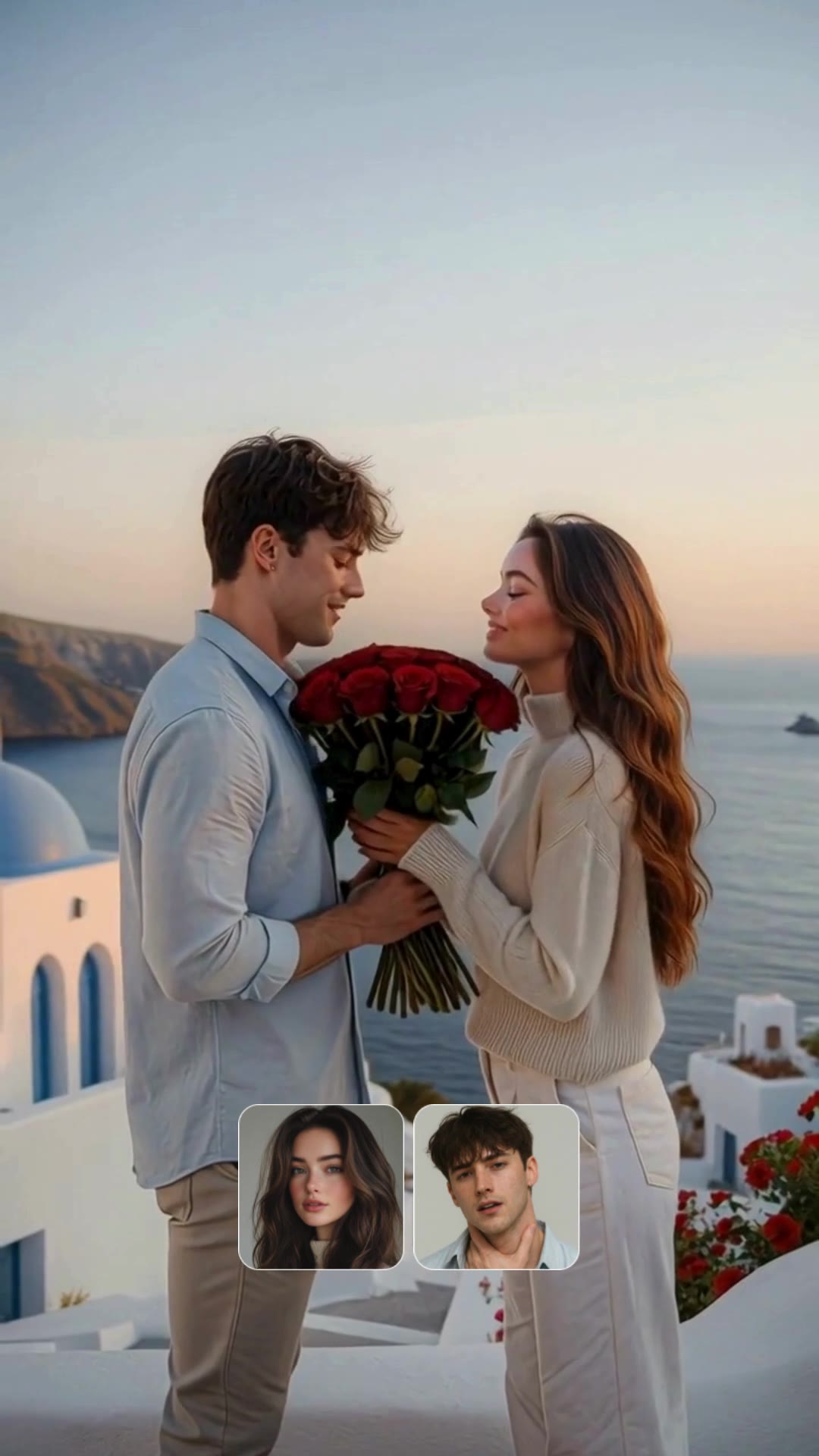 Image to Video AI: Turn Any Picture into a Moving VideoImage-to-video AI animates a still picture into real motion — camera moves, flowing hair, living backgrounds. Here is how i2v models like Kling, WAN and Seedance work, and how to turn your photo into a video in one minute.
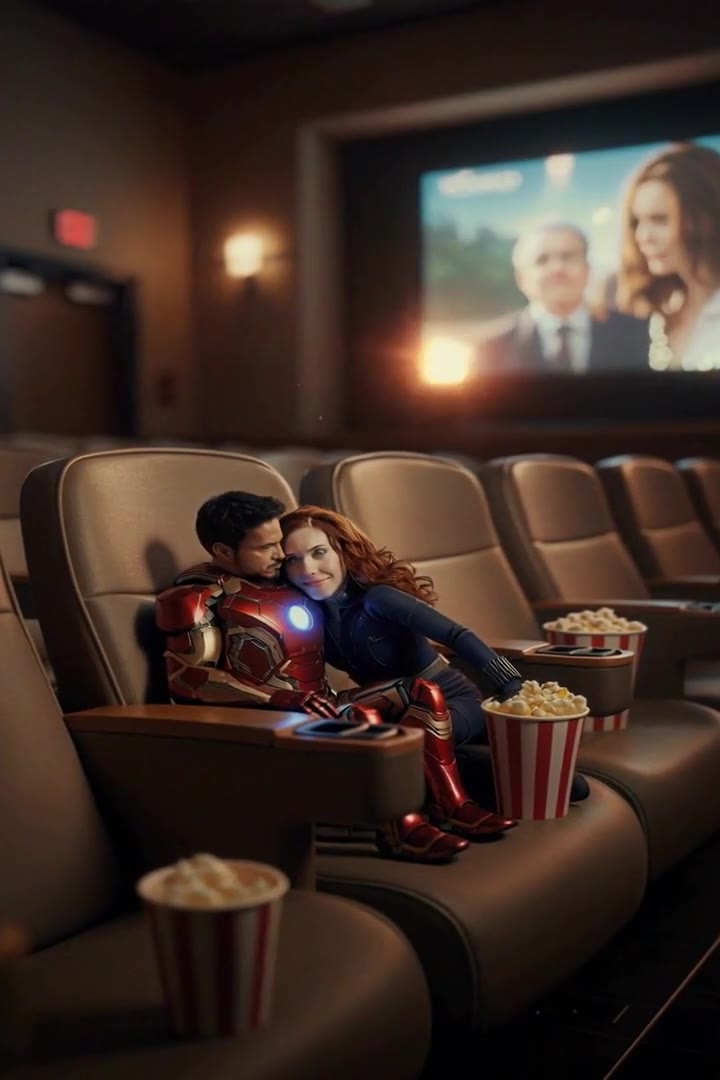 How to Make an AI Video from Text or Photos (Beginner Guide)You can make a complete AI video in under five minutes: write a prompt or upload a photo, pick a model like Kling or Seedance, and generate. This beginner guide walks through every step, with real costs and prompt examples.
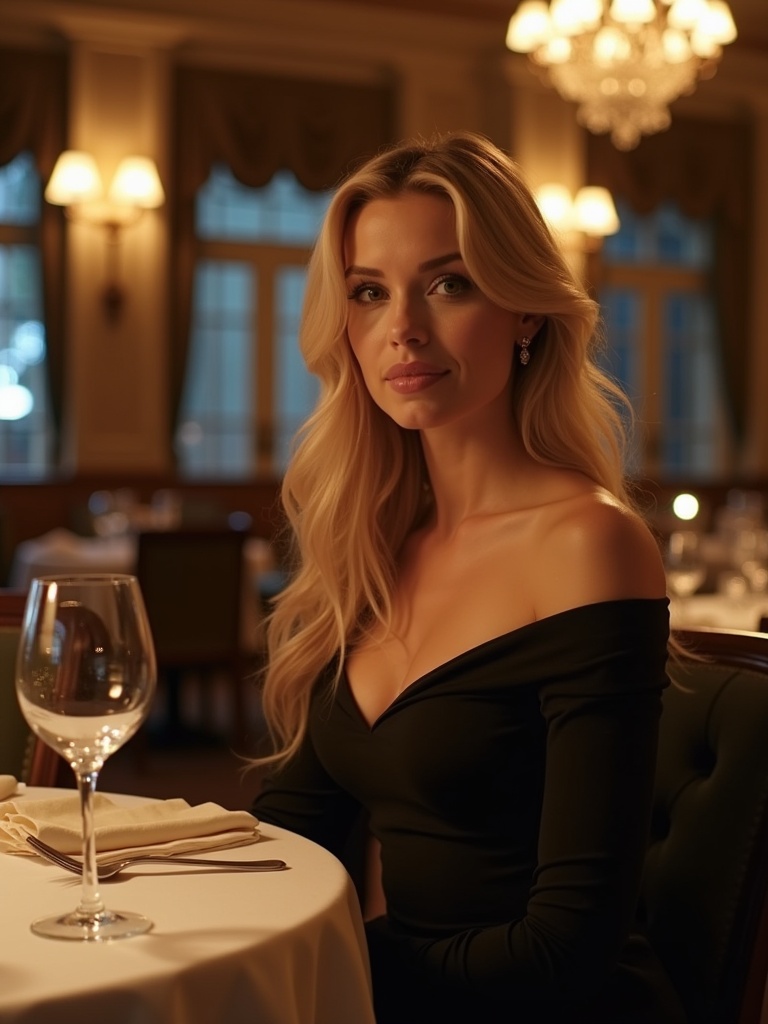 AI Video Generator From PhotosA single photo can now become a lifelike video with AI. Discover how Reelina transforms still images into realistic animations for social media, personal memories, and creative storytelling.